Repository navigation
Box Art
Every game can have a cover, shown in its library and on the Classic themes' cards.
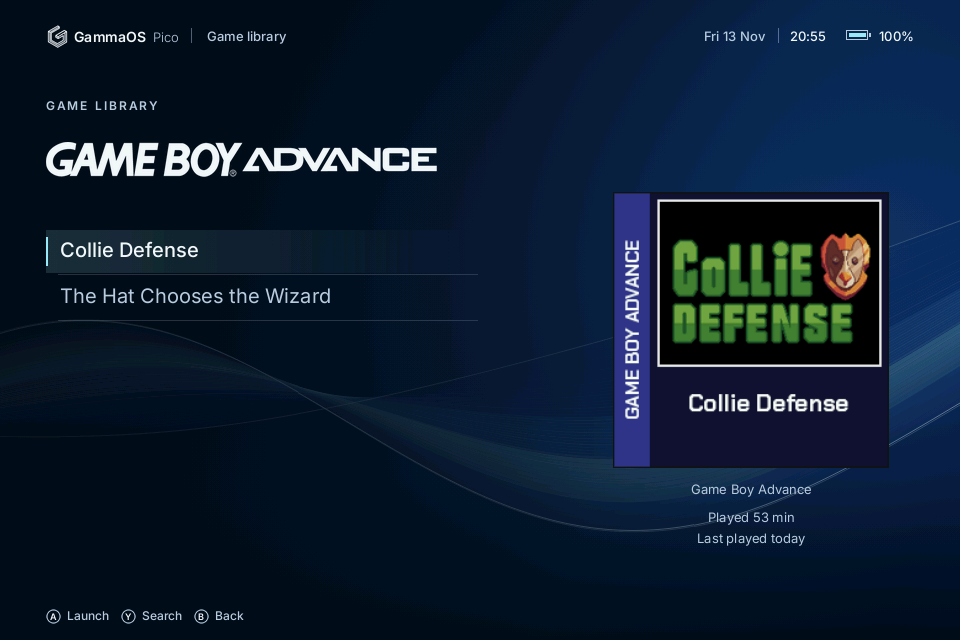
New in 1.1. With Wi-Fi on, Network > Box art (Classic themes: System > Network > Box art) finds a cover for every game that has none, and puts it on the card:
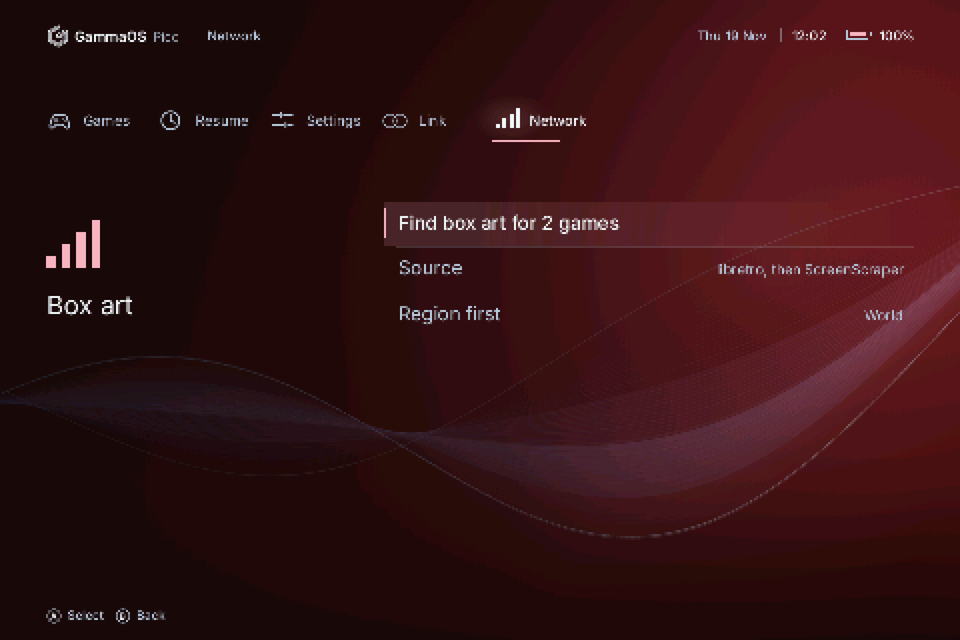 |
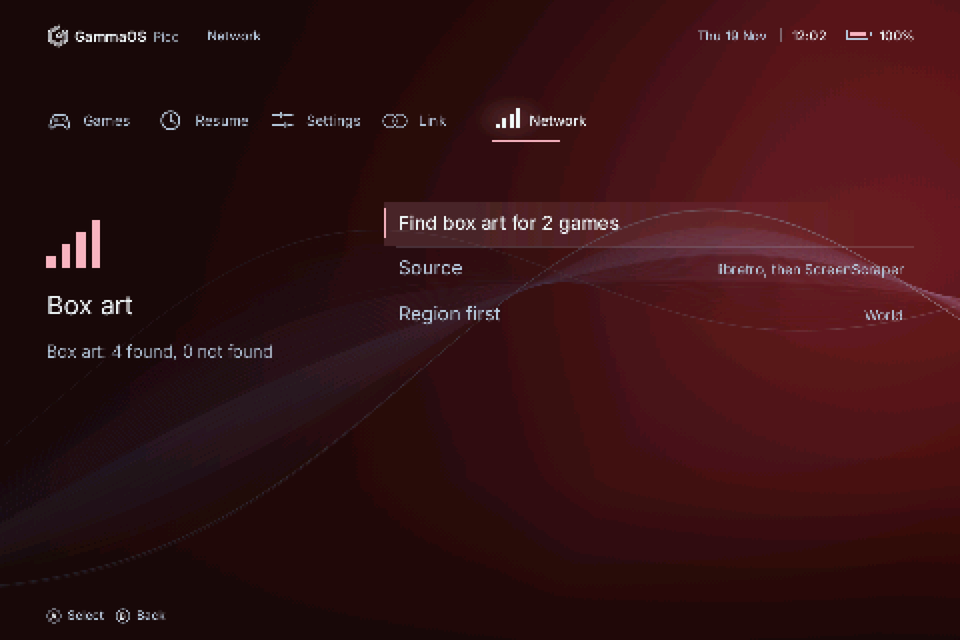 |
- Find box art for N games: starts; a bar shows how far it is, and B stops it.
- Source: libretro, then ScreenScraper (the default) or libretro thumbnails alone. libretro's thumbnails are matched by the game's contents (its No-Intro checksum), so a game is found whatever its file is called, zipped games included; ScreenScraper is asked for the games libretro does not have.
- Region first: the region whose cover you prefer (World, USA, Europe, Japan).
Covers appear in the menu as soon as they arrive. A game no source has a cover for (homebrew, a
test program) is not asked about again for 30 days. Covers from the network are the same .ART
files as the ones you add yourself: they stay on the card, and yours are never replaced.
- Make a folder called
boxartnext to your games (for exampleroms/gba/boxart/, orROMs/snes/boxart/for an ES-DE layout). - Put a PNG in it, named exactly like the game:
-
roms/gba/Collie Defense.gbatakesroms/gba/boxart/Collie Defense.png -
Collie Defense.gba.pngworks too - a game in an archive: the archive's name for a single game (
Kirby.ziptakesKirby.png), or the game's own file name inside for an archive with several games.
-
- Start the console. At power on, each PNG is converted to the console's own format,
<game>.ART, sized to at most 224 pixels on its longer side, and the PNG is deleted.
Any PNG works: any size up to 16 MB, colour or greyscale, palette or full colour, with or without transparency (transparent parts are laid over black), interlaced or not. A PNG that cannot be read is left where it is and the game keeps its plain cover.
Note
Keep your original PNGs on your computer: the console deletes them once converted. To replace a
cover, put a new PNG in, and it replaces the old .ART at the next power on.
<the game's folder>/boxart/<game>.ART-
roms/<system>/boxart/<game>.ART(so covers kept in GammaOS Pico's folders work for games in another layout too)
A game without a cover shows its system's logo.
The lk-mt6785 repository has
tools/ayaneo/gba/gen_boxart.py, which turns a folder or zip of PNGs into .ART files in one go.
Most people do not need it: dropping in PNGs is enough.