Repository navigation
Using the Menu
The menu opens after the boot logo. It has three tabs along the top: Games, Resume and Settings. L and R switch tabs, the D-pad moves, A picks, B goes back.
The header shows where you are, the date, the time and the battery.
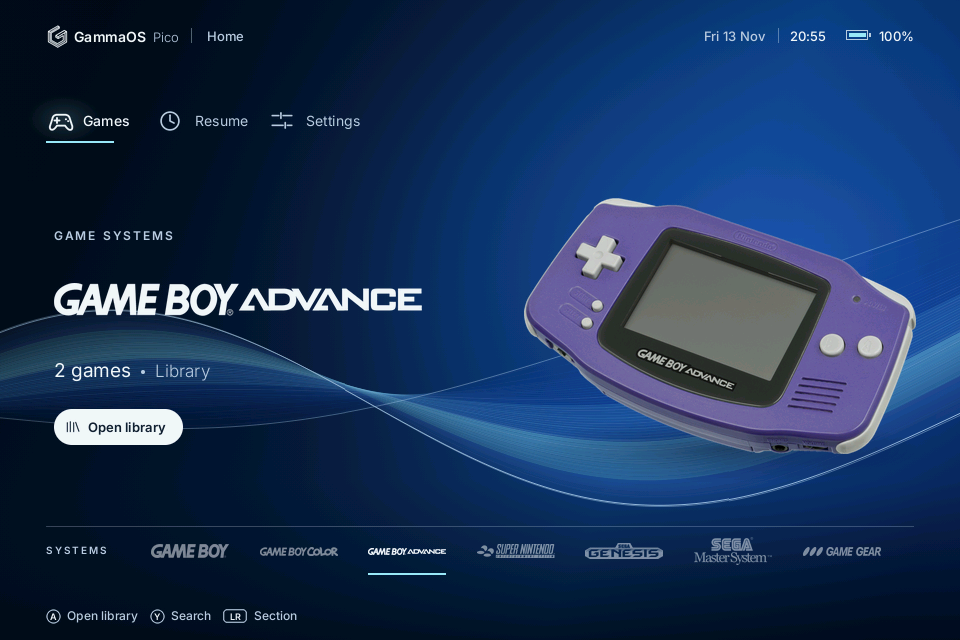
Each system with games on the card has its console, its logo and how many games it has. Left / Right move between systems (the strip along the bottom shows them all), A opens the system's library, and Y searches every system at once.
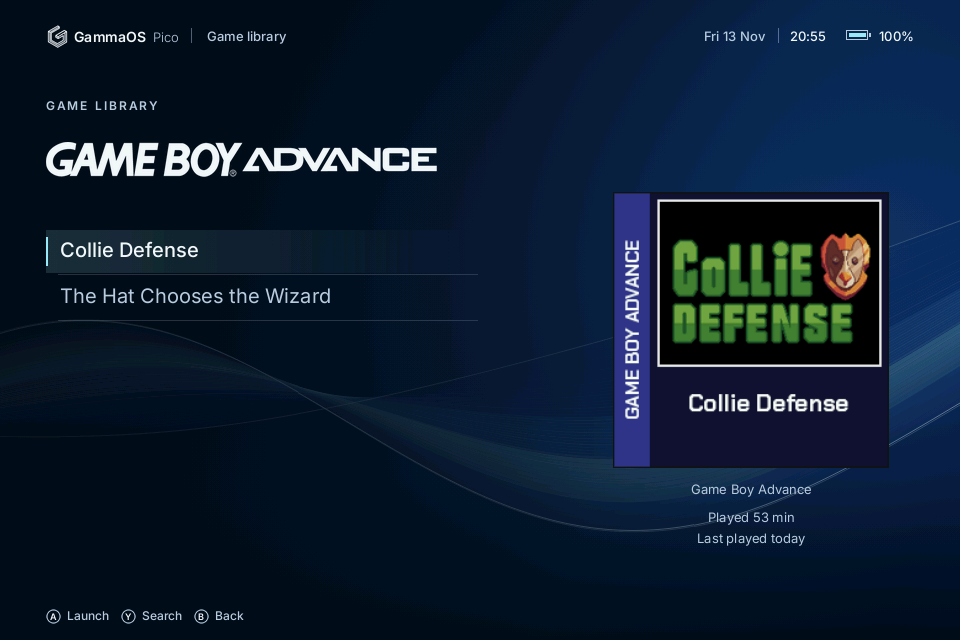
The games in A to Z order, with the focused game's box art, its system, how long it has been played and when it was last played. A (or START) starts the game, B goes back.
| Button | In a library |
|---|---|
| Up / Down | one game; hold to speed up (faster the longer you hold) |
| Left / Right | a page of seven games |
| L / R | the previous / next letter, in a long list (more than three pages) |
| Y | search this system |
| A / START | start the game |
| B | back to Games |
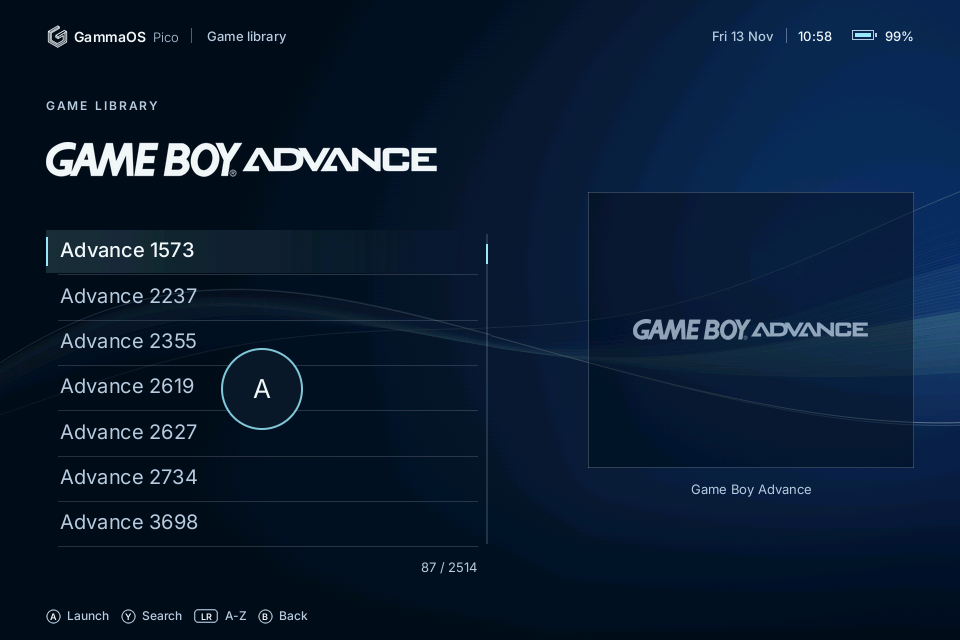
A long list shows a scroll bar on its right and the focused game's place under it ("12 / 3012"). Jumping by letter, or holding a direction, shows the letter you are at:
Press Y in a library to search that system, or on the Games tab to search every system.
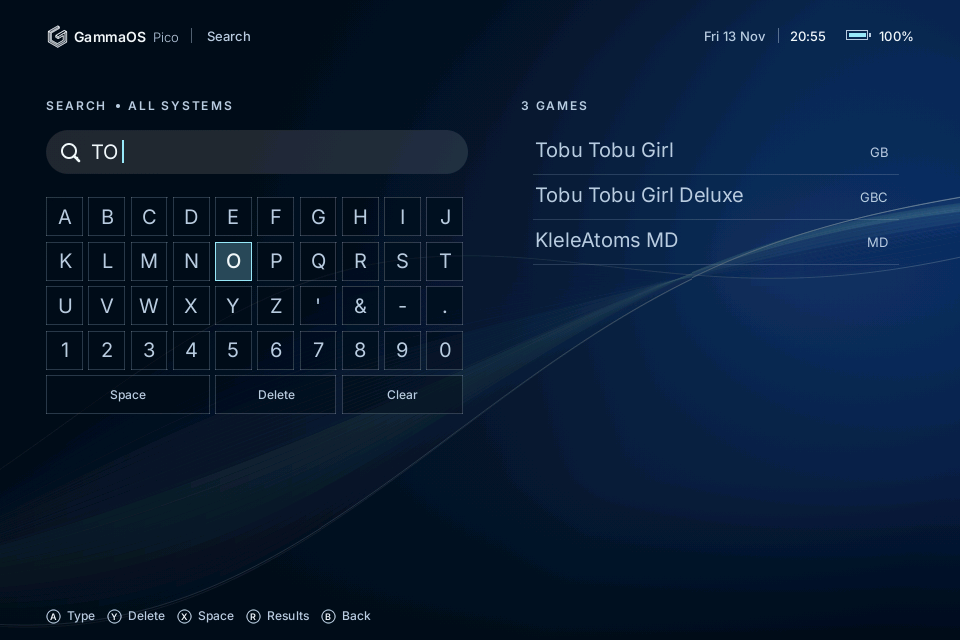
Type on the keyboard: the games found update with every key. Every word you type has to be in the name, in any order, any case; names that start with your first word come first.
| Button | On the keyboard | In the results |
|---|---|---|
| D-pad | move between keys | move between games |
| A | type the key | start the game |
| Y | delete the last letter | delete the last letter |
| X | a space | |
| R (or START, or Right past the last key) | go to the results | |
| B | close the search | back to the keyboard |
| L / R | a page |
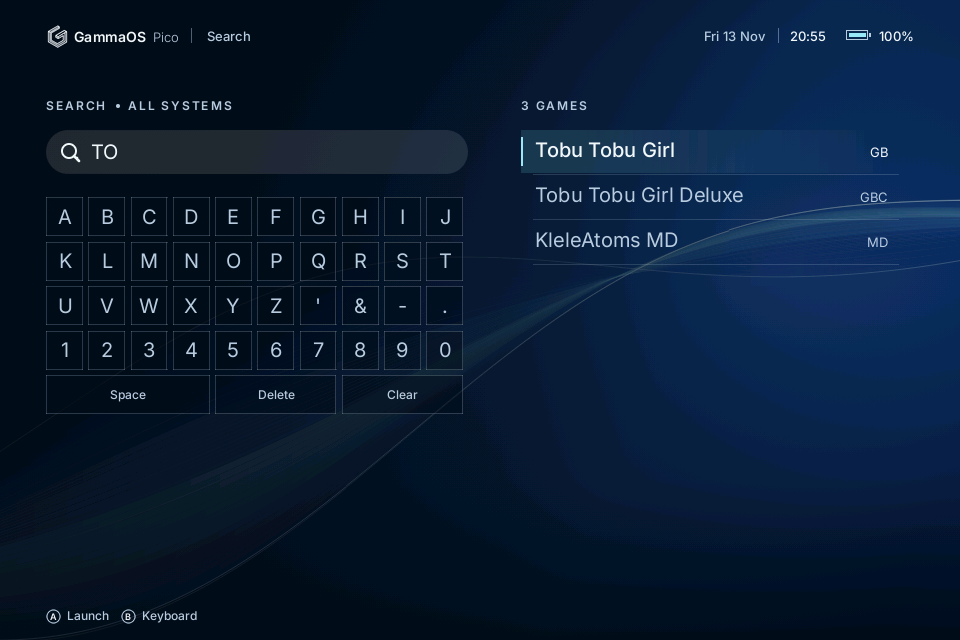
Searching every system shows each game's system next to it:
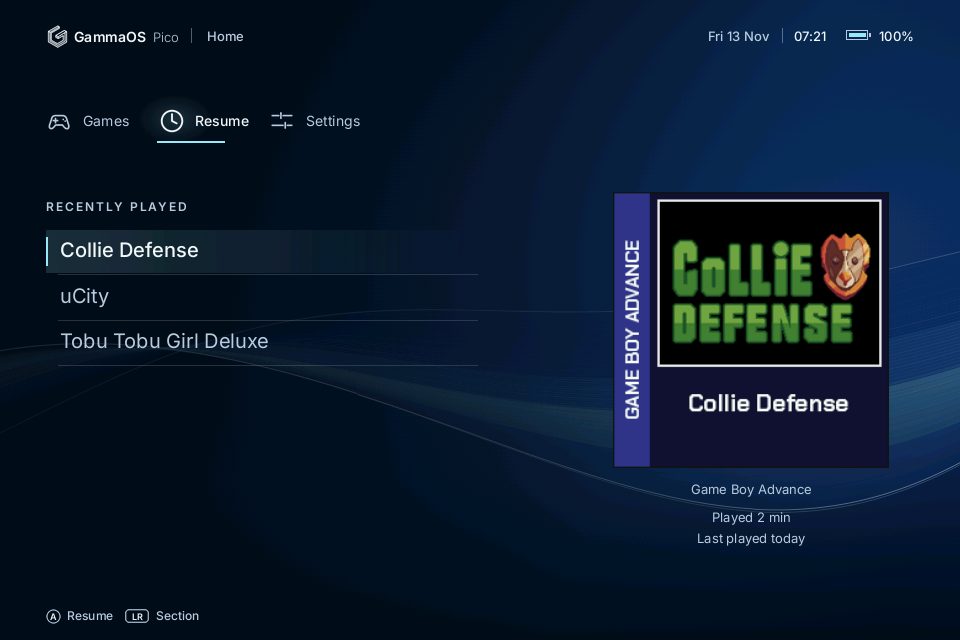
The last ten games you played, newest first. A carries on where you left off.
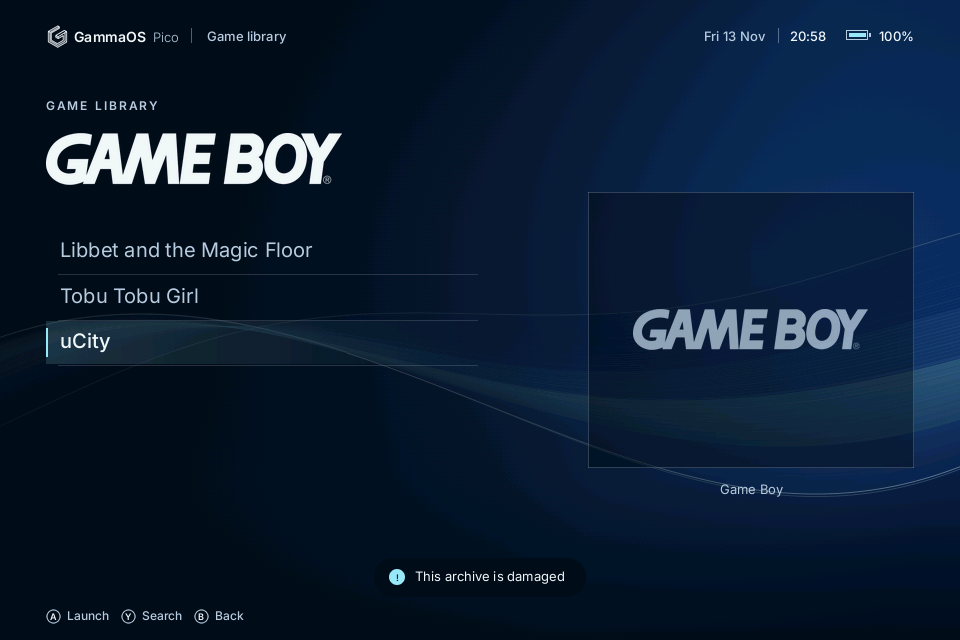
If a game cannot start (a damaged archive, a file too big, a read error), a note along the bottom says why and the menu stays where it was. See Adding Games for each note.