Repository navigation
Playing Together
New in 1.1. Two consoles link over Bluetooth, with no cable and no network: a Konkr Pocket Advance and a Konkr Pocket Block work together too. Play together runs a game on both consoles at once, Send and Receive copy a game you own from one card to the other, and linked consoles share the time.
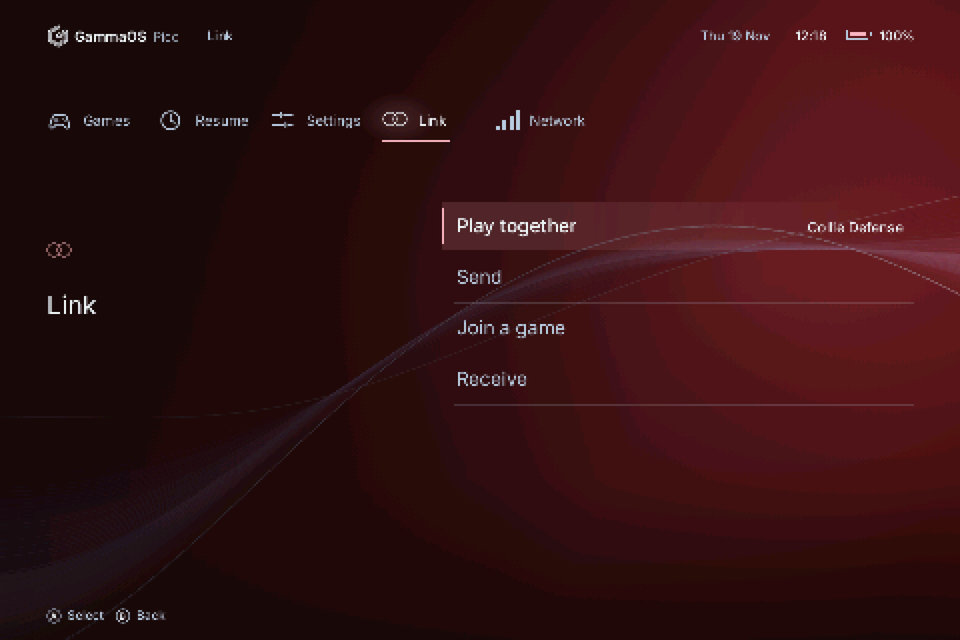
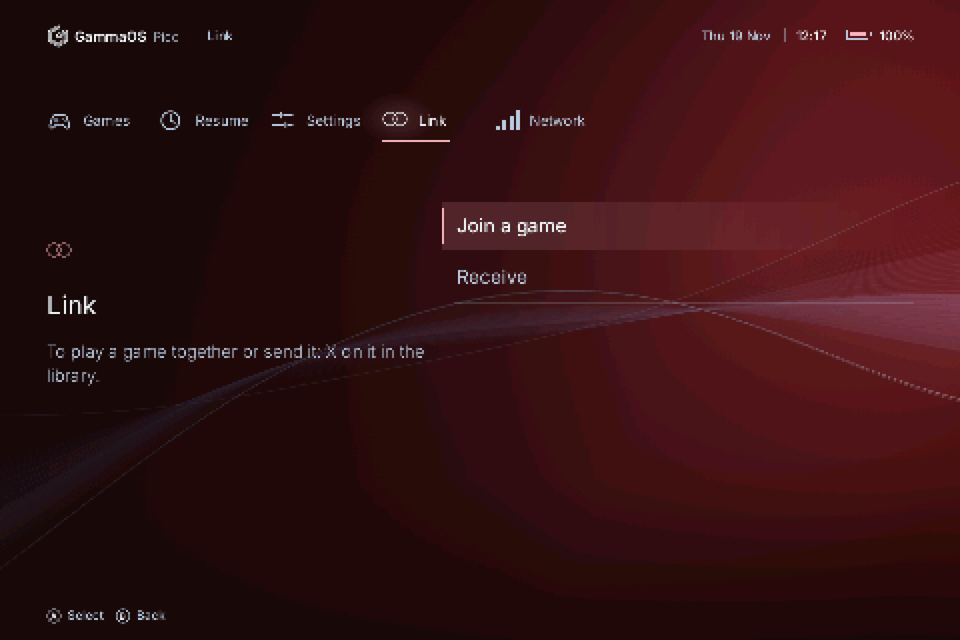
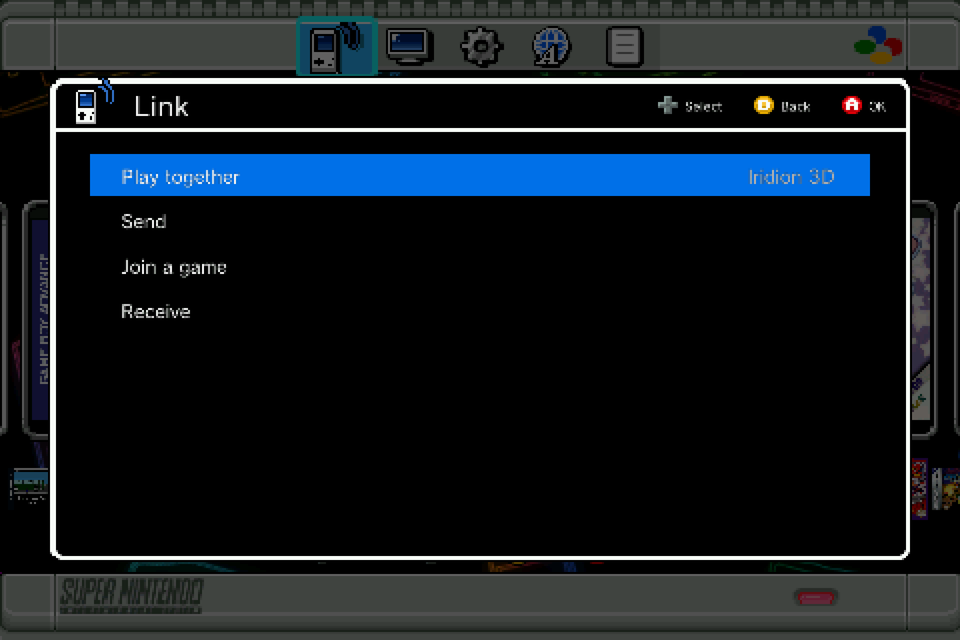
- On the first console (the host), go to the game in its library and press X, then pick Play together. In the Classic themes: the Link slot, the first of the menubar, with the game focused.
- On the second console, open the Link tab (Classic: the Link slot) and pick Join a game.
- The two find each other, and the game starts on both.
 |
 |
Both consoles run the game in lockstep, frame by frame, each player on their own controller:
- NES, SNES, Mega Drive / Genesis, Master System and Game Gear: player one on the host, player two on the other console.
- Game Boy and Game Boy Color: two linked Game Boys, as with a link cable (trading, link battles).
- Game Boy Advance: two linked machines, as with a link cable.
For NES, SNES and the Sega consoles the joining console needs the same game on its card. Games are matched by their contents, not their names: when the other card has the same game under another name, or another version of it, the console says so. Only the host can reset the game, and its reset restarts the game on both.
For the link cable systems (Game Boy, Game Boy Color, Game Boy Advance) each console plays its own game, as two consoles with a cable would: Pokemon Red on one and Pokemon Green on the other, or the same game on both. Since 1.1.2 each console needs only the game it plays. Starting a session is near instant: what the consoles exchange crosses packed (a Game Boy Advance start takes well under a second).
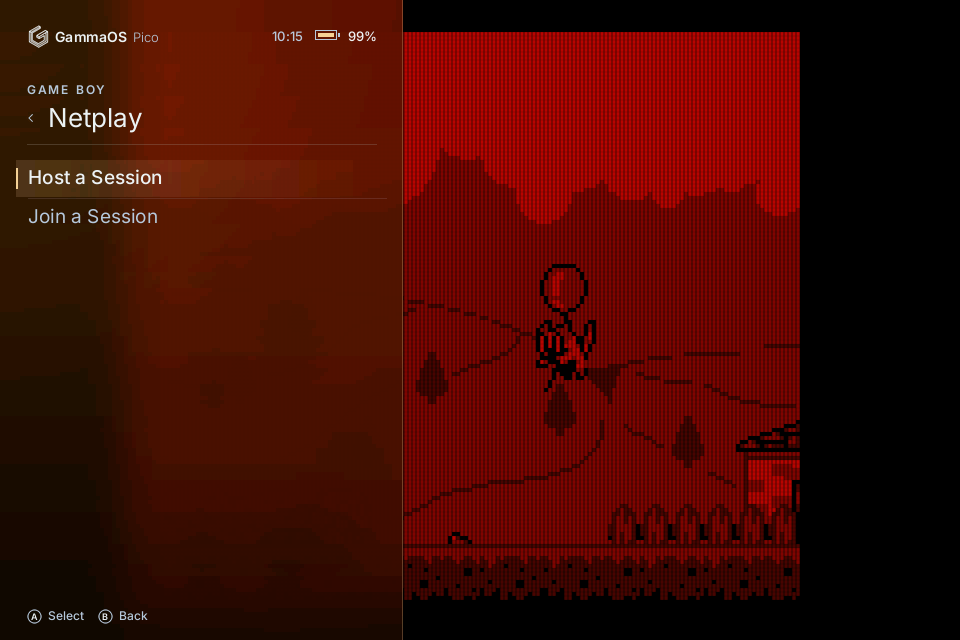
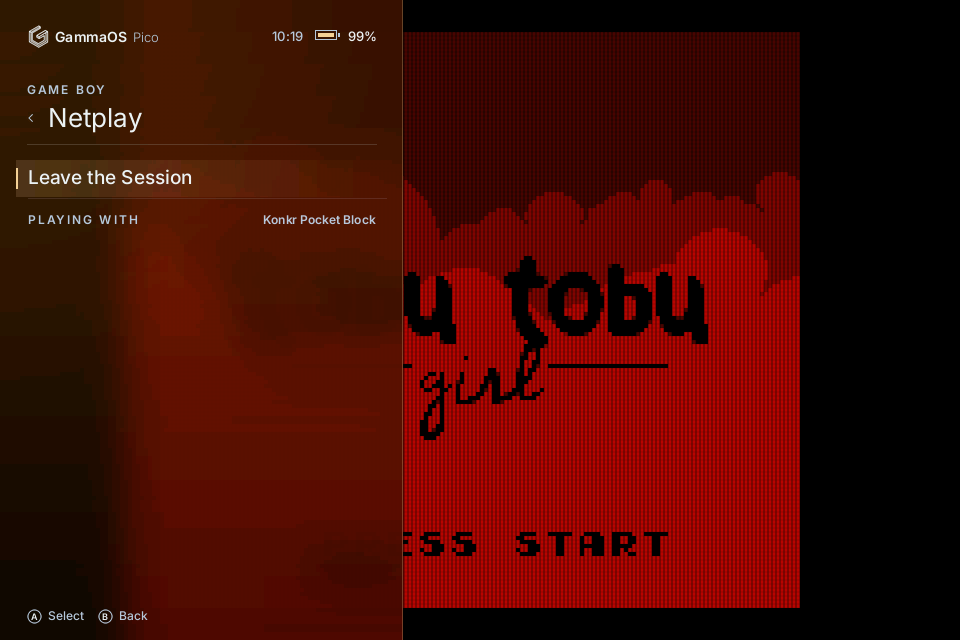
New in 1.1.2. The in-game menu's Netplay page (a tab in the Classic themes) starts a session from where the game is, with no save going anywhere:
| Row | |
|---|---|
| Host a Session | this console waits for a friend while the menu is open (Stop Hosting to stop) |
| Join a Session | the consoles nearby hosting a game that links with yours: Left / Right pick one, A joins |
| Leave the Session | in a session: it ends, and each console's game carries on alone |
While a start takes longer, the page shows how far it has got, the speed and the time left; B cancels on either console, and both games carry on.
 |
 |
When the other console leaves or goes out of reach, the session ends and your game plays on. A console in a game and one on the Link screen find each other either way round. Not available in RetroAchievements hardcore; in softcore, achievements stop for the rest of that game once a session starts in it (start the game again to have them back).
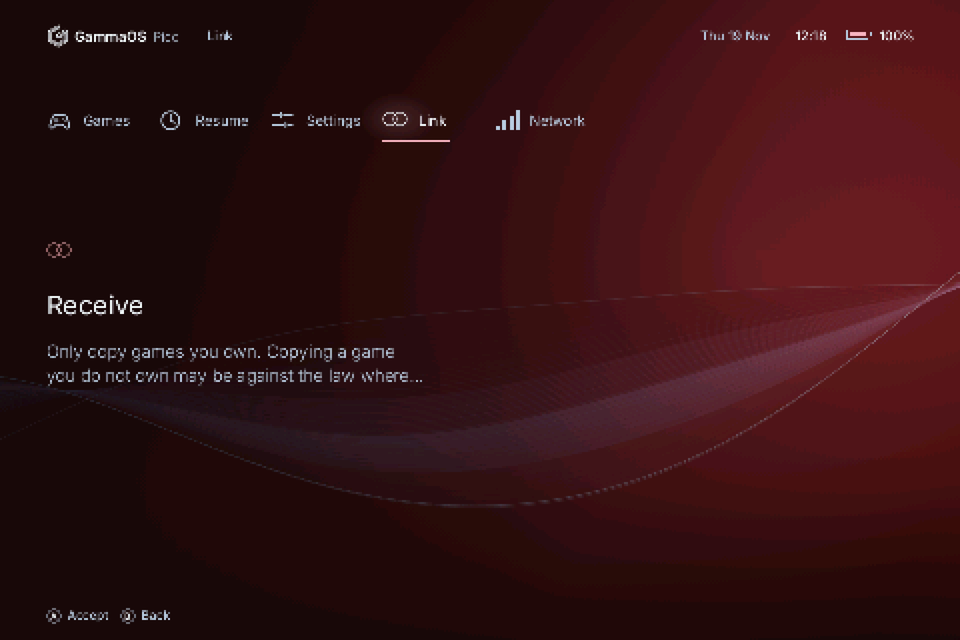
Send copies the focused game to the other console, which picks Receive. Both open on a notice first:
Important
Only copy games you own. Copying a game you do not own may be against the law where you live. Games are never copied by themselves: only when you pick Send on one console and Receive on the other.
The Link slot is the first one of the menubar:
- Bluetooth is only on while a Link screen needs it, and off again afterwards: it costs nothing the rest of the time.
- Keep the consoles within a few metres of each other.
- Bluetooth uses the same chip firmware as Wi-Fi, in the card's
bios/connsys/folder (it comes with the release).
Screenshots captured on a Konkr Pocket Advance.