Snapshots and Backup
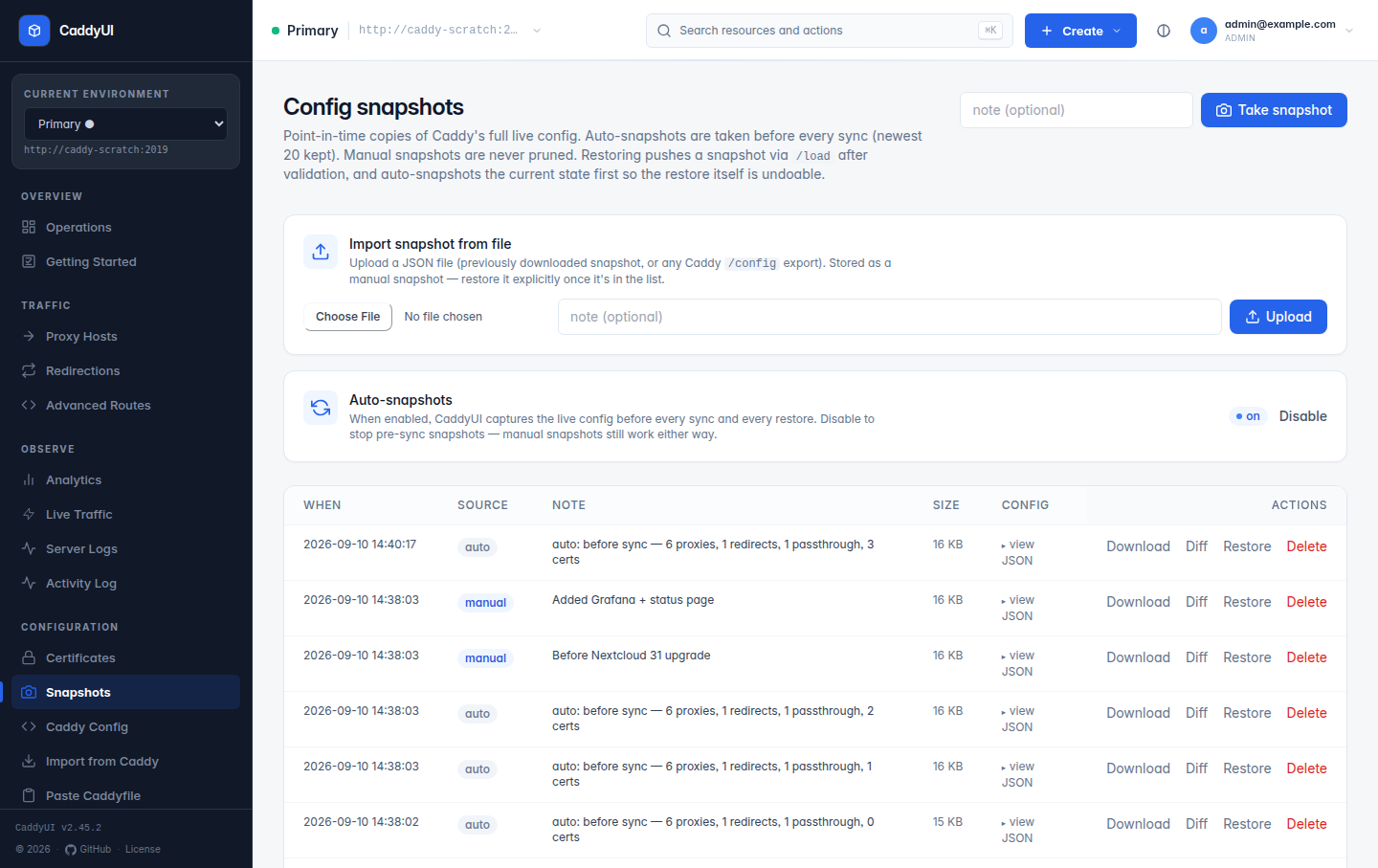
Every successful sync records a snapshot of the full Caddy JSON config for that server, and you can take one by hand at any time (Snapshots → Take snapshot). From the Snapshots page you can:
- Restore an earlier config into Caddy with one click.
- Diff two snapshots to see exactly what changed.
- Download the raw JSON to keep off-box, and Upload a JSON config to snapshot it.
- Delete old ones, and switch automatic snapshots on every sync on or off.
Snapshots work on both SQLite and MariaDB. They capture what Caddy was running, not the CaddyUI database, so a restore changes the live config but not your proxy-host rows; the next sync pushes the database state again. Use them to recover quickly from a bad change, then fix the resource that caused it. Expectations with automatic rollback do this for you when a check fails (Proxy Hosts).
-
SQLite — Settings → Backup → Download database backup (
/backup, admins only) returns the full database file. To restore: stop the container, replace/data/caddyui.dbwith the backup, start it again. Removing the-waland-shmfiles next to it first avoids mixing old and new state. -
MariaDB — use
mariadb-dump, a volume snapshot or your platform's backup and point-in-time recovery. The Backup page says so.
What lives in the database: users, sessions, every resource and its settings, certificates (including PEM keys), DNS records CaddyUI created, snapshots, the activity log, analytics events and rollups, and all Settings including provider credentials. Treat backups as secrets.
Take a database backup and note the current image tag. Migrations run forward automatically; downgrading after a migration is not supported.
If the database is large, it is almost always analytics history. Settings → Analytics → Storage shows how much, and Prune now / Reclaim space shrink it. See Observability.