Architecture and Limitations
Read this before you install. It decides whether the tool fits your setup at all.
Aquarius Bot Manager is a single-host control plane. It manages the bots that run on the same machine as the manager, and only those. Concretely, everything it does is local to its own box:
- It starts/stops bots as local
tmuxsessions. - It reads the local
/procto compute per-bot CPU/RAM. - It enforces limits via local systemd/cgroups.
- It deploys launchers into local directories and edits local config files.
- The file manager is jailed to local roots.
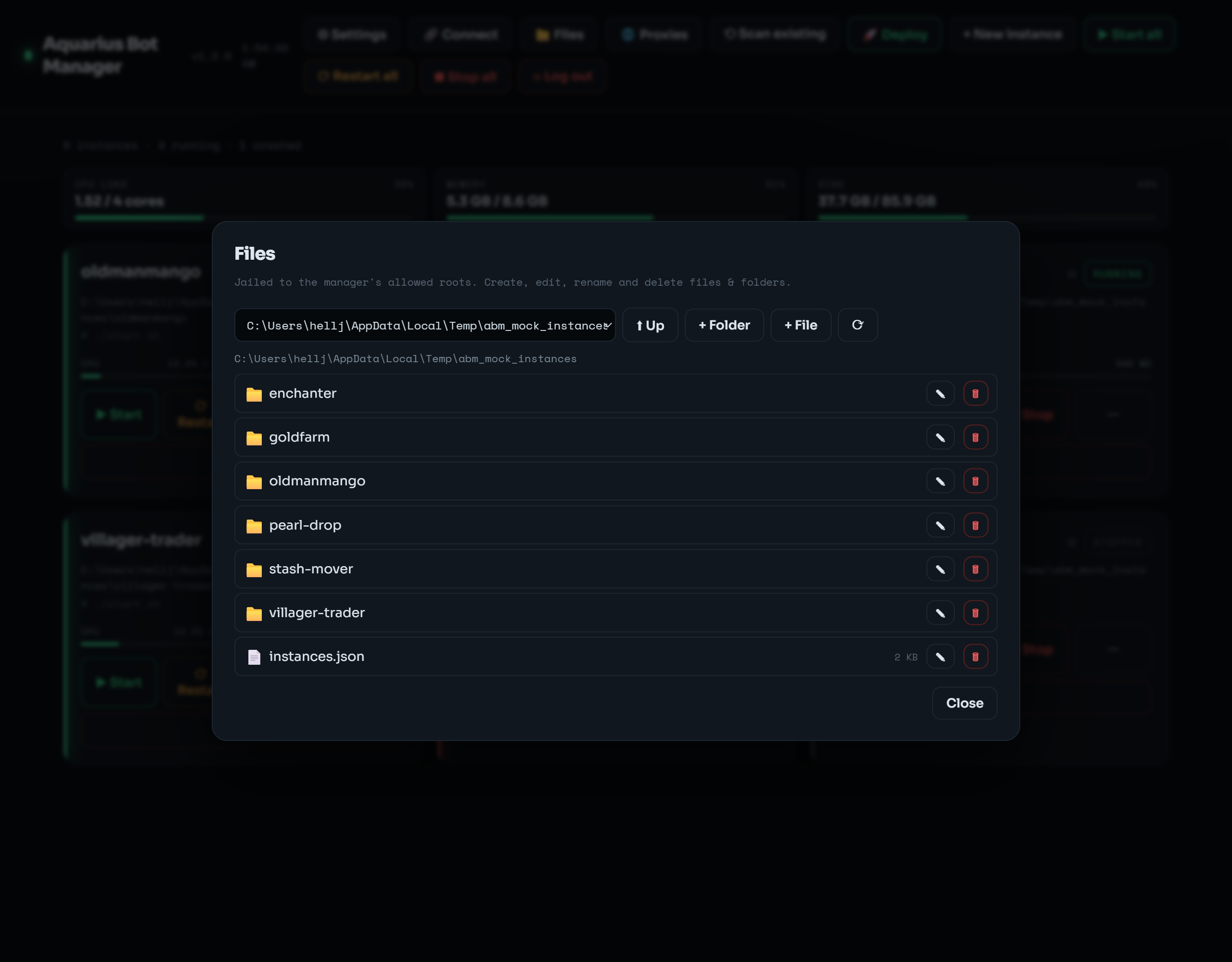 The file manager is realpath-jailed to the allowlisted local roots — it can't escape to the rest of the box.
Each manager is still single-host at its core — one manager = one VPS = the bots on that VPS. What changed in v1.4.0: a manager can additionally act as a controller that connects to other boxes' managers over SSH tunnels and drives them from one dashboard (see Multi-VPS Controller). The per-box model below is unchanged; the controller is a layer on top, not a different engine.
Its intended design: put many bots on one reasonably-sized VPS, and give each bot a distinct outbound IP using Proxies (including one-click Webshare import). That's how you get IP diversity without a fleet of servers. If you do prefer multiple boxes, the controller now stitches them into a single pane.
A common alternative architecture is one bot per server — a separate VPS (or DigitalOcean droplet) for each bot, so every bot has its own machine and its own IP.
As of v1.4.0 this is supported through the Multi-VPS Controller: install the manager in node mode on each box, connect them to one controller over SSH tunnels, and you get a single dashboard that spans every box — switch into any box's full UI, see them all in the Fleet view, run fleet-wide actions, and (for DigitalOcean) provision/destroy droplets from the controller. Your options:
| Option | Reality |
|---|---|
| Use the built-in Multi-VPS Controller | The supported, provider-agnostic path: one controller, many node-mode boxes over SSH tunnels, one dashboard. Includes DigitalOcean connect/provision/destroy. |
| Use the Fleet (DigitalOcean) tool (experimental) | A CLI-only DigitalOcean-specific provisioner/aggregator (abmfleet). Predates the controller; the controller covers most of its use cases from the UI. |
| Install a separate manager on each box, unlinked | Works without the controller, but each is its own island — separate URL, login, dashboard. |
| Switch to the consolidated model | Run multiple bots on one bigger VPS and use proxies for per-bot IPs. Often cheaper than N boxes. |
Neither layer changes the core: each box still runs the single-host manager. The controller adds tunnels + a reverse-proxy switcher + aggregation on top. See Multi-VPS Controller.
People do it for IP diversity (each droplet has a unique IP, avoiding shared-IP detection/bans), resource isolation, and blast radius (one bot dying doesn't touch the others). This tool's answer to the first is proxies; to the second, cgroup limits; the third (true host isolation) it deliberately does not provide.
-
Linux + systemd + tmux only. The monitoring (
/proc), limits (cgroups/systemd user scopes), deploy download, and installer are Linux-specific. It is not a Windows/macOS server tool. - No role separation. Every authenticated user is a full admin. See Security.
- Secrets at rest are file-permission protected, not encrypted. Proxy passwords are plaintext in configs; the Webshare token is base64-obfuscated. See Security.
-
Resource caps need lingering. Per-bot memory/CPU enforcement requires
loginctl enable-linger(the installer does this); without it caps are saved but not enforced. -
tmuxsessions don't survive reboot. "Auto-restart" means re-launch on boot via the boot unit + autostart flag — not live process migration. See Configuration. - It manages the bots; it is not the bot. AquariusProxy/ZenithProxy behavior, pathfinding, anti-AFK, etc. are the proxy's domain — this tool only operates them.
- No multi-host metrics/alerting aggregation. Alert thresholds are per-host, surfaced in that host's dashboard only.
Since all bots share one box, size it for the sum of your bots plus headroom:
- Give each bot a memory cap (Limits tab /
abm limits) so one can't OOM the others.
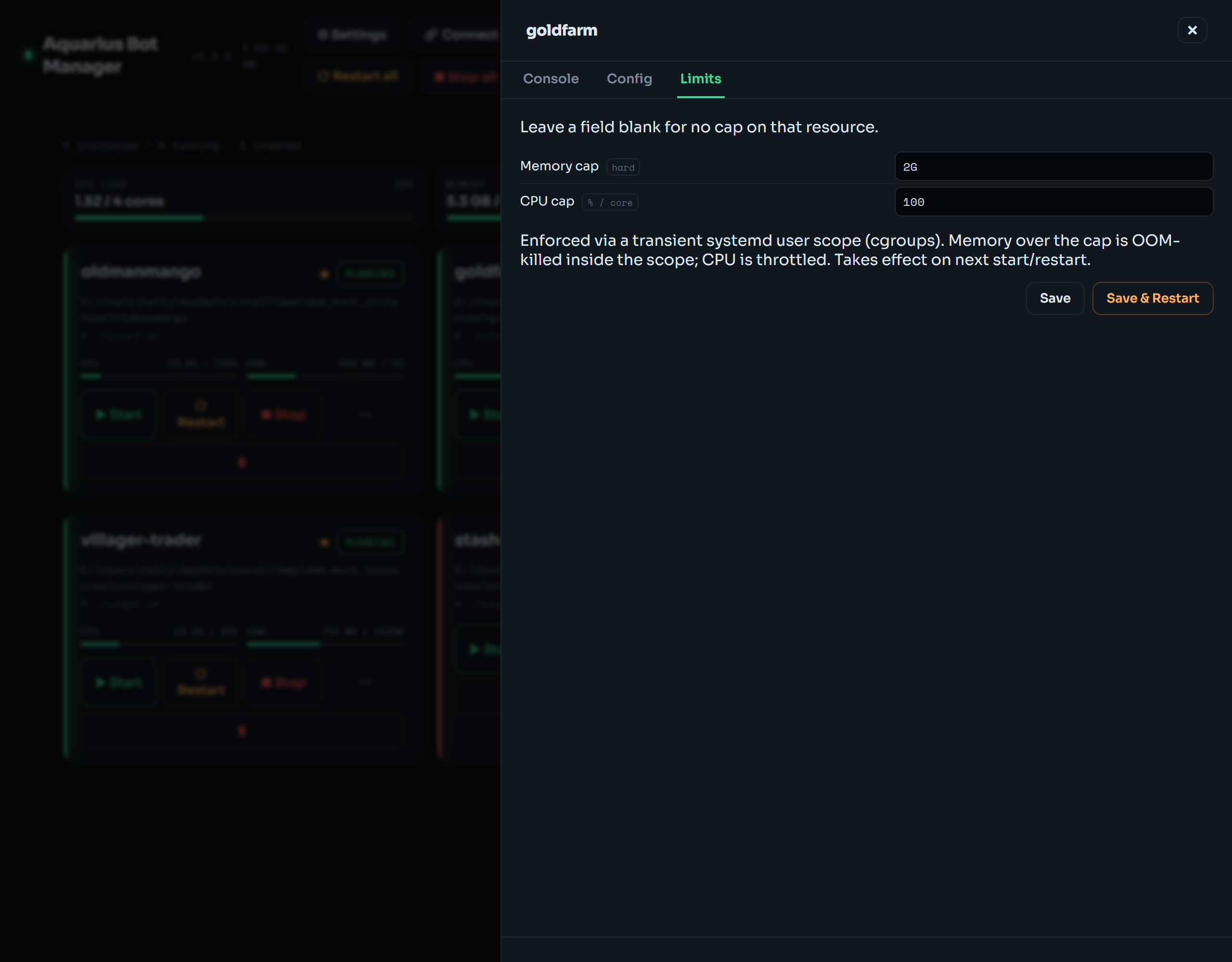
- Watch the host gauge strip; if CPU/mem/disk regularly cross your thresholds, move some bots to a second VPS with its own manager, or get a bigger box.
- Proxies add latency and can fail independently of your bots — the per-bot proxy editor and bulk/Webshare rotation exist to swap them quickly. See Proxies.