Security
Read this page in full before exposing the dashboard to anything but your own machine. This tool is powerful by design, and that power is exactly what an attacker would gain.
Anyone who can use the web UI can:
- Run arbitrary commands inside every bot (the live console types into each bot's stdin).
- Edit any bot's config, including writing proxy credentials.
- Deploy code — download and install a fork's launcher into a directory you choose.
-
Browse, edit, rename, and delete files within the allowlisted roots (the file manager is jailed to
settings.file_roots, realpath-checked against../symlink escapes — but those roots include your bot configs, which hold secrets). - Reboot the box or run OS updates — if System Actions are enabled (off by default).
-
Read your proxy pool and Webshare token by viewing configs /
instances.jsonthrough the file manager.
Treat dashboard access as equivalent to a shell on the box. There is no "read-only" or "limited" user role.
The manager binds 127.0.0.1 (localhost) by default — not reachable from the internet. How you reach it matters:
| Method | Exposure | Notes |
|---|---|---|
| SSH tunnel (recommended) | None new |
ssh -L 8765:127.0.0.1:8765 user@vps. Traffic encrypted by SSH. The default. |
| Public HTTPS via Caddy | Port 443 public | Use a domain for a trusted Let's Encrypt cert. A set password is required. |
Public HTTP (--host 0.0.0.0, no TLS) |
Port public, cleartext | Don't. Your password crosses the wire in plaintext. The server warns at startup if bound non-local with no auth. |
If you must expose it directly, put it behind TLS (the HTTPS installer mode does this with Caddy) and always set a password.
-
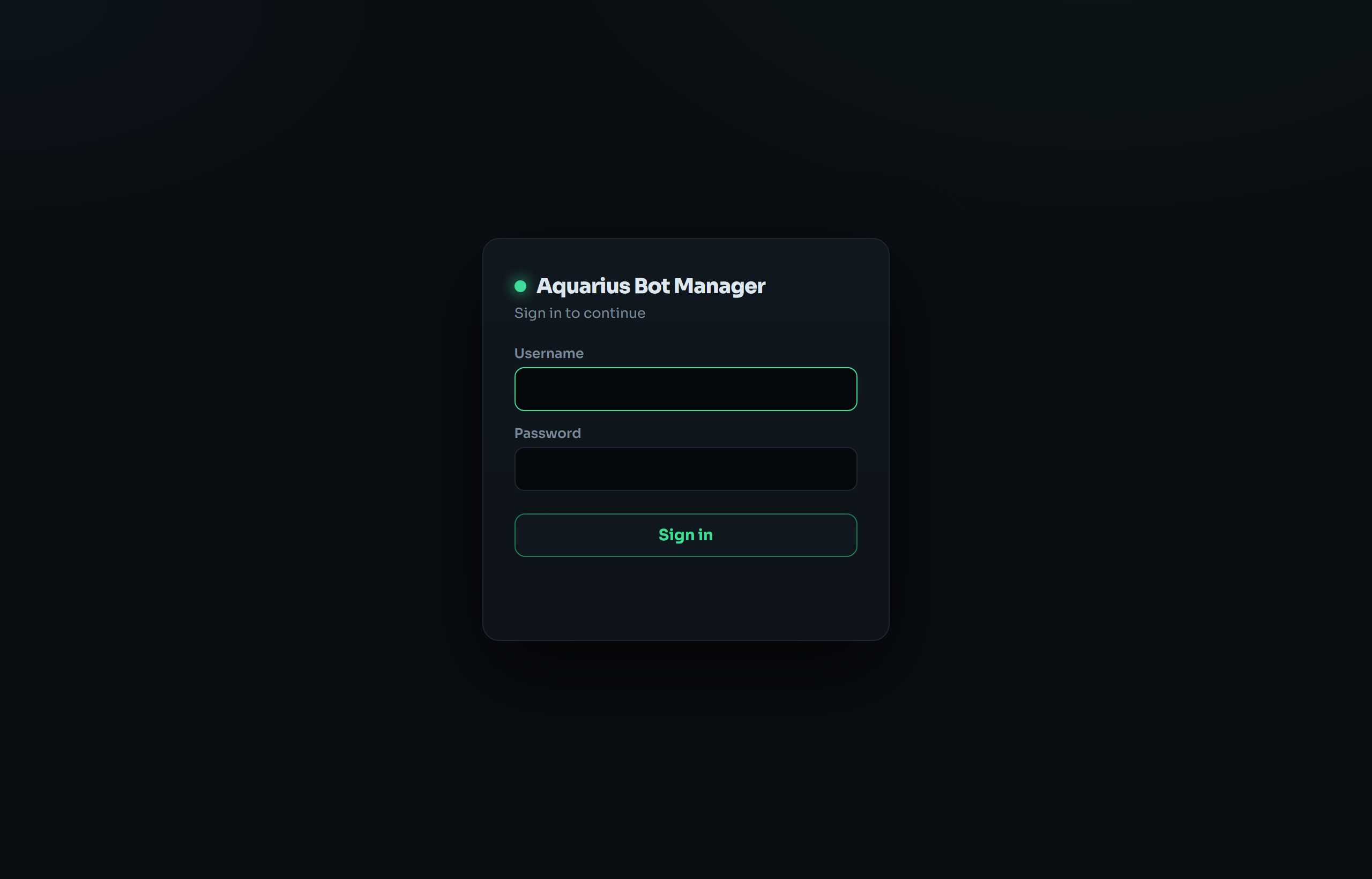
First-run wizard forces creating an admin login before the UI unlocks. Passwords are stored as a salted PBKDF2 hash in
instances.json— never plaintext. -
Sessions: HttpOnly,
SameSite=Strictcookie, 7-day expiry, held in server memory. A manager restart invalidates all sessions (everyone re-logs-in).abm logout-alldoes the same on demand. - Login rate-limiting: 5 failed attempts per 5 minutes per IP.
-
The "Skip" / open mode: the wizard lets you run with no login. In that mode anyone who can reach the port has full control. This is only acceptable on
127.0.0.1behind an SSH tunnel. The startup banner and the skip dialog both warn about this. -
Legacy env auth:
ABM_USER/ABM_PASS(andZP_USER/ZP_PASS) are honored as a fallback if no password is set.
This single file holds, in one place:
| Item | At-rest form | Risk if the file leaks |
|---|---|---|
| Web login | salted PBKDF2 hash | Low — not reversible. |
| Proxy passwords |
plaintext (inside bot config.json files) |
Your proxy credentials are exposed. |
| Webshare API token |
base64-obfuscated (b64:…) under settings.webshare
|
Recoverable. Obfuscation ≠ encryption — it just isn't eyeball-plaintext. Anyone who reads the file (or uses the file manager) can decode it. |
Implications:
- Keep
instances.jsonand the bot config files owned by the run user with tight permissions (the installer sets ownership). Anyone who can read them gets your proxy creds and Webshare token. - The Webshare token grants access to your Webshare account's proxy API — rotate it in the Webshare dashboard if you suspect the box is compromised.
- If you'd rather not persist the token at all, don't tick "Save token" — pass it each time or via the
WEBSHARE_TOKENenv var.
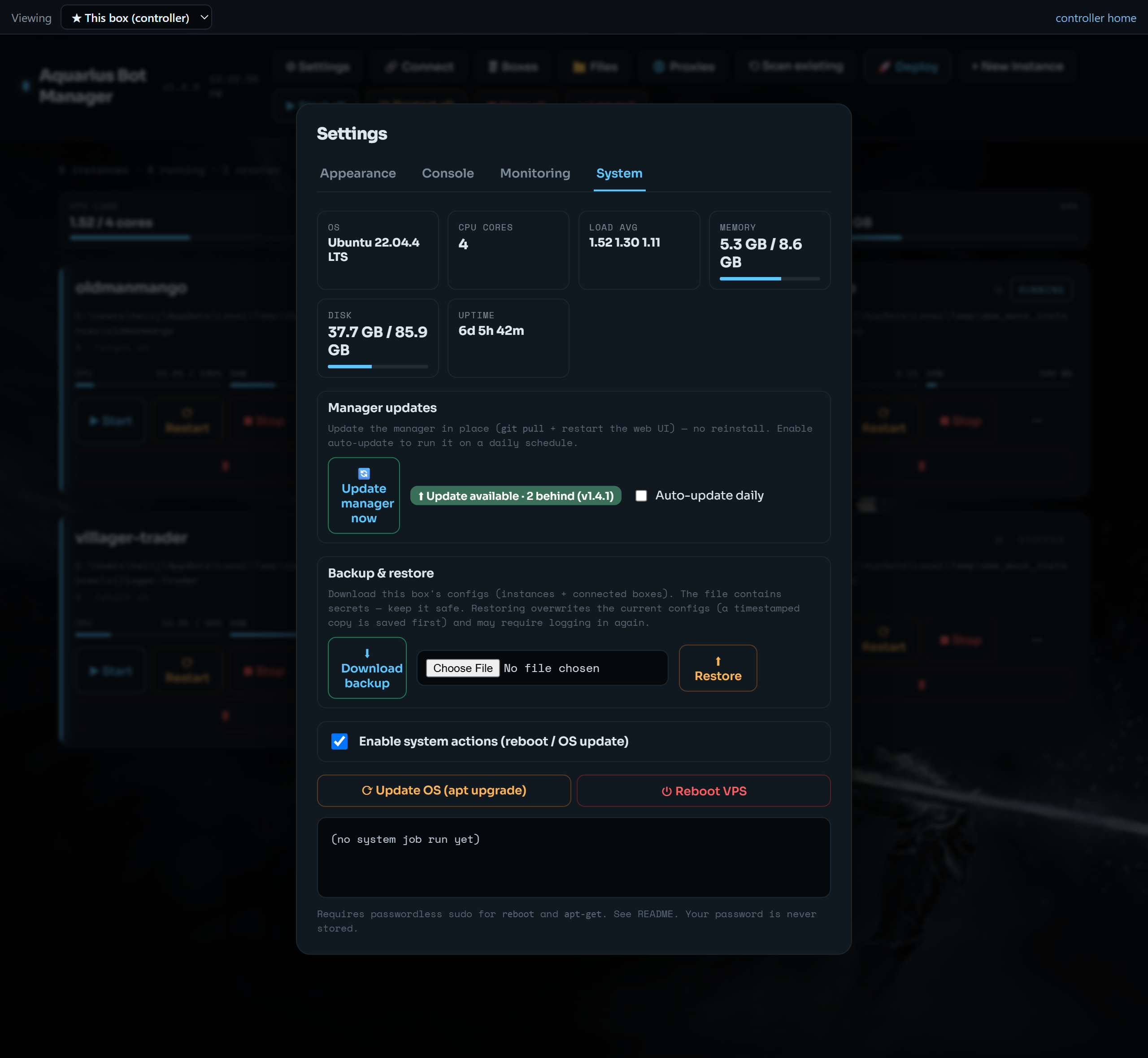
Off by default. When enabled (Settings → System), the manager runs sudo -n reboot / sudo -n apt-get …. This needs tightly-scoped passwordless sudo for the run user — never store your password anywhere:
sudo visudo -f /etc/sudoers.d/aquarius-bot-manager
# ubuntu ALL=(root) NOPASSWD: /usr/sbin/reboot, /usr/bin/apt-get
The manager uses sudo -n (non-interactive), so if sudo isn't configured it fails cleanly rather than hanging. Granting this widens what a dashboard attacker can do (reboot the box, run apt) — only enable it if you need those buttons.
- ✅ Keep the default
127.0.0.1bind + SSH tunnel unless you have a specific reason to expose it. - ✅ Set a login (don't run in skip/open mode except on localhost).
- ✅ If exposing publicly, use HTTPS with a real domain cert, not plain HTTP.
- ✅ Restrict who can SSH to the box — SSH access already implies dashboard access.
- ✅ Use user/pass proxy auth rather than IP-authorization if you don't want everything on the VPS IP sharing your proxy pool.
- ✅ Don't save the Webshare token if you don't need one-click reuse; rotate it if the box is ever compromised.
- ✅ Leave System Actions off unless you use them.
- ✅ Back up
instances.jsonsomewhere safe — and remember it contains secrets.
- There is no role separation — every authenticated user is an admin.
- Secrets at rest are protected by file permissions, not encryption. There is no secret vault.
- The tool does what you tell it on one host; it has no audit log of who did what.
- It does not make bots undetectable and does not change any game server's rules — compliance with those rules and with your proxy provider's terms is on you.