Repository navigation
Home
A private, local household budget and long-term planner. It reads the CSV exports from your bank and credit cards, and everything else (people, children, savings, retirement, categories) comes from a few settings you enter in the app or in YAML files.
Built with Claude. This project was developed heavily with Claude (Anthropic's AI assistant) using Claude Code.
| Section | Answers |
|---|---|
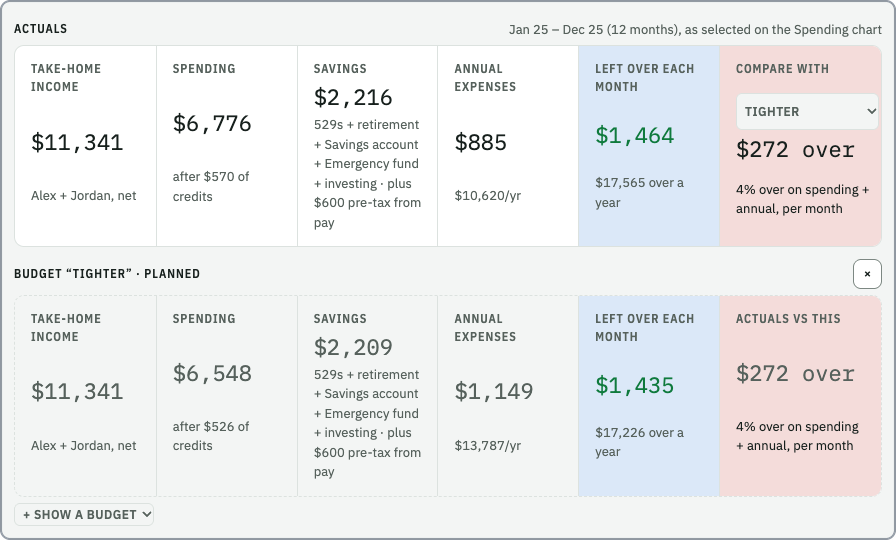
| Monthly Planner | What do we spend each month, and what's left over if we change things? |
| Explore Spending | Where does the money actually go, month by month and merchant by merchant? |
| College 529s | Will each child's 529 cover college, and what would? |
| Retirement | What income will we have at each retirement age, and is it enough? |
| Spending Over Time | How do costs change as the kids leave home and after we retire? |
| Scenarios and Sharing | What's the difference between plan A and plan B? |
your bank / card CSVs ──┐
                         ├──► financial_plan start ──► the app in your browser (127.0.0.1)
your plan's YAML config ─┘          (local only)
- You keep a plan folder on your computer with a
data/folder of CSV exports and aconfig/folder of settings (Plan Folder). - Each CSV layout is described once as a source (Data Sources).
- Rules put each transaction in a category (Categorizing and Rules).
- The app averages each category and runs the projections (How the Numbers Work).
Nothing is ever uploaded. See Privacy and Safety.
- On a Mac and don't code? Install the Desktop App and choose "Try the Demo".
-
Just looking? Installation, then
pixi run demofor a fictional household. - Setting up your own plan? Follow the Quick Start.
- Prefer to be guided? Setup with an AI Assistant.
- Something not working? FAQ and Troubleshooting.
Getting started: Installation · Quick Start · Privacy and Safety
Using the app: Tour of the App · Monthly Planner · Explore Spending · College 529s · Retirement · Spending Over Time · Scenarios and Sharing
Setting up your plan: Plan Folder · Settings Editor · Data Sources · Categories · Categorizing and Rules · Setup with an AI Assistant
Reference: Config Reference · How the Numbers Work · Command Line · Desktop App · FAQ and Troubleshooting · Development