Codalab AMI
Tutorial: starting and connecting to a machine on AWS


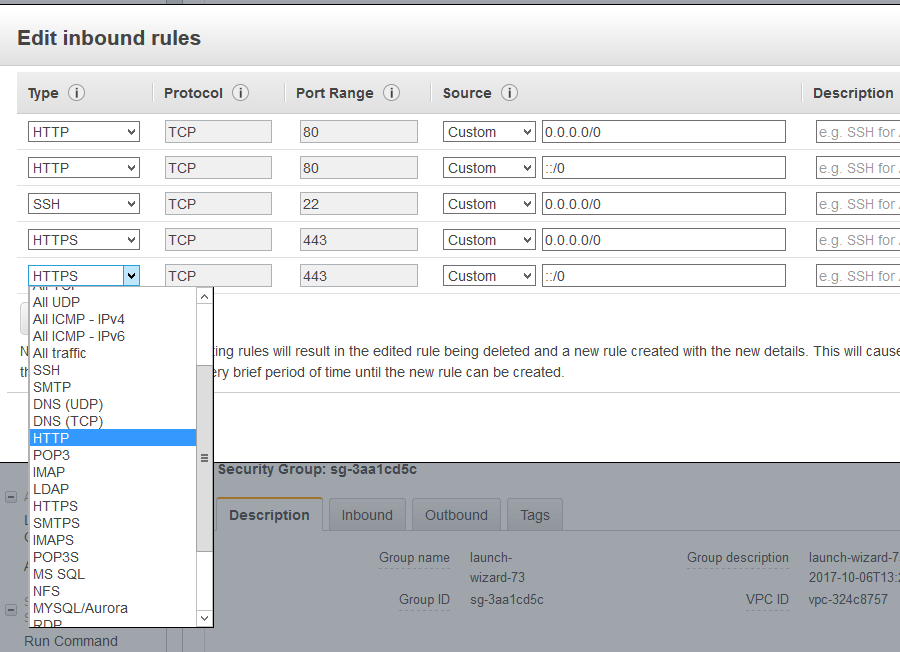
Connect to the server, then:
cd src
cd codalab-competitions
ls -la
The .env file contains Codalab configuration.
Click your instance and copy the address 'Public DNS (IPv4)' You need to edit the CODALAB_SITE_DOMAIN and put your DNS, e.g.:
CODALAB_SITE_DOMAIN=ec2-54-153-46-119.us-west-1.compute.amazonaws.comThen run
docker-compose up -deach time you edit .env file to restart the services.