User_Using your own compute workers
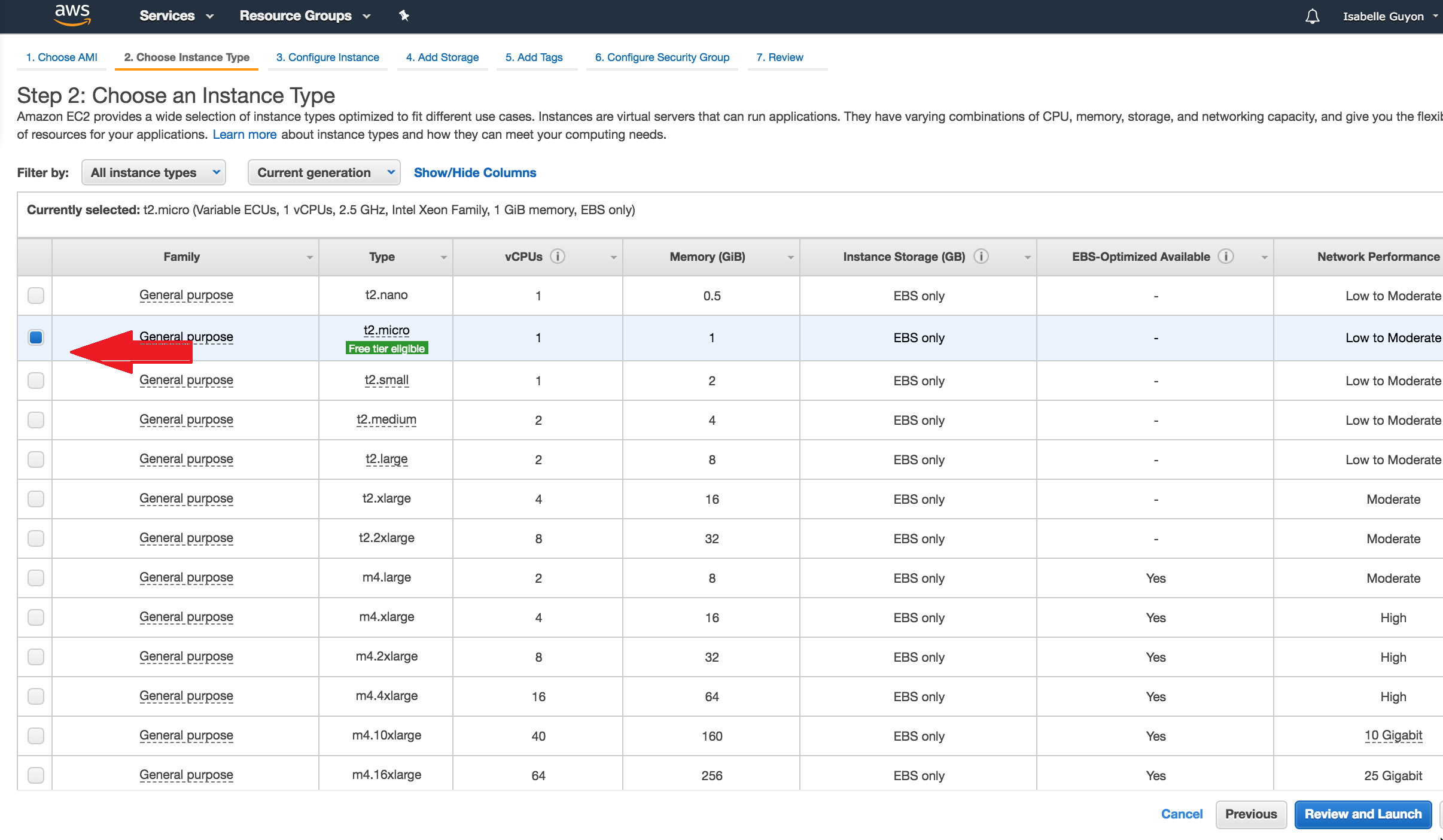
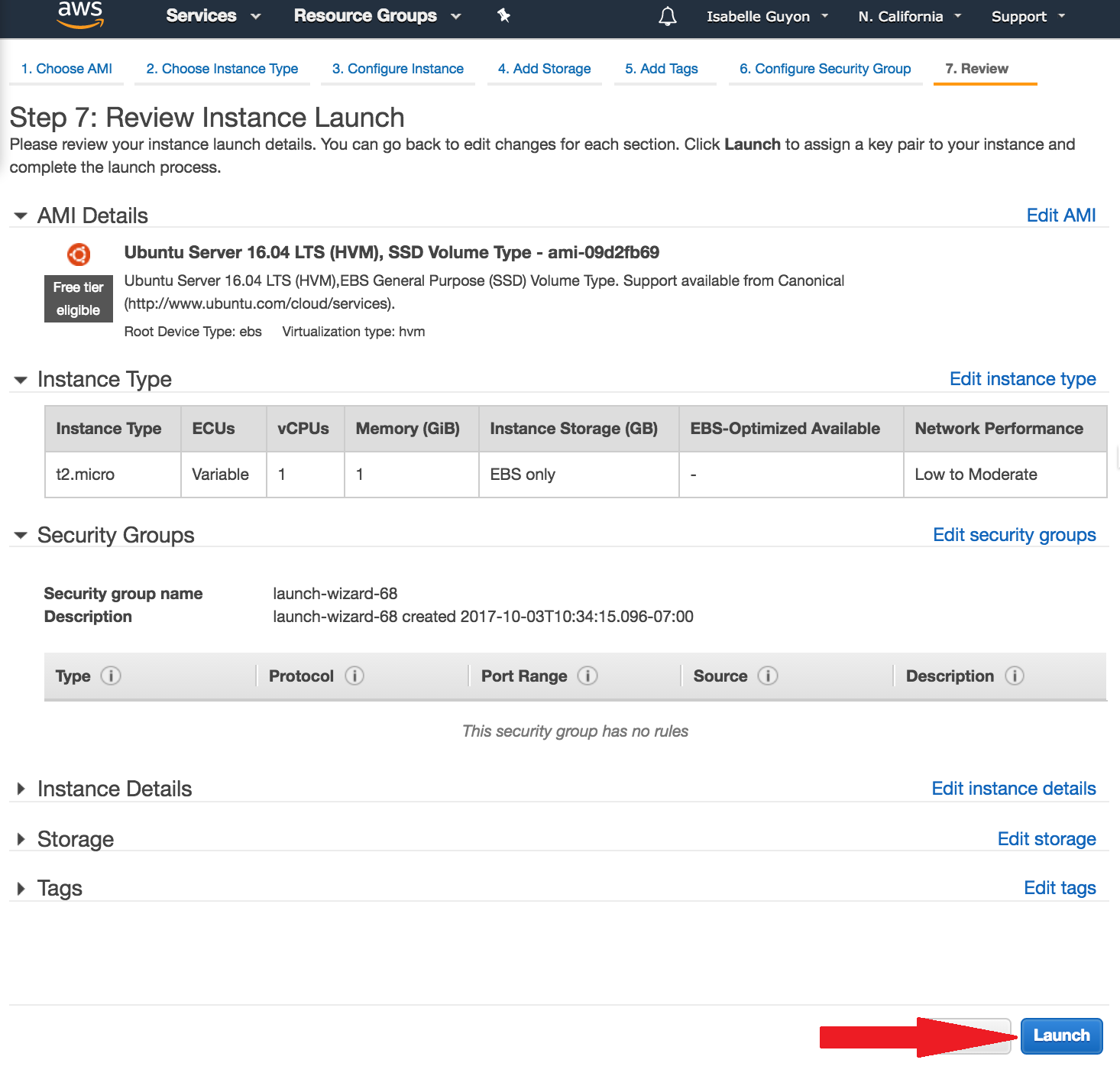
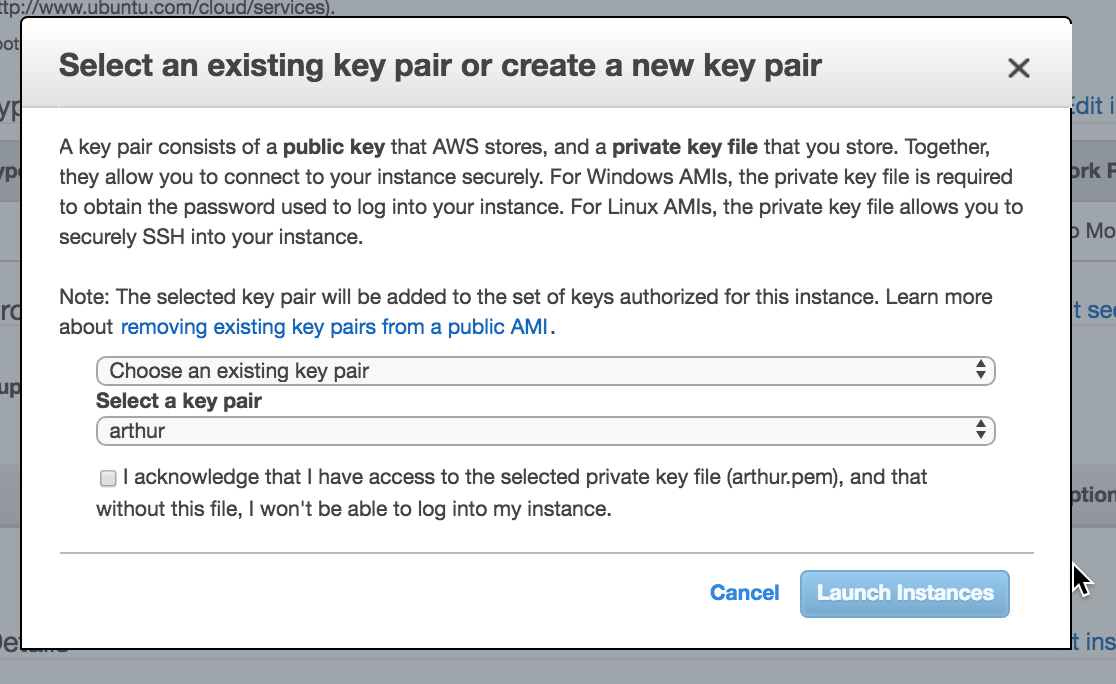
In these instructions, we guide you step-by-step to create your own "compute worker", that is a server to which submissions of participants to your challenge will be sent to be executed (if you organize a challenge with code submission). First, we will explain to you how to create a virtual machine on AWS. Skip this step if you are using your on local server or other computational resources. Then we will explain how to hook up this server to a "queue". Finally, we will explain how to assign that queue to your competition.
Create an account on AWS and log into the console. From there click "Launch Instance"


See also the FAQ of See4c where docker usage is provided.