Repository navigation
EN 03 wiring
Version française : Raccordement
Devices are linked to an inverter with electric wire. The house itself needs no wiring: any appliance within range of the inverter is powered.
- Craft the devices (see Recipes) and place them with the furniture cursor.
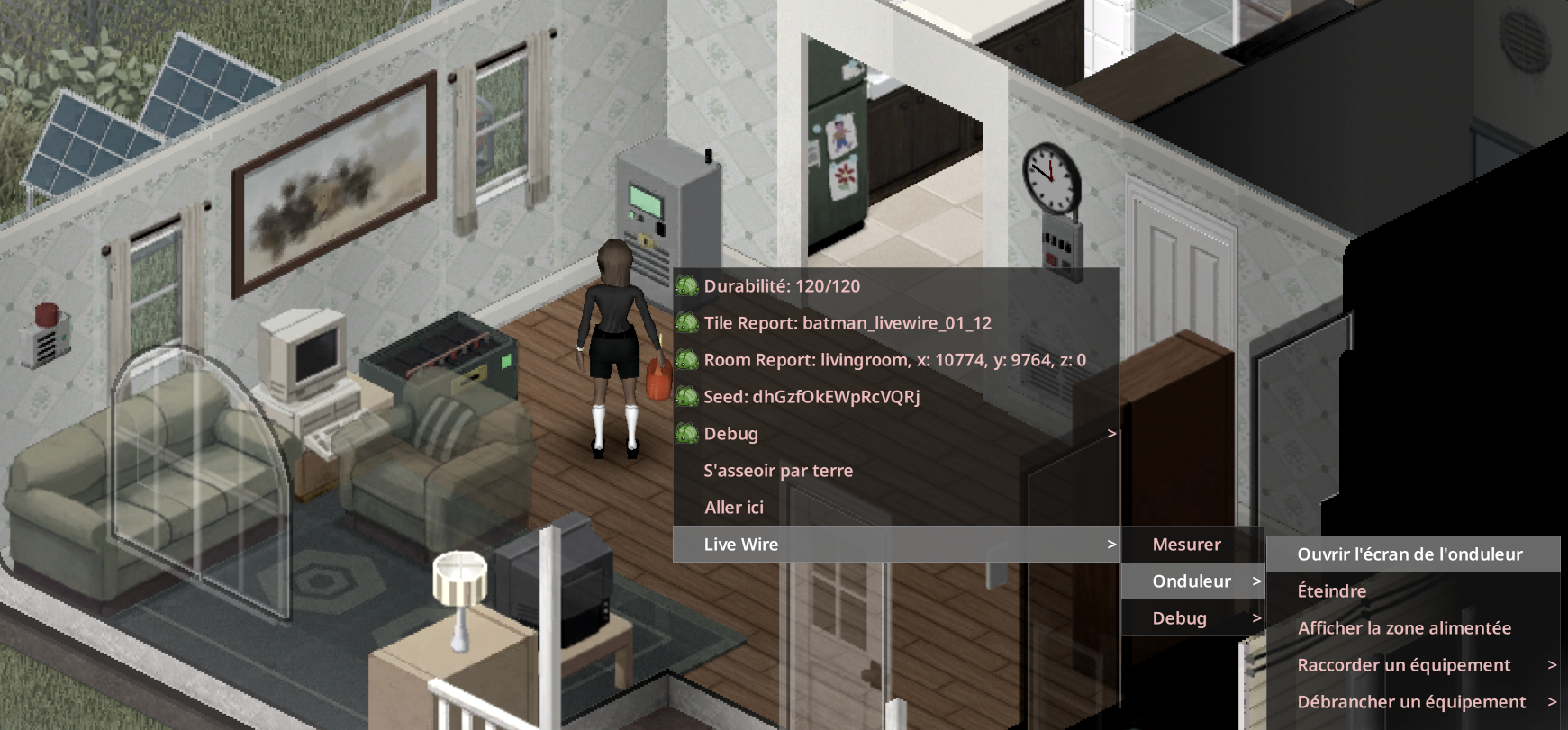
- Right-click a device, then Live Wire, then the device name. It shows "Connected to the inverter N tiles away" or "Not connected". Then choose Connect to an inverter: one line per inverter in range, "Inverter N tiles away (k wires)".
- Or right-click the inverter and choose Connect equipment: a list of free equipment in range with distance and number of wires. Disconnect equipment does the opposite.
Electric wire Base.ElectricWire: 1 wire per 4 tiles of distance, rounded up, at least 1 (sandbox WirePerTiles; 0 = free).
| Distance | Calculation | Wires |
|---|---|---|
| 4 tiles | 4 / 4 = 1 | 1 |
| 9 tiles | 9 / 4 = 2.25, rounded up | 3 |
| 12 tiles | 12 / 4 = 3 | 3 |
| Item | Value |
|---|---|
| Cable range | 12 tiles horizontally (sandbox LinkRange, 4-30), at most 3 floors apart by default (sandbox LinkVerticalRange, 0-10; 0 = same floor). Also applies to inverter coupling |
| Inverters per network | 1 |
| Breakers per network | 1 |
| Alarms per network | 1 |
| Management computers per network | 1 |
| Backup generators per network | 1 |
The vanilla generator (backup) and the vanilla desktop computer (management) are linked the same way, from their own right-click menu: Live Wire, then Backup generator or Management computer, then Connect to an inverter.
- Picking up the inverter disconnects its whole network.
- Rotating the inverter keeps the links.
- Picking up a source keeps its condition; placed again, it is "Not connected".
Open the inverter screen, Turn on / Turn off, Reset (after a trip), Show the powered area (a cyan circle on the ground), Connect equipment, Disconnect equipment, Soundproof the inverter, Inspect, Repair, Overhaul.
Click nearby Live Wire equipment directly. Sources and alarms open the wiring window. From an inverter LCD or bank LCD, press Connections. The electrical board controls circuits and resets overload protection.
Choose an inverter, select equipment, then Connect or Disconnect. Your character walks to it; wire costs and skill requirements still apply. The window stays open for the next device. Refresh finds newly placed equipment. Devices on another network are labelled; disconnect them from that network first.
Right-click menus remain available. Inverter coupling and pump barrels keep their specific controls.
Equipment - Inverter Screen and Software - Optional Equipment - Sandbox Options