Repository navigation
EN 05 inverter screen and software
Version française : Écran et logiciel
You can monitor the network from the inverter's own LCD panel, or from the Live Wire Monitor management software.
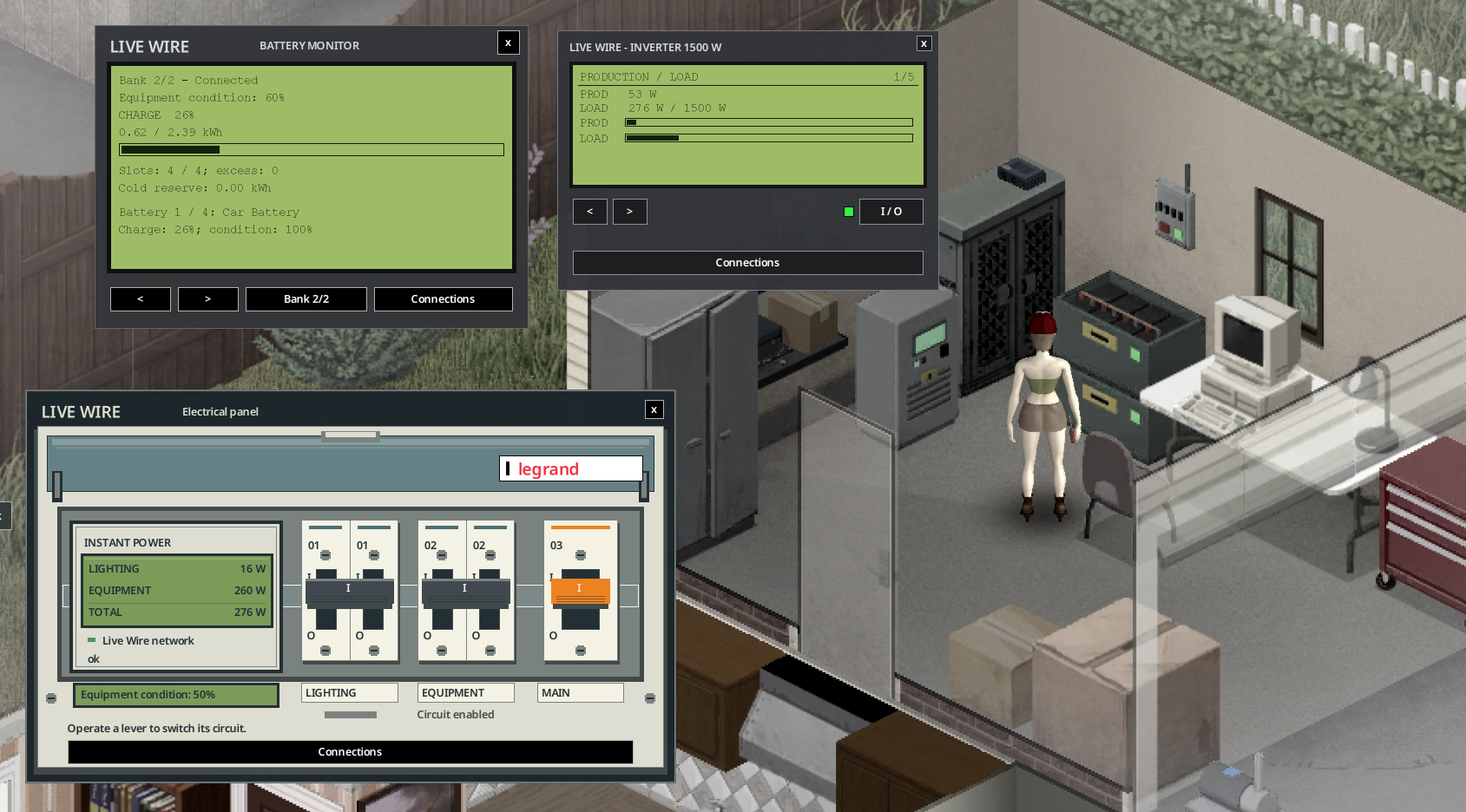
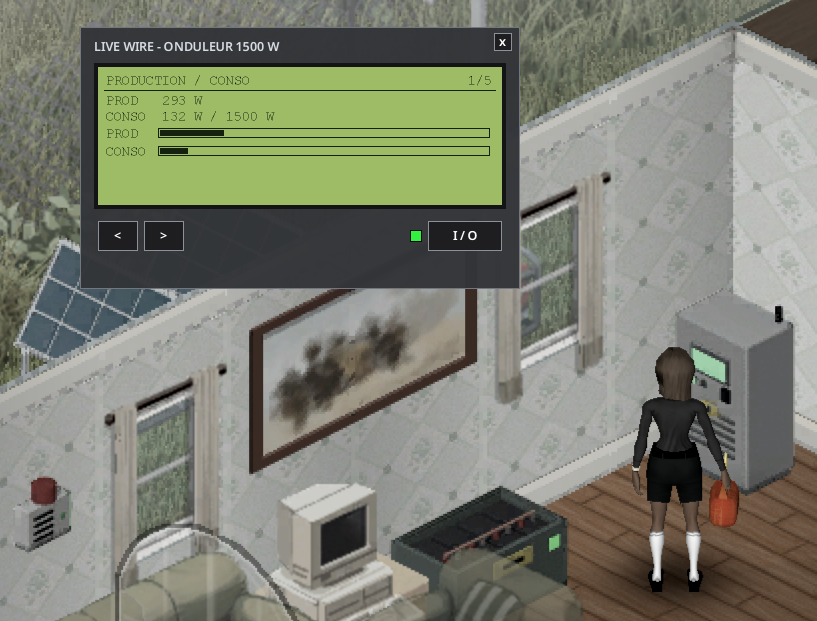
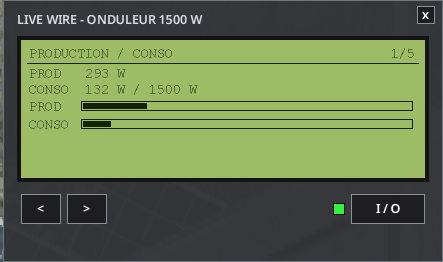
Right-click the inverter, then Open the inverter screen. It is a backlit screen with 5 pages, browsed with the < and > buttons.
| Page | Content |
|---|---|
| 1 | Production / Load |
| 2 | Batteries |
| 3 | Sources |
| 4 | House |
| 5 | Status |
- The I/O button has a light: green = on, red = off, blinking orange = fault.
- RESET is available when the inverter has tripped.
- Production and load bars use the same scale. Long lines scroll.
| Tab | Content |
|---|---|
| Overview | Production and consumption in large figures with bars on the same scale, storage gauge and autonomy, inverter card (state light, condition, On/Off, Reset), alerts |
| Batteries | Battery details |
| Sources | Source details |
| House | House details |
| History | 48 h graphs (production, consumption, battery stock) and the forecast "batteries will last until sunrise" |
| Equipment | Breaker, alarm, backup generator, computer |
| Consumers | Measured appliance watts, up to 200 entries |
| Forecast | Three-day weather-based production estimate; powered management computer required |
| Events | Last 30 timestamped network events |
The history and forecast need a linked management computer (see Optional Equipment).
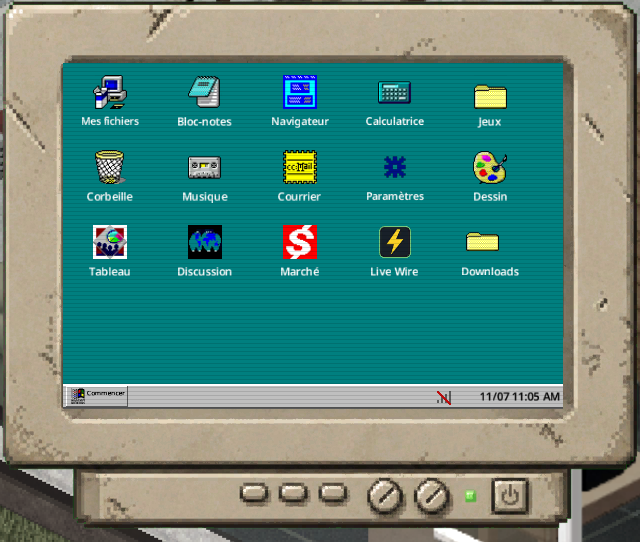
A vanilla desktop computer linked to the inverter opens the software on the mod's own computer screen: monitor, boot screen "Live Wire OS", status bar with game time.
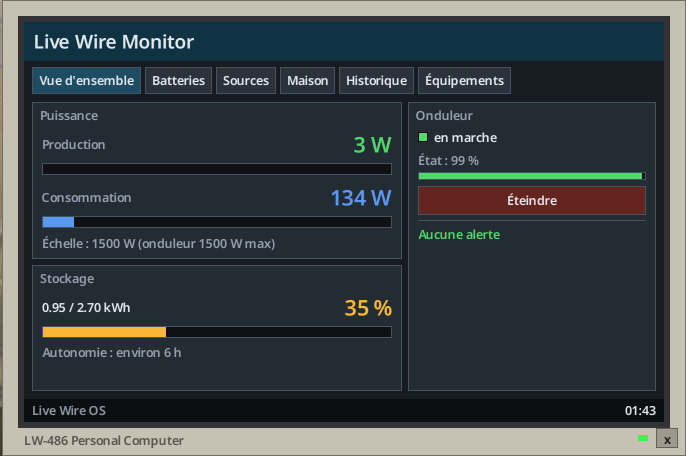
Management software on a vanilla computer, without the Computer Mod or Laptop Mod.
With the optional Computer Mod (Workshop 3725497089) or Laptop Mod (3798992436), the software comes on a disk: "Disk: Live Wire Management Software" (LiveWire.MonitorDisk), found in computer loot (see Loot Tables).
- Right-click the computer while holding the disk.
- Choose Install the Live Wire software.
- It appears as a "Live Wire" app on their desktop and runs inside their window (title bar, minimise, close, taskbar).
It shows the inverter linked to that computer, or the nearest inverter in cable range.
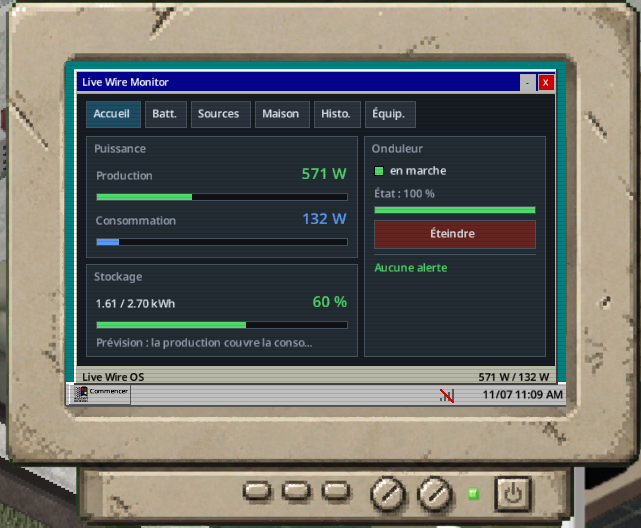
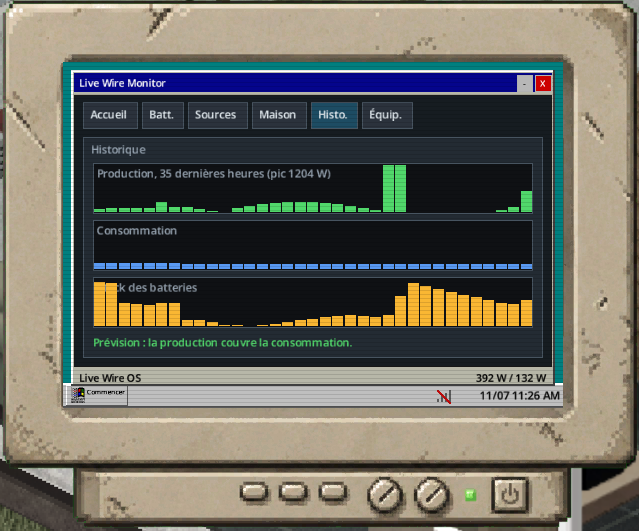
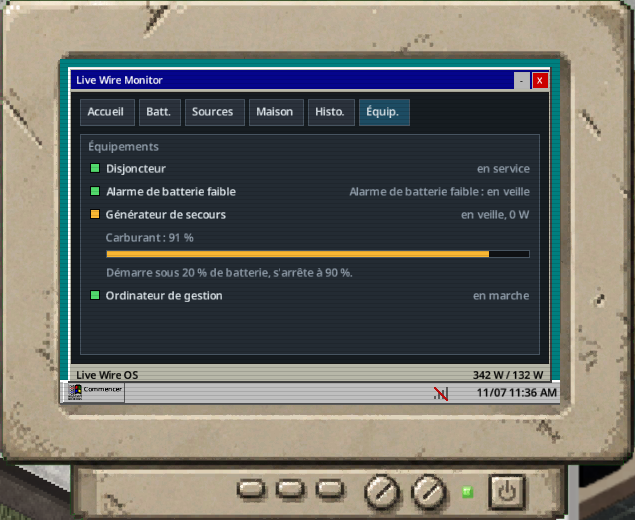
The inverter makes a hum, a sound of the mod, heard only one tile around a switched-on inverter (same floor).
- Each player sets its volume in Options > Mods > Live Wire (0 = off).
- Zombies hear the inverter within 2 tiles (sandbox
InverterNoiseRadius; 0 = silent).
The Soundproofing Kit (LiveWire.SoundproofKit, Electrical level 2) is fitted on the inverter with a screwdriver: Soundproof the inverter. Remove it with Remove the soundproofing (the kit is given back).
| Effect | Value |
|---|---|
| Hum | None |
| Zombies | No longer hear the inverter |
| Temperature and wear | The inverter runs warmer and wears 25 % faster |
| Look | Grey acoustic foam on the top, sides and back; "Soundproofed" when inspected and on the Status page |
The kit follows the inverter when it is picked up.
The inverter offers toggles for the load map (coloured appliance silhouettes) and wiring view (dashed across floors). Green loads are below 50 W, amber up to 300 W, red above; grey belongs to another inverter. The software adds paged consumers, the last 30 timestamped events, and a three-day production forecast when a management computer is powered. Forecasts include current panel orientation, dirt, snow, source condition and wind brakes; maintenance is assumed unchanged. Daily figures cover a full day, while reserve checking starts now. An estimate cannot guarantee weather, future maintenance or failures. Network names also appear on the LCD, inspections and low-battery warnings.
Left-click a nearby inverter to open its LCD, or a breaker to open its electrical board. Avoid aiming or using a construction cursor while clicking.
A power bank has its own LCD: usable charge, available kWh, usable capacity, cold reserve, occupied slots and excess batteries. Previous/next buttons show each battery's charge and condition. It works even when disconnected. Use the native inventory to move batteries. Press Connections to open the shared wiring window.
Show consumers colours the actual appliances, including lights: green below 50 W, orange through 300 W, red above; blue stopped or unpowered, grey another network. Hiding clears the colours. Exact watts remain in the software list.