Home
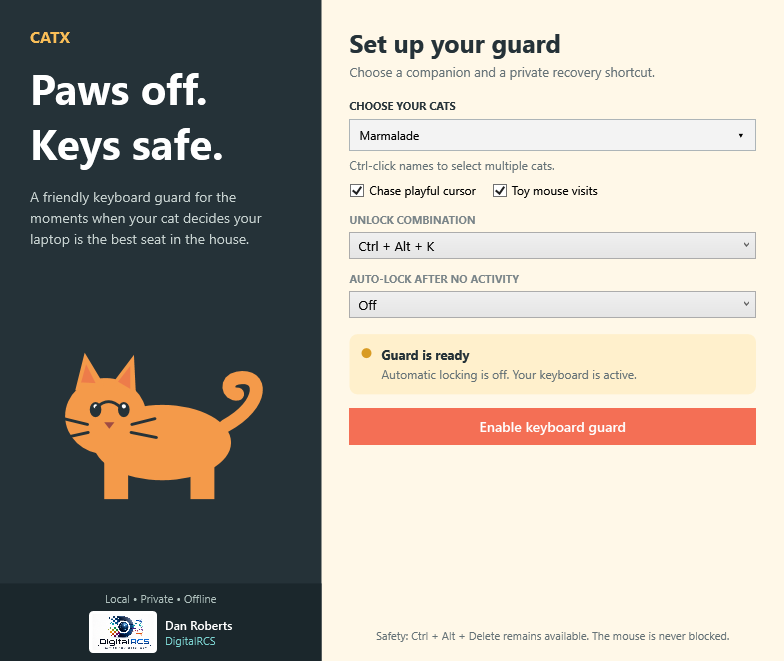
A friendly keyboard guard with a desktop full of character.
CatX keeps accidental paw presses out of your work while your chosen cats walk, groom, greet one another, and settle down for a nap. One playful mouse has its own mission: get the cheese home.
Download CatX · Quick start · Recovery help · Printable guide
| I want to… | Start here |
|---|---|
| Install CatX or use the portable build | Installation |
| Get protection running in a few minutes | Quick start |
| Understand the controls and tray icon | User guide |
| Pick several cats and learn their habits | Cats and behaviors |
| Watch the mouse collect cheese | Mouse and cheese |
| Restore typing or solve a problem | Safety and recovery · Troubleshooting |
| Learn what stays on my computer | Privacy |
| Build or contribute to CatX | Building from source |
Choose from 12 cat styles, with up to eight cats together. Mix illustrated and realistic cats using the simple multi-select dropdown.
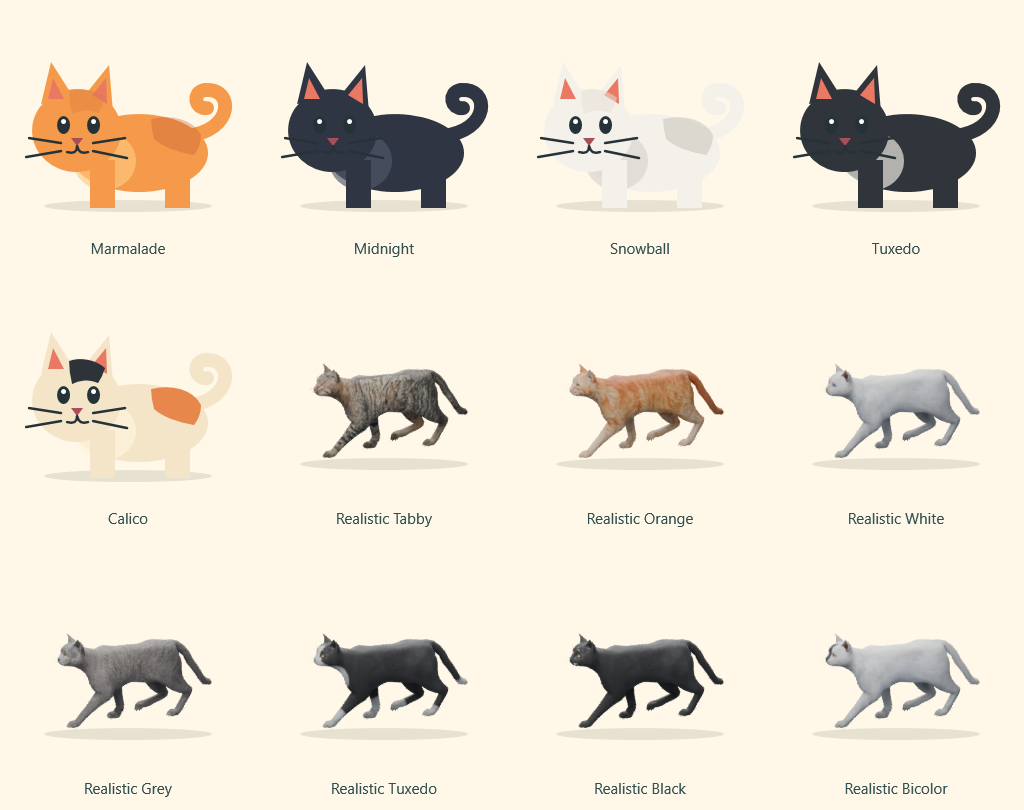
Local · Private · Offline — Windows 11 x64. No account, no telemetry, and no runtime Blender installation.
Test your selected recovery shortcut immediately after enabling the guard. The mouse remains usable; Disable guard with mouse restores typing.
This wiki describes CatX 1.4.0. See the changelog for version history.
Created by Dan Roberts · DigitalRCS.