Mouse and Cheese
Enable Toy mouse visits to add a shared mouse to the cats' world. There is one mouse for the group, regardless of how many cats you select.
- The mouse leaves its hole and heads for visible cheese.
- It picks up the cheese and carries it toward home.
- One randomly chosen eligible cat runs after it. Other cats continue their activities.
- The mouse tries to evade them. Some trips succeed; others end in a catch.
A successful delivery displays +1 cheese. A catch triggers a brief playful celebration before the next round.
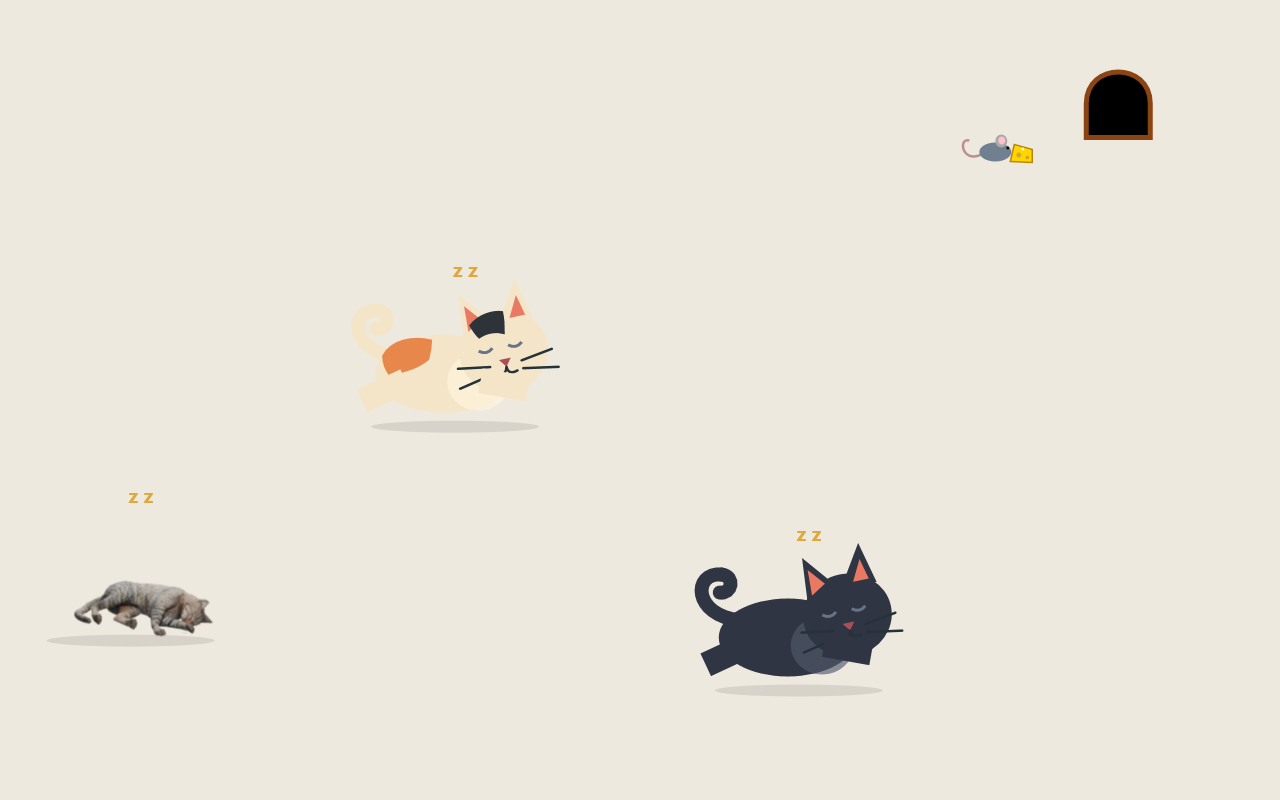
Staged scene using the actual application renderer.
The mouse travels across the screen to find cheese and changes course during a chase. Its evasiveness varies, giving both cats and mouse a chance to win. Its hole stays stationary during a trip.
Sleeping cats do not all abandon their naps for every visit. Let the scene run to see different combinations of roaming, sleeping, chasing, and deliveries.
In CatX 1.3.0, a mouse that hovers or stops making progress near cats for roughly 2.5 seconds chooses a committed escape route. Brief protection from recapture gives it time to get clear before normal chasing resumes.
After a catch, the winning cat can carry the mouse to an awake companion. A For you! label marks the visit, both cats show hearts, and the recipient eats the mouse with a non-graphic Yum! animation. That mouse does not escape; a new visit starts later.
Deliveries have no fixed time limit. Both cats stay on task until the handoff completes, even across a wide screen. If the carrier stops making progress for three seconds, or the recipient disappears, the incomplete delivery releases the mouse so the scene keeps moving.
You can switch Toy mouse visits on or off while the cats are active. Chase playful cursor is a separate option, so either behavior can be enabled on its own.
Select at least one cat and enable the keyboard guard to see the scene.
Next: Cats and behaviors · Troubleshooting