Repository navigation
Screenshots
These are actual public application screenshots captured on 3 October 2026 with empty forms and no signed-in customer account. They illustrate controls, not successful completion of a signing or verification operation. Interface appearance may vary by screen size or deployment.
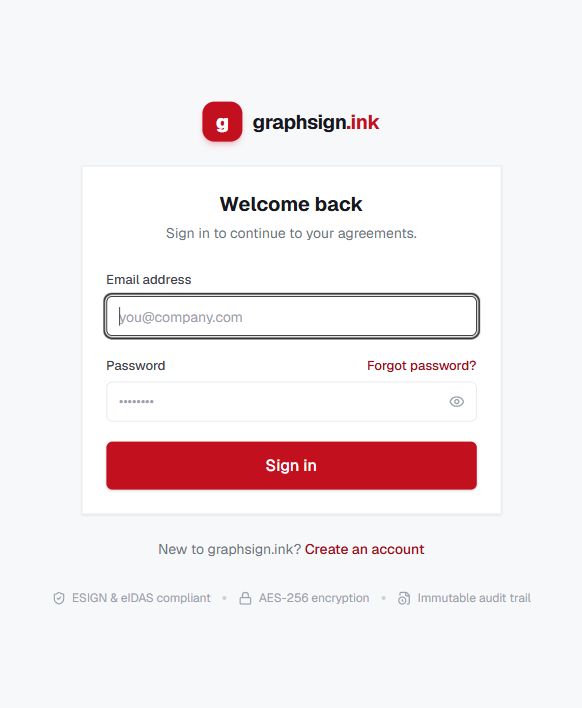
Enter your own email and password, or use password recovery. See Getting Started.
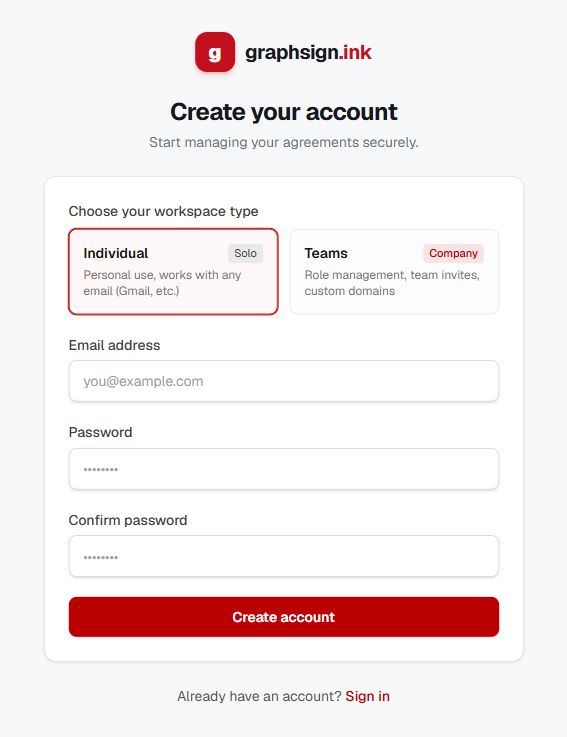
Choose Individual for personal use or Teams for company collaboration. See Organization and Tenancy.
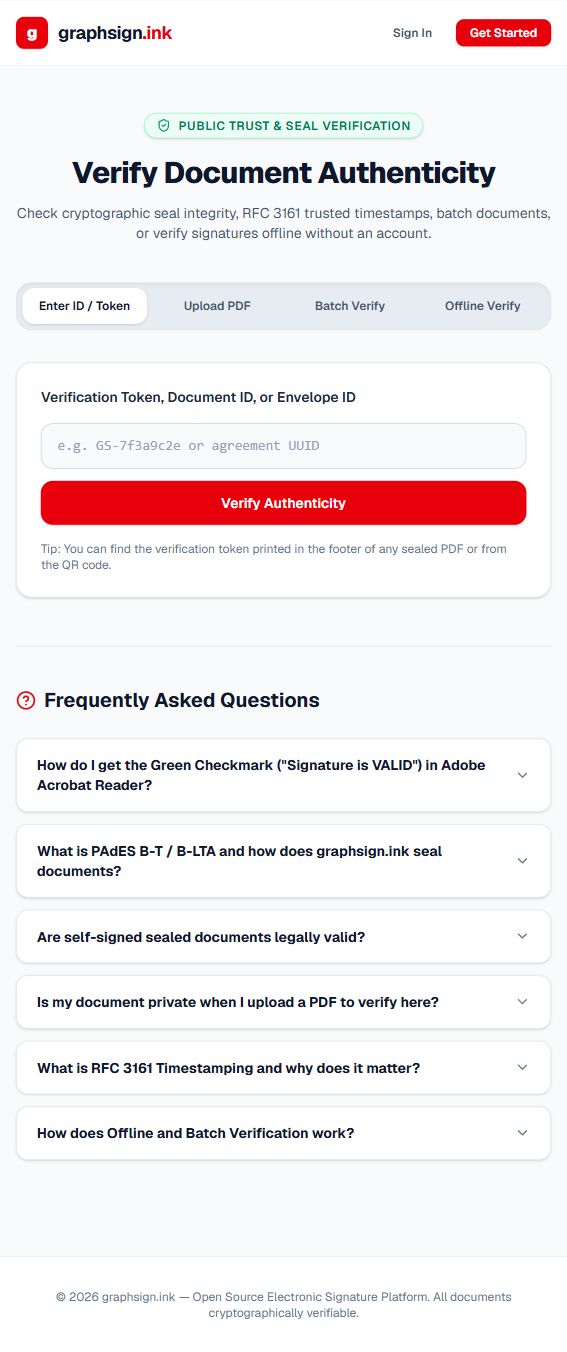
Choose the mode appropriate to the evidence you have. Read the result carefully; visible options do not imply every validation succeeds. See Cryptographic Signing and Verification.
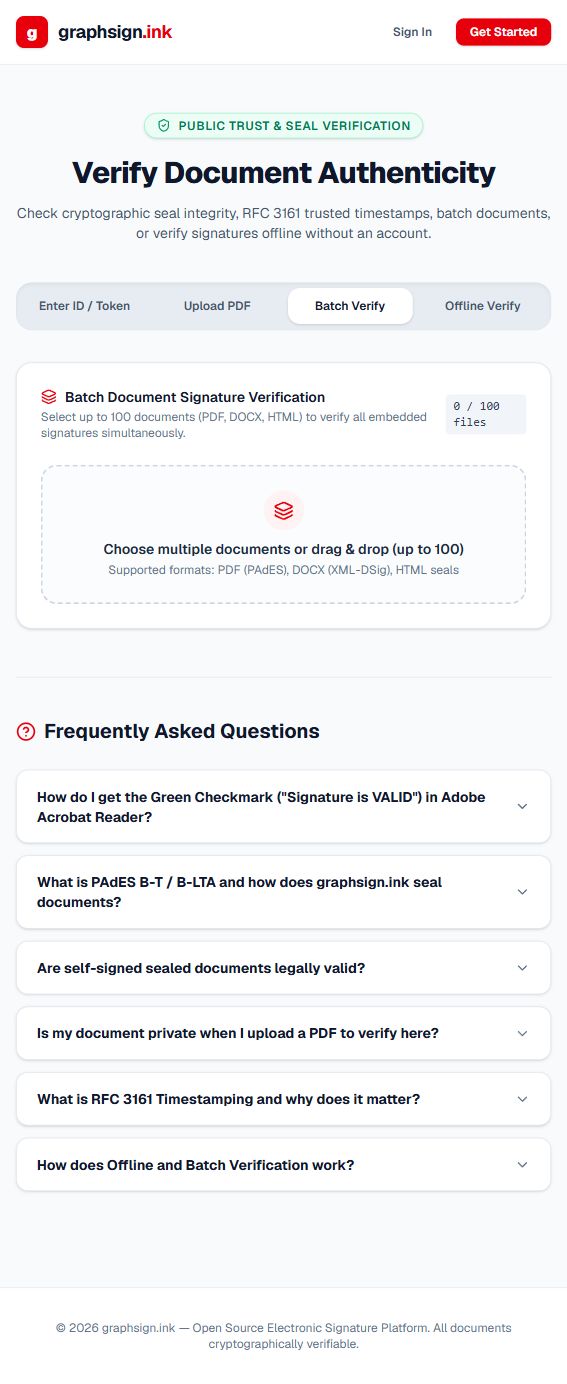
The page lets you choose up to 100 documents for a batch. Actual supported proof formats depend on validation services.
Authenticated editor, dashboard, and signer-result screenshots are not included because no safe demonstration account and sample signing workflow were supplied. Their instructions were checked against the local source. Future screenshots should use a dedicated demonstration workspace with synthetic documents and must exclude private signing links, email addresses, MFA secrets, certificate keys, and webhook secrets.