Repository navigation
Schedules and Notifications
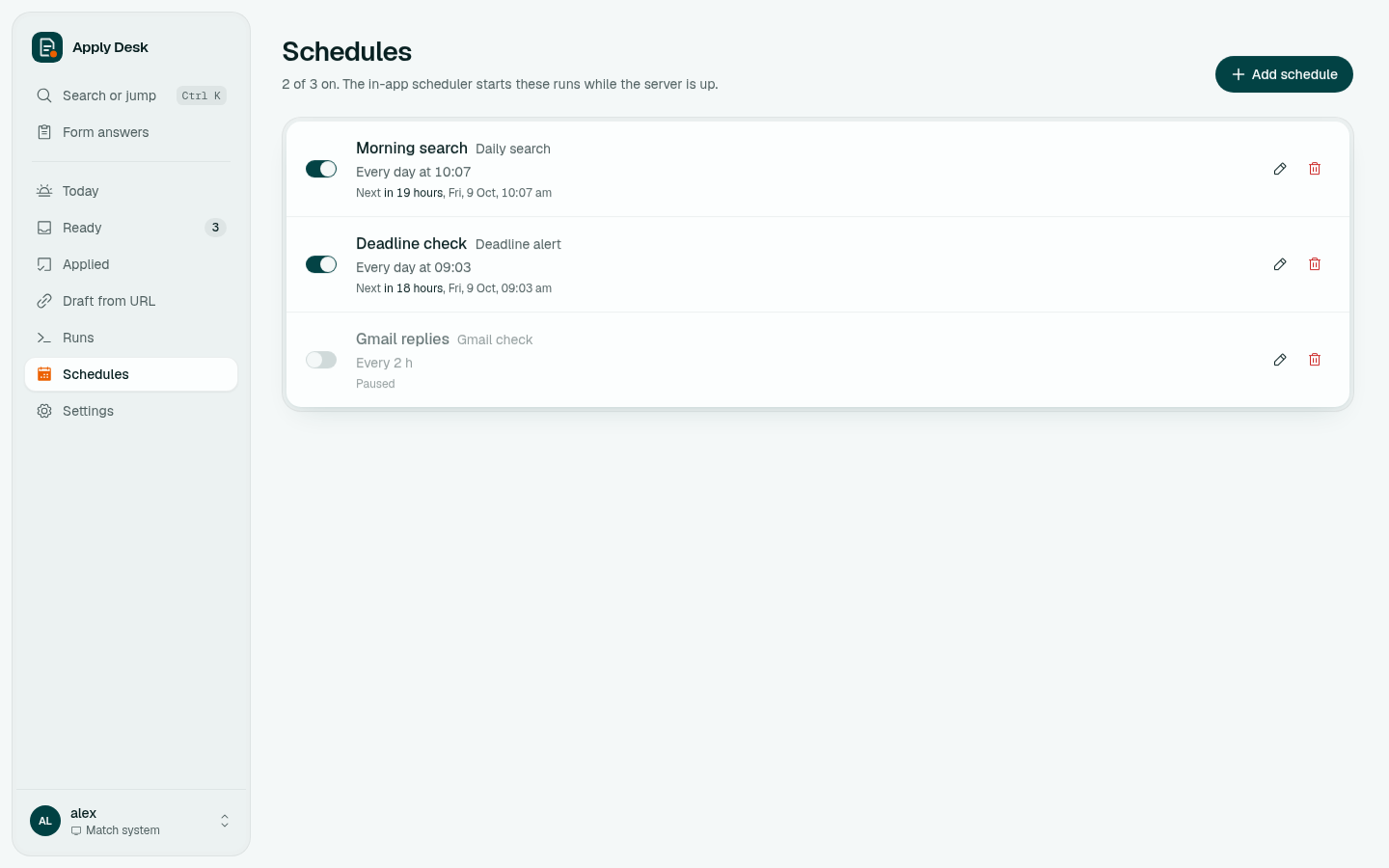
The app has its own scheduler; it runs while the server is up. No cron needed.
| Default schedule | Task | When |
|---|---|---|
| Morning search | Daily search | every day at 10:07 |
| Deadline check | Deadline alert | every day at 09:03 |
| Gmail replies | Gmail check | every 2 hours (off until Gmail is set up) |
On the Schedules page you can add, edit, pause or delete schedules. A schedule is either daily at a time (every day, or only the weekdays you pick) or an interval (every 15 minutes or more). If a task is already running, the slot is skipped rather than queued twice.
Times use the server's timezone (TZ; in Docker set it in app/.env).
Apply Desk can push to your phone through ntfy, with no account:
- Settings → Phone notifications: turn on Send notifications. A long random topic name is generated for you.
- Install the ntfy app (Android, iOS) and subscribe to that topic.
- Click Send test notification.
You get a push when:
- the daily search has new drafts ready (or drafts that need review)
- a Draft from URL finishes
- an application closes within 3 days (deadline check)
- the Gmail check finds new replies; offers are listed first
ntfy topics are public: anyone who knows the name can read the messages. Keep the long generated name.