en insight guide
LangBot is an open-source, production-grade, LLM-native instant messaging bot platform. It connects large language models — OpenAI, Anthropic, Gemini, DeepSeek and more — and Agent platforms like Dify, Coze and n8n to mainstream messaging platforms including Discord, Telegram, Slack, QQ, WeChat, WeCom, Lark and DingTalk. With built-in Agent, RAG knowledge base, MCP, Skills and a code sandbox, plus an out-of-the-box web management panel, you can get your AI bot online in minutes — no hand-written config files required.
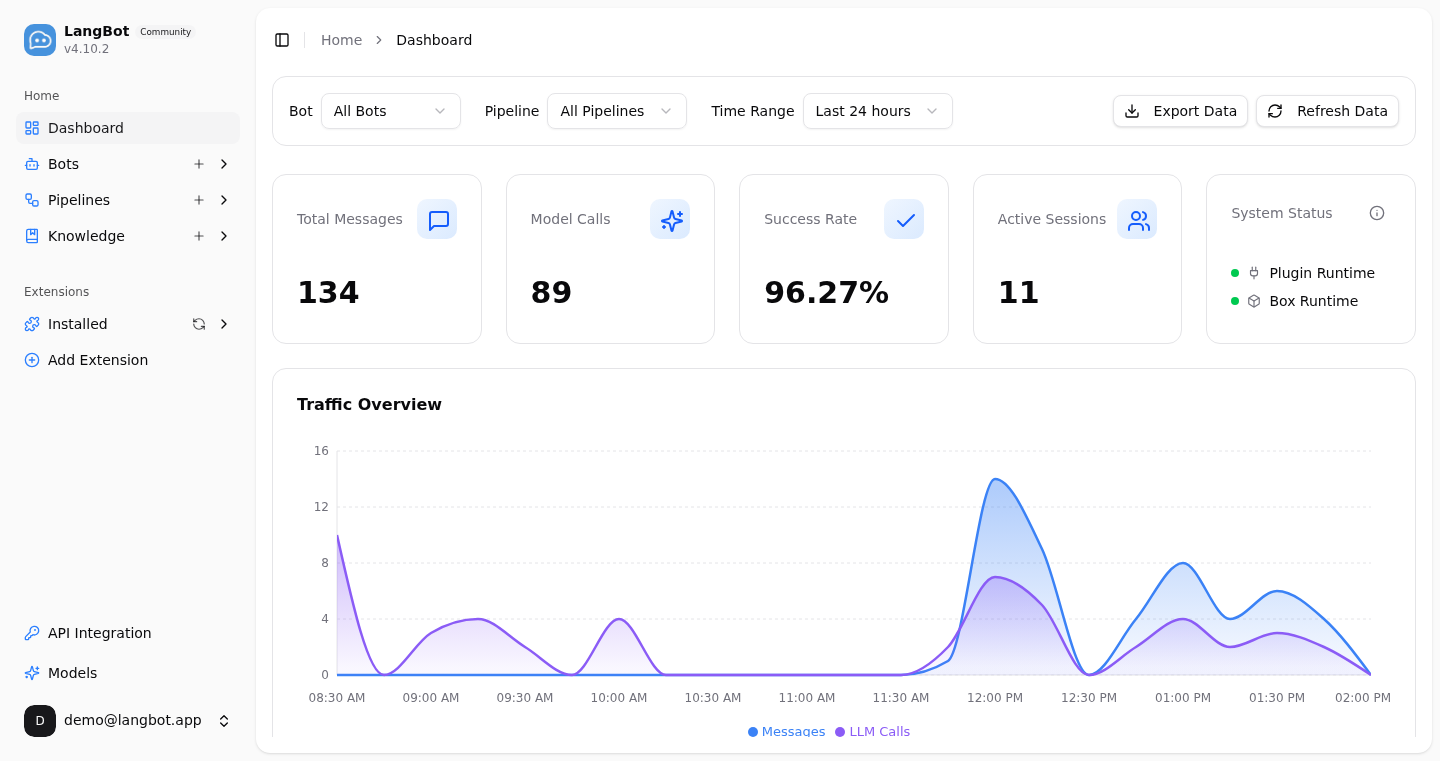
- AI customer service / enterprise assistant: deploy a knowledge-base-backed AI agent to Slack, Discord, Lark, WeCom or DingTalk to answer customer and employee questions automatically.
- Community operations: provide AI-powered Q&A, content moderation and interaction in Discord, Telegram and QQ groups.
- Workflow integration: plug your existing Dify / n8n / Coze workflows straight into chat platforms — no need to rewrite business logic.
- Multi-platform reach: one bot covers every platform, managed centrally from a unified panel.
The documentation is divided into the following sections:
- Deployment and Usage (Must Read): Detailed steps for deploying and using LangBot
- Plugins: Information related to plugin usage and development
- Practice: Many excellent use cases for LangBot
- Development: Information related to participating in LangBot development
Tip
Don't want to self-host? Try LangBot Cloud — get started instantly with zero infrastructure. Just sign up, pay, and go.
Two ways to get started quickly:
- Use the simplified tutorial from community resources (see left sidebar)
- Read the documentation to deploy it yourself (method described below)
Read the Deploy LangBot section on the left and choose a method to deploy LangBot
After deployment, open http://127.0.0.1:5300 or http://your-server-public-ip:5300
Complete the initialization by entering an email and password, and make sure to save them
Check Configure Bots in the left sidebar
Check Configure Dialogue Models in the left sidebar
After completing the above two steps, you can start using LangBot. If you need to configure more features, you can set them in the Pipeline section