en plugin dev publish github
You can upload your plugin to GitHub, create a Release for the repository, and upload the .lbpkg file, allowing other users to install it in LangBot.
Execute the following command in the plugin directory:
lbp buildThis will generate a .lbpkg file in the dist directory.
Upload your plugin to GitHub, then go to the Release page of your plugin repository, click to create a Release, and upload the .lbpkg file you just built.
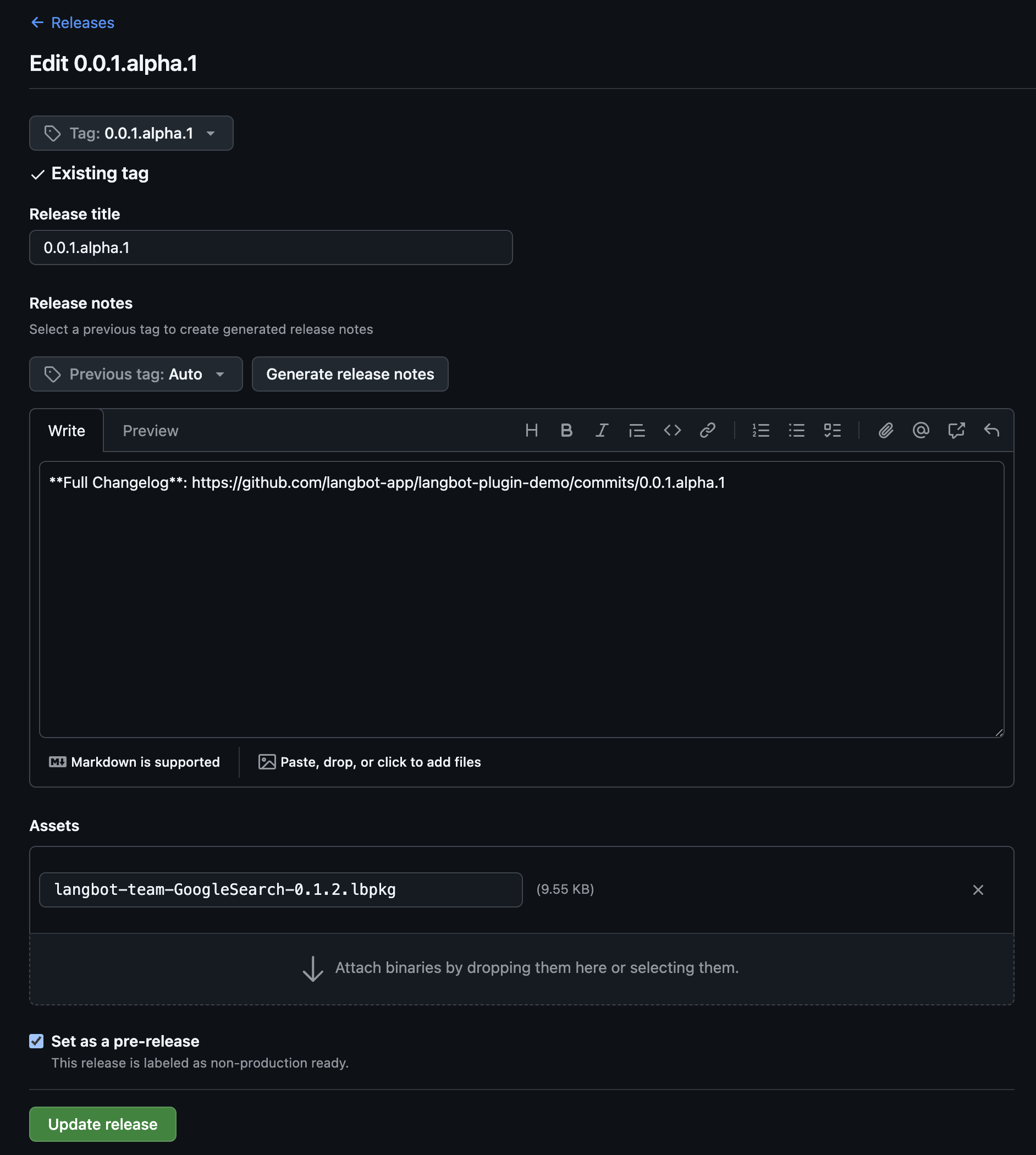
Plugins created by lbp init come with a built-in GitHub Actions workflow (.github/workflows/release.yml), so you don't have to build and upload manually.
After pushing your plugin repository to GitHub, whenever you bump the version field in manifest.yaml and push to the main or master branch, the workflow will automatically:
- Install the
lbpCLI and runlbp buildto package the plugin; - Create a GitHub Release tagged
v<version>and upload the generated.lbpkgfile.
If a Release for that version already exists, the workflow skips it to avoid duplicate publishing. You can also trigger it manually from the repository's Actions page (workflow_dispatch).
Note
The workflow relies on the repository's default GITHUB_TOKEN and requires the contents: write permission (already declared in the template). Make sure Actions is enabled for the repository, and that the metadata.author, metadata.name, and metadata.version fields in manifest.yaml are correct — the Release name and artifact filename are composed from these fields (<author>-<name>-<version>.lbpkg).
In LangBot's plugin management page, click the top-right corner to select the GitHub installation method.