en usage pipelines n8n
n8n is an open-source workflow automation platform that allows you to create, schedule, and execute various automated tasks.
LangBot currently supports triggering workflows and receiving responses through the Webhook node in n8n workflows.
Please open the configuration page of an existing pipeline or create a new pipeline (recommended) and open the configuration page. Select n8n Workflow API as the runner in AI.
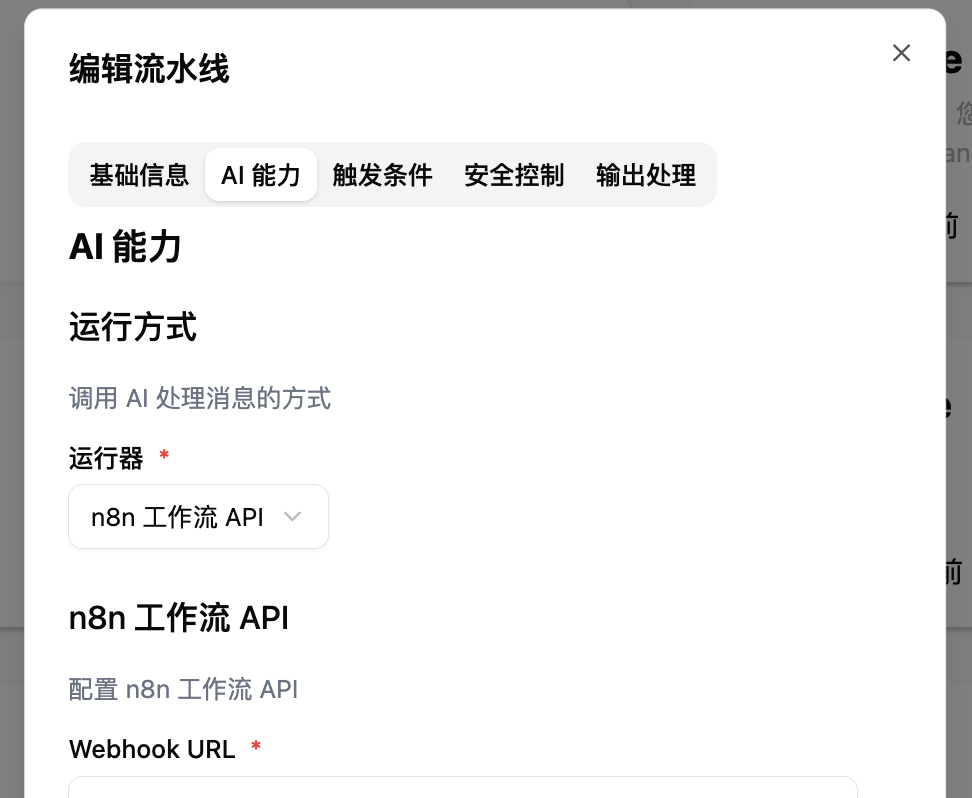
Then configure and fill in the other settings according to the content below.
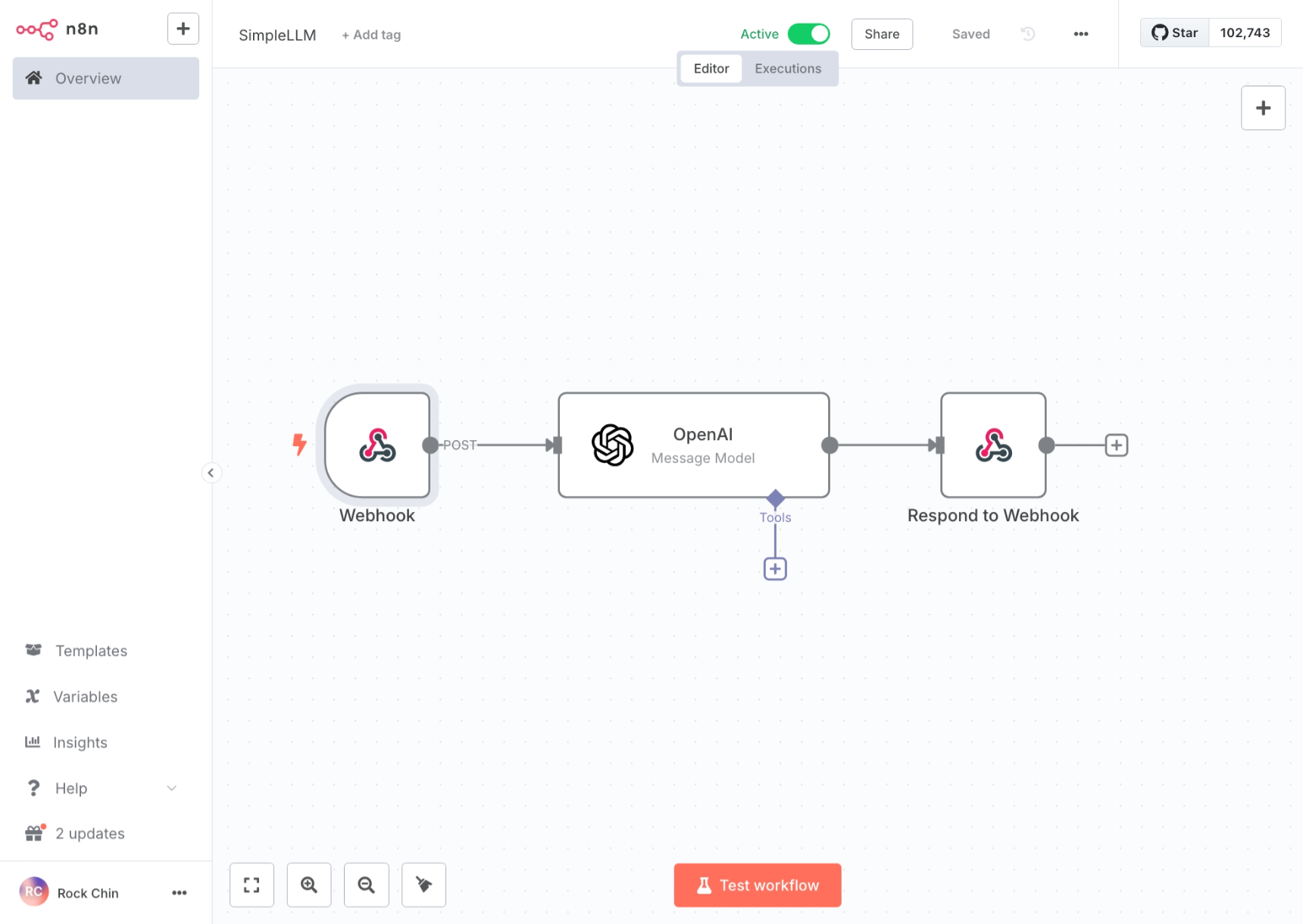 or
or
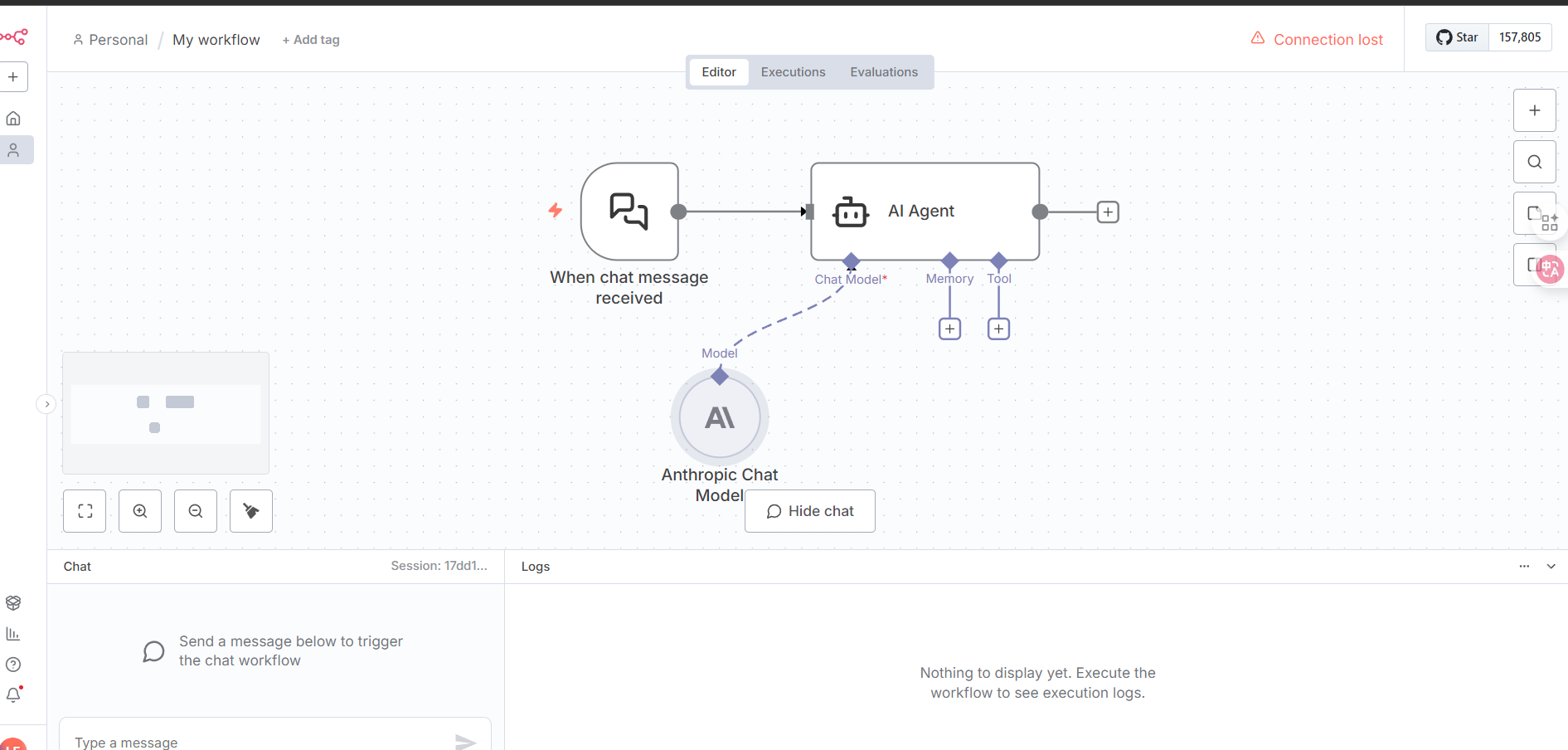
Select Webhook or On chat message as the trigger and configure as follows:
- Webhook:
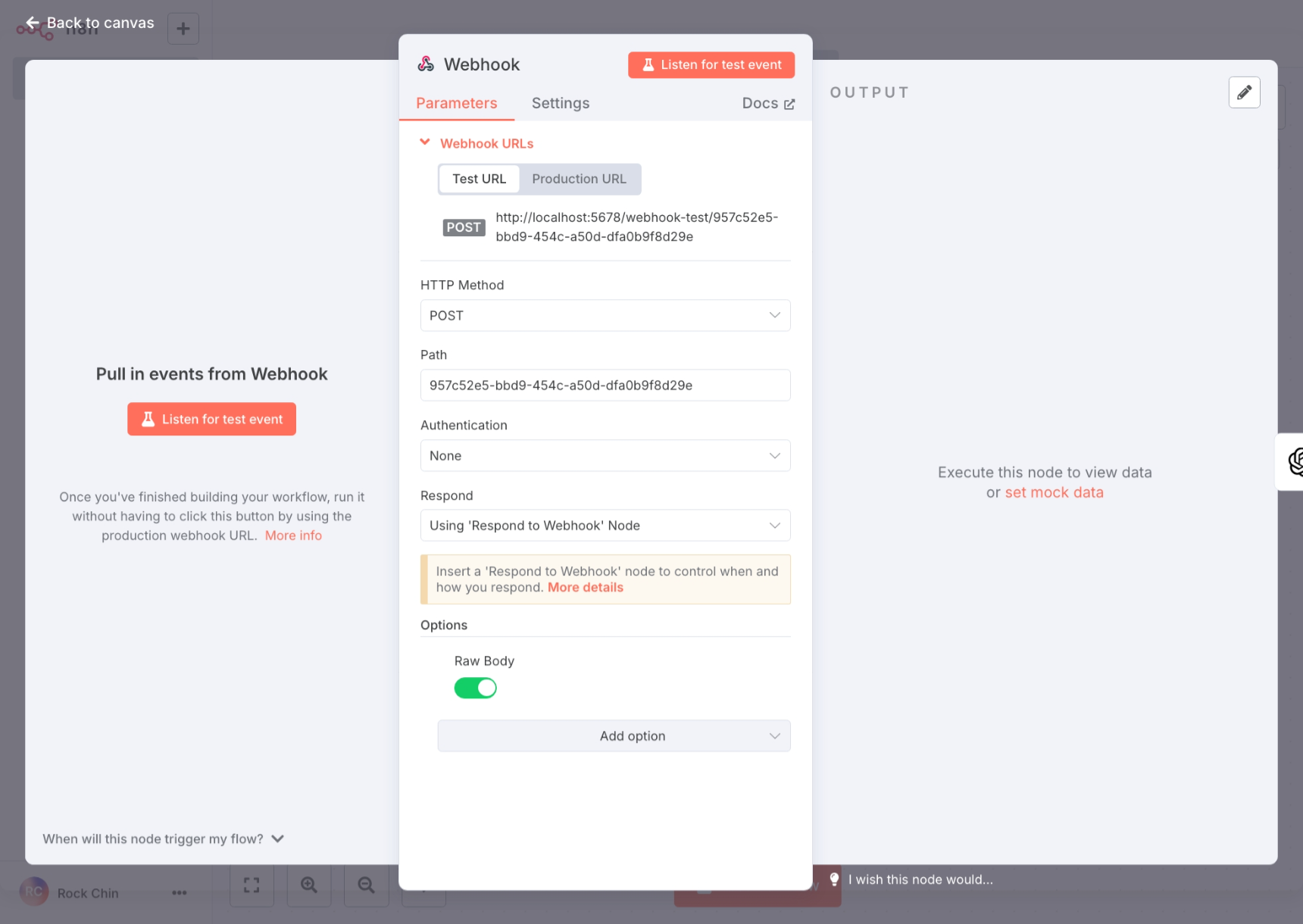
- On chat message:
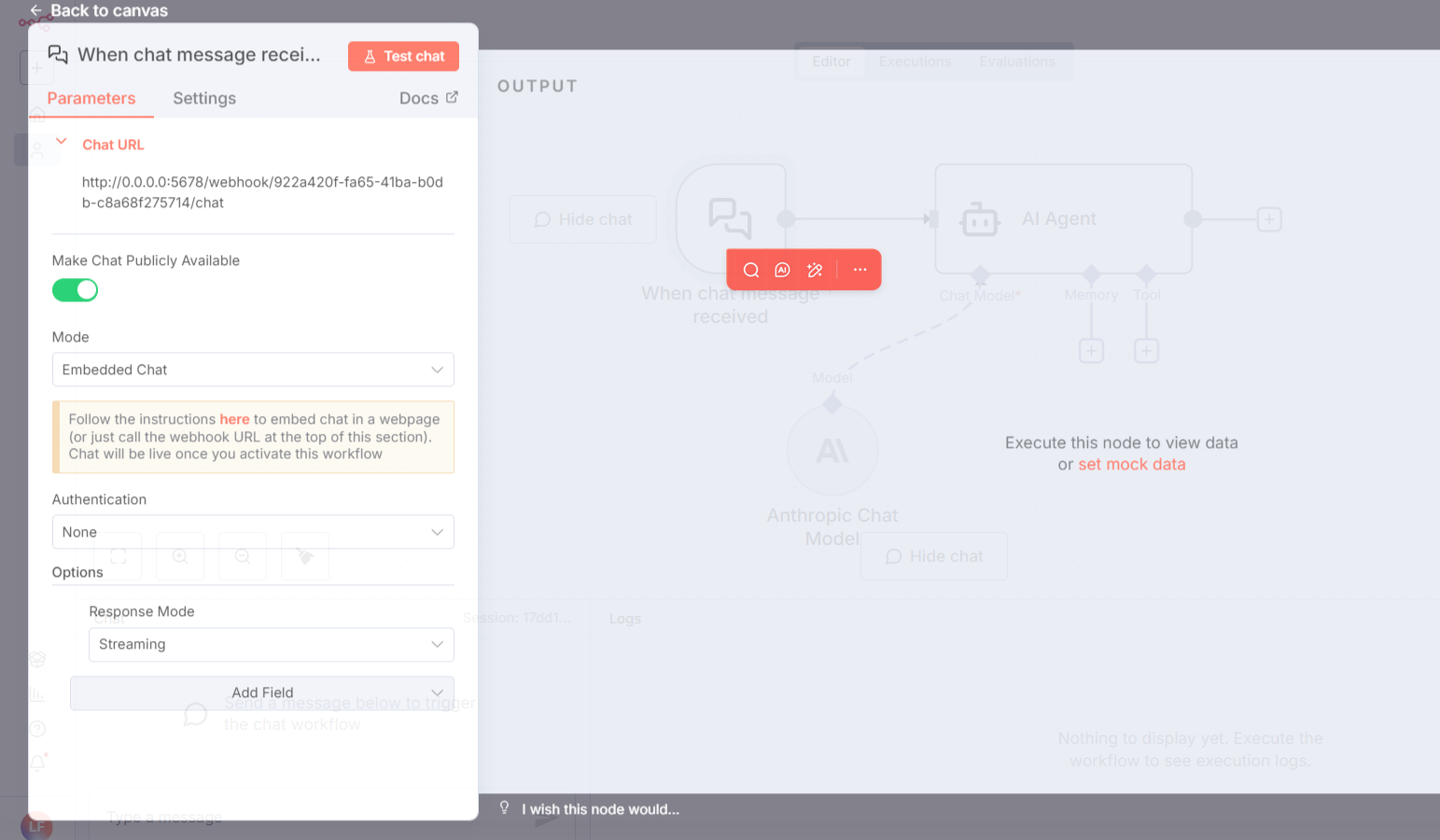
Note
If you need streaming responses, set Response Mode to Streaming.
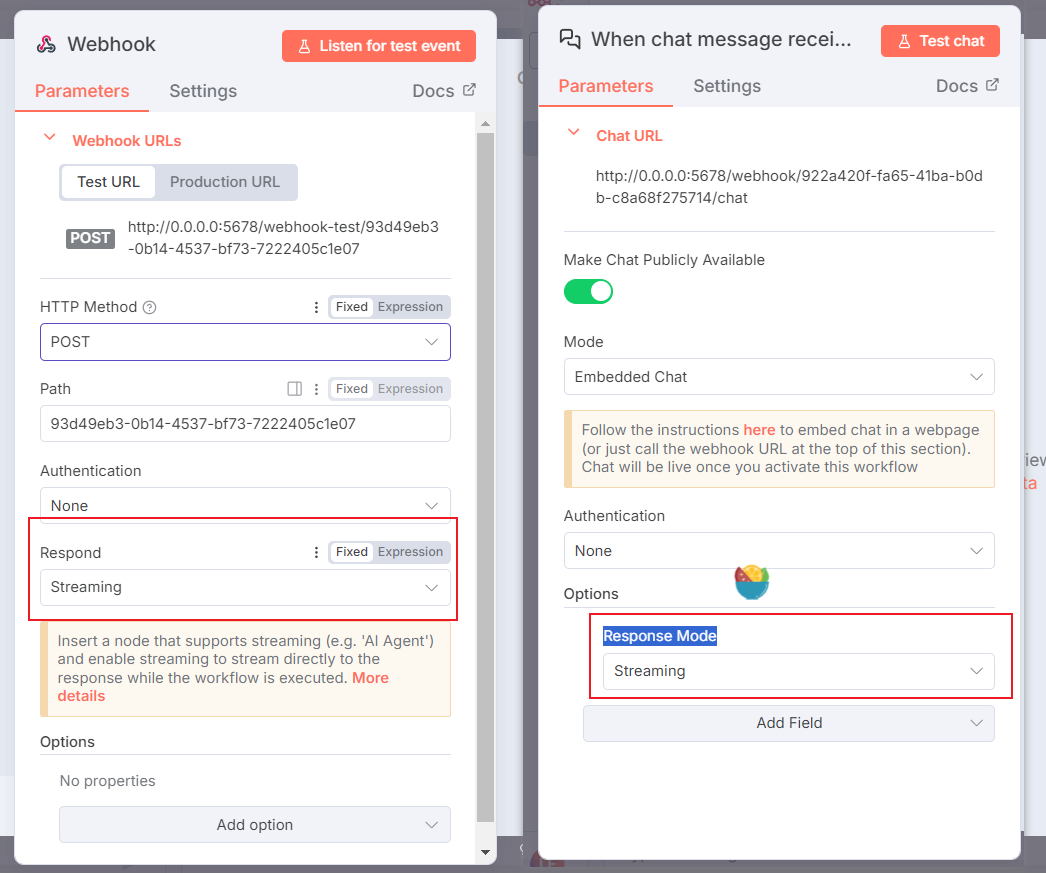
Note
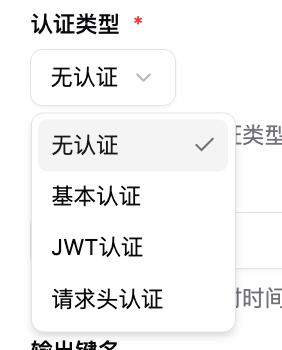
Authentication corresponds to the authentication methods in LangBot's pipeline configuration, which you can modify as needed.
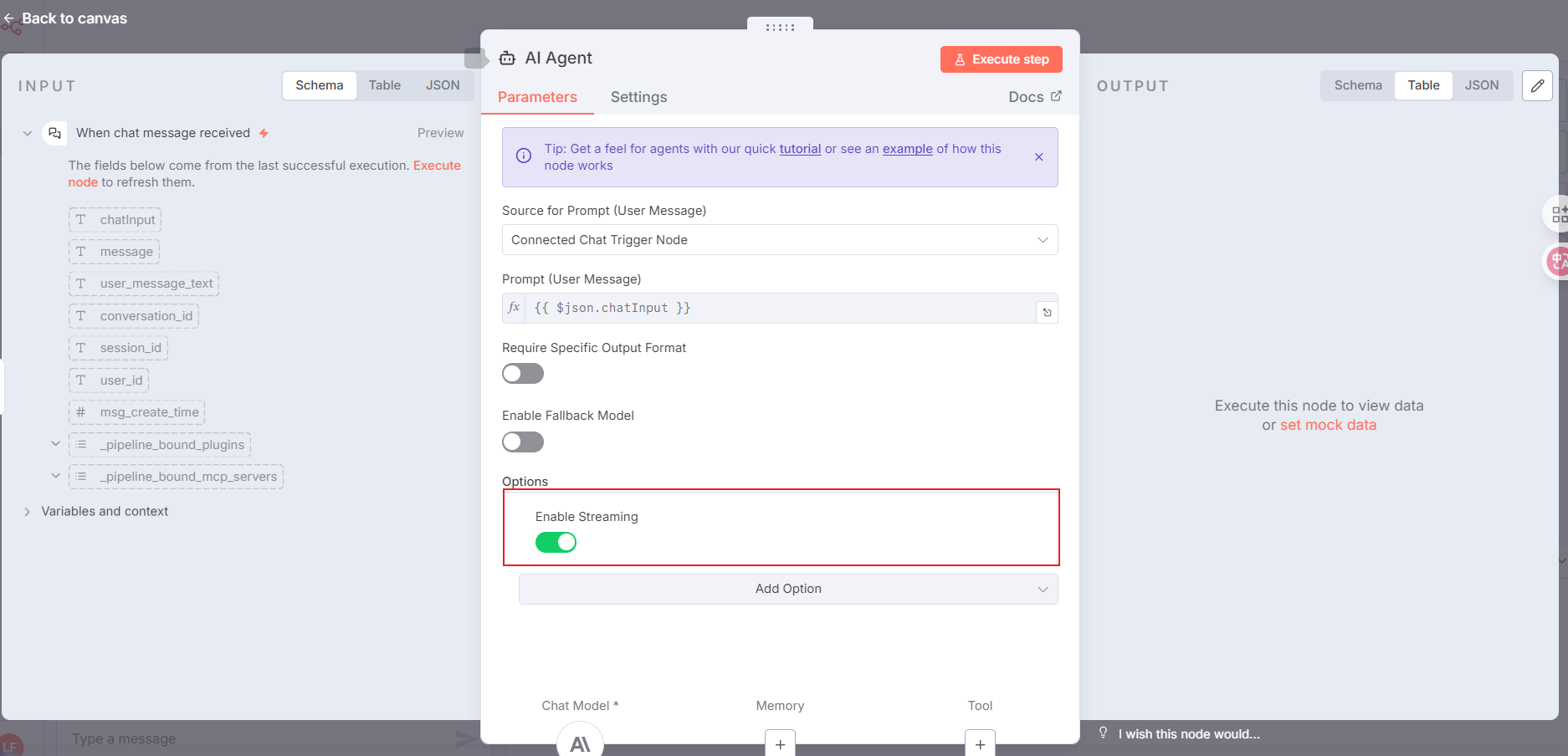
Configure the node that calls the AI model as AI Agent, following the setup below:
For streaming responses, add the items highlighted in the red box. If you don't need streaming, you can skip this.
For the workflow response content in n8n, please use the Respond to Webhook node and configure it according to the image below (if you choose streaming responses with the AI Agent node, you do not need this step):
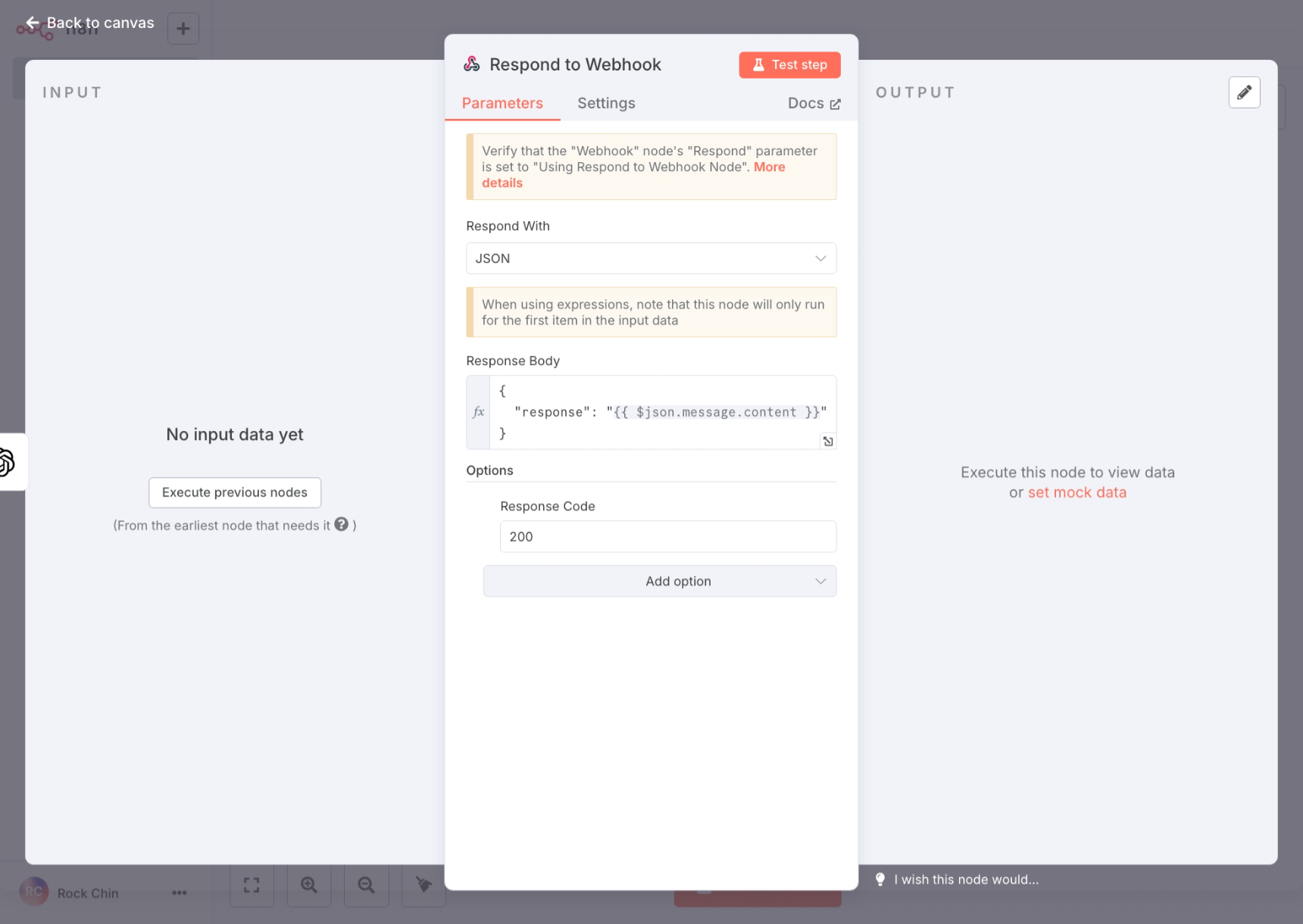
The response content key name in Response Body needs to match the output key name in LangBot's pipeline configuration.
After completing the n8n workflow configuration, please click Active at the top to enable the workflow.