en usage platforms qq aiocqhttp lagrange
Lagrange is a QQNT protocol reverse engineering framework that is lightweight and relatively stable. Connect through the OneBot 11 protocol, you need to select OneBot v11 as the adapter.
Warning
You need to use NT QQ to interact with the bot, old versions of QQ will not work properly
The following only provides general steps for Windows, for detailed steps or other platforms, please refer to the Lagrange official documentation
Install .NET 8 runtime, Click here to go directly to Microsoft's official website to download
You need to log in to Github to download. If you don't need certain features, you can download from Release, see image 3
Follow the images to download:
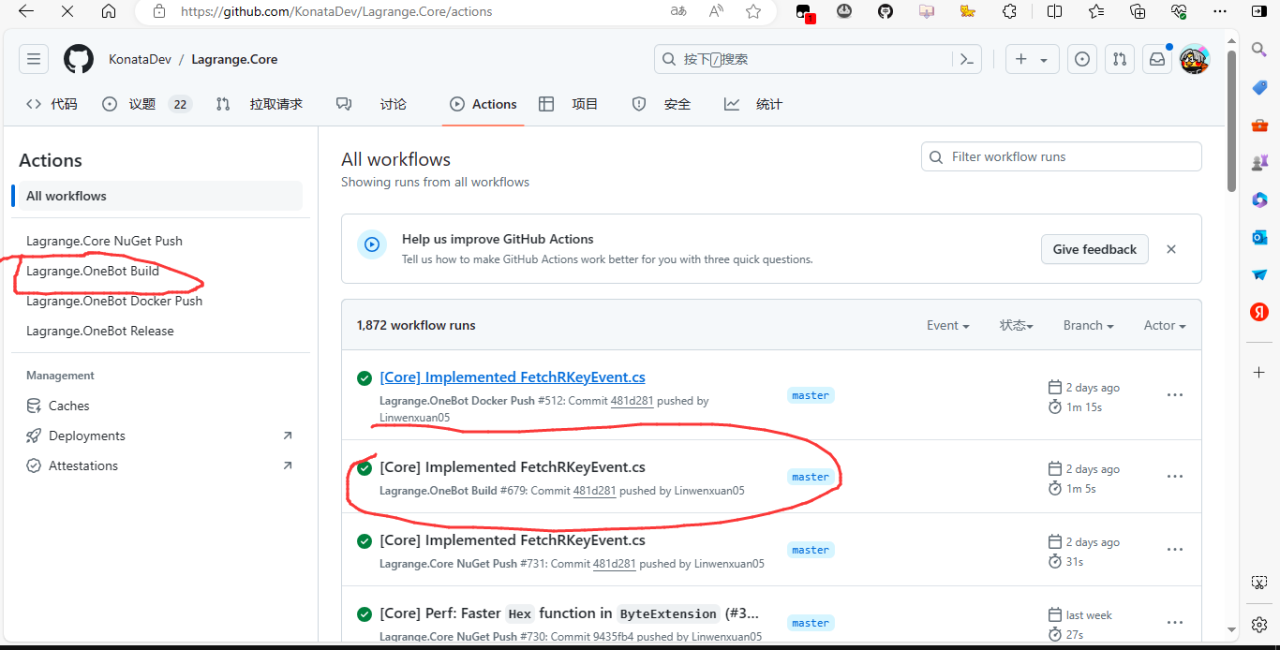
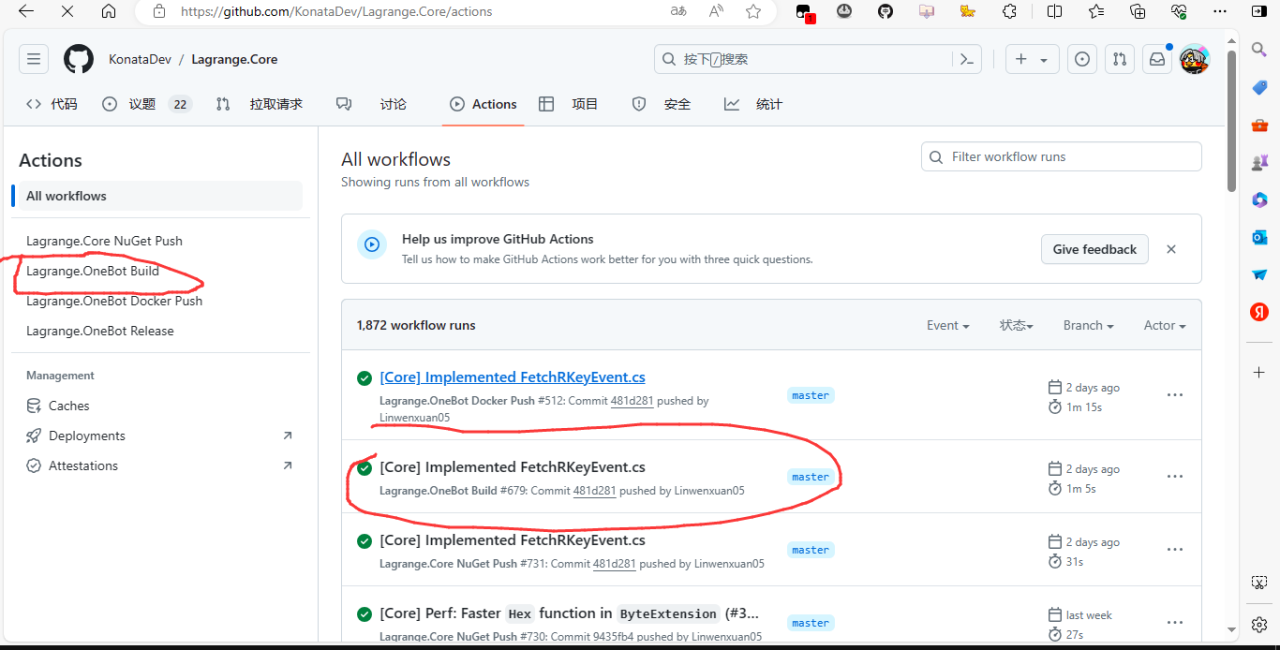
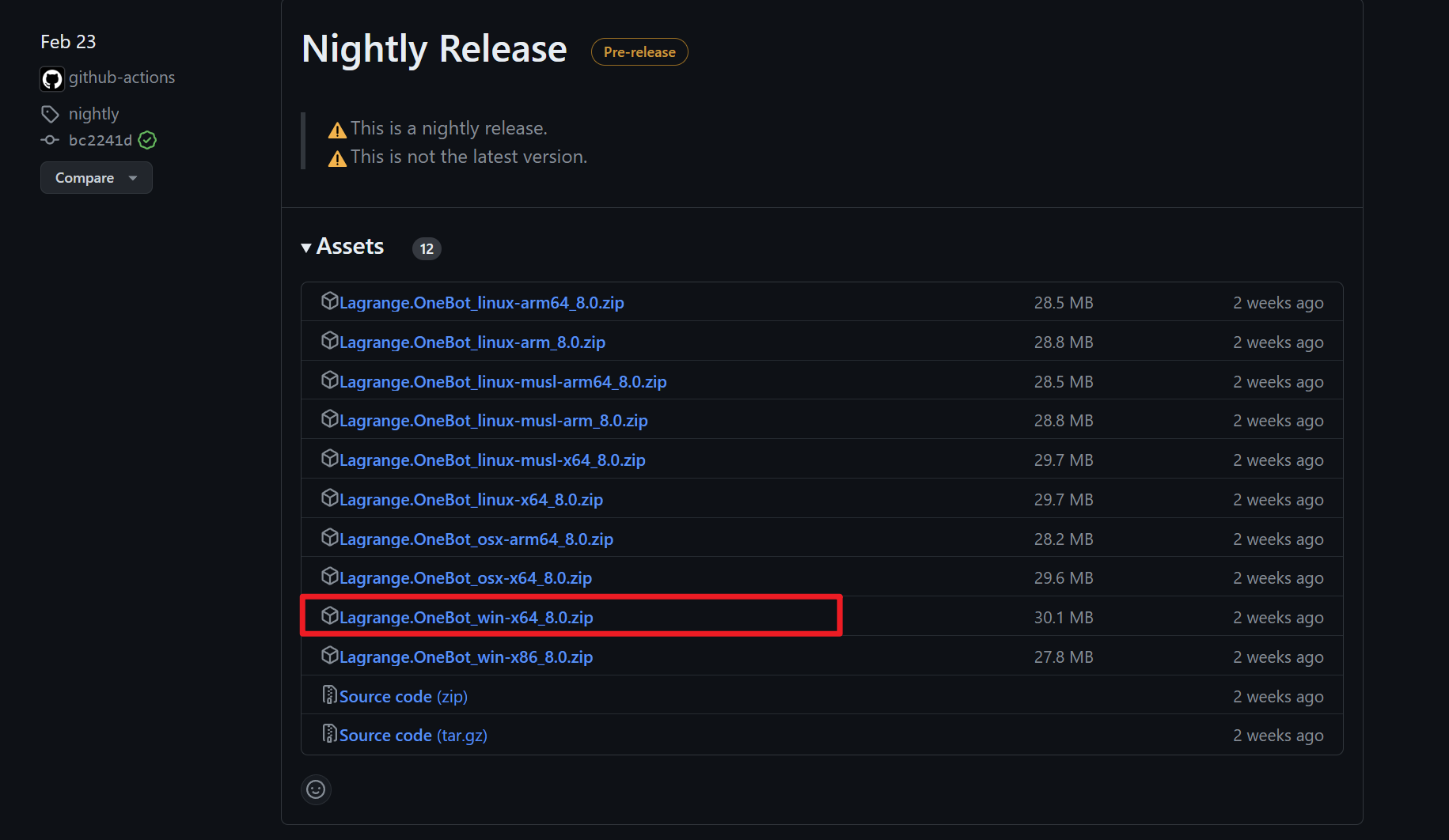
Extract the zip you downloaded, navigate to the directory containing Lagrange.OneBot.exe, open a cmd command prompt in this directory, and enter
.\Lagrange.OneBotRun it once, if a QR code is output, you can directly scan it with the bot account to log in (if the QR code is not clear, you can look for the image file in the lagrange data directory).
If you cannot log in, please check if you have correctly filled in the signature address SignServerUrl in the lagrange configuration file appsettings.json. Please look for the signature address in the lagrange documentation.
You need to configure Lagrange to connect to LangBot. Please edit Lagrange's configuration file appsettings.json and ensure that the connection configuration in Implementations matches the content in the image below:
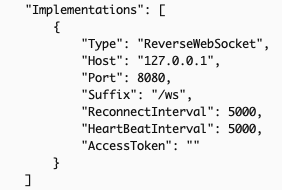
The Type must be ReverseWebSocket;
Host is the IP of the host running LangBot, if on the same host, you can write 127.0.0.1;
Suffix must be /ws;
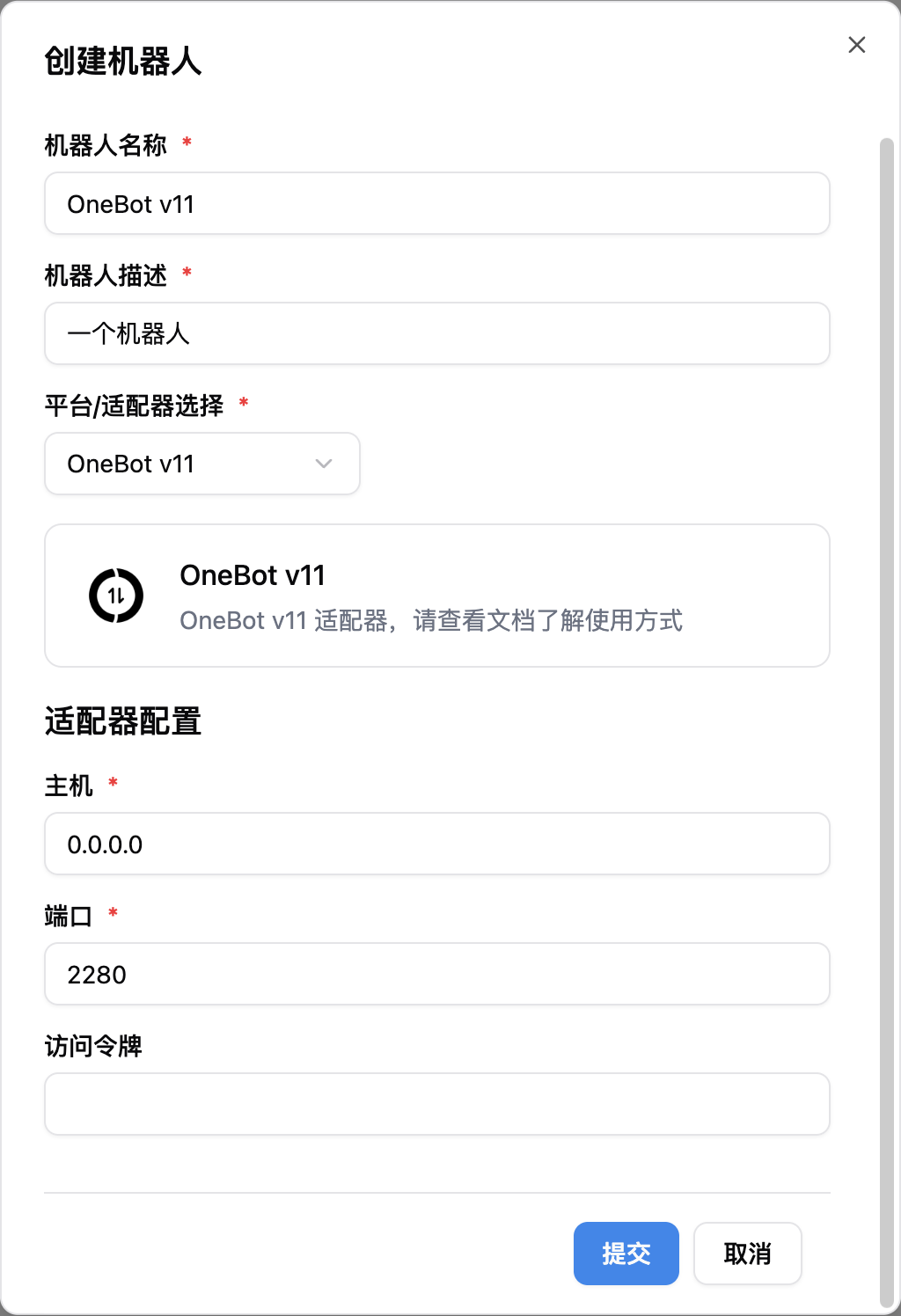
Next, open the LangBot configuration page
Click on Bots, then click Add
Select OneBot v11 for Platform/Adapter Selection
Note
Note, if you have network connection issues involving multiple docker containers, please refer to Network Configuration Details