-
Notifications
You must be signed in to change notification settings - Fork 1.5k
zh usage platforms satori llonebot
langbot-wiki-sync[bot] edited this page Jul 29, 2026
·
1 revision
通过 Satori 协议接入,需选择使用Satori作为适配器。
- LuckyLillia 安装客户端以使用Satori协议
安装LuckyLillia的教程:https://luckylillia.com/guide/choice_install

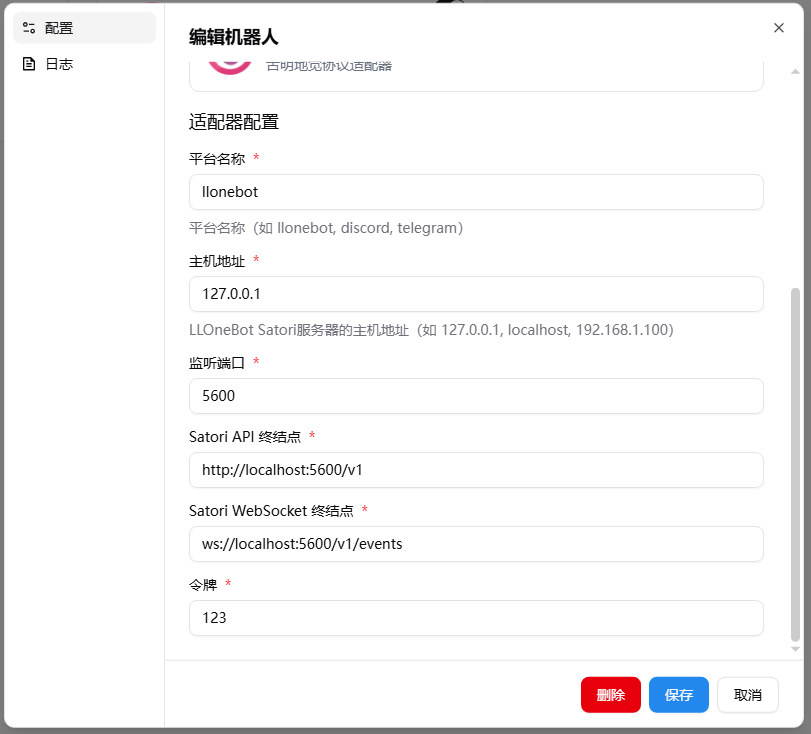
确保地址中 IP地址 是 LangBot 运行的主机的地址(若在同一网络内运行则为 127.0.0.1) 默认端口 5600 可以根据需要更改 推荐设置令牌
该图为公网配置确保地址中 IP地址 是 LangBot 运行的主机的地址 此时配置需要暴露langbot的该端口

接下来打开 LangBot 配置页面
点击机器人,点击添加
平台/适配器选择为Satori
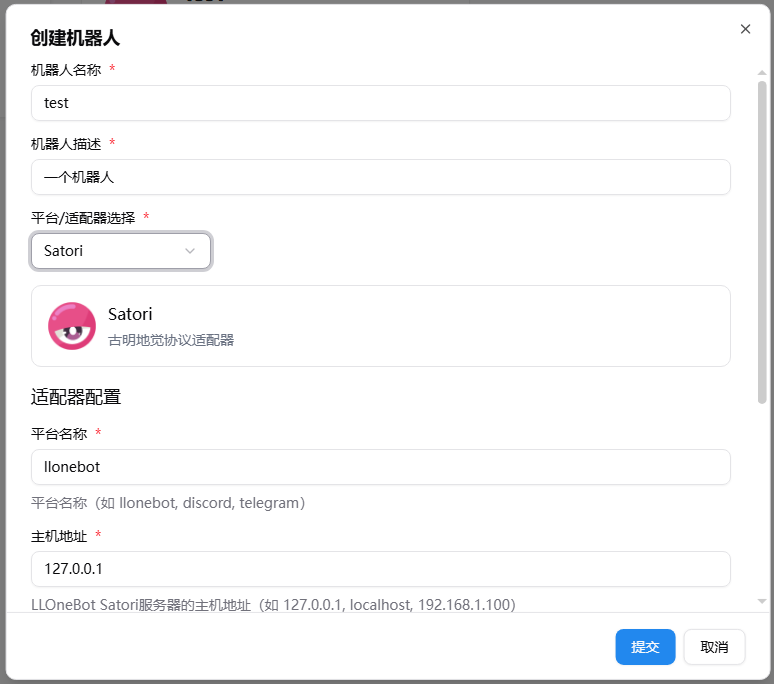
如果你使用默认配置(内网)你甚至不用修改任何参数
创建好后你仍然可以调整参数
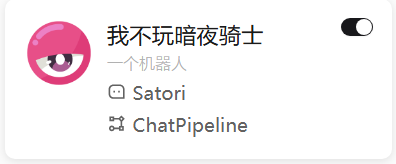
确保你启用了本适配器
Note
注意,如果涉及多个 docker 容器的网络连接问题,请参考 网络配置详解
Automatically synchronized from langbot-app/langbot-wiki.
简体中文
指南
开发者
- 插件开发
- 插件 SDK API
- 核心开发
API 参考
- Service API
English
Guides
Developers
-
Plugin Development
- Plugin Development Tutorial
- Completing Plugin Configuration Information
- Plugin Directory Structure
- Component Development
- Code Style Guide
- Migration Guide
- Publish Plugin
- Plugin SDK API
- Core Development
API Reference
- Service API