Addon Feature Setup
This directory contains possible addons for your MMU setup that have support shipped with Happy Hare


 EREC Filament Cutter
An addon used to control filament cutting at the MMU rather than the toolhead

MMU: ERCFv2 (but many variants exist and this will work with any servo controlled MMU filament cutter)
Printer: Any
https://github.com/kevinakasam/ERCF_Filament_Cutter
- Add
[include mmu/addons/mmu_erec_cutter.cfg]to yourprinter.cfg - Edit
mmu_erec_cutter.cfgandmmu_erec_cutter_hw.cfgto work with your setup - In
mmu_macro_vars.cfgsetvariable_user_post_unload_extension : "EREC_CUTTER_ACTION"
An addon used to create purge blobs instead of using a wipe tower
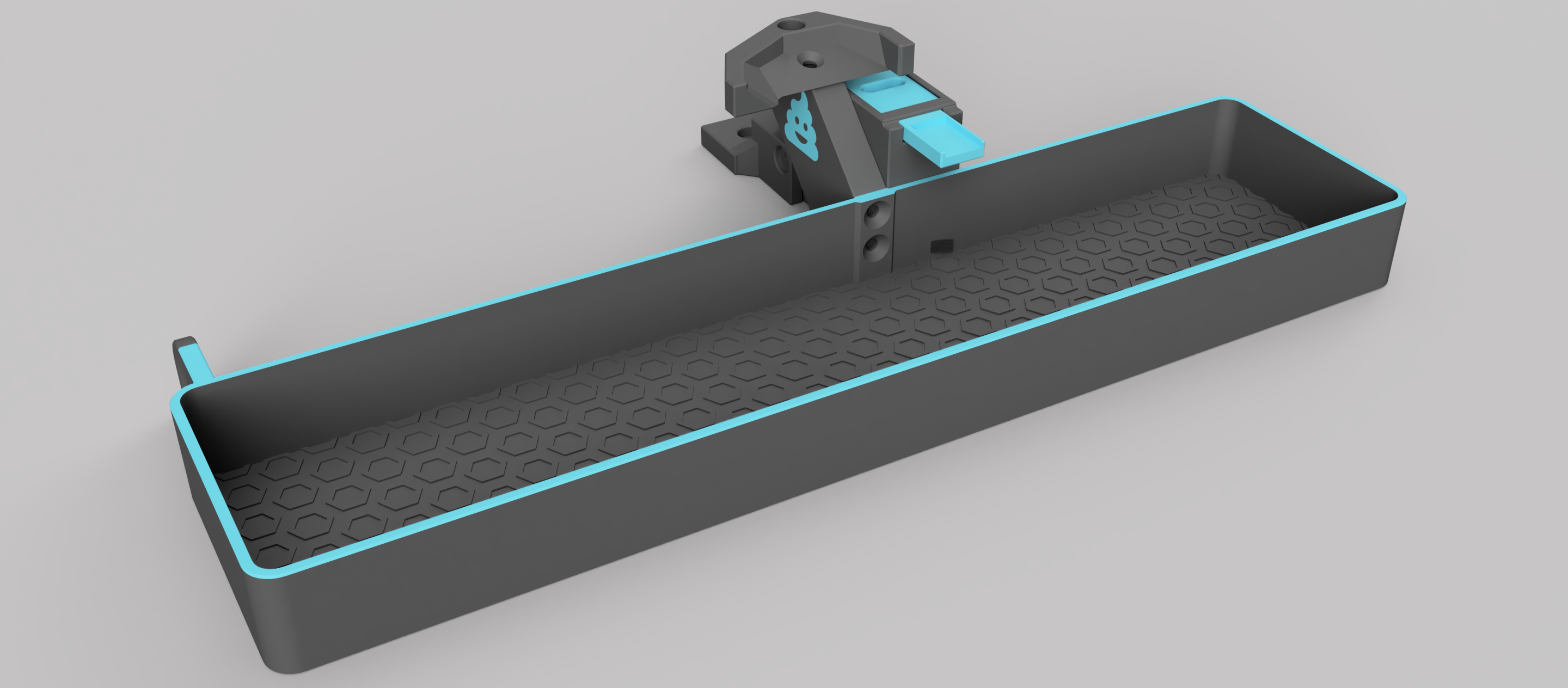
MMU: Any
Printer: Voron v2, others in the works
https://github.com/Dendrowen/Blobifier
- Add
[include mmu/addons/blobifier.cfg]to yourprinter.cfg - Edit
blobifier.cfgandblobifier_hw.cfgto work with your setup - Set
purge_macro: "BLOBIFIER"inmmu_parameters.cfg - Optionally set
variable_user_post_form_tip_extension : "BLOBIFIER_PARK"inmmu_macro_vars.cfgto park the nozzle on the tray during a swap. Note that it is always recommended that you at least z-hop on toolchange so that the toolhead is immediately lifted off the print. Read Toolchange Movement for more details. NOTE: this method has been superceeded and understanding the "parking" configuration inmmu_macro_vars.cfgis the better method.
An addon used to control a DC motor based eSpooler that is active when the MMU is unloaded
MMU: Any
Printer: Any
n/a
- Add
[include mmu/addons/dc_espooler.cfg]to yourprinter.cfg - Set
espooler_start_macro: MMU_ESPOOLER_STARTinmmu_parameters.cfgto start eSpooler movement - Set
espooler_stopt_macro: MMU_ESPOOLER_STOPinmmu_parameters.cfgto stop eSspooler movement - Update the
mmu/addon/dc_espooler_hw.cfgfor your configuration.
If the MMU is equipped with a per-gate eject button (like QuattroBox) this addon is used for control
MMU: Any (if buttons fitted)
Printer: Any
n/a
- Add
[include mmu/addons/mmu_eject_buttons.cfg]to yourprinter.cfg - Ensure the eject button pins are defined:
- Add
EJECT_BUTTON_xaliases tommu.cfgor define pins directly inmmu_eject_buttons_hw.cfg
Important
For all add-on extensions, ensure that you always use the "cfg" files from Happy Hare and not those sourced elsewhere so you have the most recent changes and fixes.