Repository navigation
Riding
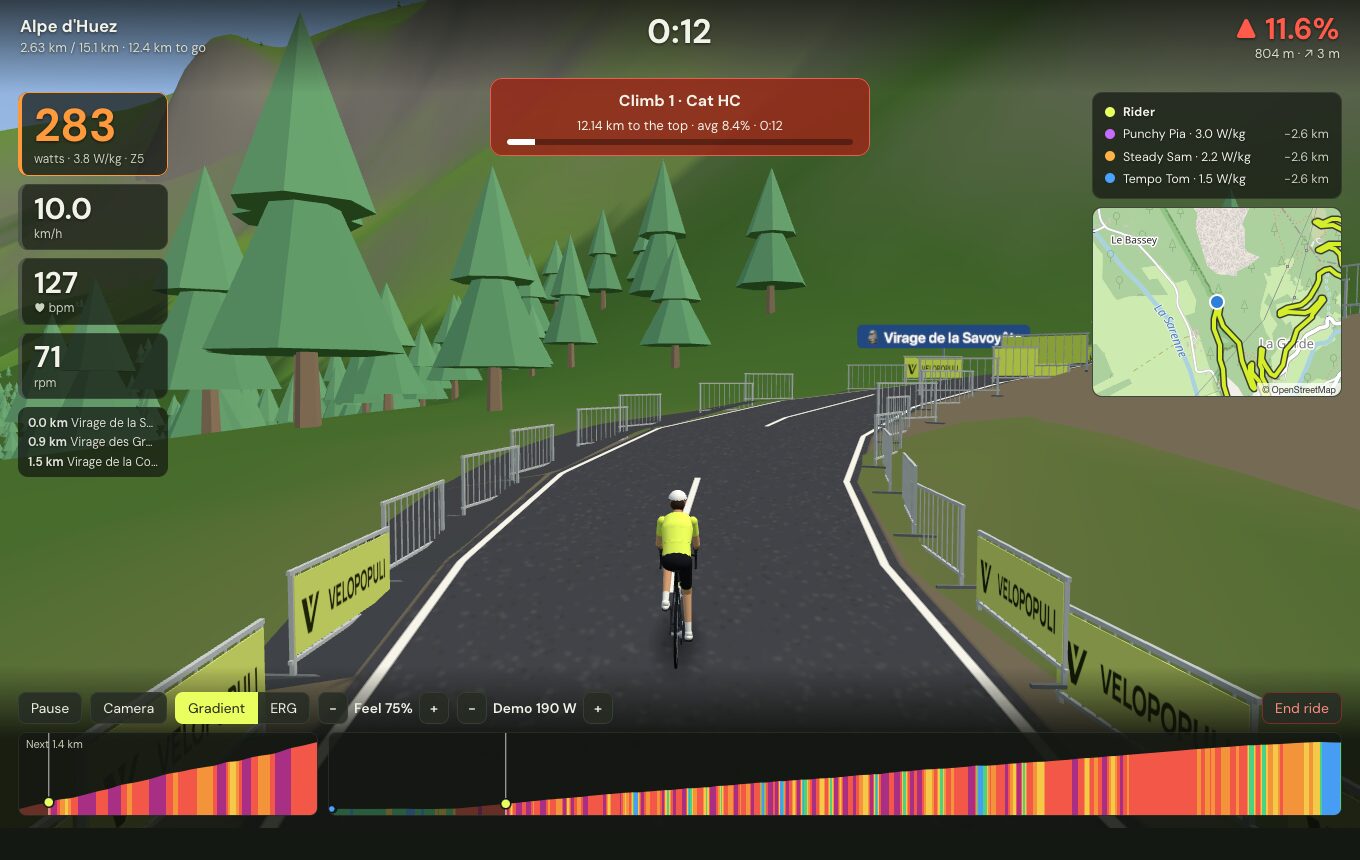
Power (with W/kg and zone), speed, heart rate and cadence on the left, with what's coming up (villages, summits, cafés) below. The clock is at the top, the gradient top right, the riders around you and a live map on the right, and two elevation profiles — the next stretch and the whole route — along the bottom. On a climb a banner counts down to the summit; on a Strava segment, a live gap to your best.
- Gradient mode (default): the trainer simulates the real slope. Feel scales it (100% = the real gradient), and Settings → Trainer & physics caps the steepest pitch and softens descents, so a 15% ramp is rideable on any trainer.
- ERG mode: the trainer holds a fixed power while the route scrolls by.
- Gears: shift your bike as normal — or, if you prefer, set up Virtual gears and shift with keys or a remote.
- Speed is simulated from your power — with your weight, the bike, the slope, rolling resistance and air (thinner at altitude). The trainer's difficulty only changes how it feels, never your speed.
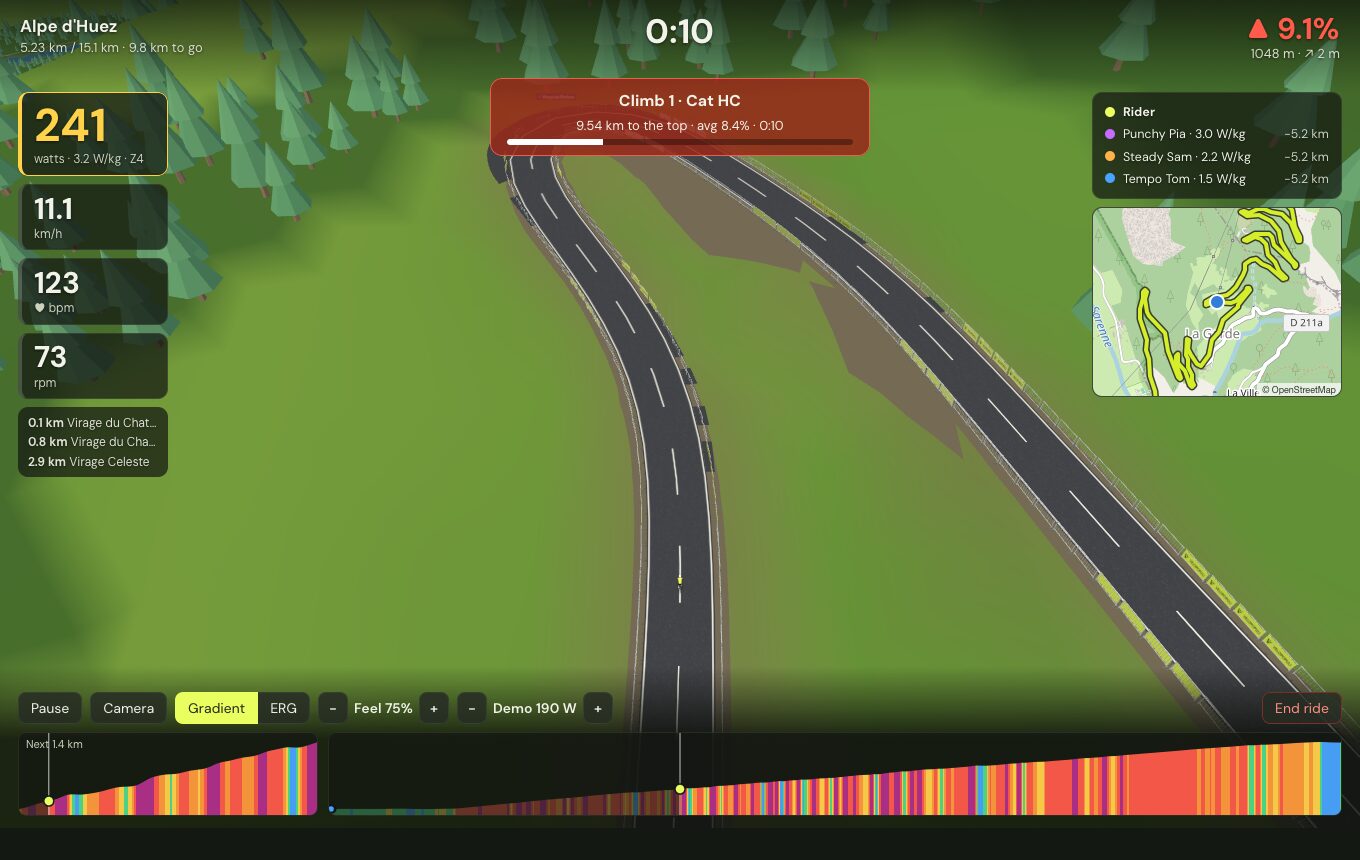
C cycles: behind, high behind, alongside and overhead.
- Pace riders hold a steady W/kg to chase or drop (set them in Settings).
- Your ghost — your best ride on the route.
- Other people's rides as ghosts — from a GPX or FIT file, or from your Strava.
- Climbs are detected and categorised (4 → HC) and timed; Strava segments along the route are timed too.
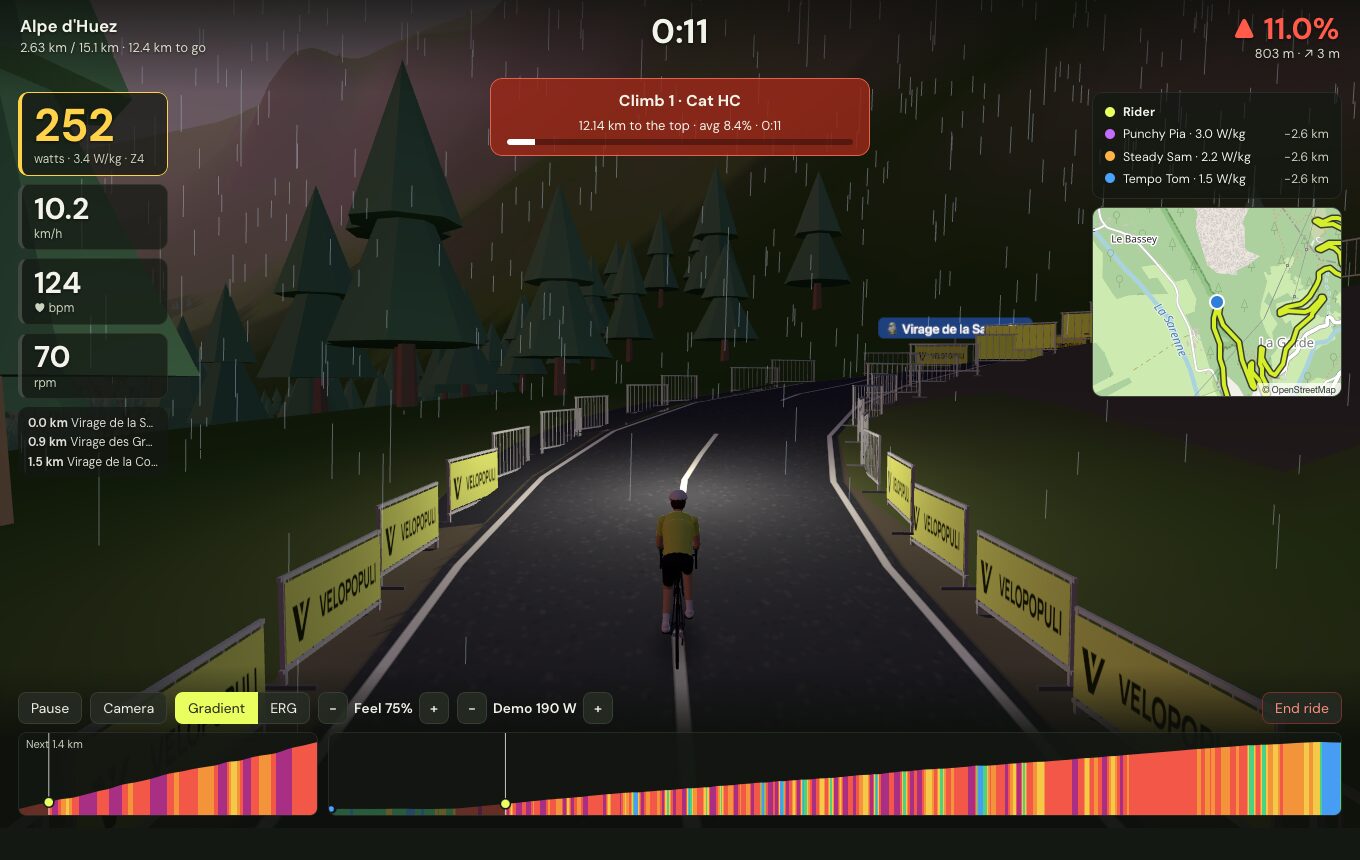
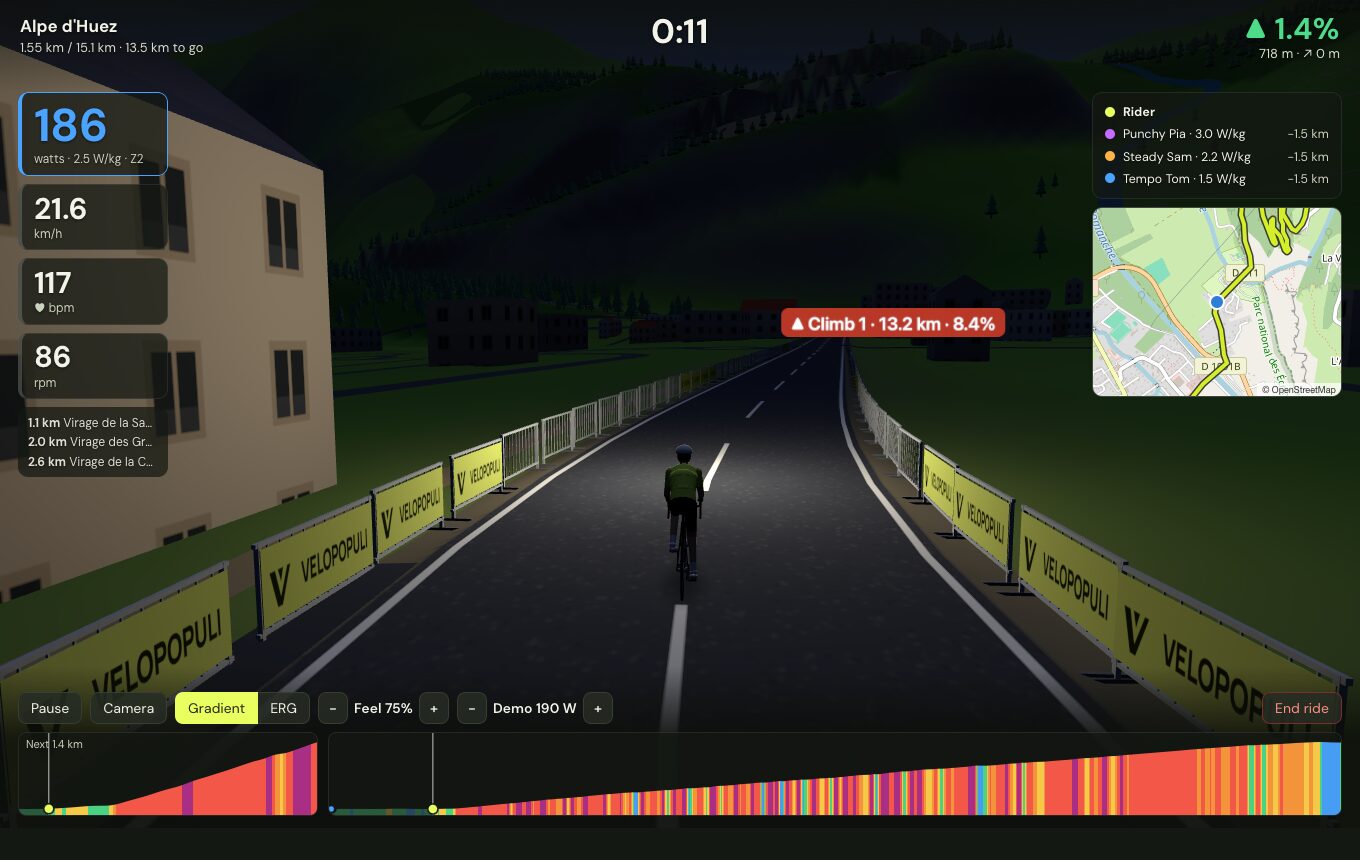
Dawn, day, evening, dusk or night (with a lamp on the bike), or the real clock; clear, cloudy, rain, fog or snow — or the live weather at the route. Settings → Virtual world.
 |
 |
Settings → Virtual world → Native renderer draws the world with Metal directly instead of in the app's web page, for lower overhead.