Repository navigation
Routes and the map
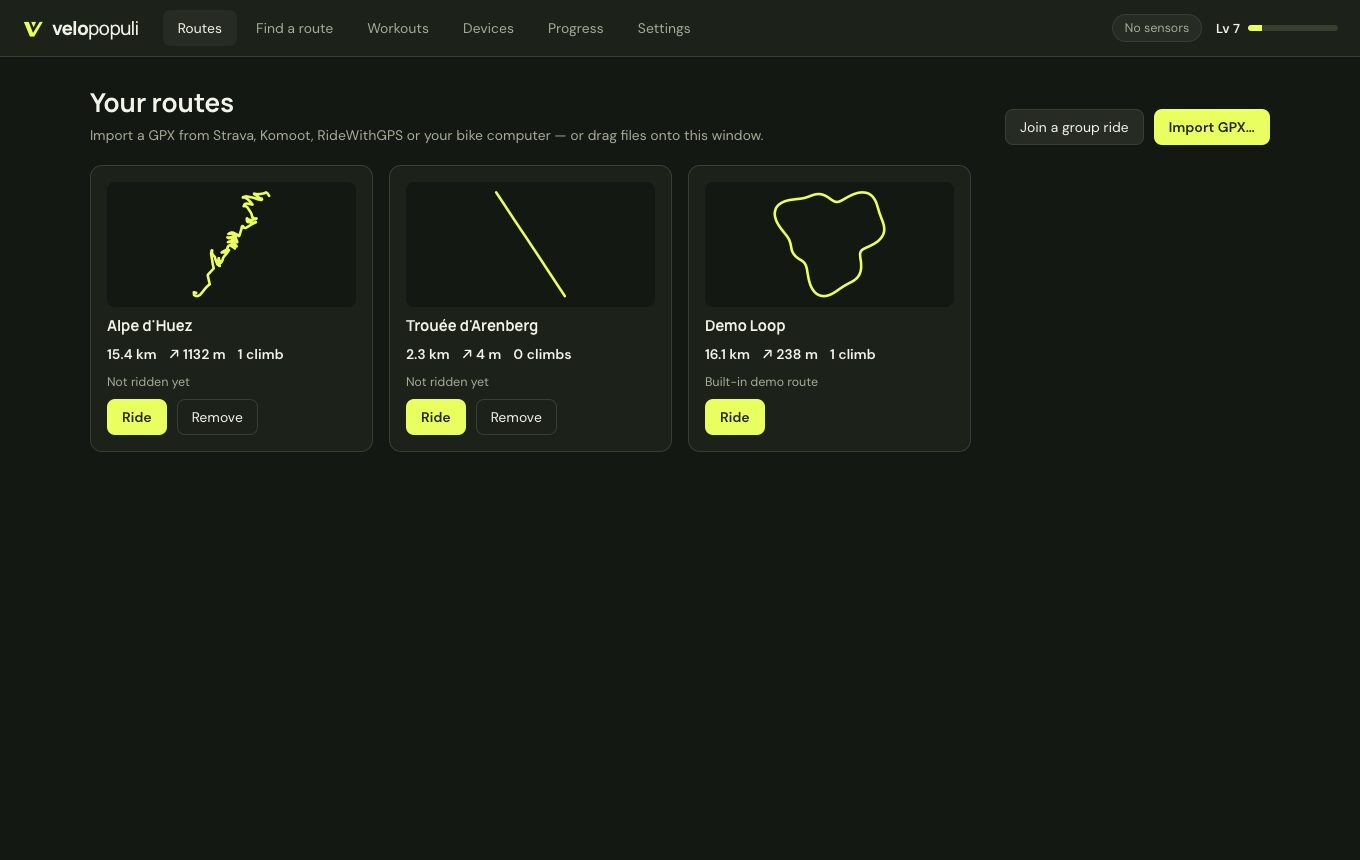
- Import GPX from anywhere. Routes without elevation (planner exports) get it filled in from open terrain data.
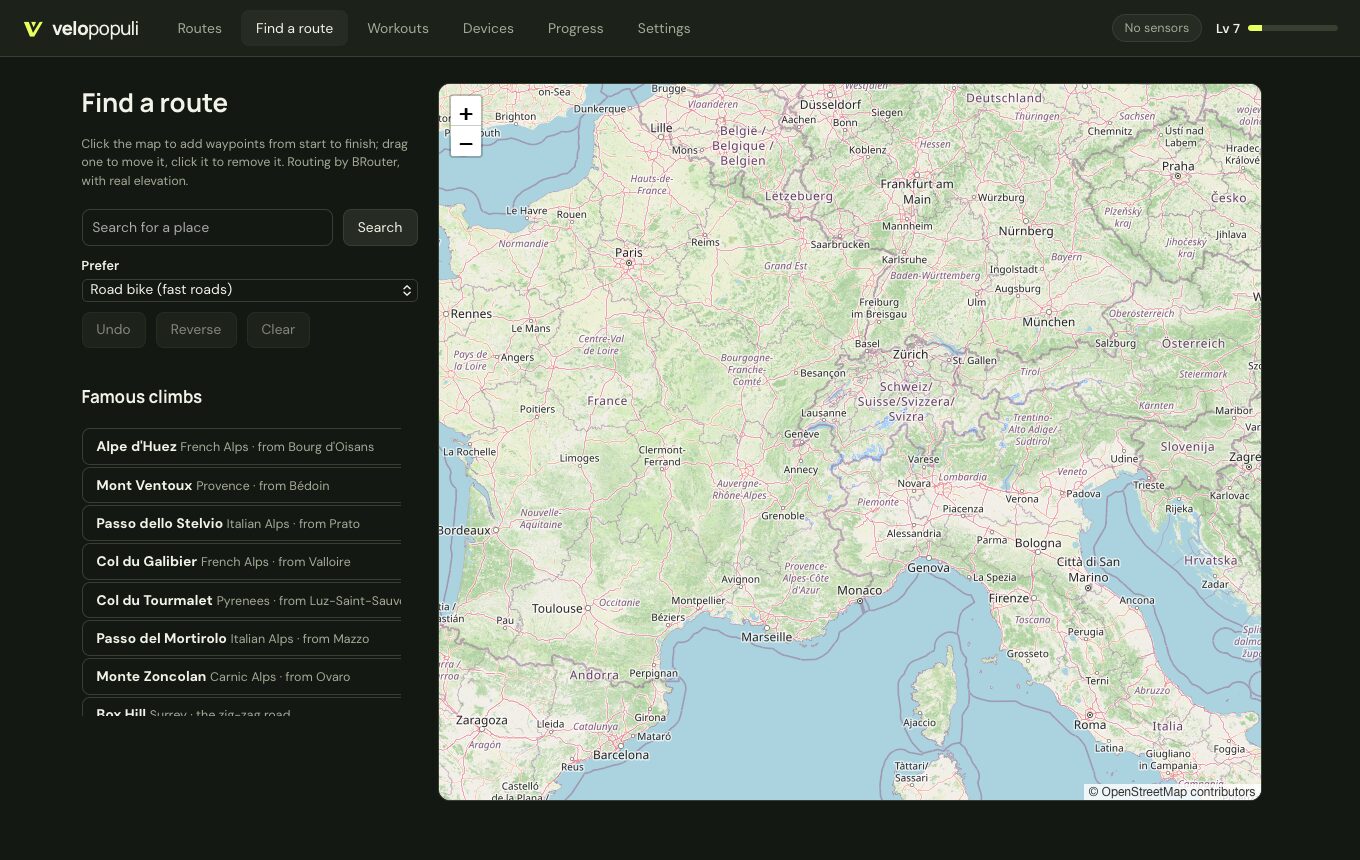
- Find a route — search for a place, click waypoints and get a route along bike-friendly roads with real elevation (via BRouter), or pick one of the famous climbs (Alpe d'Huez, Mont Ventoux, Stelvio, Galibier, Tourmalet, Mortirolo, Zoncolan, Box Hill).
Everything comes from open data and is downloaded once per route, then kept on your computer.
-
Terrain from open elevation tiles, out to the horizon. Near the road the ground is shaped to the route's own elevation so the road never floats or sinks.
-
Buildings from OpenStreetMap, within about 350 m of the road — with mapped heights where the detailed source (Overpass) answers, otherwise estimated.
-
Forests, lakes, rivers, the surrounding roads and railways, bridges and tunnels from OpenStreetMap's vector tiles, about a kilometre either side. Where your route crosses a mapped bridge or tunnel, you ride over the deck or through the bore.
-
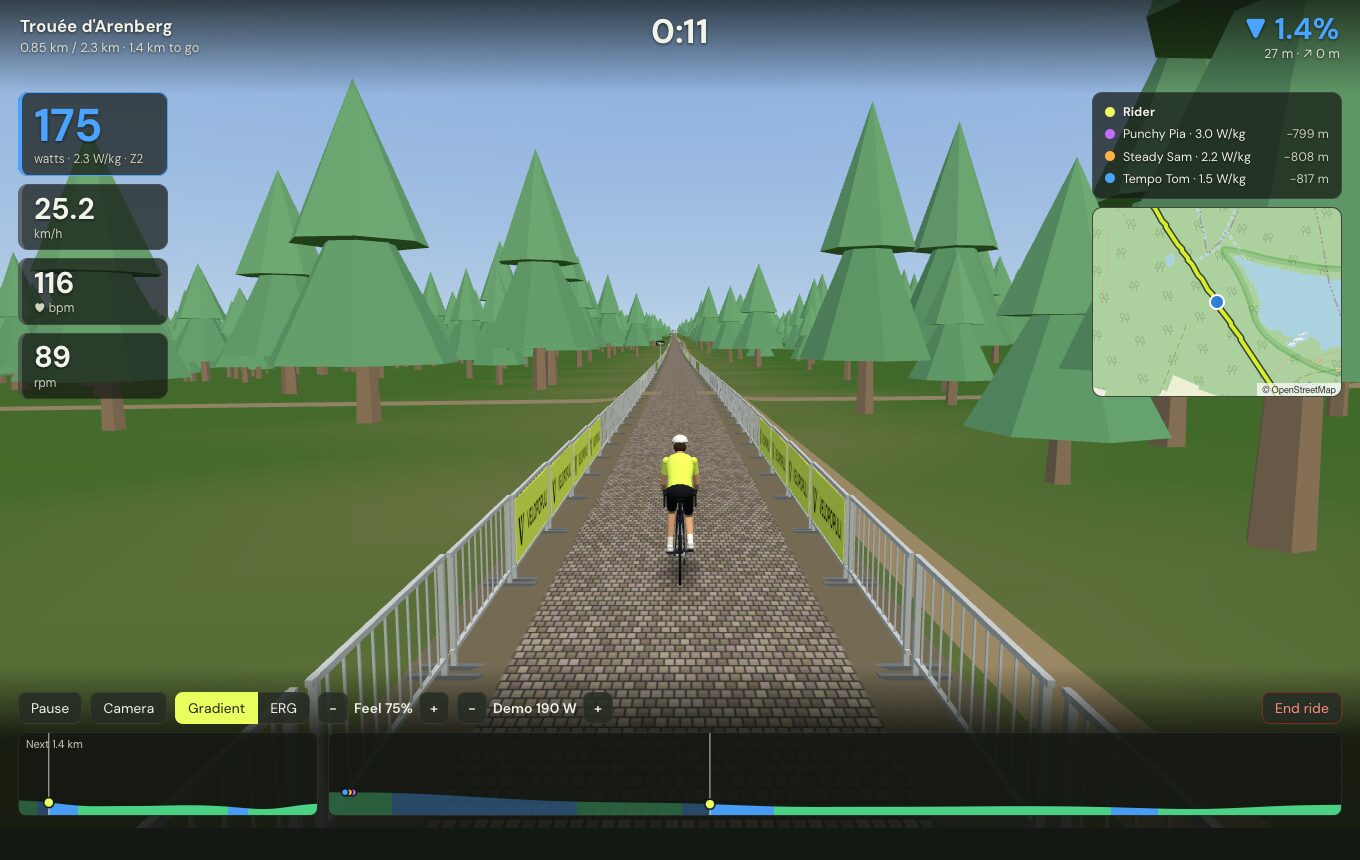
Your road itself is drawn as a closed race road, set apart from the map's road network by crowd barriers. It takes the real road's character from OpenStreetMap tags:
-
Surface — tarmac, concrete, cobbles, gravel or dirt (
surfacetag); -
Width — from
widthorlanes, else typical for the road class (a 7 m main road, a 5 m village street, a 3 m track); - Markings — a centre line on main roads only.
When the tags can't be fetched, surface and width are guessed from the road class, and fetching is tried again a day later.
-
Surface — tarmac, concrete, cobbles, gravel or dirt (
- Landmarks — village and town signs, named summit boards, and cafés, fountains, bike shops and viewpoints by the road.
Map data © OpenStreetMap contributors (ODbL). Downloads send the route's coordinates (or which map squares it passes through) to the OpenStreetMap services; buildings and scenery can be switched off in Settings → Virtual world.