Repository navigation
Your first ride
- Get a route. On Routes, press Import GPX… (or drag files onto the window) — exports from Strava, Komoot, RideWithGPS or a bike computer all work, with or without elevation. Or plan one under Find a route. No route handy? The built-in Demo Loop is always there.
- Connect your trainer under Devices (see Connecting your trainer). No hardware? You can ride with the simulated demo rider.
- Press Ride. Choose what to ride against — pace riders, your own best (ghost), friends' rides — and optionally a workout or a group-ride room.
- The first ride on a route downloads its map and terrain (a few seconds to a minute); later rides start straight away.
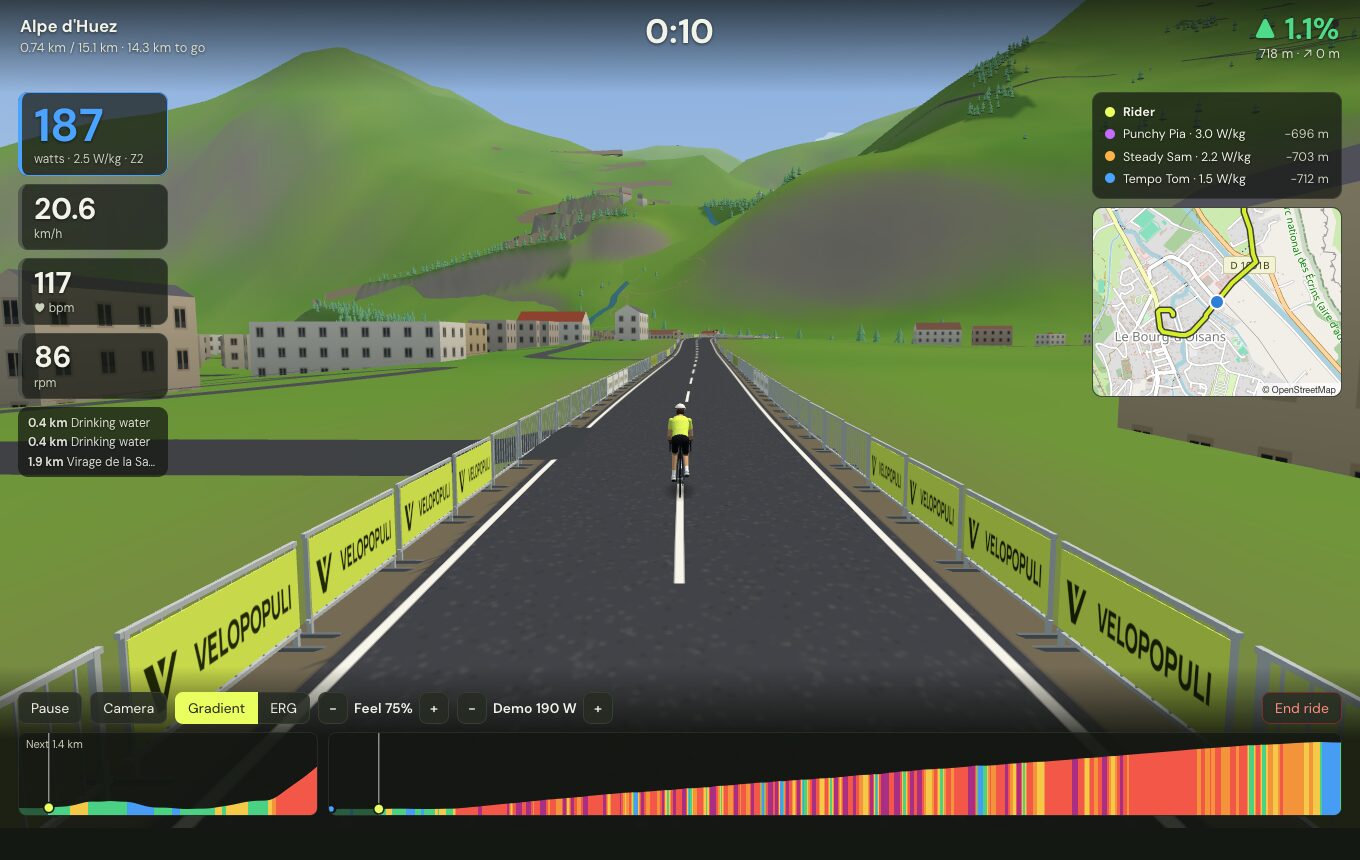
During the ride: Space pauses, C changes the camera (behind, high behind, alongside, overhead), and ↑/↓ change the ERG target, workout intensity or the demo rider's effort. See Riding for the rest.
After the ride: the summary shows your time, power, personal bests and badges. The ride is saved as a .FIT file, and can go to Strava in one click (see Strava).