Repository navigation
Practice spot the scam
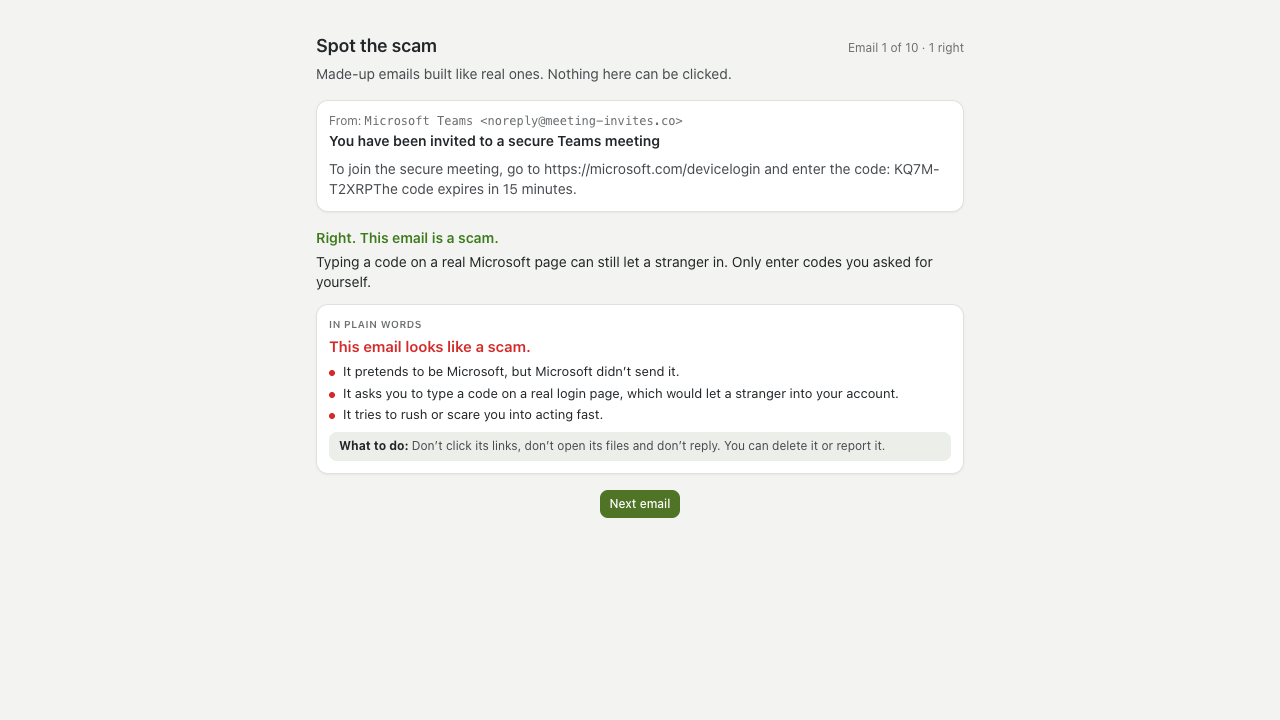
Open the panel with no email selected and click Practise spotting scams, or use the link on the welcome tab. You get 10 realistic, made-up emails (about six scams and four real ones) built like the real thing: a boss asking for gift cards, a changed bank account, a callback "invoice", a fake job, a payroll calendar invite, a device-code login, a ClickFix "CAPTCHA", and genuine bank alerts, shares and security codes. Choose It's a scam or It's real, then see the lesson and Unmask's explanation in plain words. Nothing in the emails can be clicked, and nothing is sent anywhere. It works well for family members, classes and team awareness sessions.
Finish a round without a mistake and you can print a Scam Spotter certificate with your name. Your best score, along with streaks (weeks in a row Unmask has been protecting you) and the number of scams caught, shows as badges on the weekly card in the empty panel. They are counted only on your computer.
This page is generated from docs/USER_GUIDE.md. Edit it there, not in the wiki.