Repository navigation
Home
ZoomArc is a free screen recorder for Windows that automatically zooms in on your clicks, follows your cursor with smooth camera motion, and records at a true 60 fps. It records your screen or a single window, captures the real mouse cursor separately at 2,000 samples per second, and lets you restyle, re-time and export the result in a built-in non-destructive video editor — no video-editing experience needed.
It's built for product demos, software tutorials, walkthroughs, bug reports and how-to videos — the polished "zoom-on-click" style popularised by tools like Screen Studio, available natively on Windows.
⬇ Download the latest version (Windows) · Installation · FAQ · Keyboard shortcuts
| What it is | Screen recorder + automatic zoom editor |
| Platform | Windows 10 (version 2004 / build 19041) or newer, 64-bit |
| Latest version | 0.12.1 (release notes) |
| Price | Free for personal and other non-commercial use (license) |
| Recording | Full screen or a single window, true 60 fps, hardware H.264 |
| Cursor | Recorded as data (not baked into the video), replayed 1:1 or smoothed |
| Zoom | Automatic zoom-on-click with a cursor-following camera, fully editable |
| Export | MP4 (H.264), MOV (ProRes 4444, transparent), WebM (VP9 — opaque or transparent), MKV (FFV1, lossless), PNG sequence |
| Extras | Webcam overlay, microphone, backgrounds, text, shapes, images, 44 keyboard shortcuts |
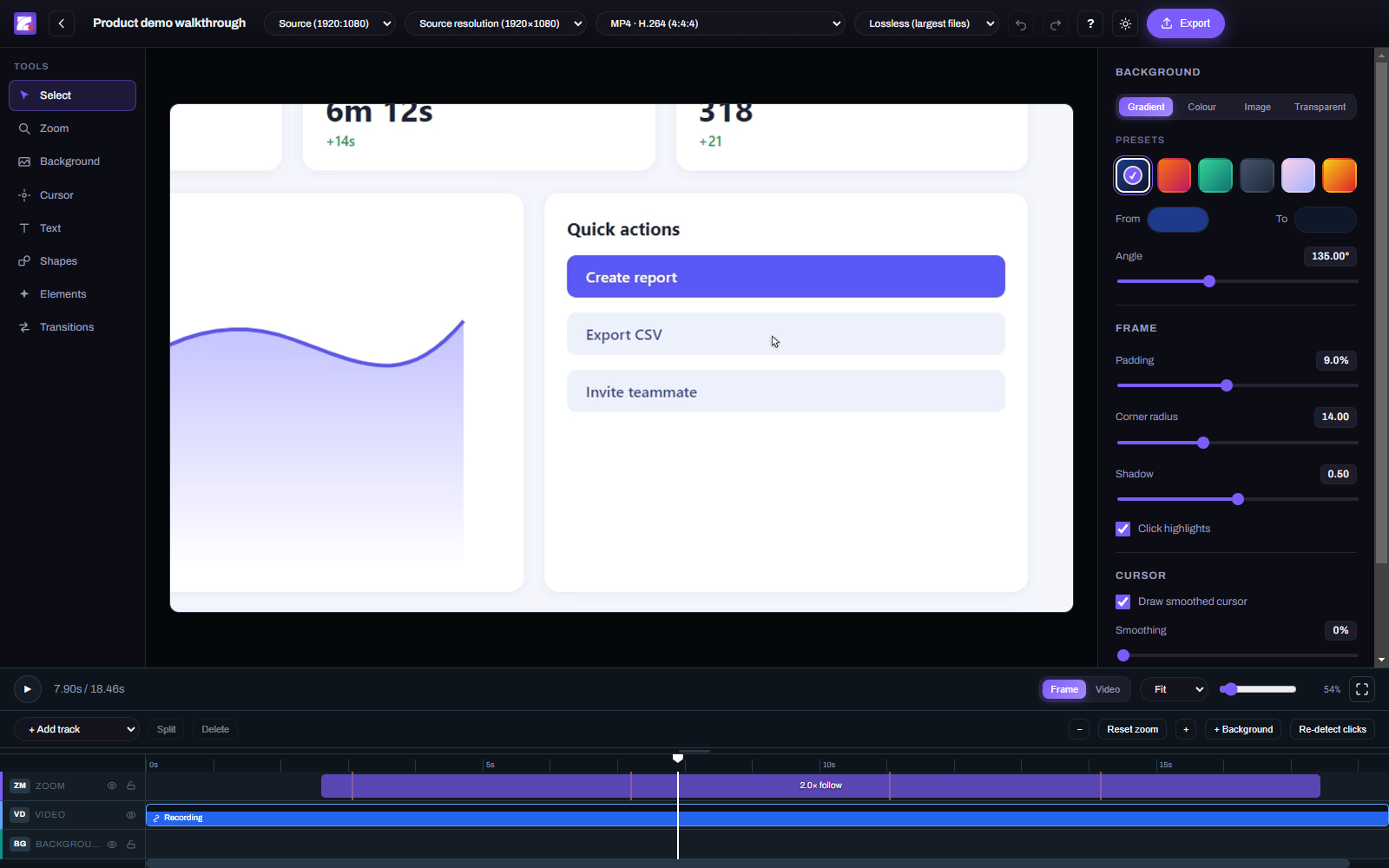
ZoomArc detects every click and creates zoom segments for you. Nearby clicks are grouped into one smooth zoom instead of pumping in and out, and the camera stays zoomed while you keep working, then eases back out when the cursor settles. Every zoom can be moved, trimmed, split, re-scaled or deleted on the timeline. How auto-zoom works →
The system cursor is kept out of the video and recorded separately, 2,000 times a second, on the same hardware clock as the video frames. In the editor it's redrawn exactly where your real cursor was — pixel-accurate, perfectly in sync — and you can resize it, swap in a custom cursor image, or add smoothing.
Screens and windows are recorded straight into a hardware-encoded H.264 MP4 using Windows Graphics Capture — the frames never pass through the app, so recordings stay smooth and in sync even on 120 Hz and 144 Hz displays.
Trim, split and move clips; add backgrounds (gradients, colours, images, transparent), padding, rounded corners and shadows; overlay text, shapes, images and a resizable webcam bubble; change the output aspect ratio (16:9, 9:16 vertical, 1:1 square and more). Nothing is re-encoded until you export.
44 shortcuts for playback, editing and tools — press ? in the editor or use Help → Keyboard Shortcuts. Full list →
MP4 for YouTube, LinkedIn, X/Twitter and websites; vertical 9:16 for Shorts, Reels and TikTok; transparent MOV/MKV/PNG for compositing in Premiere Pro, DaVinci Resolve or After Effects. Export guide →
| Recorder | Recording |
|---|---|
 |
 |
| Editor (light theme) | Keyboard shortcuts |
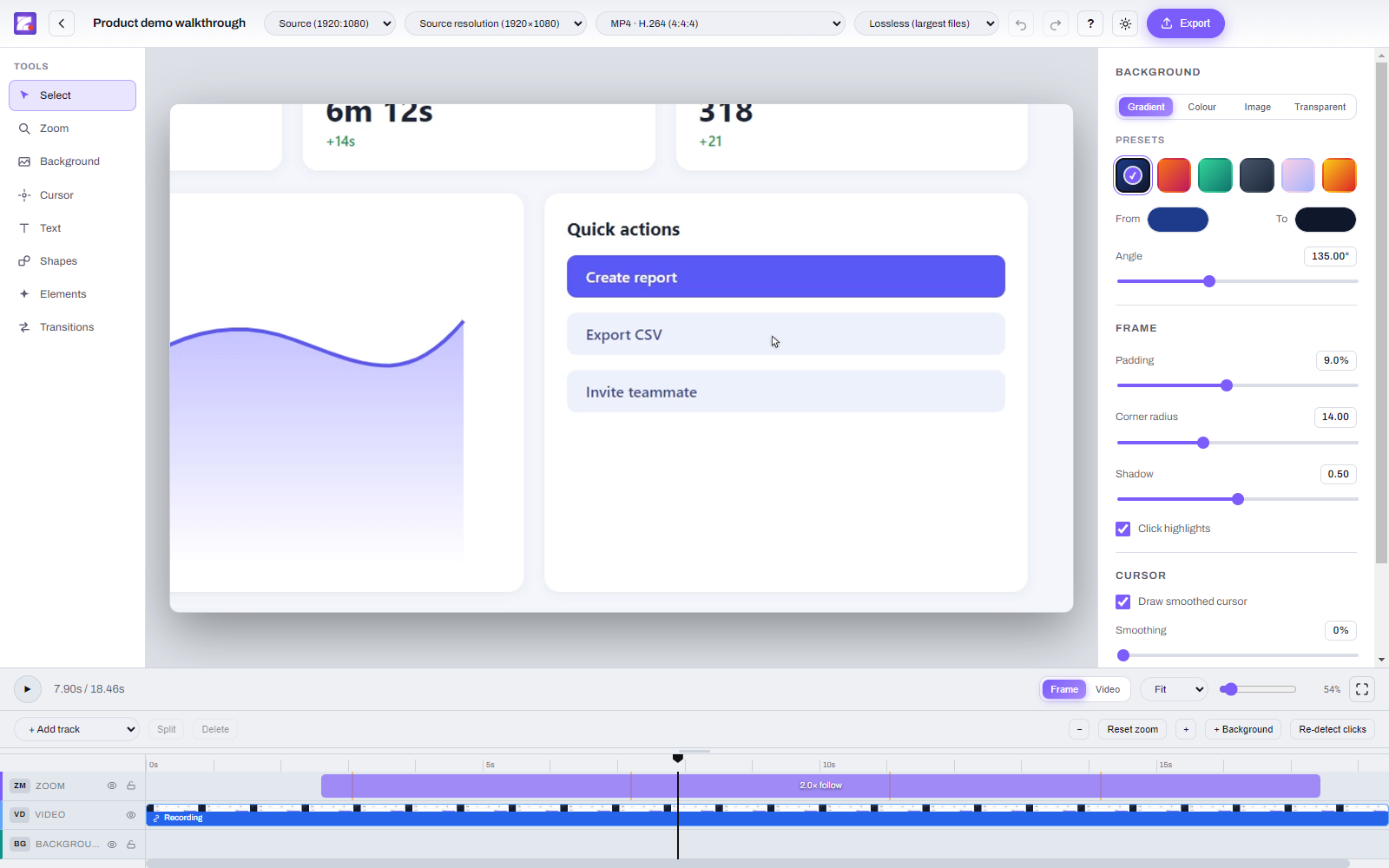 |
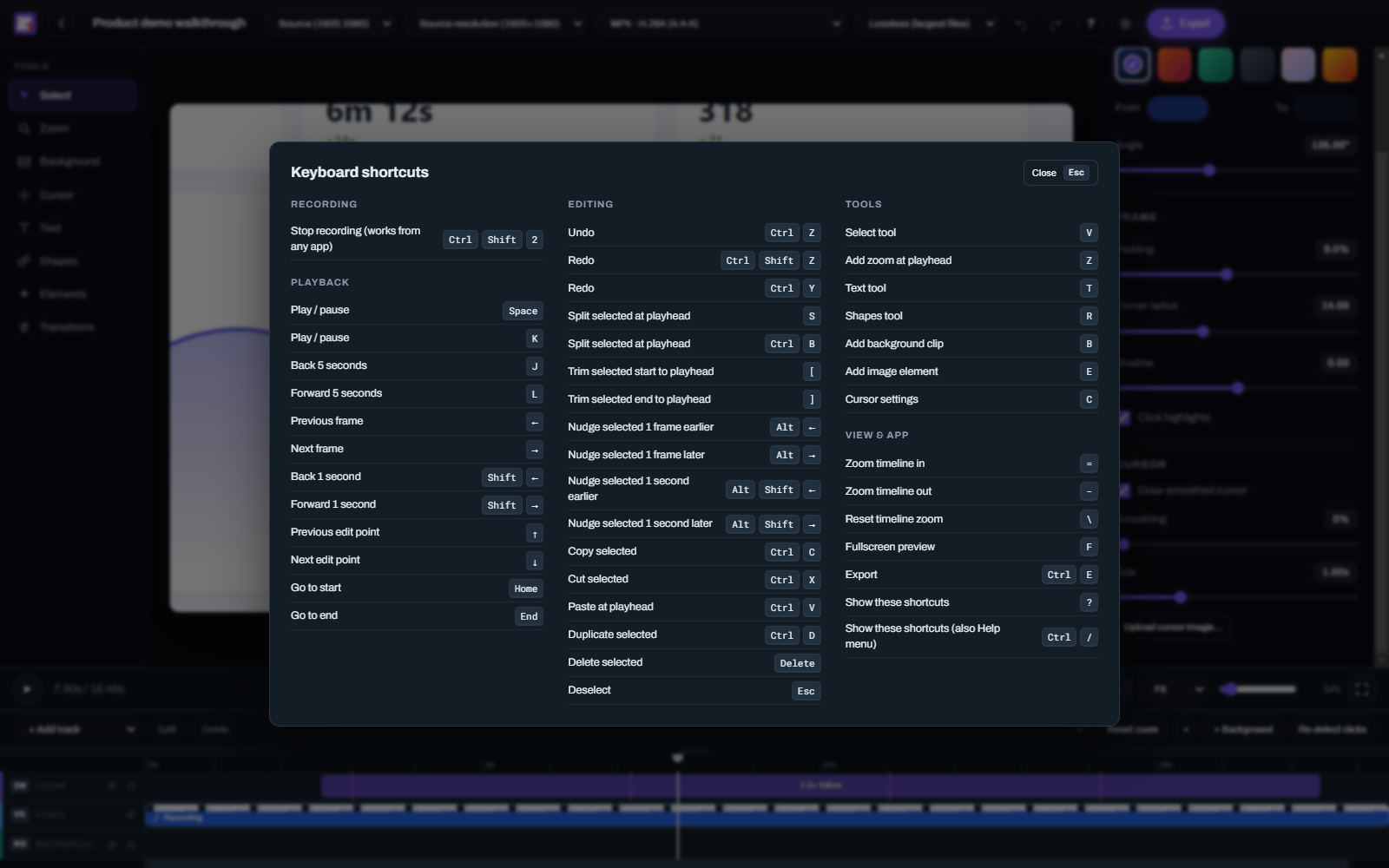 |
-
Download
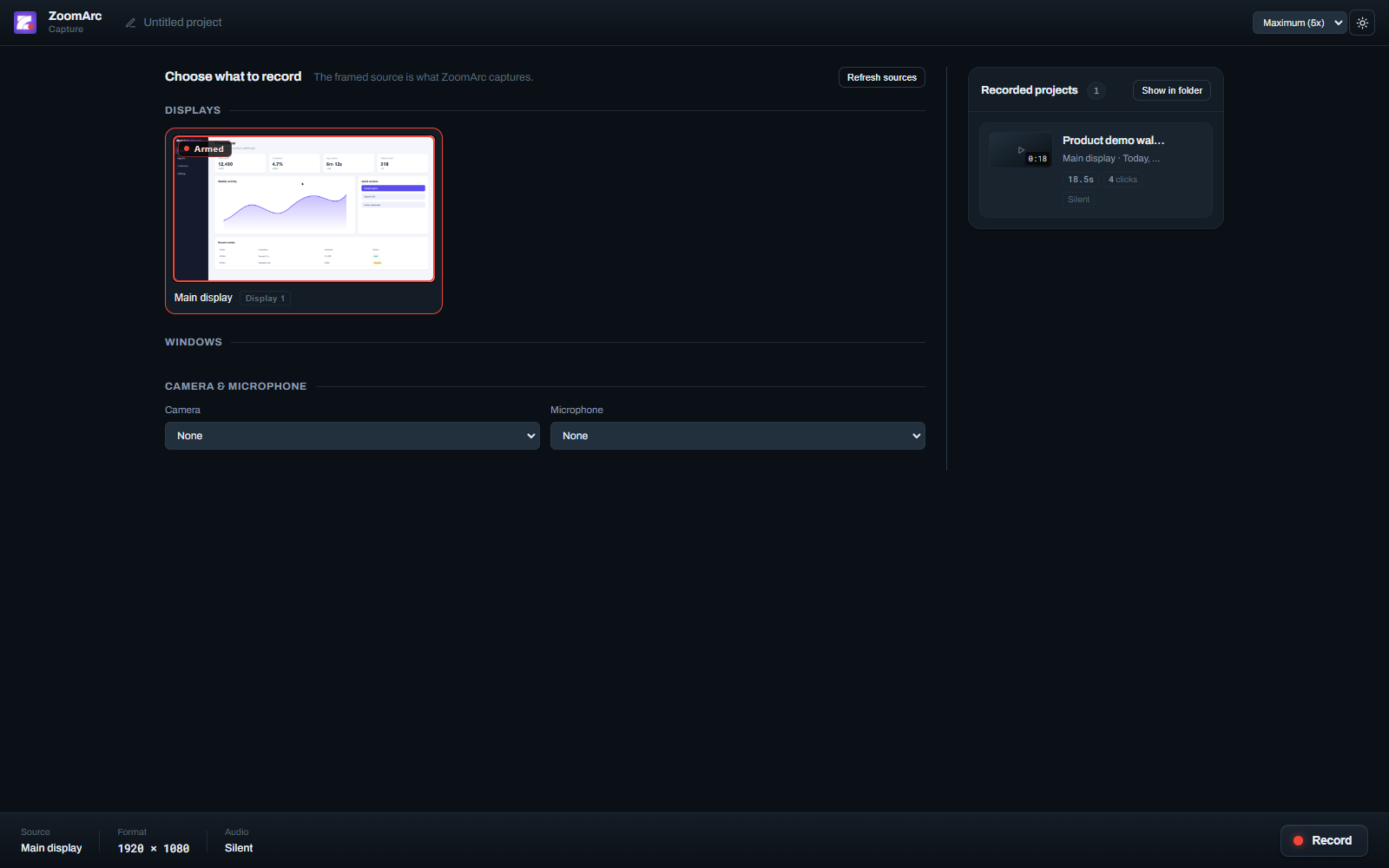
ZoomArc.Setup.0.12.1.exe(installer) orZoomArc.0.12.1.exe(portable) and run it. - Pick a display or window, optionally a camera and microphone, then click Record.
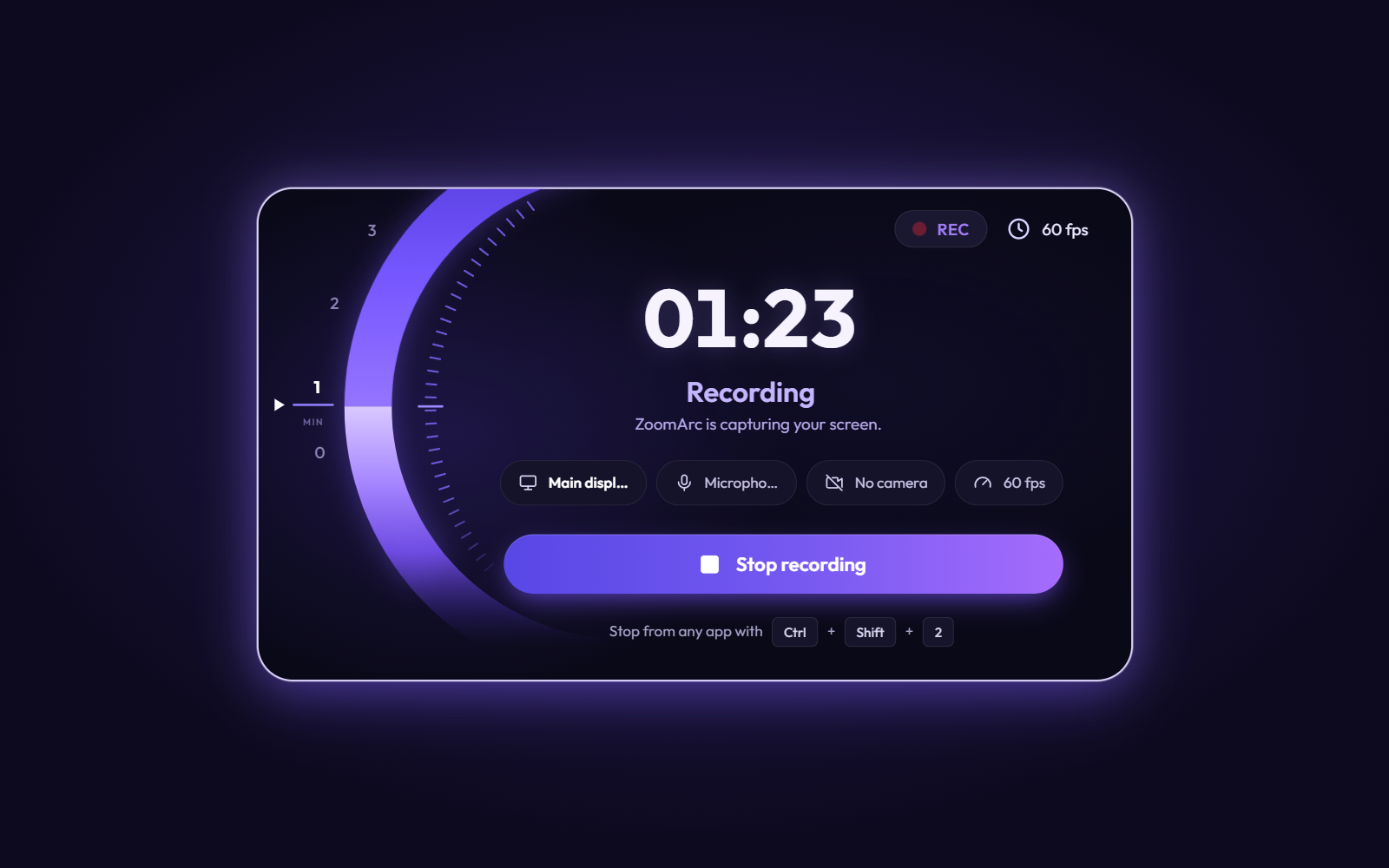
- Do your demo. Stop with the Stop recording button or Ctrl+Shift+2 from any app.
- The editor opens with zooms already added around your clicks — adjust anything you like.
- Click Export and choose a format.
- Installation — download, system requirements, SmartScreen
- Recording — sources, quality, camera and mic, stop hotkey
- Editor — timeline, tracks, backgrounds, cursor, text, webcam
- Auto-Zoom and Cursor Engine — how the motion works
- Keyboard Shortcuts — all 44 shortcuts
- Export — formats, quality, resolution and aspect ratio
- FAQ — common questions
- Troubleshooting — fixes for common problems
- Release Notes — what's new
Related searches: free screen recorder for Windows · screen recorder with auto zoom · zoom on click screen recording · Screen Studio alternative for Windows · cursor tracking screen recorder · product demo video maker · software tutorial recorder · 60fps screen recorder · screen recording with webcam overlay · smooth cursor screen recording · auto zoom screen capture · walkthrough video maker · open source screen recorder Electron