Repository navigation
Keyboard Shortcuts
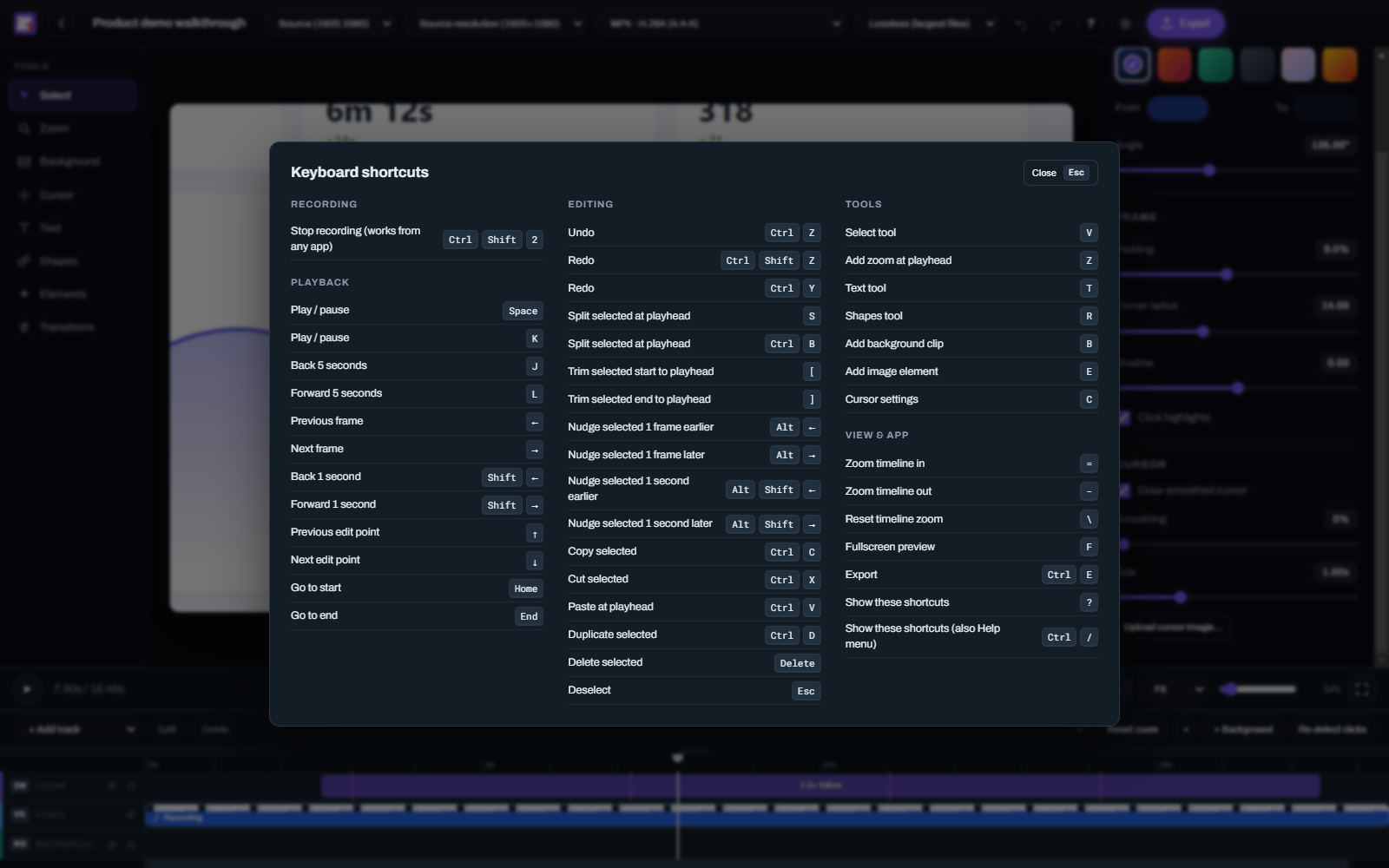
ZoomArc has 44 keyboard shortcuts. Press ? or Ctrl+/ in the editor, or choose Help → Keyboard Shortcuts, to see them all. Shortcuts don't fire while you're typing in a text field. On macOS, Ctrl is ⌘.
| Shortcut | Action |
|---|---|
| Ctrl+Shift+2 | Stop recording (works from any app) |
| Shortcut | Action |
|---|---|
| Space or K | Play / pause |
| J | Back 5 seconds |
| L | Forward 5 seconds |
| ← / → | Previous / next frame |
| Shift+← / Shift+→ | Back / forward 1 second |
| ↑ / ↓ | Previous / next edit point (start or end of any item) |
| Home / End | Go to start / end |
| Shortcut | Action |
|---|---|
| Ctrl+Z | Undo |
| Ctrl+Shift+Z or Ctrl+Y | Redo |
| S or Ctrl+B | Split selected item at the playhead |
| [ / ] | Trim selected item's start / end to the playhead |
| Alt+← / Alt+→ | Nudge selected item 1 frame earlier / later |
| Alt+Shift+← / → | Nudge selected item 1 second earlier / later |
| Ctrl+C / Ctrl+X | Copy / cut selected item |
| Ctrl+V | Paste at the playhead |
| Ctrl+D | Duplicate selected item (placed right after it) |
| Delete or Backspace | Delete selected item |
| Esc | Deselect |
| Shortcut | Action |
|---|---|
| V | Select tool |
| Z | Add a zoom at the playhead |
| T | Text tool |
| R | Shapes tool |
| B | Add a background clip |
| E | Add an image element |
| C | Cursor settings |
| Shortcut | Action |
|---|---|
| = / - | Zoom the timeline in / out |
| </kbd> | Reset timeline zoom |
| F | Fullscreen preview |
| Ctrl+E | Export |
| ? or Ctrl+/ | Show the shortcuts overlay |