Repository navigation
Markdown Editor
A document in Tisty is text of yours, kept as a plain .md file, that you write here and can read with anything else. Delete Tisty tomorrow and your documents still open in any text editor, on GitHub, or in another notes app.
- The first line is the title. There is no name to fill in anywhere: whatever you write at the top is what the document is called. Tisty reads past a code fence or a callout marker to find the first line with words in it.
-
Type
/anywhere and the menu of what fits inside comes up: headings, lists, checklists, tables, callouts, code, diagrams, formulas, widgets, pages, another document… - Select text and a bar appears with formatting and the highlight pens.
- Drag a file in to attach it — a photo, a PDF. It is kept inside Tisty with the document, not linked to a place on your disk that breaks when the file moves.
- Insert another document and it comes in as a card you can open.
- Centre a paragraph or push it to the right.
-
Tags are written in the text:
#contractin the middle of a sentence files the document under it. See Documents.
The writing sits on a lit page. When the window is wide enough, a column opens beside it with what the document is, the formatting options, and its outline.
Bold, italic, struck through, underlined, inline code and links. Bulleted lists, numbered lists, and quotes:
What is not written down did not happen.
**Bold**, *italic*, ~~struck through~~, <u>underlined</u>, `inline code`

1. This first
2. Then the other thing

> What is not written down did not happen.| Feature | Page |
|---|---|
| Callouts, highlight pens, icons, checklists | Callouts and highlights |
| Tables with alignment and widths | Tables |
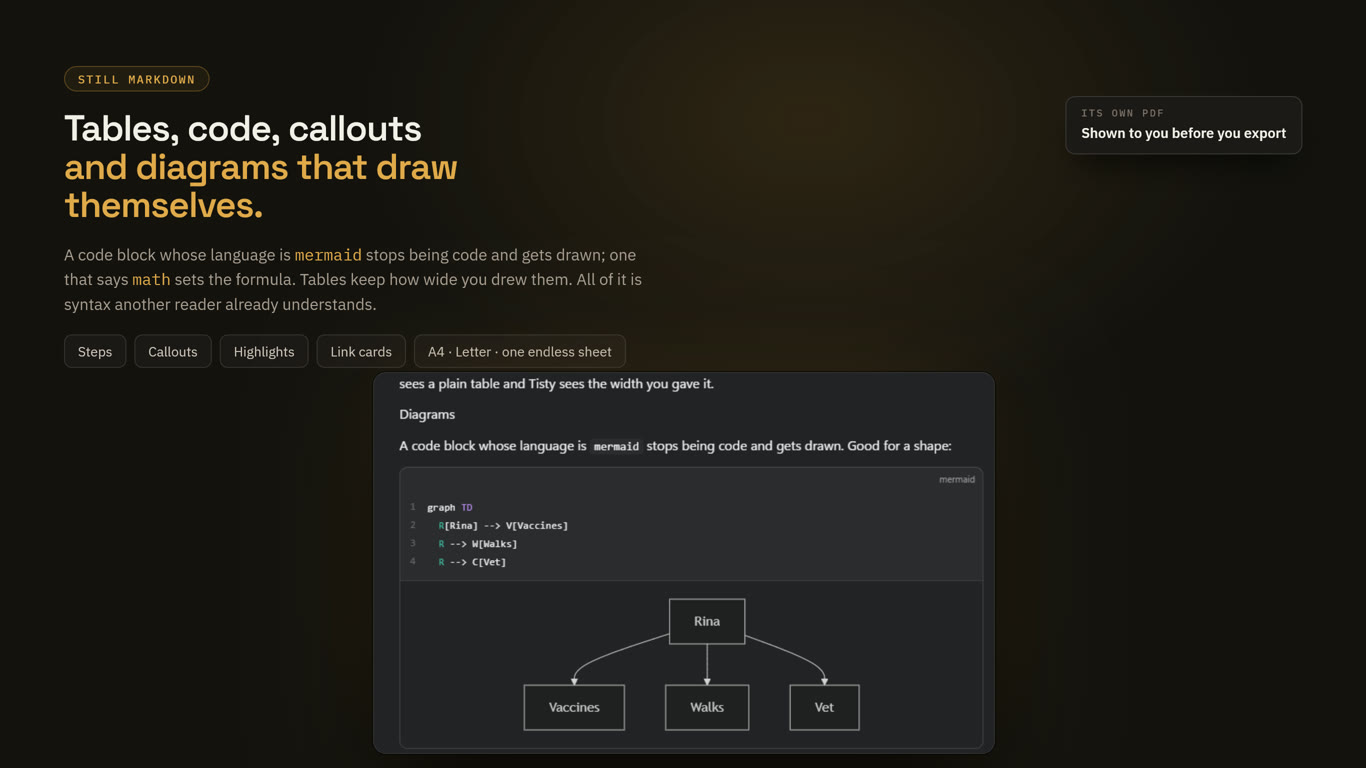
Diagrams from mermaid blocks |
Diagrams (Mermaid) |
Formulas from math blocks |
Math |
Small HTML pages from widget blocks |
Widgets |
| Code with a language, a name and line numbers | Code blocks |
| Chapters, page breaks and PDF | Pages and PDF |
| Links drawn as cards | Link cards |
That is the point rather than a detail. Everything Tisty adds is syntax another reader already understands, so the file survives without Tisty:
- A callout is a GitHub callout (
> [!WARNING]). - A code block's name is what Markdown keeps after the language (
```bash title="backup.sh"). - A table column's width rides in how long its rule is drawn, which every other reader ignores.
- Where Markdown genuinely cannot say something — an icon inside a line of text, a highlight colour — Tisty writes the small piece of HTML that can, and reads it back.
Three different reasons, and the bar at the foot of the document says which.
It is in the archive. Archiving a document, or the folder it sits in, closes it to writing — from the window and from an assistant alike. Bring it back and it writes again.
A page of it is archived, or the document that holds it is. See Pages and PDF.
Or the writing itself is at risk. The editor writes Markdown back out, and a few shapes do not survive that trip:
- front matter at the top of the file,
- footnotes,
- links written by reference,
- blocks of HTML, HTML comments and entities,
- whatever a code fence says after its language beyond a name,
- a list item that opens with a block (a quote, a fence, a heading, a picture or another list) instead of text.
Rather than open the document and quietly destroy those on your first keystroke, Tisty says so and opens it for reading. The bar offers to convert it — rewriting it into what the editor can keep, and keeping a copy of how it was beside the documents. If the conversion cannot manage all of it, Edit it anyway opens it with the warning in view, so you decide what is worth losing. You are never stuck.
Diagrams, formulas, code colouring and widgets are all drawn by code that ships inside Tisty. Nothing is fetched, no font is loaded from anywhere, and it all works with the network unplugged.