Repository navigation
Search
The search field 🔍 Find device or room in the toolbar finds devices by name or area.
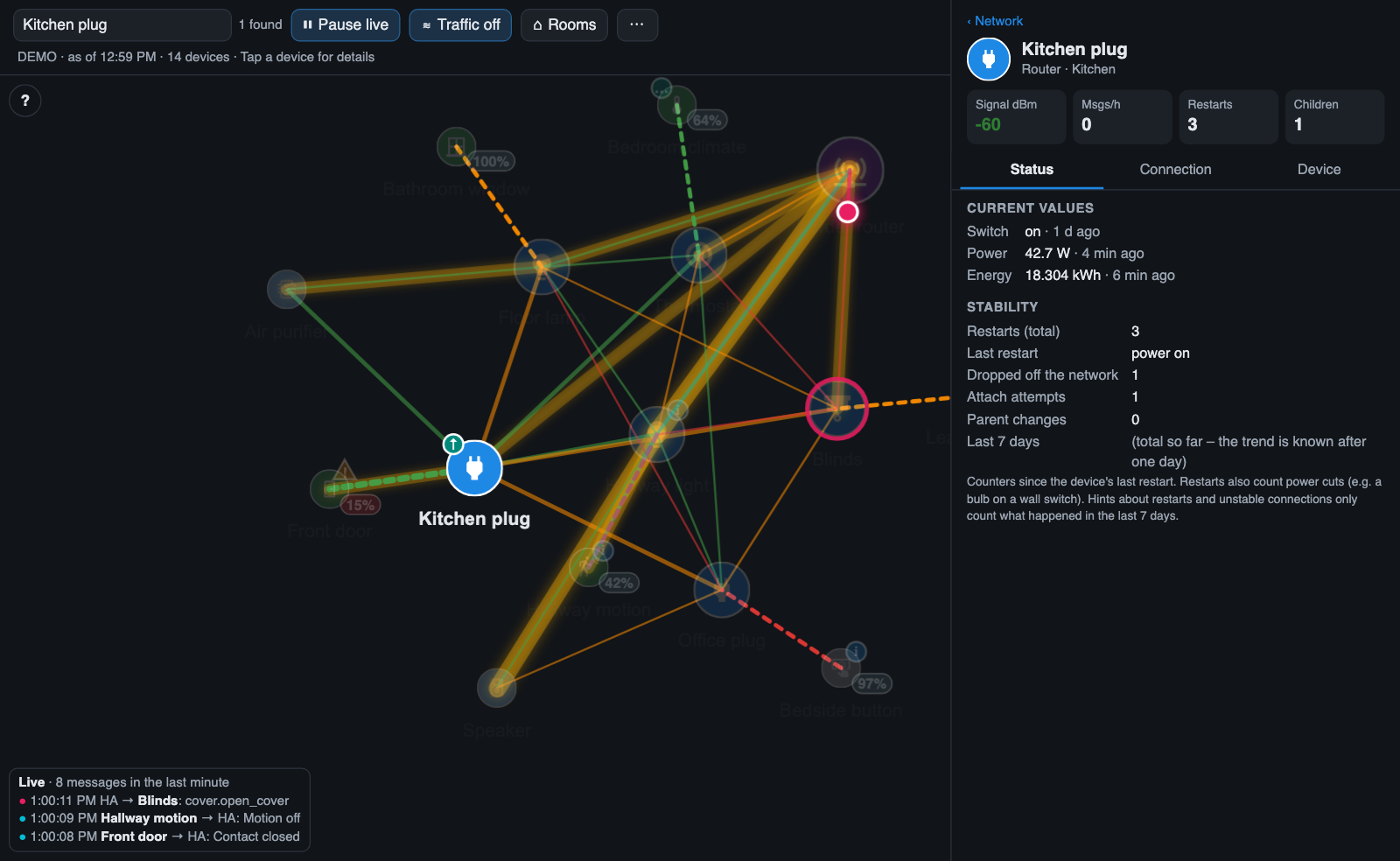
- Case and accents are ignored:
kuchefinds Küche,PLUGfinds Kitchen plug. - Matching devices stay bright and are selected; all others fade out, including their badges.
- The map zooms to the matches (one match: it focuses and zooms in on that device).
- The number of matches is shown next to the field, e.g. 2 found or no match.
| Key | Action |
|---|---|
| Enter | Open the detail panel of the first match |
| Esc | Clear the search and show the whole network again |
On a phone the search field is a 🔍 icon that widens when you tap it (from version 1.6.0).
The search stays active after ↻ Reload and after the automatic checks of the change log.
| Search | Finds |
|---|---|
window |
all devices with "window" in the name |
Kitchen |
all devices in the area Kitchen and all devices with "kitchen" in the name |
sensor |
all sensors whose name contains "sensor" |