Repository navigation
Machine Selection
Home / User Manual / Machine Selection
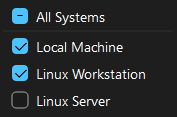
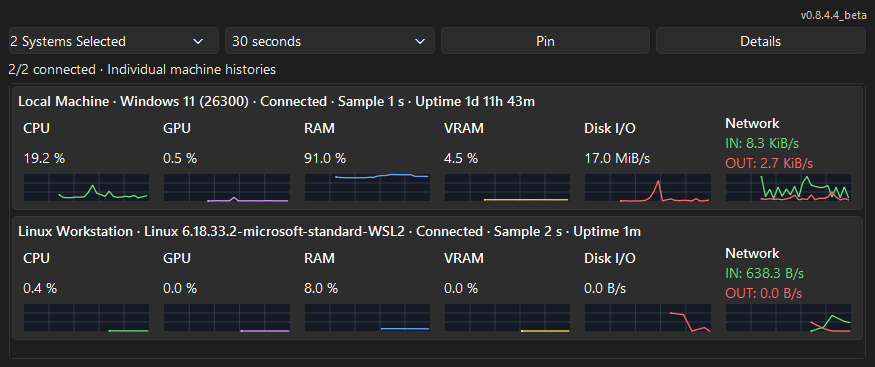
Open the machine dropdown and check the systems you want to see. The selection applies to the hover monitor, expanded monitor and Monitor Machine tray submenu. The dropdown remains open while you check machines. Click outside it or press Escape to close it.
All Systems checks every displayed machine. A partial mark means only some are selected. Clear all selections for No systems selected for display. A single selected machine uses an individual grid, while a partial or full multi-selection uses independent machine rows. Selections persist immediately. Hiding a machine keeps its background collection and history running if the profile is enabled.

Original application developed by Sonja M Thomas, SLT Design Creations, LLC. Copyright 2010-2026 SLT Design Creations, LLC. Design Creations