Repository navigation
Home

zap deletes the git worktrees your coding agents leave behind once you've merged their work. You can undo it.
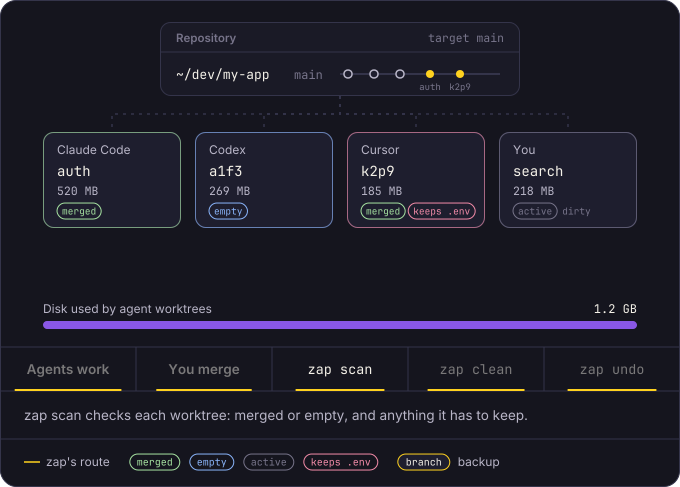
Claude Code, Codex, Cursor and other agents work in git worktrees: a second checkout of your repository in its own folder, with its own copy of your dependencies and build output: node_modules, .venv, target, Pods and so on. When you merge the work, the folder stays on your disk. After a few weeks of agent work, those folders can add up to several gigabytes.
zap lists those worktrees, tells you which ones are merged or never got a commit, and removes them when you say so. It backs up every branch first. zap map shows what else your agents keep on disk, and zap check warns you before it fills up.
brew install thecloudranger/tap/zap
zap scan --all
If you're new to zap, read the six Getting started pages in order. They take about ten minutes, and you can follow along on your own machine. zap deletes nothing until the fifth page, and only after you confirm.
Getting started
Using zap
- The picker
- How zap decides
- Safety checks
- The .zap file
- Scan roots
- Disk alerts
- What agents keep on disk
With coding agents
Reference
The screenshots in this wiki come from a made-up home folder with two repositories, ~/dev/my-app and ~/dev/api. Your paths and sizes will differ.