Repository navigation
Your first clean
zap clean --all --dry-run
A ✓ marks what would go, and WHAT says what happens to it: remove the worktree, and delete its branch when the branch's work is already in main. A · marks what zap keeps, with the reason. Nothing changes during a dry run.
The first time you clean on a machine, zap explains what it will and won't do and asks you to type zap:
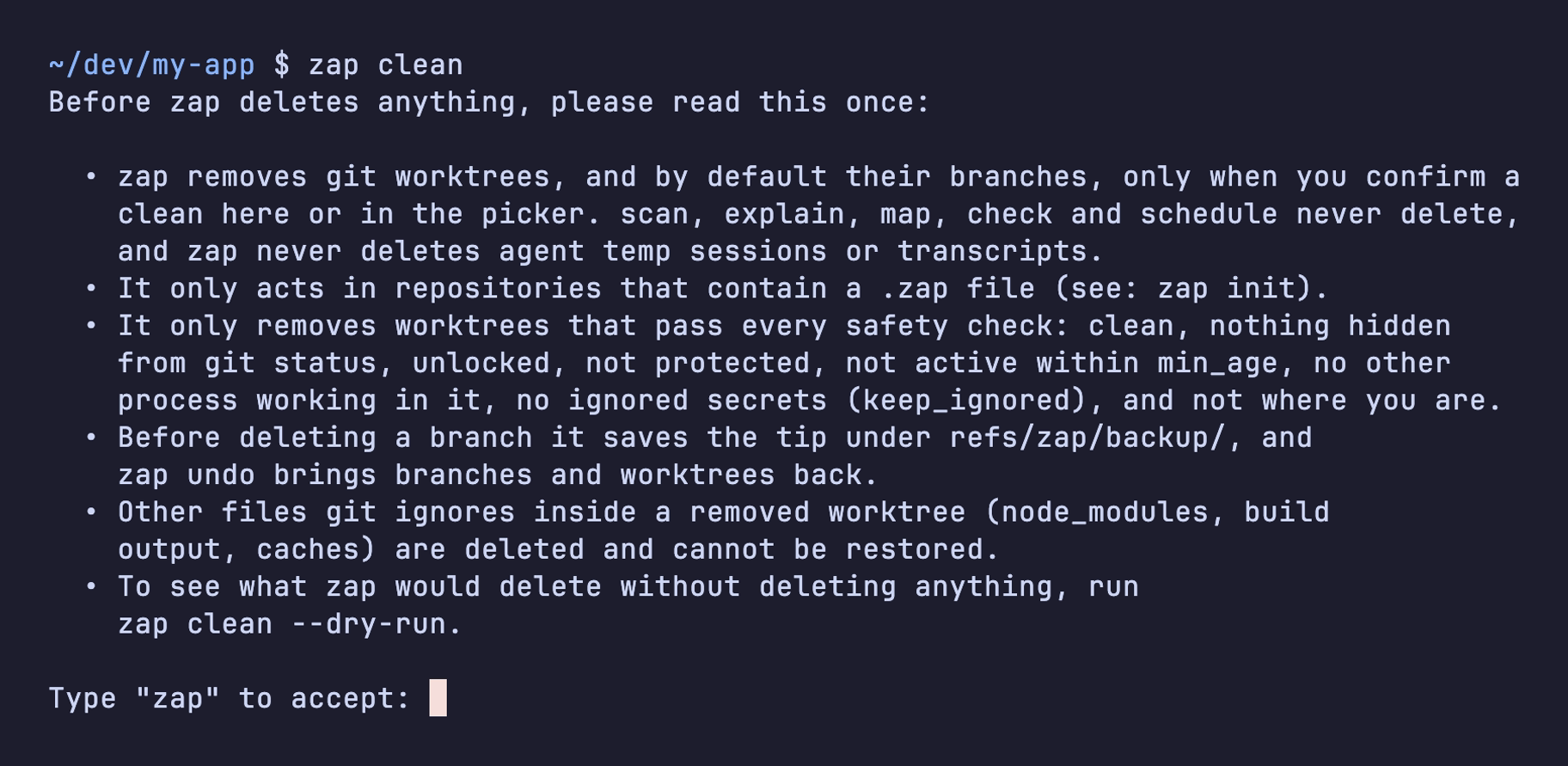
zap clean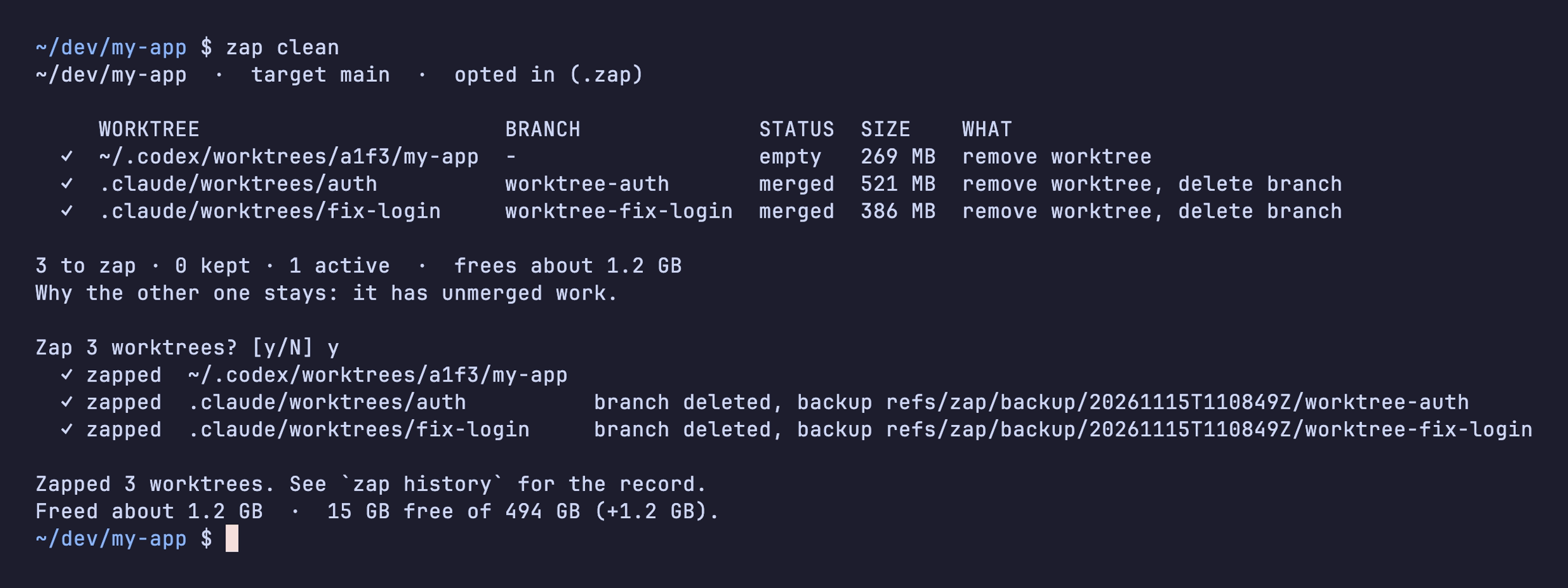
zap shows the same table as the dry run and asks [y/N]. zap runs the checks again right before removing each worktree. If you saved a file in one since the preview, zap keeps it.
Each deleted branch gets a backup ref, shown on its line. zap clean works on the repository you're in; add --all for every opted-in repository.
To pick worktrees by hand, run zap with no command to open the picker.
Undo restores branches and worktrees. It can't restore files git ignores, such as node_modules, .venv and build output, because git never had a copy. Reinstall or rebuild them as usual.
Next: Undo