Repository navigation
Opt a repository in
zap only removes worktrees in repositories that have a .zap file at their root. Everywhere else, zap clean shows what it would do and changes nothing.
cd ~/dev/new-app
zap init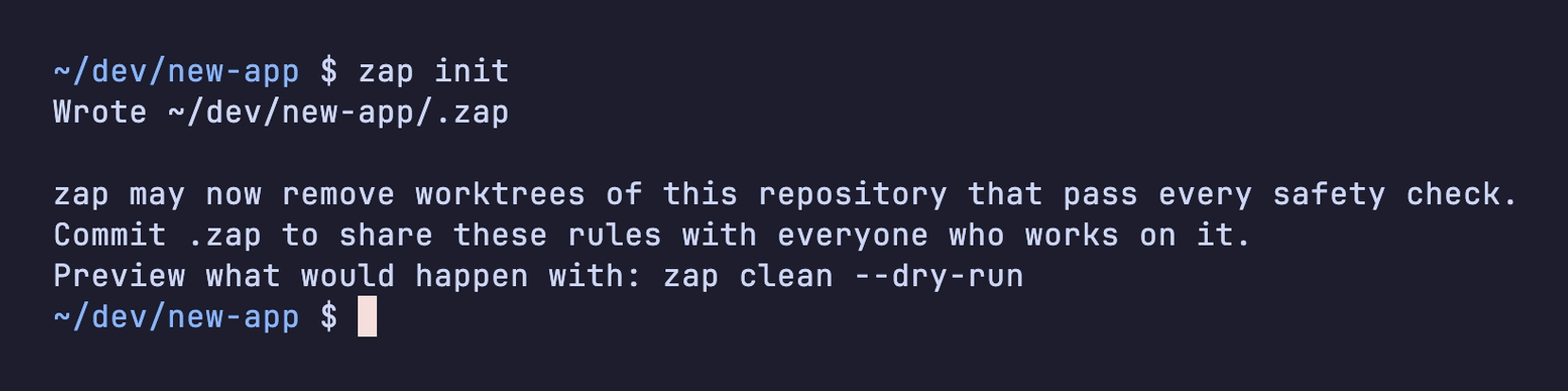
The file starts with the defaults, so you don't need to edit it. Commit it:
git add .zap && git commit -m "Let zap clean merged worktrees"Everyone on the repository then gets the same rules. To change them (which statuses count, how old a worktree must be, which branches are protected), see The .zap file.
You can also opt a repository in from the picker by pressing i.
Next: Your first clean