Repository navigation
Undo
zap records each clean as a run.
zap history
To bring back the latest run:
zap undo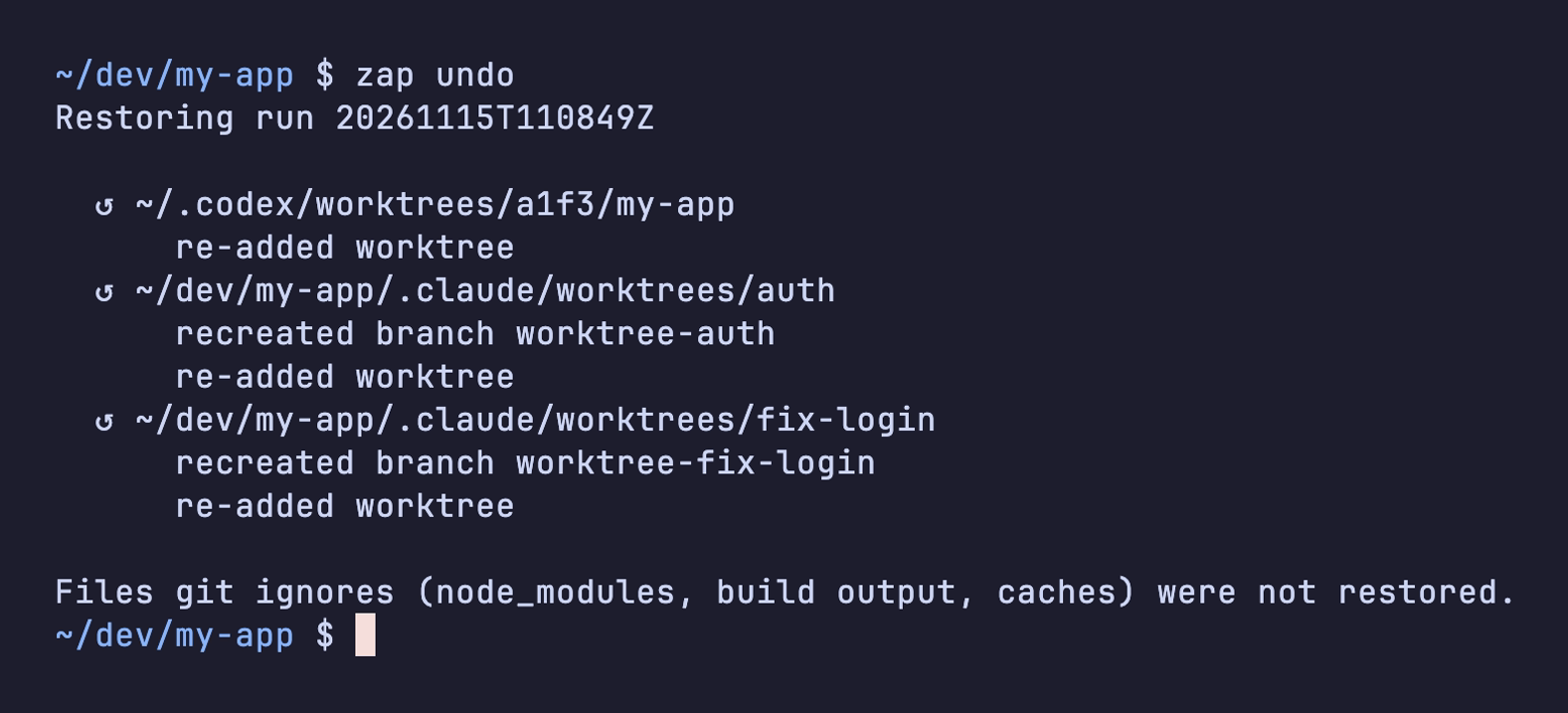
zap recreates each branch from its backup under refs/zap/backup/ and adds the worktree back at its old path.
-
zap undo <RUN>restores an older run. The run id is in the RUN column ofzap history. -
zap undo --dry-runshows what it would restore. - Ignored files (
node_modules, build output, caches) don't come back. Reinstall them.
For day-to-day cleaning, use the picker. To get a warning before your disk fills, set up Disk alerts.