Repository navigation
Disk alerts
zap check scans every repository under your scan roots and prints a short summary. It never deletes anything.
zap check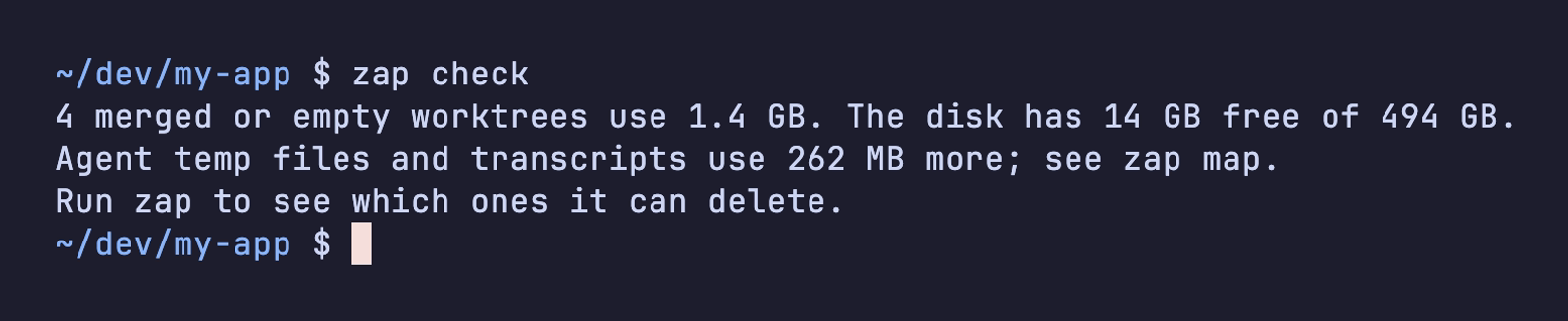
It exits with code 3 when either limit is passed:
- merged or empty worktrees use at least
--min-stale(default1GB) - free space drops under
--min-free(default10GB)
zap check --min-stale 5GB --min-free 20GBzap schedule onzap then runs zap check --notify once a day and shows a desktop notification when a limit is passed.
- macOS: a launchd agent
- Linux: a systemd user timer
- Termux: zap prints a cron line for you to add
zap schedule on --every 6h   # more often (at least 1h)
zap schedule status          # is it on?
zap schedule off # remove itBecause zap check exits with 3 past a limit, you can test it in a prompt or script:
zap check >/dev/null || echo "Time to run zap"