Repository navigation
Scan roots
zap scan --all, zap clean --all, zap check and zap map search your scan roots for repositories.
zap roots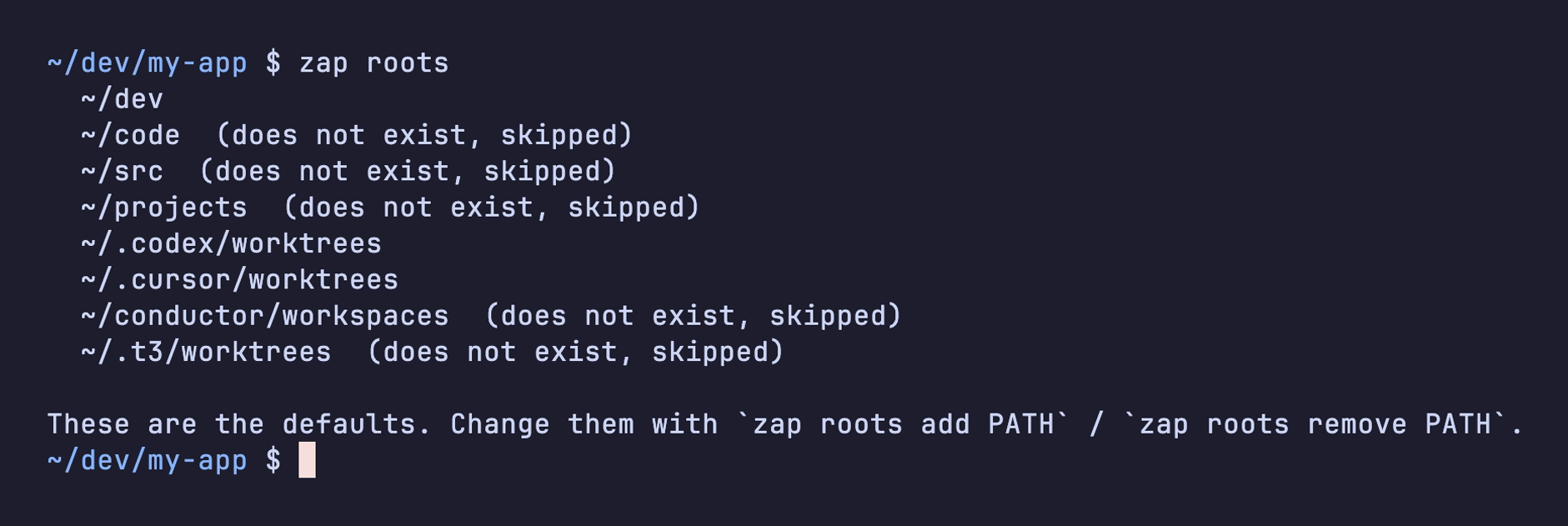
The defaults are ~/dev, ~/code, ~/src and ~/projects, plus the folders agents keep worktrees in outside your repositories: ~/.codex/worktrees, ~/.cursor/worktrees, ~/conductor/workspaces and ~/.t3/worktrees. zap skips folders that don't exist.
zap roots add ~/work ~/clients     # search these too
zap roots remove ~/src             # stop searching here
zap roots reset                    # back to the defaults
Inside a repository, zap scan and zap clean without --all only look at that repository, whatever your roots are.