Repository navigation
Home
CueDeck puts grandMA3 on an Elgato Stream Deck — and the keys show your show: names, colours, the running cue and the fader levels are read live from grandMA3. It connects by itself, with no OSC and no IP addresses to set up.
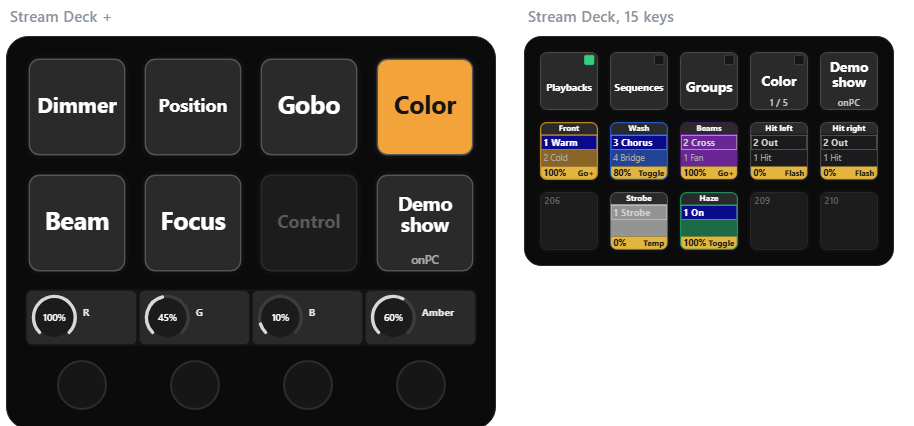
- Installation — the two plugins, autostart, network, updating.
- Stream Deck models — what your model can show and do. Read this before you buy.
- Starter profiles — the two ready-made profiles, and how to make them start on your numbers.
- Guides — how to work with it, one guide per Stream Deck model.
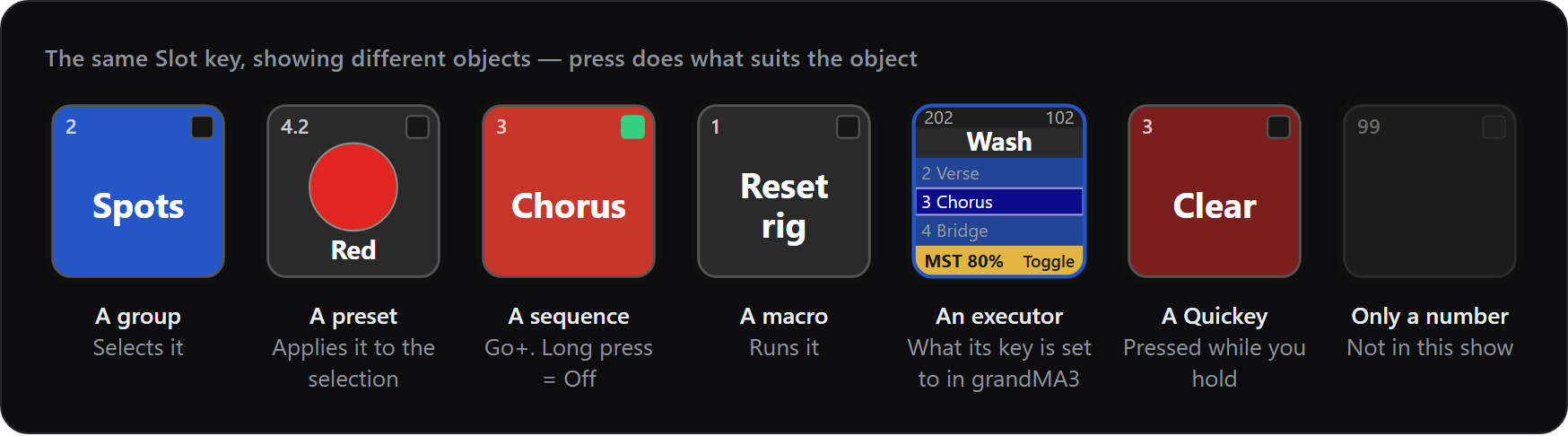
One key action shows whatever you point it at — with the name and colour it has in grandMA3. → Keys
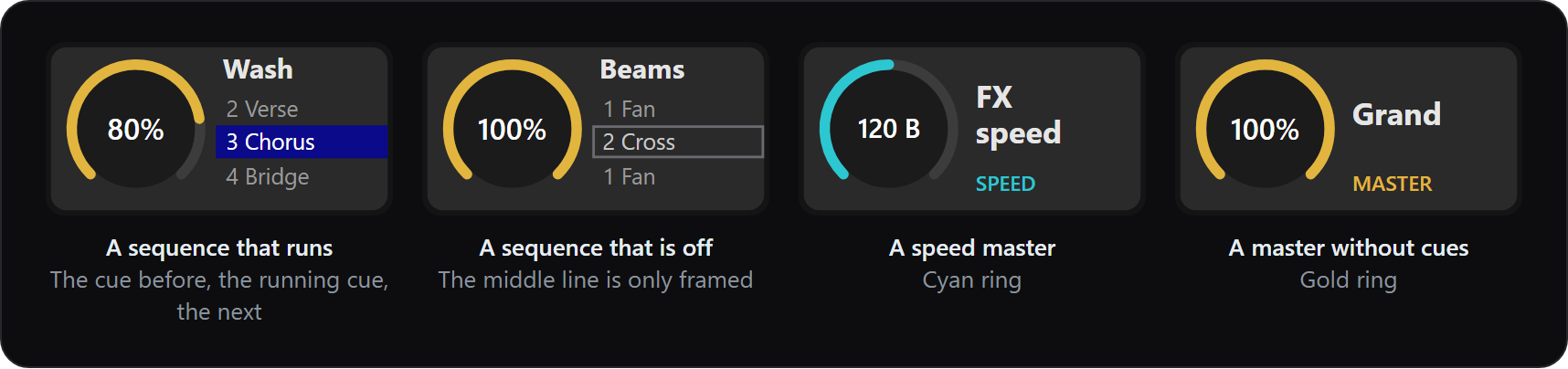
On a Stream Deck +: programmer encoders, executor faders with their cue list, cue pickers and MAtricks wheels. → Dials
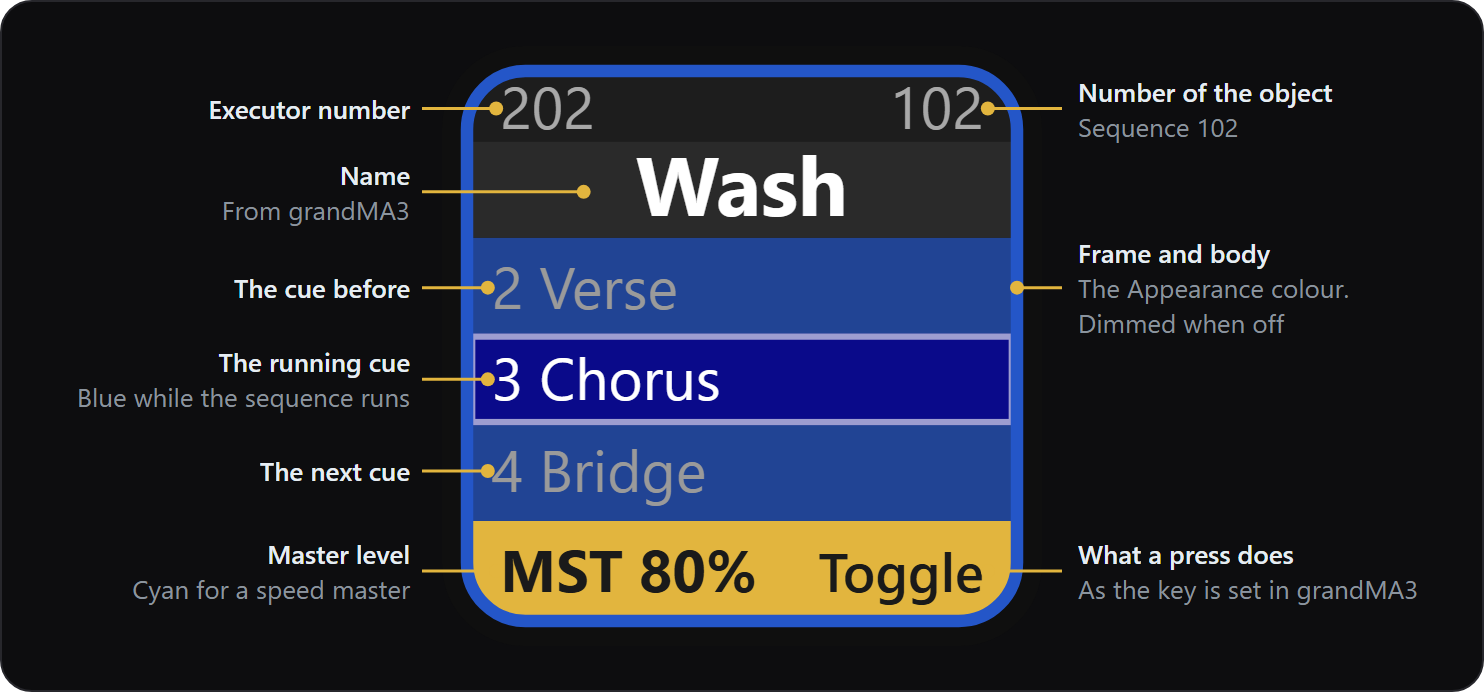
An executor is drawn like the playback window in grandMA3. → What the keys show
Look in the FAQ first. Still stuck? Open an issue and include:
- your Stream Deck model and the version of the Stream Deck software,
- your grandMA3 version, and whether it is onPC or a console,
- what the Connection key says,
- what you did, what you expected, and what happened instead.