Repository navigation
Starter profiles
Five ready-made profiles come with the download, one per Stream Deck model. Nothing in them is tied to a particular show: they show whatever is in the show that is open in grandMA3.
Importing: double-click the profile for your Stream Deck in the Profiles folder — CueDeck Plus, 15, XL, Neo or Mini. It is added as a new profile; your own profiles are not changed.
Five pages. Swipe the touch strip to change page.
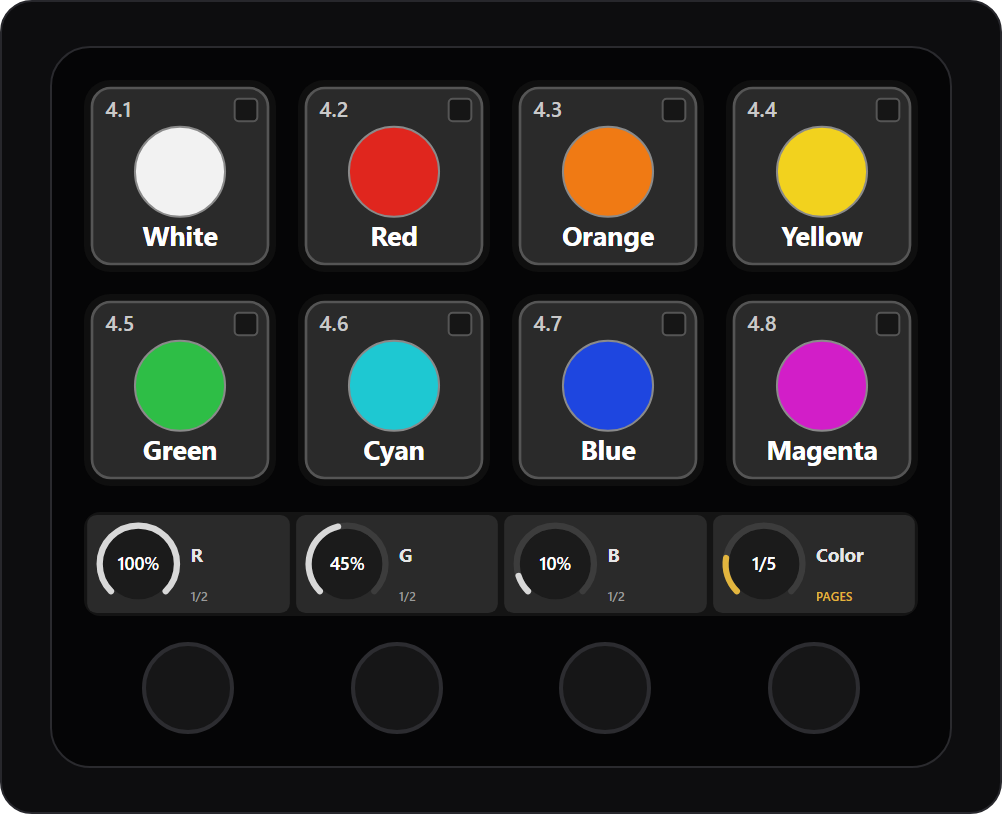
The feature groups on the keys, their attributes on the dials. Press a feature key again for its next page; press a dial for the attribute's next function.
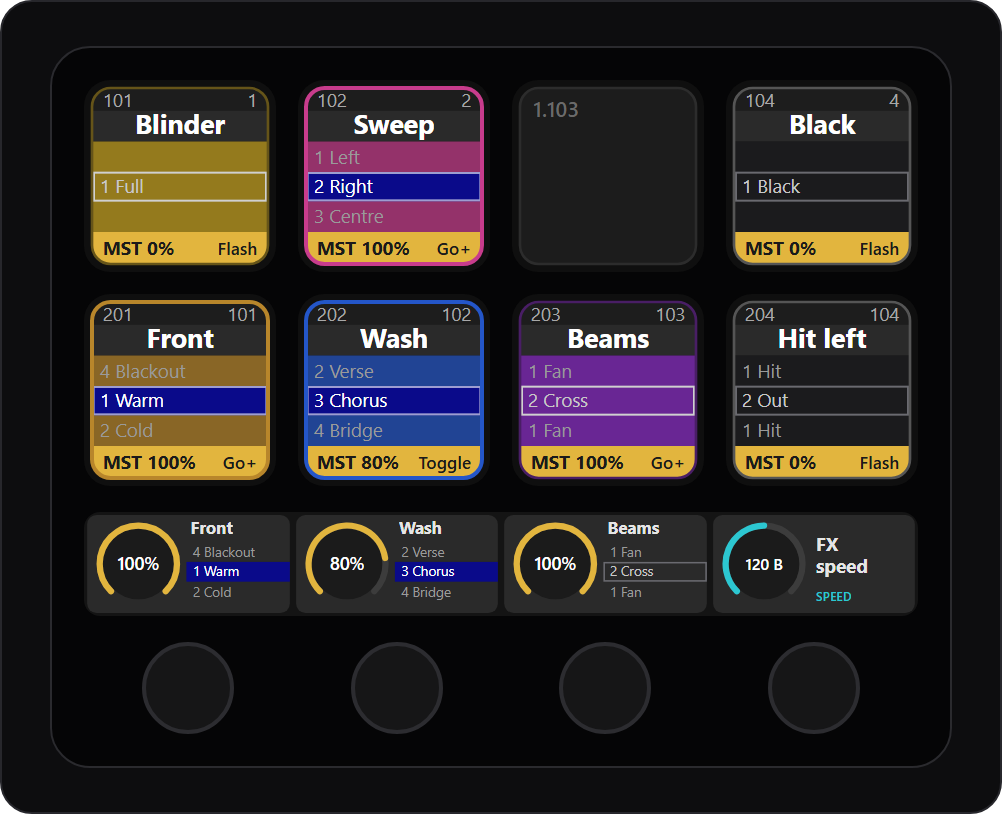
Executors 101–104 and 201–204 on page 1, and the faders of 201–204. Hold a dial in and turn to pick a cue.
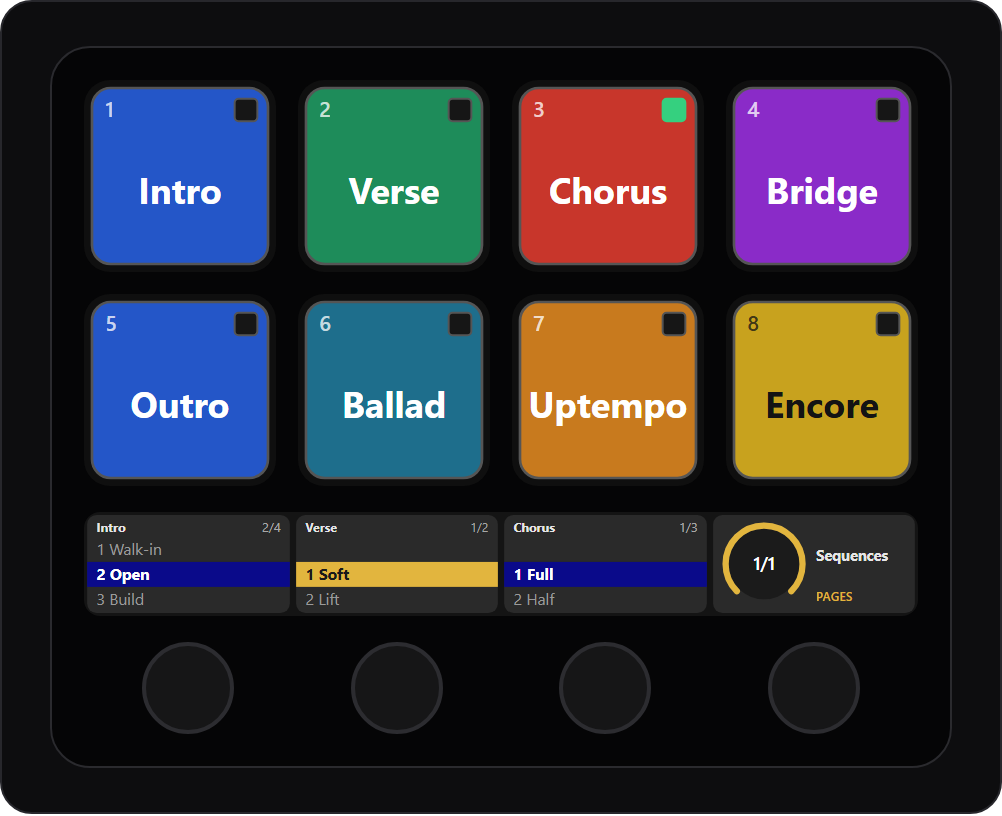
Sequence 1–8: press = Go+, long press = Off. Cue Pickers for Sequence 1–3. Dial 4: hold in and turn to scroll to 9–16.
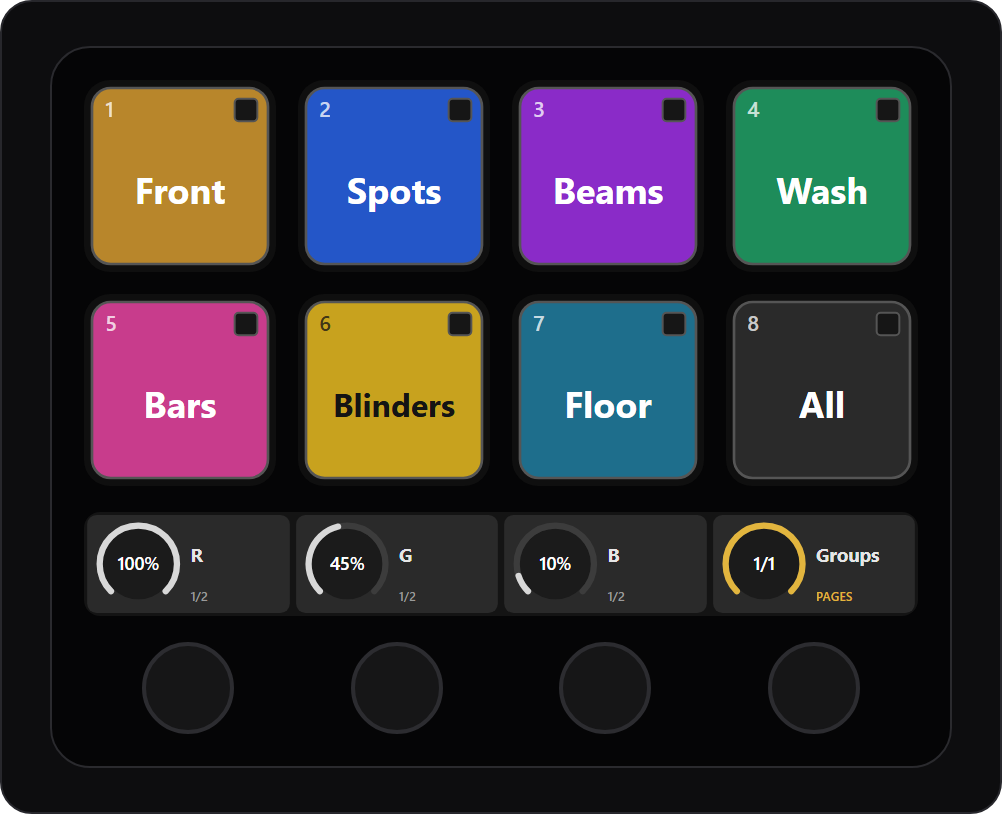
Group 1–8, and attributes on dials 1–3. Dial 4: hold in and turn to scroll.
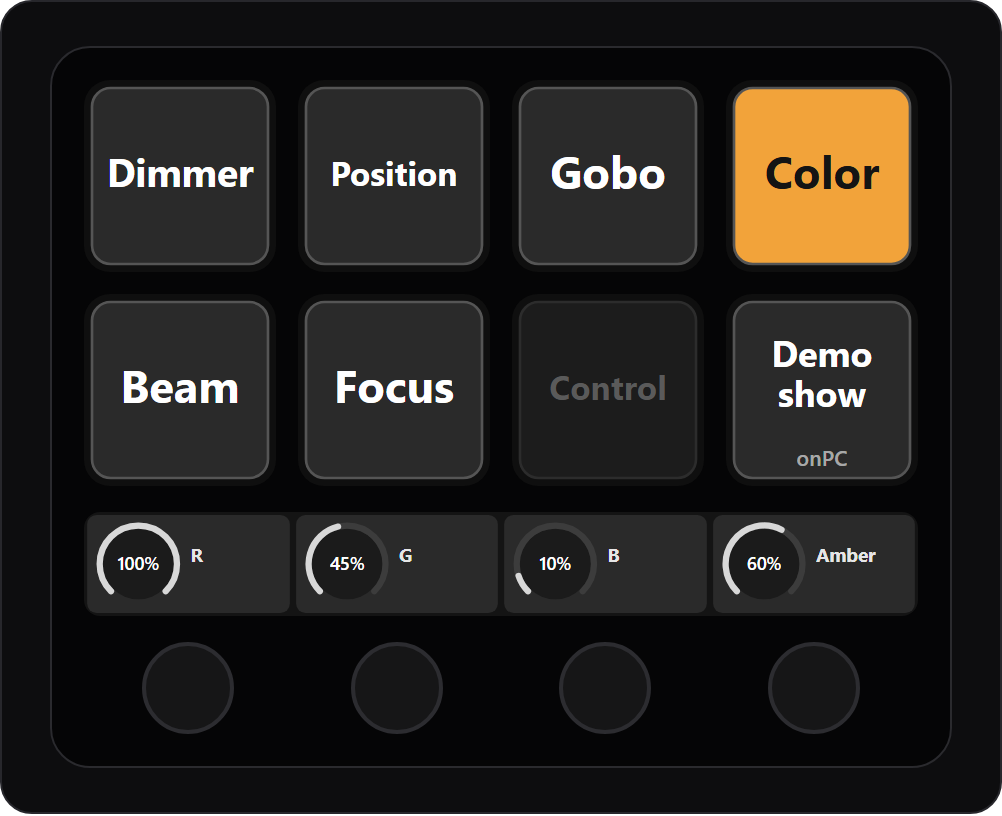
Presets. Dial 4 picks the pool: Color, Position, Gobo, Beam, Dimmer.
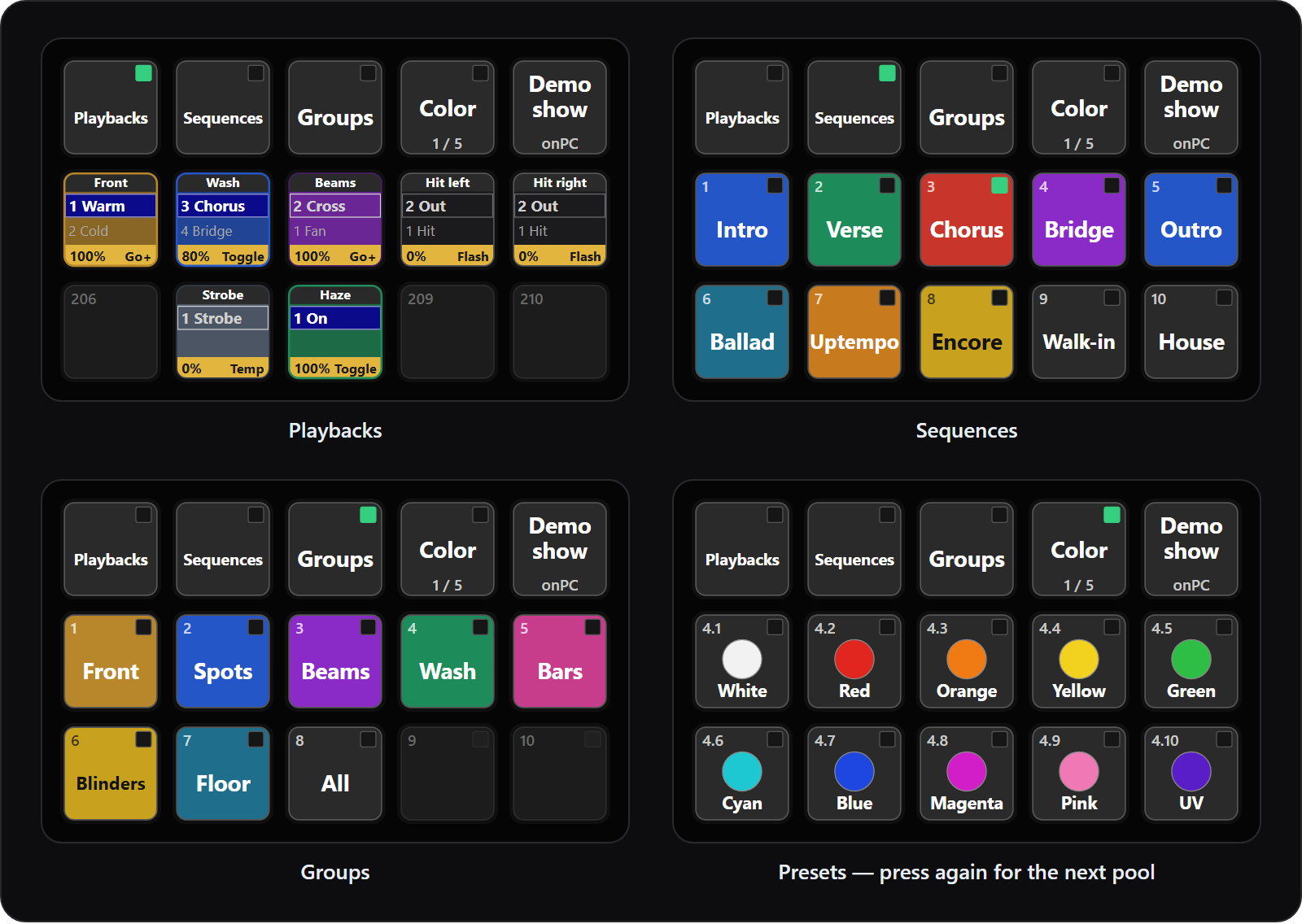
One page. The top row picks what the ten keys below show. The last key in the row is the Connection key.
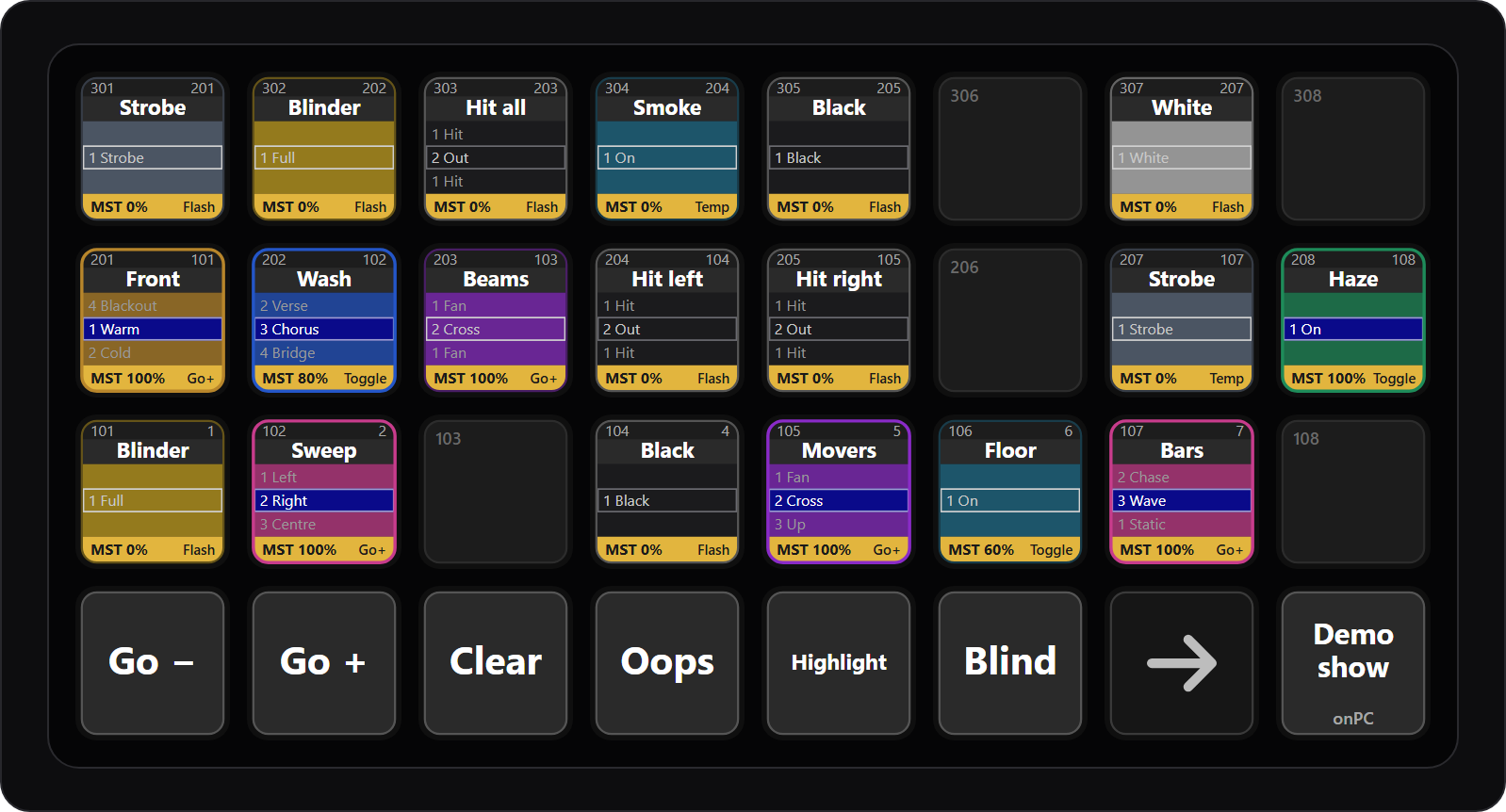
Two pages: three rows of executors with a row of shortcuts, and a mode row with 23 keys that follow it. Not tried on a real deck yet. → Guide
Five pages of eight; the touch points turn the page. Not tried on a real deck yet. → Guide
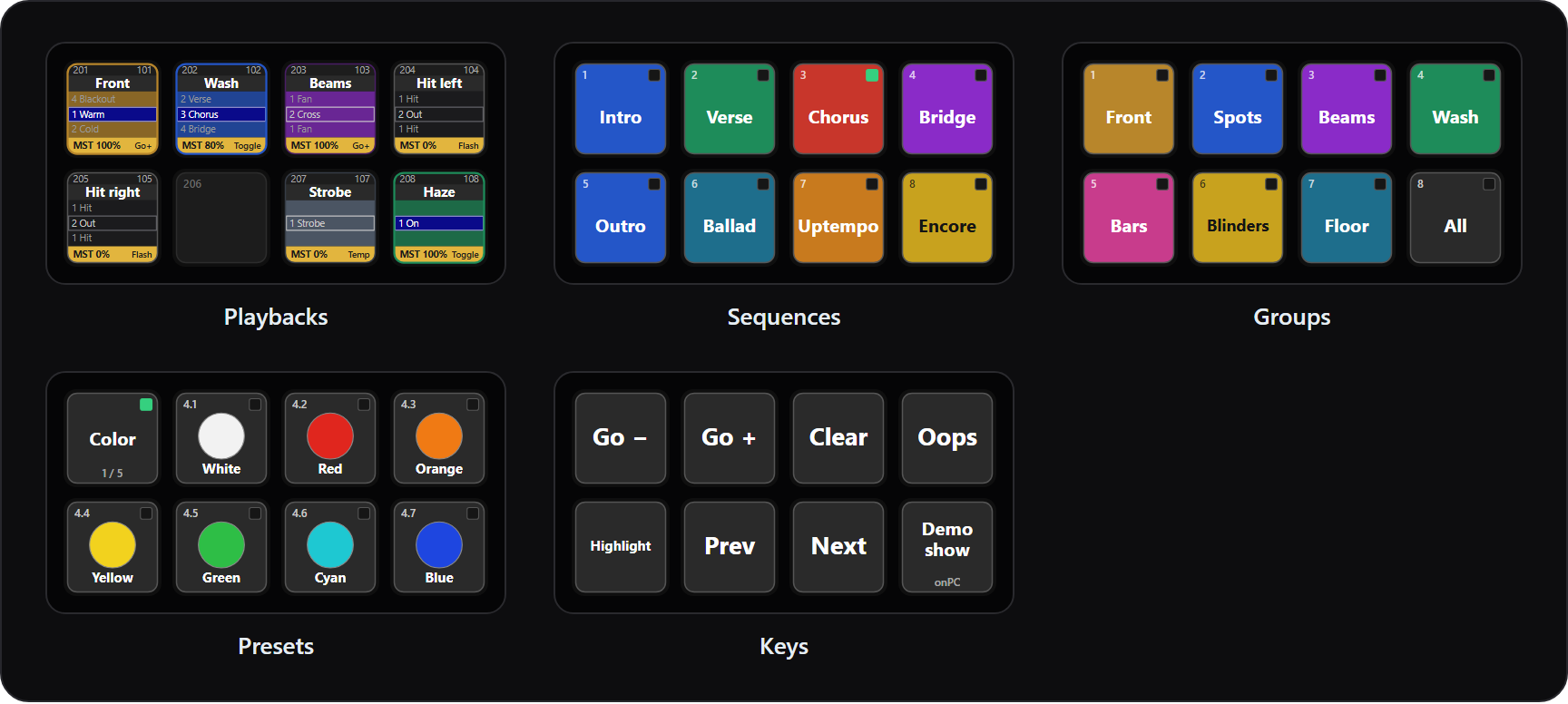
One page: a mode key that steps through eight sources, four keys that follow it, and the Connection key. Not tried on a real deck yet. → Guide
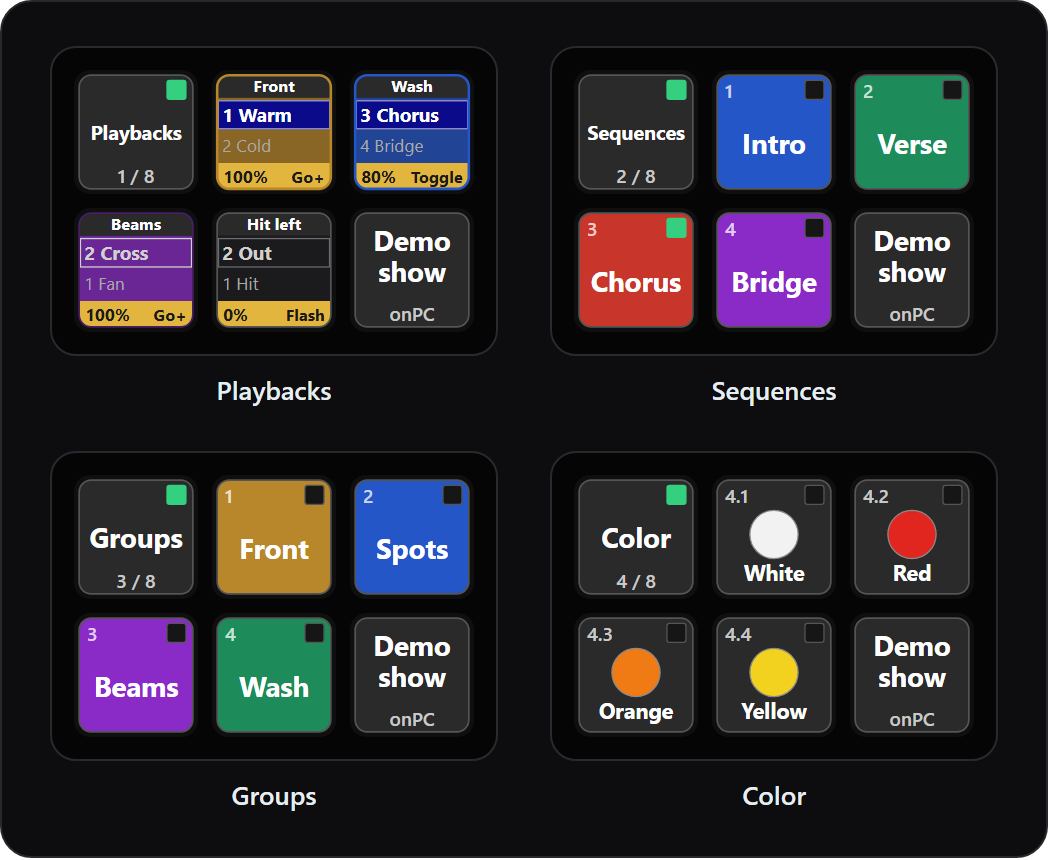
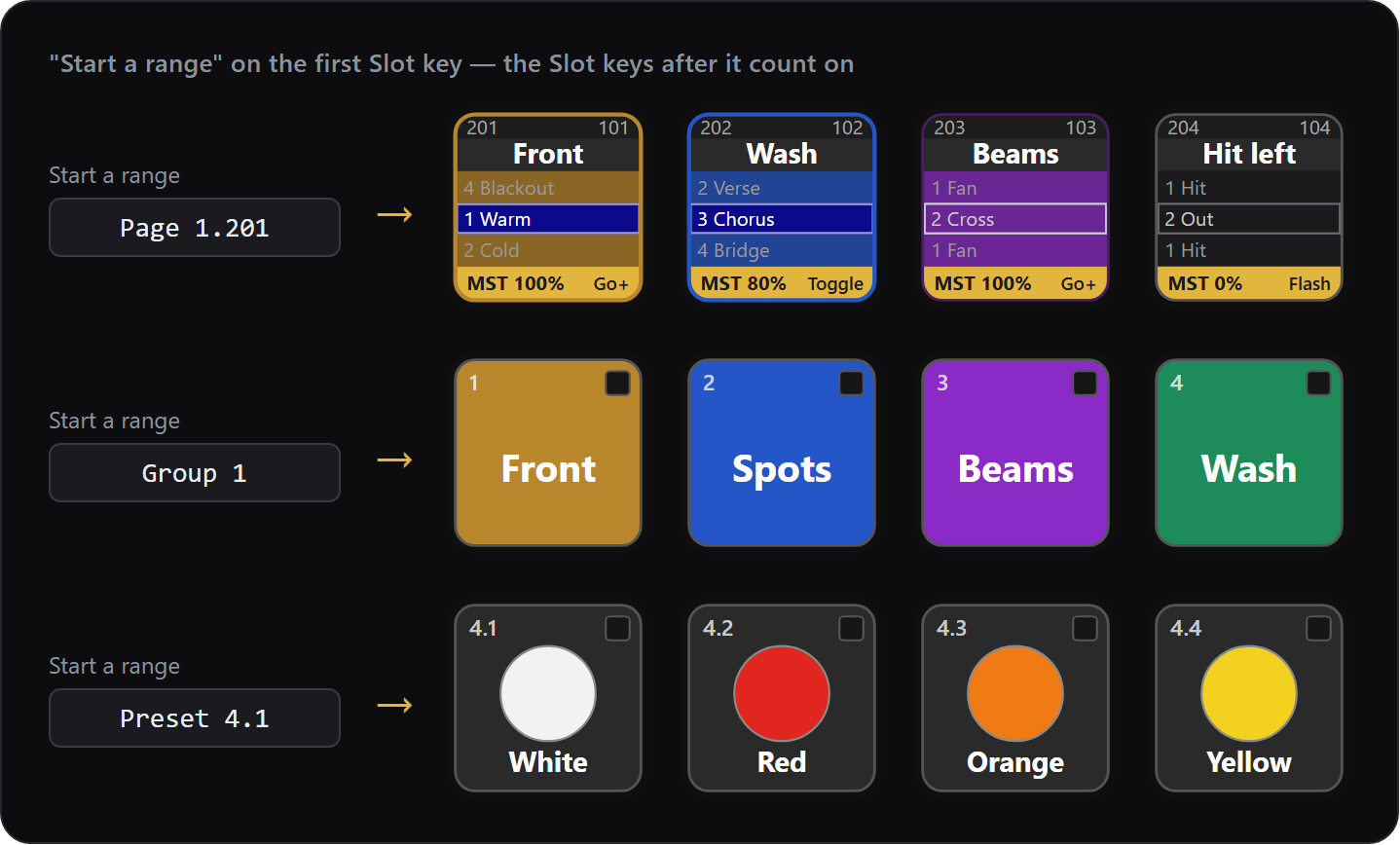
The numbers above are only where the profiles start. Each start number is written in one place:
| Where | What to change |
|---|---|
| 15 keys | The settings of a key in the top row: Playbacks = Page *.201, Sequences = Sequence 1 … |
| Stream Deck +, pages with a Page Wheel on dial 4 | The same line, in the settings of dial 4. |
| Stream Deck +, Playbacks | The first key of each row (Page 1.101, Page 1.201), and the target of each fader dial. |
| XL and Neo | The first key of a row or page (Page *.301, Sequence 1), or the mode keys on the pool pages. |
| Mini | The lines in the settings of the mode key. |
-
Page *.201is executor 201 on whichever page is active in grandMA3.Page 1.201pins it to page 1. - The preset pools are numbered as in a new grandMA3 show: 1 Dimmer, 2 Position, 3 Gobo, 4 Color, 5 Beam. Elsewhere in your show? Change the lines —
Color = Preset 7.1.
Start with the Connection key, then add Slot keys and one Page Wheel (on a dial) or a row of mode keys. That alone gives you groups, presets, sequences and executors with nothing typed per key. See Keys and Dials for everything else.