Repository navigation
Stream Deck models
Not every Stream Deck can show or do everything. The keys differ in size, and only the Stream Deck + has dials and a touch strip.
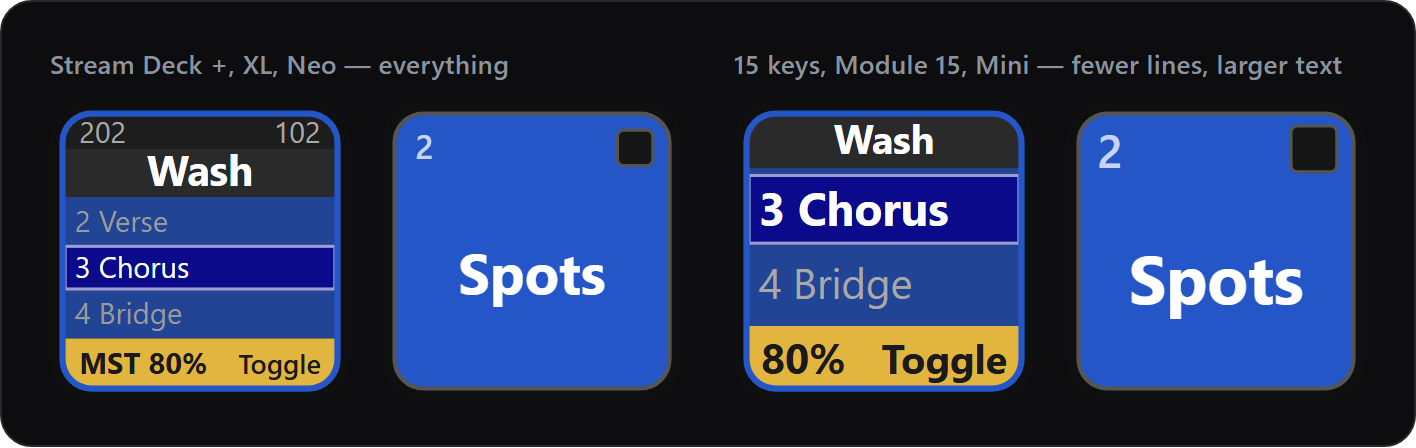
| Stream Deck + | XL, Neo | 15 keys, Module 15, Mini | |
|---|---|---|---|
| Key size | 120 px | 96 px | 72–80 px |
| Keys | Everything | Everything | Fewer lines, larger text |
| Dials and touch strip | Yes | No | No |
| Starter profile in the download | CueDeck Plus | CueDeck XL, CueDeck Neo | CueDeck 15, CueDeck Mini |
The dial actions — Encoder, Fader, Cue Picker, Parameter Wheel and Page Wheel.
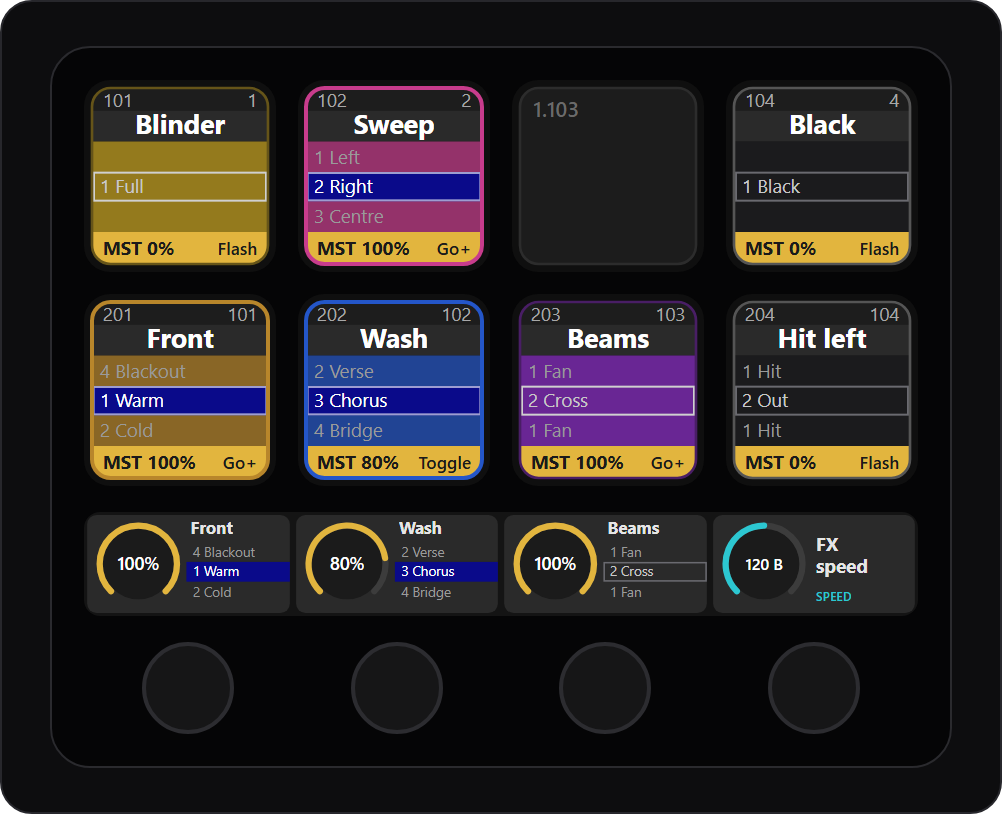
On a deck without dials they can still be placed on a key, with less to them:
| Action on a key | What the key does |
|---|---|
| Page Wheel | Becomes a mode key |
| Fader | Press switches the level off, and back to where it was |
| Cue Picker | Press sends Go+ |
| Encoder | Shows the value only |
| Parameter Wheel | Press steps the value up, and round to the lowest again |
The text follows the model by itself. To force one drawing for all your decks, open the settings of the Connection key and set Key text to Normal on every deck or Large on every deck.
CueDeck is developed on Windows, on a Stream Deck + and a Stream Deck Module 15. A tester has also run it on a Stream Deck XL, with keys set up by hand, and everything worked. The other models run the same code, but have not been tried — that goes for the XL, Neo and Mini starter profiles too, and for macOS. If you use one and something looks wrong, open an issue with a photo.