Repository navigation
Authentication and SSO
Streamline authenticates every request by default, supports OIDC single sign-on alongside local accounts, and enforces a three-role permission model. This page covers the auth modes, how sessions and API keys work, the OIDC round trip, and how to size roles, registration and lockout for your deployment.
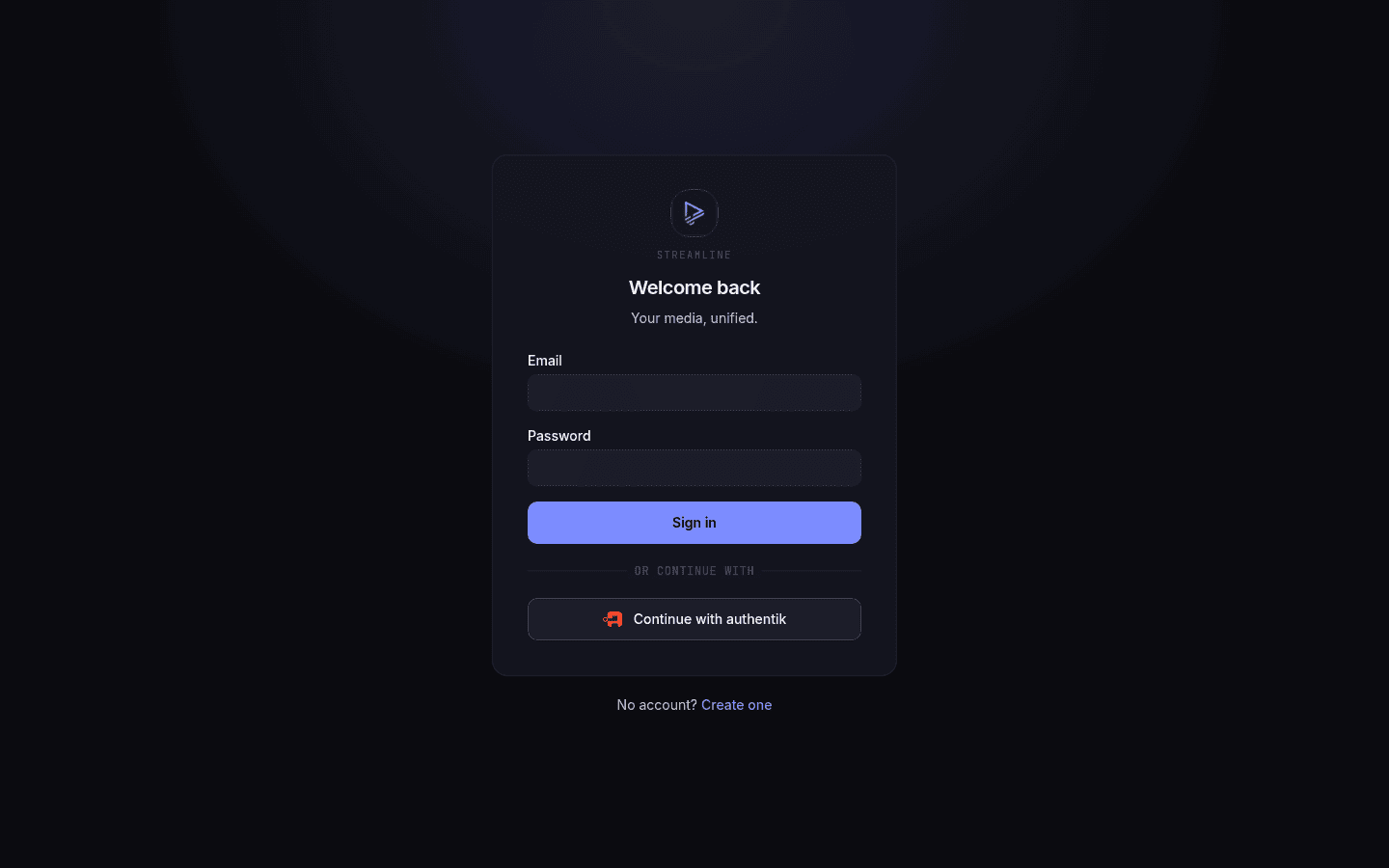
- Auth modes
- Transport split
- Roles and RBAC
- Sessions
- API keys
- Registration and invites
- Rate limiting and lockout
- OIDC
- Reverse proxies
auth.mode picks one of three postures.
Every request authenticates. This is the only mode appropriate for anything reachable from outside your network.
Requests originating from a CIDR in auth.trusted_networks are automatically granted auth.trusted_role without credentials. Everything else authenticates normally.
A write (anything but GET/HEAD/OPTIONS) that a browser marks as coming from another site gets no grant: otherwise any web page opened on a trusted machine could post to Streamline with trusted_role. It falls back to ordinary authentication, so a script with a real token still works.
The grant also depends on the address you typed into the browser. It applies when you reach Streamline by IP address, localhost, a bare machine name (http://nas:8080), a name under .lan, .local, .home.arpa, .internal or .localdomain, or the host in STREAMLINE_PUBLIC_URL. Any other domain name gets a login page instead. This blocks DNS rebinding, where a malicious site points its own domain at your server's LAN address to drive it from your browser. If you reach Streamline through a public domain, set STREAMLINE_PUBLIC_URL to it.
auth:
  mode: trusted-network
  trusted_networks:
    - 10.0.0.0/8
    - 192.168.1.0/24
  trusted_role: member
The client IP is resolved by chi's ClientIPFromXFFTrustedProxies(1) middleware — it derives the client from X-Forwarded-For assuming exactly one trusted proxy in front of Streamline.
Warning
That assumption is load-bearing. If Streamline is exposed directly, or sits behind a different number of proxies, or behind one that appends to a client-supplied X-Forwarded-For instead of overwriting it, a client can forge a trusted source IP and be granted trusted_role with no credentials at all. Only use this mode when you control the proxy chain, and set trusted_role to the least-privileged role that does the job. The default is member; admin is rarely what you want here.
No authentication whatsoever. Every request passes through unauthenticated.
Reasonable for local development. Never for anything else — this is not "auth handled by my proxy", it's no identity at all, so every request is anonymous and unattributable.
In full mode, the middleware picks its credential source by path prefix. This is deliberate: browsers and API clients have different threat models.
/api/v1/* accepts, in order:
X-API-Key: <key>Authorization: Bearer <jwt>- The
streamline_sessioncookie — only when the browser sendsSec-Fetch-Site: same-origin
Failure is a 401 with a JSON body.
That third case exists so the SPA can call the API without a second credential. It's gated twice: SameSite=Lax on the cookie already blocks cross-origin POSTs, and the Sec-Fetch-Site check additionally blocks cross-origin GET-via-fetch. The header being absent fails closed.
Everything else authenticates by session cookie only. Failure is a 302 to /login?next=<escaped>. Bearer tokens are ignored here.
These bypass auth entirely:
| Path | Purpose |
|---|---|
/health |
Liveness/readiness probe. Bare JSON, not in the OpenAPI spec |
/login, /register
|
SPA shell |
/auth/login, /auth/register
|
The POST endpoints behind them |
/auth/oidc/ |
Prefix match — the whole OIDC start/callback flow |
Three roles, ranked admin (3) > member (2) > request_only (1):
| Capability | admin |
member |
request_only |
|---|---|---|---|
| Create / view own requests | ✅ | ✅ | ✅ |
| List requests | ✅ (all) | ✅ (all) | ✅ (own only) |
| Approve a request | ✅ | ✅ | ❌ |
| Deny / reopen a request | ✅ | ✅ | ❌ |
| Browse the library, the calendar and the download queue | ✅ | ✅ | ✅ |
| Add, edit and delete titles, trigger searches and grabs | ✅ | ✅ | ❌ |
| Manage own API keys, sessions, password | ✅ | ✅ | ✅ |
| Settings, users, indexers, download clients, media servers, quality profiles, schedules, library admin, torrents, transcoding, queue control, adoption review | ✅ | ❌ | ❌ |
That last row is admin-gated end to end: /config/*, /users/*, /indexers/*, /download-clients/*, /media-servers/*, /schedules/*, /library/*, /torrents/*, /transcoding/*, every write under /quality-profiles/* and /activity/* (pausing, cancelling, clearing, retrying and deciding adoption proposals), plus invites and system info. The reads under /quality-profiles and /activity stay open to every role.
Important
Streamline refuses to delete or demote the last remaining admin — regardless of who's asking.
Sessions are JWTs signed with HMAC using auth.session_secret, carried in the streamline_session cookie:
HttpOnlySameSite=Lax-
Securewhen the request arrived over TLS or carriedX-Forwarded-Proto: https
Each JWT carries a jti matched against a server-side session row, so sessions are genuinely revocable rather than merely expiring. Every authenticated request touches the row asynchronously to refresh last-seen.
auth.session_ttl defaults to 168h. A purge-sessions system job sweeps expired rows hourly.
Generated on first boot and persisted to your config file via an atomic YAML write-back.
If the config has no writable backing file, the secret is ephemeral — regenerated at every start, invalidating all sessions on restart. Any deployment with a read-only config must supply auth.session_secret (or auth.session_secret_file) explicitly.
Rotating it logs everyone out. There's also POST /api/v1/auth/jwt/rotate for doing that deliberately.
Created per user at Account settings → API keys, or POST /api/v1/auth/me/api-keys. Shown once at creation.
curl -H "X-API-Key: $KEY" https://streamline.example.com/api/v1/moviesAn API key inherits the full permissions of its owning user — an admin's key is an admin key. Scripts that only need read access should use a key on a member account.
Warning
Keys are read-only on the identity surface. Any non-GET request under /api/v1/auth/me, /auth/password, /auth/invites, /auth/jwt, /users, /config/auth or /config/oidc returns 403 when authenticated with a key — creating or revoking keys, changing passwords, managing sessions, administering users, and rotating the JWT secret, changing the registration mode and editing OIDC providers all require a logged-in session (Bearer JWT or the browser cookie). A leaked key therefore can't mint replacement credentials or reshape accounts; it grabs and browses, nothing more. Media endpoints and the other settings sections are unaffected.
Admins can revoke any user's keys from Settings → Users.
auth.registration_mode, runtime-editable:
| Mode | Behaviour |
|---|---|
disabled |
No self-registration, by password or through SSO. Default |
invite |
A valid invite is required, by password or through SSO — unless the provider sets auto_provision
|
open |
Anyone can register, by password or through SSO |
The mode covers both doors onto a new account — the registration form and a first-time SSO login — and it covers only new accounts. An existing user signs in whatever the mode is, and so does an existing local account that a provider adopts by email under email_linking: adoption links an identity to an account that already exists, so it is governed by that key, not by registration_mode.
An admin is always seeded on a fresh install, so the user table is never empty at request time. There is no first-user-registration special case to race.
Under invite mode the same invite can arrive through either door:
-
By link —
POST /auth/registermust carry the raw token, or it is refused with403 invite_required. The email binding is enforced at submit time. -
Through SSO — the invited person never sees the token. On their first login the earliest unused, unexpired invite bound to the email the IdP asserts is consumed automatically; no match rejects the login with
oidc_no_invite. A provider that reportsemail_verified: falseis rejected one step earlier, so an IdP whose users can self-assert an address cannot claim someone else's invite.
So inviting an SSO user is just: issue an invite for their email, tell them to sign in with the provider. There is no link for them to click.
To skip the invite for SSO entirely, set auto_provision: true on the provider (auth.oidc[], file-only like allow_admin). A first login through it then creates the account on auth.default_role, while the registration form still needs an invite. An invite bound to the email is still consumed and its role applied, and registration_mode: disabled still refuses. The provider becomes the gate: turn this on only for an IdP whose own sign-up you control.
auth.default_role (default member) is the role a user lands on when they register themselves — and it serves both paths, which is why it is not called oidc_default_role any more:
- an anonymous
POST /auth/registerinopenmode; - an OIDC login provisioning a new account whose claims map to no role.
It is only ever a fallback. An invite carries its own role, chosen by the admin who issued it, and a claim mapped through role_claim/role_mapping outranks it.
admin is clamped to member on both self-registration paths: always on the local one, and on the federated one unless that provider sets allow_admin: true. So setting auth.default_role: admin for an IdP you trust cannot also hand admin to whoever posts /auth/register first. An invite is not clamped locally — naming a role for one specific account is a direct decision — but an invite consumed through SSO still passes the provider's ceiling.
Upgrading: this key was previously called
auth.oidc_default_role, and the old name is no longer read. If your config still uses it, rename it — otherwise the key is ignored and new self-registered accounts fall back tomember, with nothing in the logs to say so. The API is the same clean break:GET /api/v1/config/authreturns onlydefault_role, and aPATCHnamingoidc_default_roleis ignored as an unknown field.
Invites: POST /api/v1/auth/invites returns the raw token once. It takes a ttl as a Go duration string (default 168h); the Invites card offers 1, 3, 7 and 30 days rather than a free-text field, since a typo there is a 422 on a form whose other two fields are fine. The SPA fetches GET /auth/invite/{token} to prefill the form; that lookup deliberately skips the email match so the page can render, while RegisterWithInvite enforces the binding atomically inside a transaction at submit time. Registration failures are mapped to user-safe messages — raw service errors are logged, never returned.
Two independent mechanisms.
Per-IP rate limit on login and registration: 5 attempts / 15 minutes. Not configurable, not clearable. Wait it out.
Per-account lockout, configurable:
auth:
  lockout:
    threshold: 10    # failures before locking
    window: 15m      # counted over this window
    duration: 15m    # lock lasts this long
Clear a lock from Settings → Users, or:
streamline auth unlock user@example.comMulti-provider. Each entry is discovered at startup; a provider whose discovery fails is skipped silently — check the boot logs if one doesn't appear on the login page.
auth:
  oidc:
    - name: authentik
      issuer: https://auth.example.com/application/o/streamline/
      client_id: streamline
      client_secret_file: /run/secrets/oidc-client-secret
      role_claim: groups
      role_mapping:
        streamline-admins: admin
        streamline-users: member
family: request_onlyAuthorization code with PKCE (S256), plus state and nonce. All three are held in short-lived _oidc_* cookies scoped to /auth/oidc/.
sequenceDiagram
  participant B as Browser
  participant S as Streamline
  participant I as Identity provider

  B->>S: GET /auth/oidc/{name}/start
  S-->>B: Set _oidc_* cookies, redirect to IdP
  B->>I: Authorization request (PKCE, state, nonce)
  I-->>B: User authenticates
  I-->>B: Redirect to callback (code, state)
  B->>S: GET /auth/oidc/{name}/callback
  S->>I: Exchange code for tokens (PKCE verifier)
  I-->>S: ID token + claims
  S->>S: Verify state/nonce, link or create account
  S-->>B: Set streamline_session cookie, redirect
Redirect URI:
<STREAMLINE_PUBLIC_URL or http://server.host:server.port>/auth/oidc/<name>/callback
Register that exact URI at your IdP, using the name you configured.
The redirect URI is derived per-request from the host you connect on, so multi-domain SSO works without extra config — register each domain's callback at the IdP.
STREAMLINE_PUBLIC_URLonly sets the canonical base for invite links.
On callback, in order:
-
Known
(provider, subject)→ log that user in. -
email_verifiedis false → reject (oidc_email_unverified). Streamline will not link on an unverified email; that would let anyone who can assert an address take over the matching account. -
Existing user with that (lowercased) email → link the identity and promote
auth_methodfromlocaltoboth. -
New user → apply
registration_mode:-
open→ create withauth.default_role -
invite→ consume the earliest unused, unexpired invite bound to that email; no match →oidc_no_invite, orauth.default_rolewhen the provider setsauto_provision -
disabled→oidc_registration_disabled
-
With role_claim and role_mapping both set, the claim is authoritative — the mapped role is applied on every login, so demotions in your IdP take effect. A login that changes the role also signs the user out of every other session, which would otherwise keep the old role until it expired. The claim value may be a string or an array; every value is checked and the highest-privilege match wins (admin 3 > member 2 > request_only 1).
With no mapping configured, new users get auth.default_role and existing users keep whatever role they have.
Callback failures redirect to /login?error=<code>:
| Code | Meaning |
|---|---|
oidc_state_missing, oidc_state_mismatch, oidc_nonce_mismatch
|
Flow cookies expired or were tampered with — usually just a stale tab |
oidc_email_unverified |
IdP reported the email as unverified |
oidc_registration_disabled |
New user, registration_mode: disabled
|
oidc_no_invite |
New user, invite mode, no matching invite, provider without auto_provision
|
oidc_provider_error |
The IdP returned an error |
OIDC providers are only loaded at process start. UI edits persist but don't take effect until you restart. The Settings → SSO page says so; it's the most common OIDC support question.
A provider whose config entry sets allow_admin: true or an email_linking other than disabled can't have its issuer changed from the UI or the API (403). That trust was granted to the issuer you named in the file, so move it there.
When Streamline is opened from a phone's home screen (see Install as an app), an OIDC login navigates to the IdP, which iOS opens in an in-app browser sheet. Recent iOS versions hand the session cookie back to the installed app when the sheet closes; older ones did not, and the login appeared to succeed in the sheet and then land on /login again. Local username-and-password login is unaffected. If a standalone OIDC login loops, sign in once from Safari — the installed app shares that session.
Forward the scheme, or the Secure cookie will be set and then never returned by the browser — producing a login that silently loops.
location / {
    proxy_pass         http://streamline:8080;
    proxy_set_header   Host              $host;
    proxy_set_header   X-Forwarded-Proto $scheme;
    proxy_set_header   X-Forwarded-For   $proxy_add_x_forwarded_for;
    proxy_set_header   Upgrade           $http_upgrade;
    proxy_set_header   Connection        "upgrade";
}
Caddy and Traefik set these by default.
Set STREAMLINE_PUBLIC_URL=https://streamline.example.com so invite links are absolute and correct.
If you use trusted-network mode behind a proxy, ensure the proxy overwrites X-Forwarded-For rather than appending to a client-supplied value. Otherwise a client can forge a trusted source IP and be handed trusted_role without credentials.