Repository navigation
Save vault
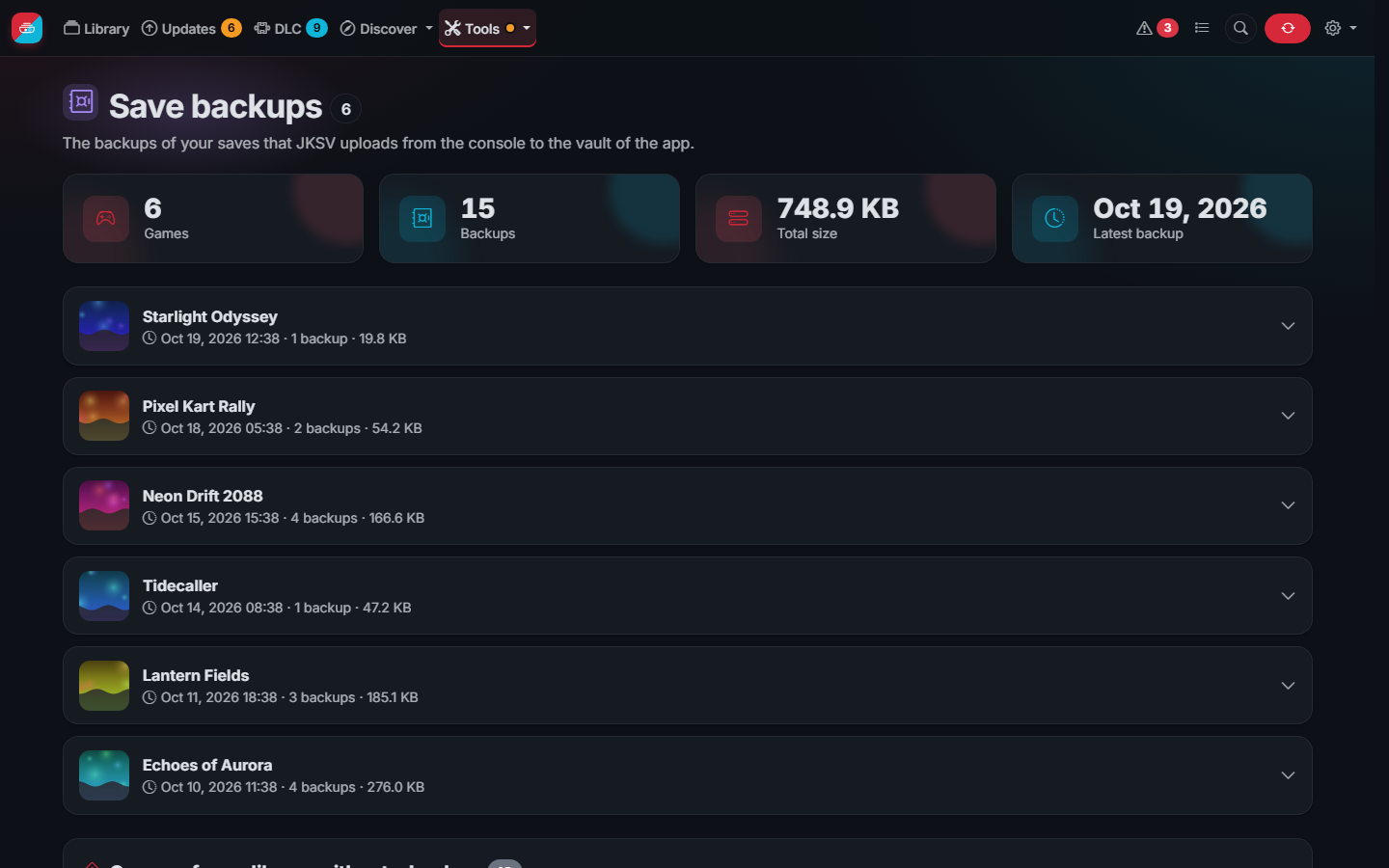
The save vault keeps the backups of your saves on the server, so a broken SD card or console does not take them. It is off until you turn it on in Settings > Save vault:
- Turn it on, choose a user and a password for JKSV (not those of the web interface) and save.
- Write the address of the server as the console sees it (like
http://192.168.1.10:3000) and download webdav.json. Copy it to the SD card of the console assdmc:/config/JKSV/webdav.json. - Open JKSV on the console: it says WebDAV is ready. Make a backup of a save and choose to upload it.
The backups appear on the Save backups page and on the page of each game, matched by the title ID JKSV writes in
each ZIP. They are kept in the saves folder of the data folder (include it in the backups of your server). WebDAV
answers at /dav/ on the same port, with its own password and the same protection against guessing as the login;
from outside your home use it through a VPN. Backups kept per game deletes the oldest ones automatically. Even
with the right password the vault only keeps backups (ZIP files) in the folder of JKSV, and refuses an upload that
would leave less than 2 GB free on the disk.