Repository navigation
Settings and backups
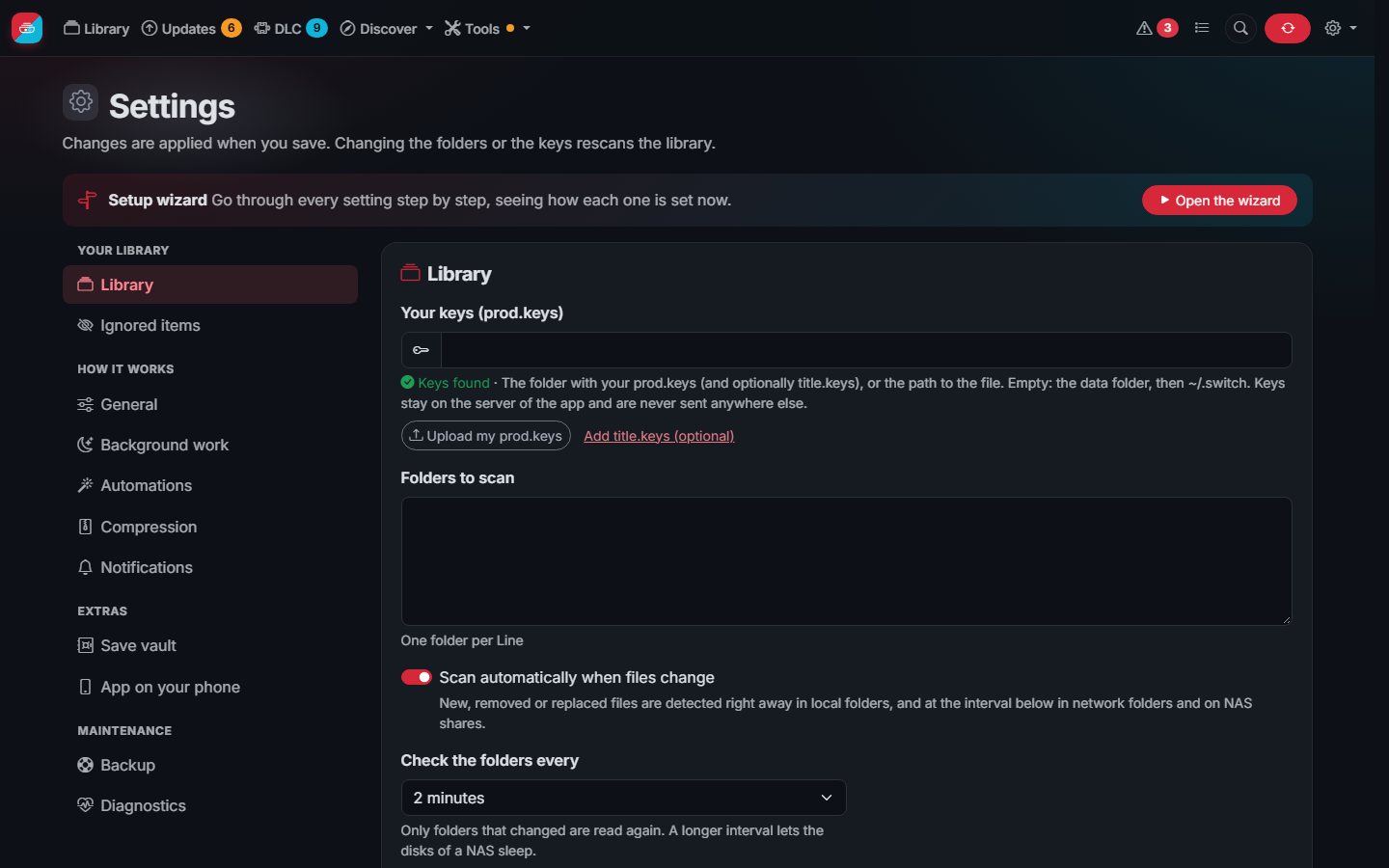
Most settings are in the web interface. settings.json in the data folder also has:
| Setting | Description |
|---|---|
port |
Port of the web interface, 3000 by default |
debug |
Detailed log, useful when reporting a problem |
scan_workers |
Files read at the same time when scanning. 0 (default) uses up to 4; more for fast network storage, 1 for one slow disk |
titles_json_url |
Titles database. Default: the data release of this repository |
versions_json_url |
Versions database. Default: blawar/titledb |
localized_titles_json_url |
Translated game names and descriptions; %s is the language |
The titles database is built every 6 hours from blawar/titledb by the
Update title data workflow and published in the data release. If it
cannot be downloaded, a mirror is used.
Every week the app keeps a copy of its configuration (settings, users, favorites, collections, wishlist and history)
in the backups folder of the data folder, the last 5. Settings > Backup lists them to download or restore, and
makes one at any moment.