Repository navigation
Home
Manage the backups of your Nintendo Switch games from the browser: see which updates, DLC and games you are missing, find broken or duplicate files, keep your folders tidy and save space with NSZ compression. It runs on Windows, macOS, Linux, Docker, NAS and Raspberry Pi.

❤️ Free and open source, and it will stay free. If it saves you time, a coffee helps keep it going.
Built on the work of @giwty, who created Switch Library Manager, @dtrunk90, who made its web version, and @trembon, whose fixes are included. Thank you! See Thanks and NOTICE.
Important
This project contains no keys, no games and no copyrighted content, and it never downloads them. Use it only
with backups of games you own. The few features that read the content of your files use your own prod.keys,
which you dump from your own console with a key dumping tool and keep on your computer: keys are never
included, uploaded or shared. Never post your keys anywhere, also not in issues, logs or screenshots.
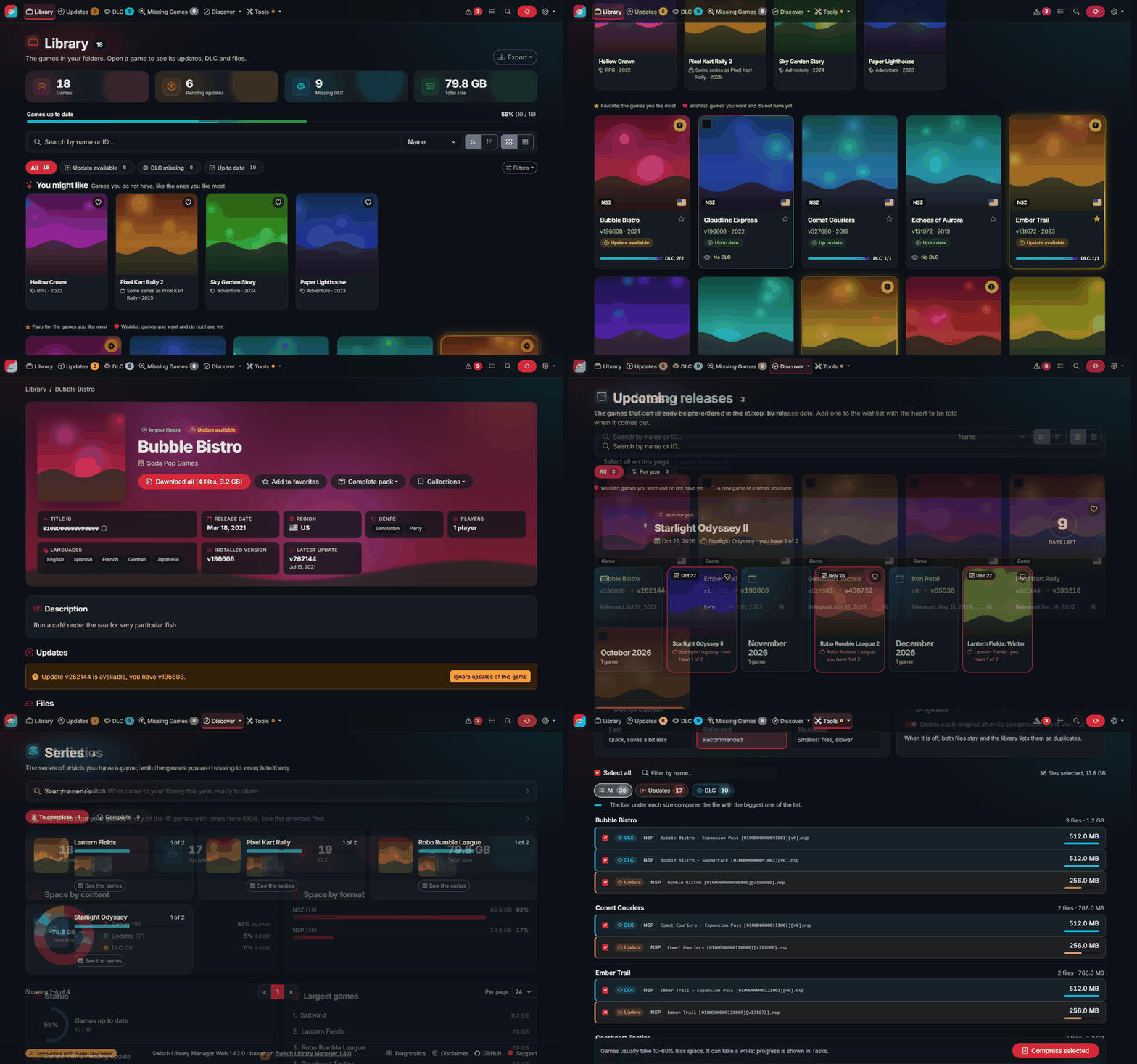
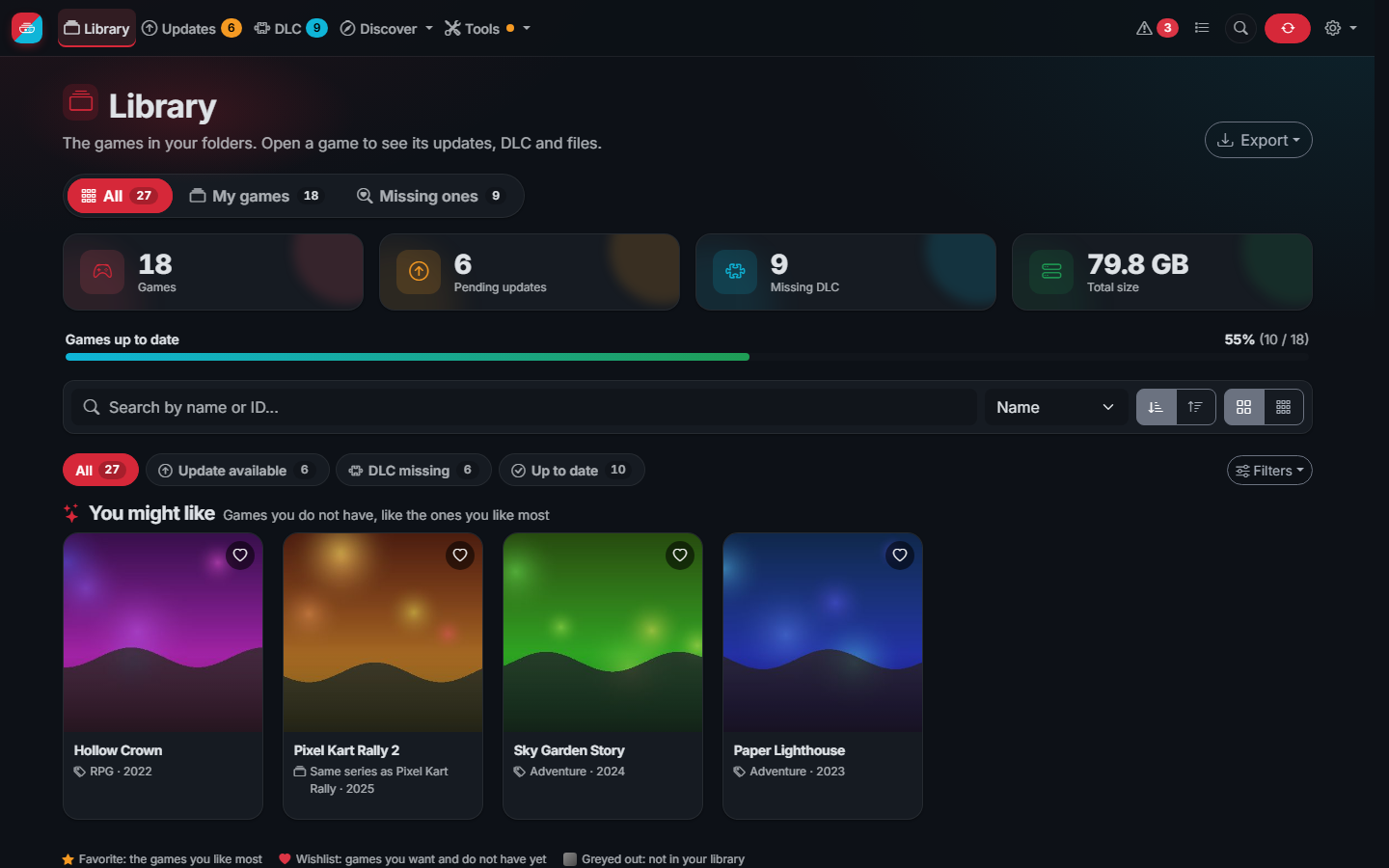
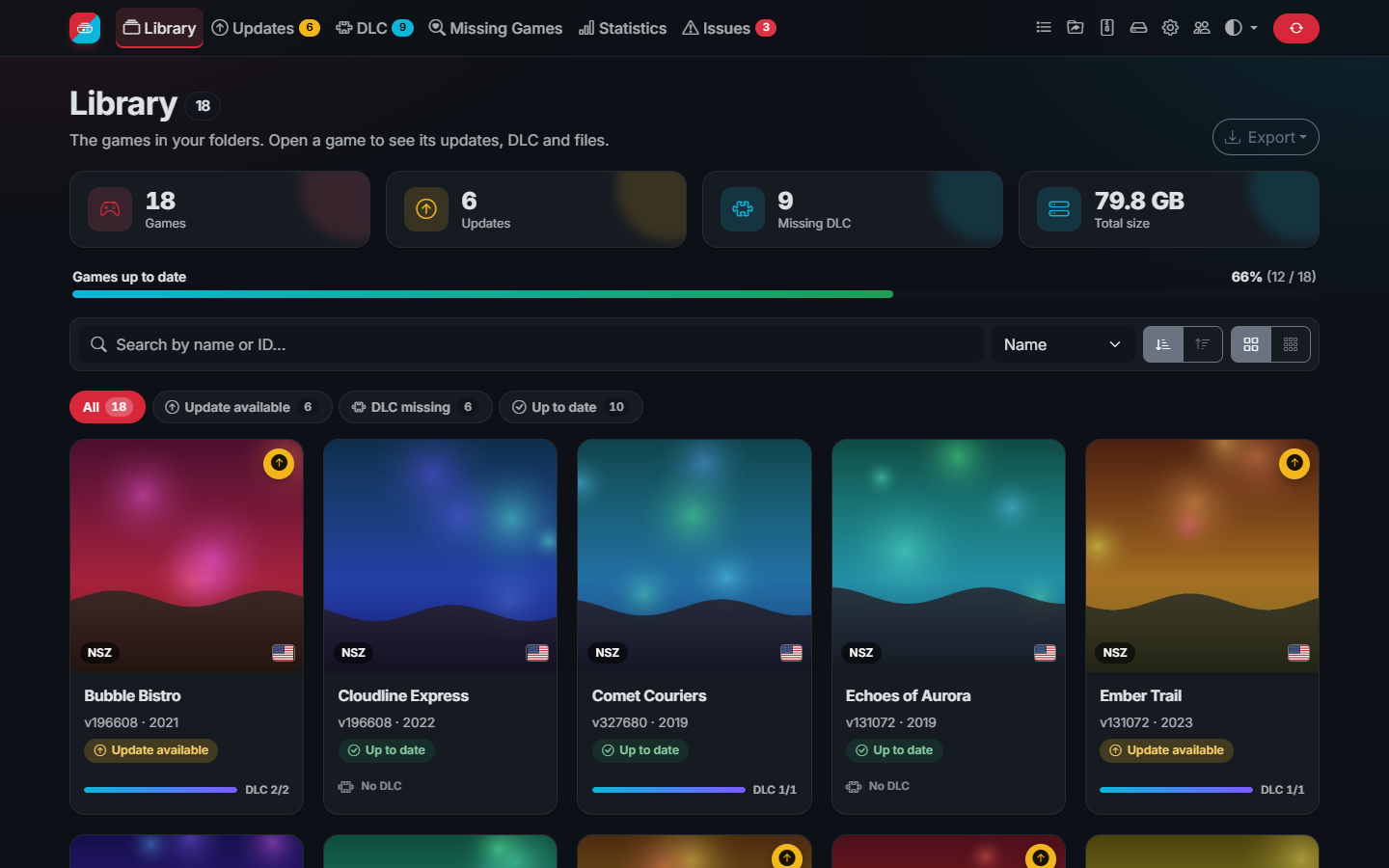 The library: covers, missing updates and DLC, recommendations |
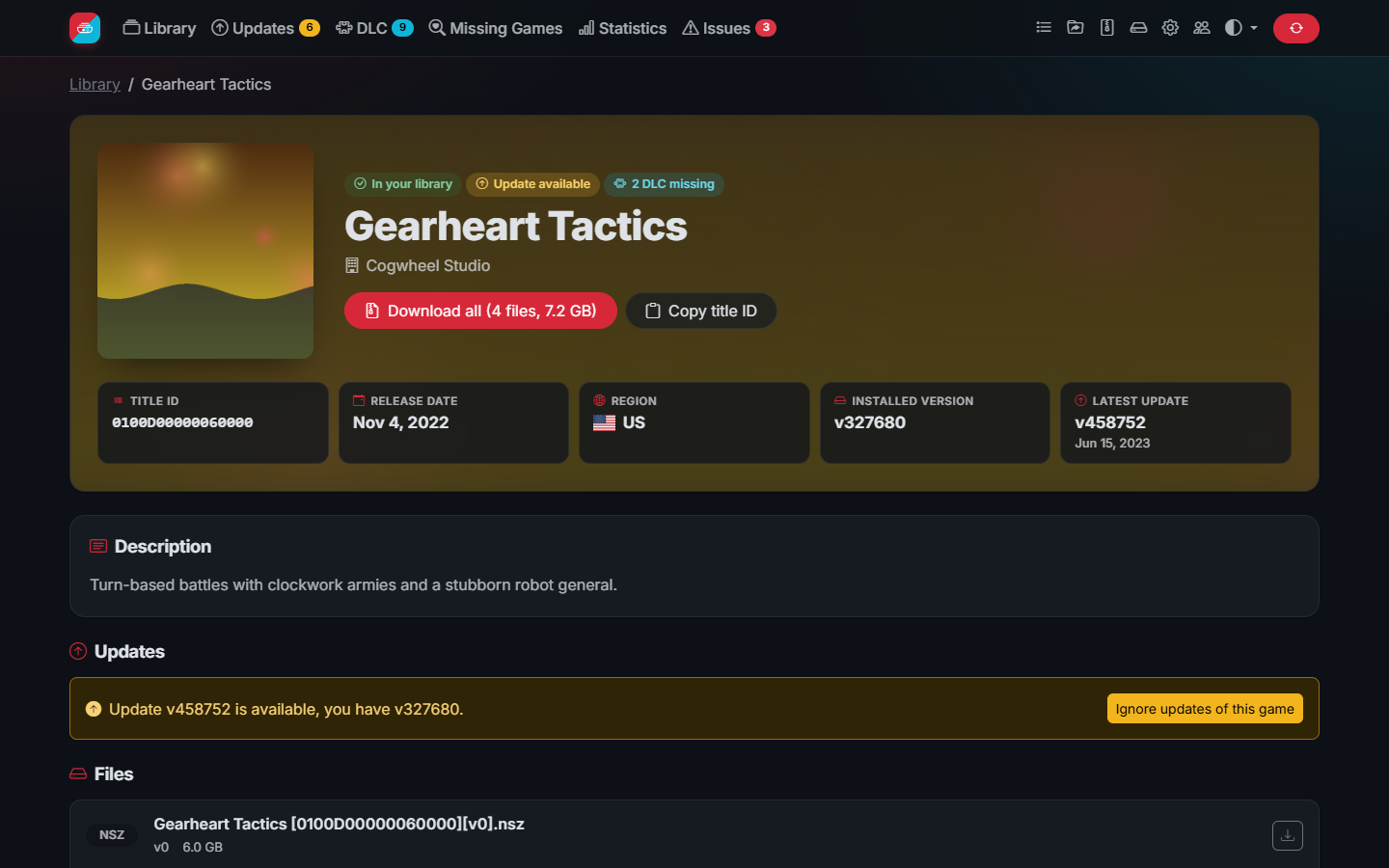 A game page: facts, times to beat, versions and DLC |
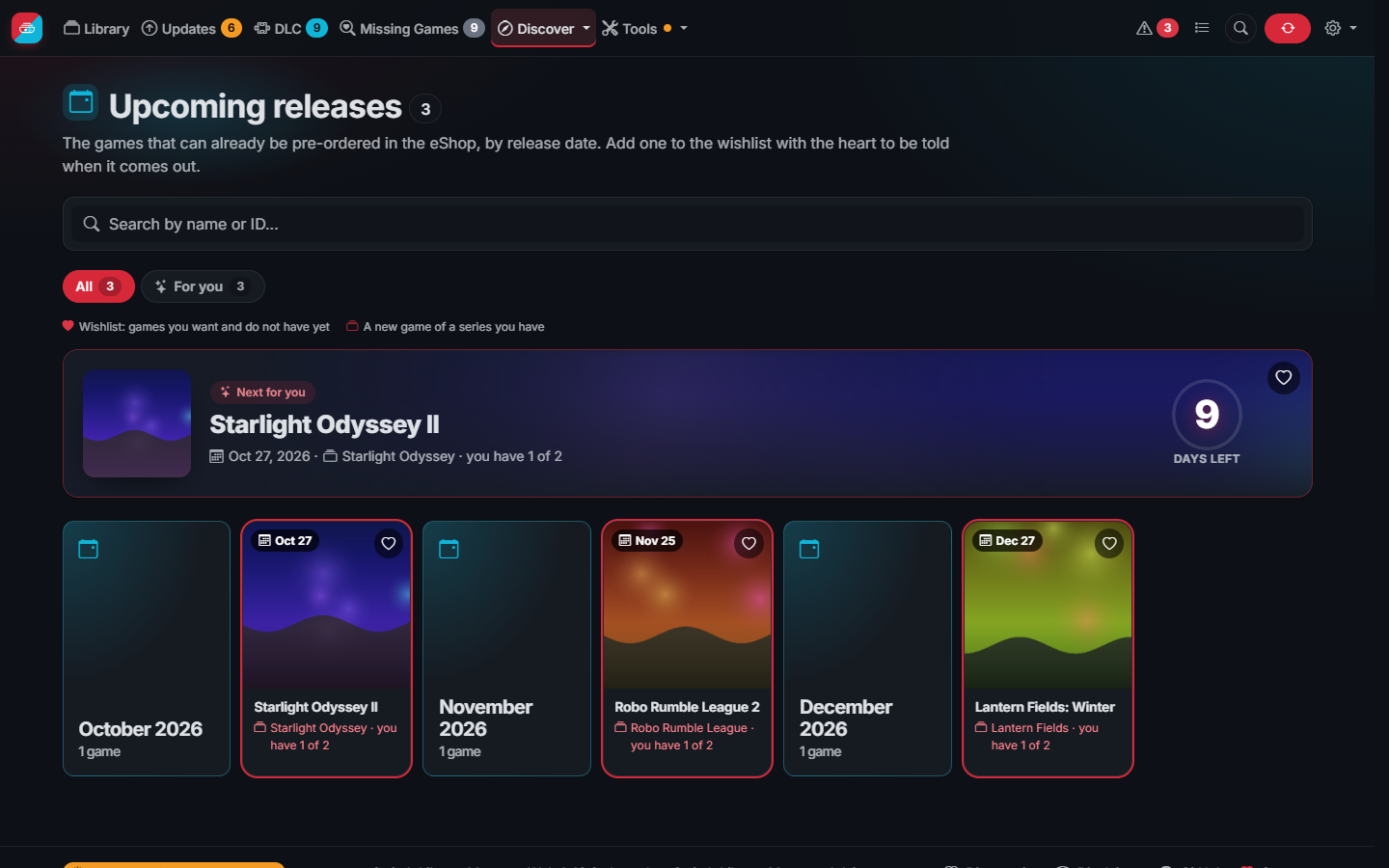 Upcoming releases, with your wishlist and series first |
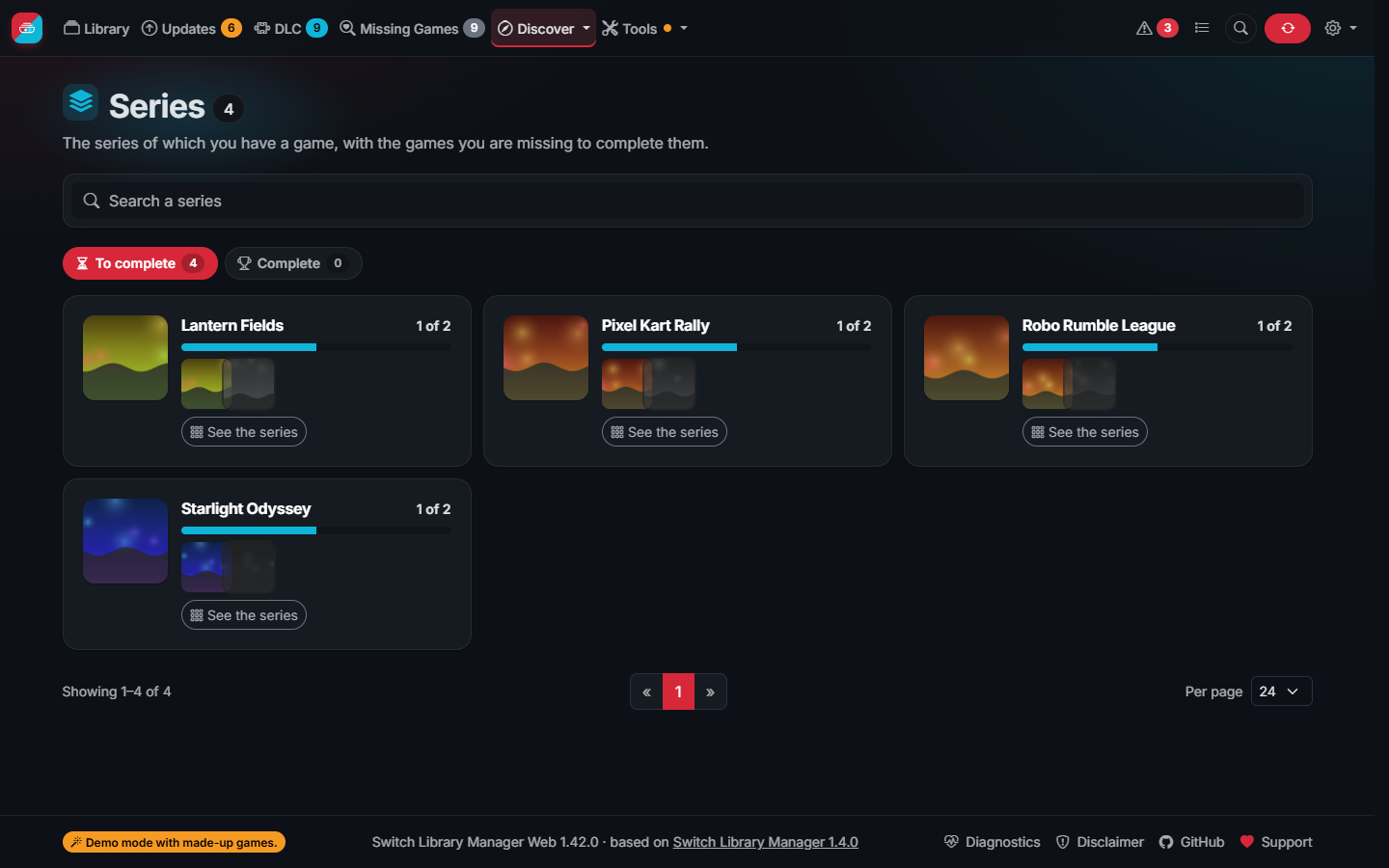 Series: how many games of each one you have |
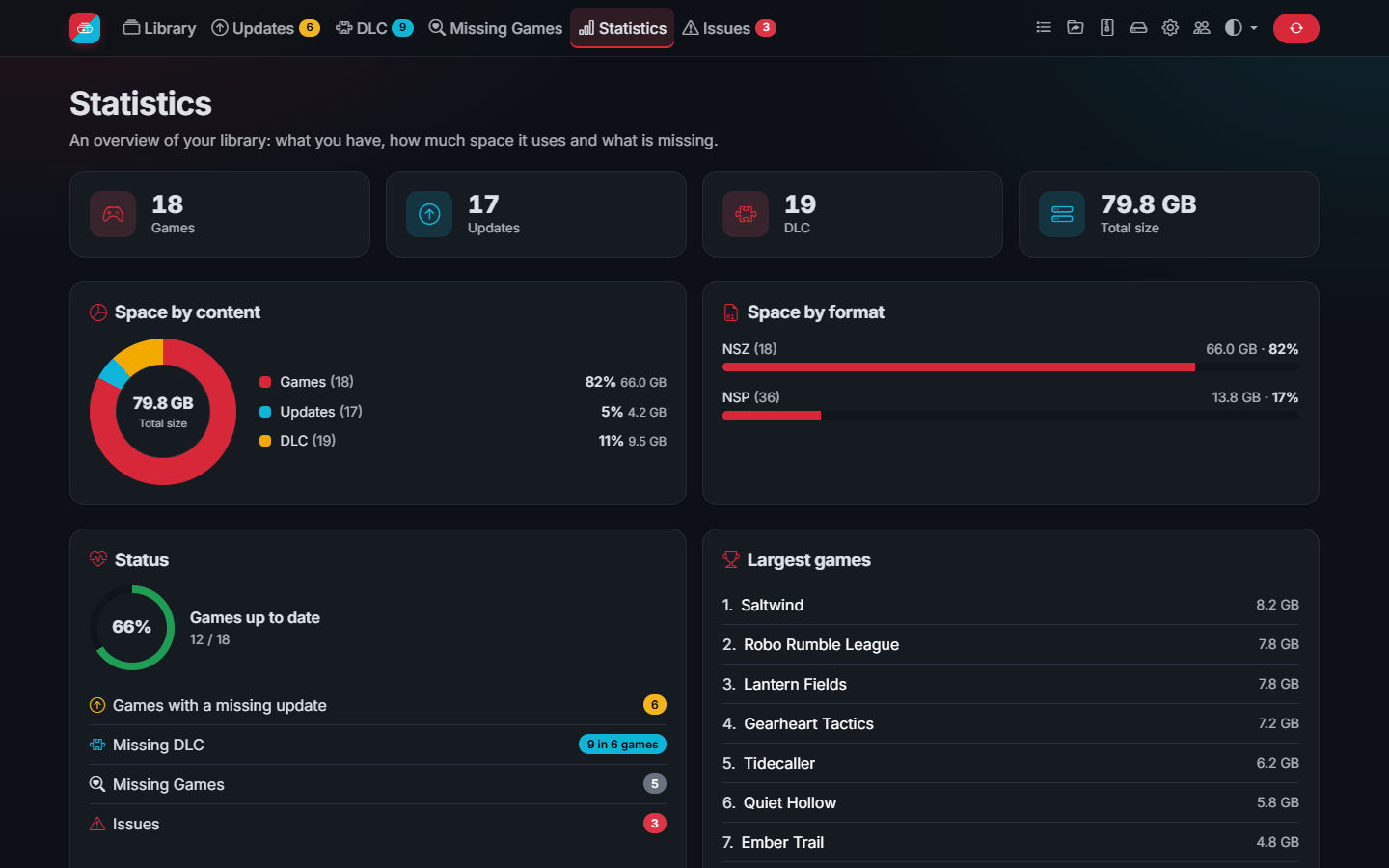 Statistics of your library |
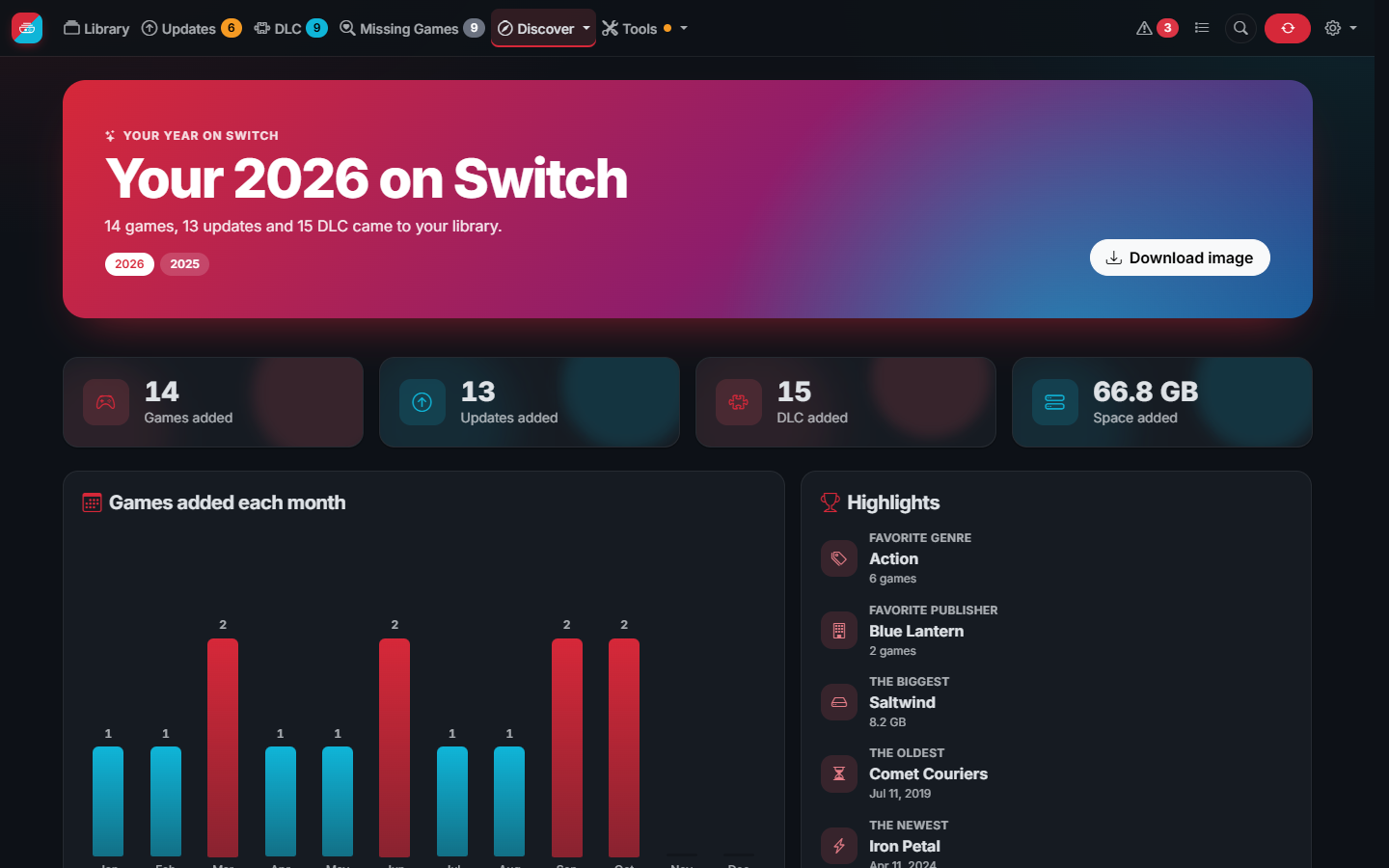 Your year on Switch, ready to share |
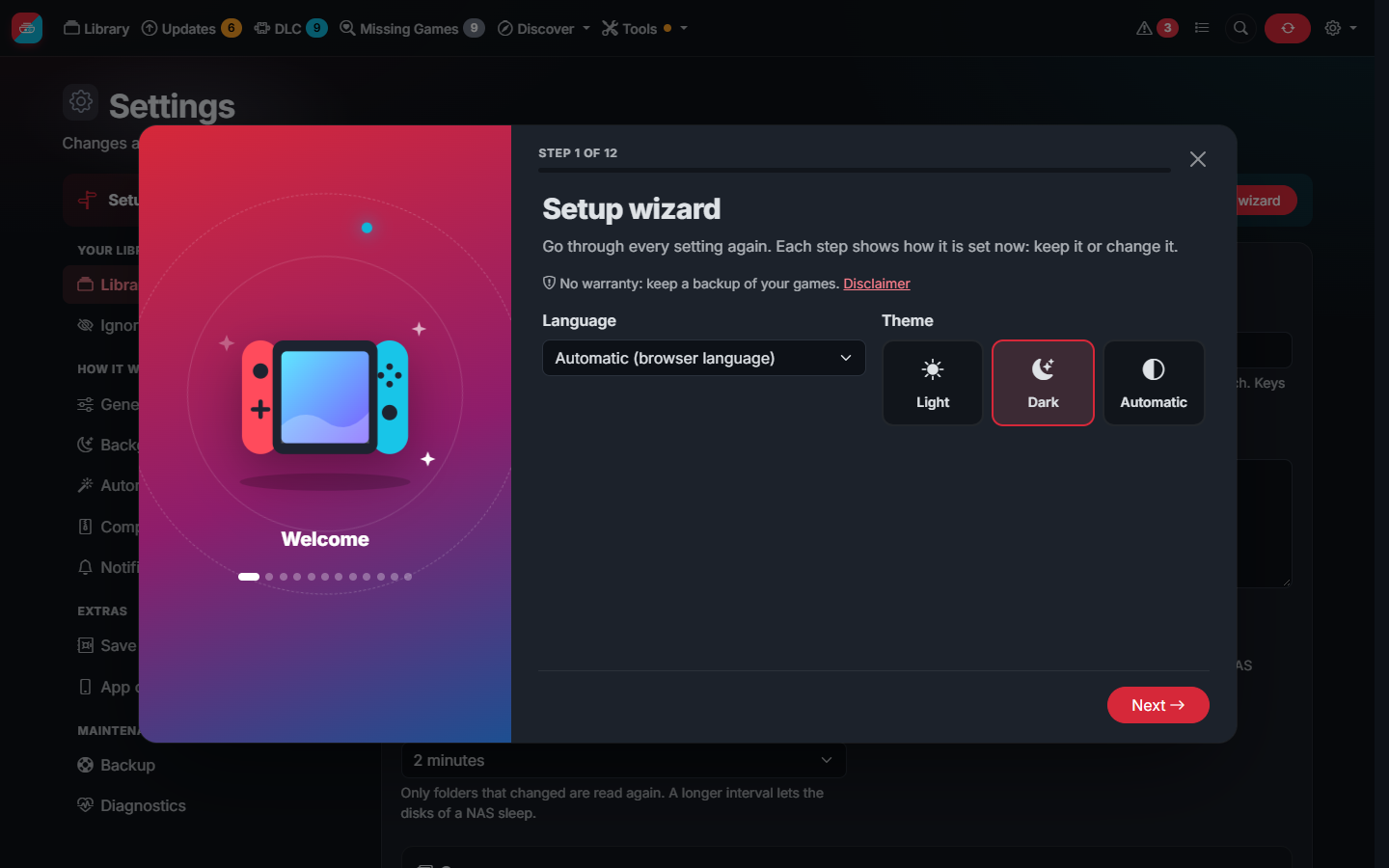 The setup wizard of the first start |
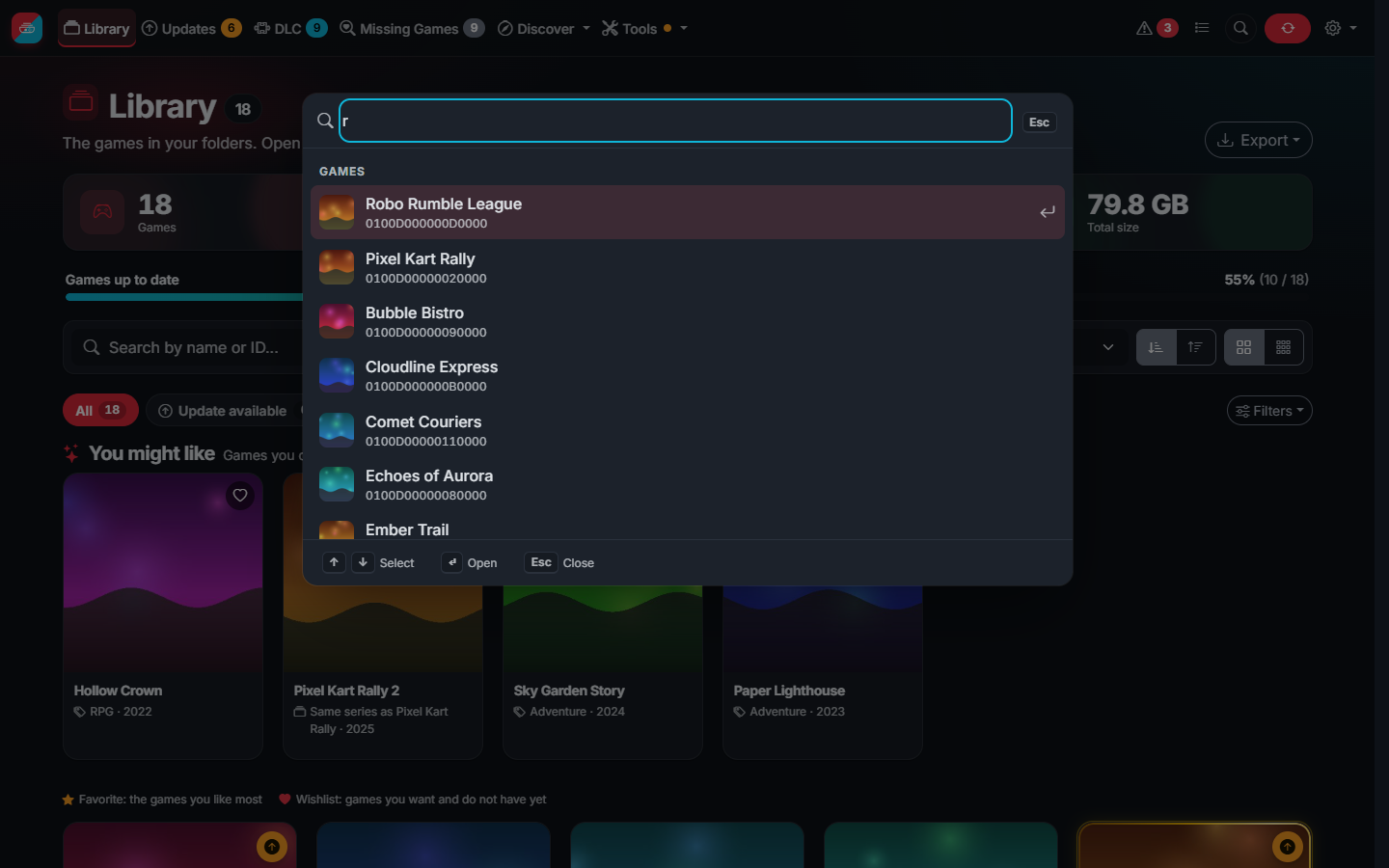 Quick search from any page (Ctrl+K) |
The tour and the screenshots show the demo mode: the games, publishers and covers are made up.
| Getting started | From installing to a library that keeps itself up to date, step by step |
| Tour of the app | Every page, with a screenshot and what it is for |
| Installation | Docker, Synology, Portainer, Unraid, Windows, macOS, Linux and Raspberry Pi |
| Keys and first start | Your prod.keys, and the setup wizard |
| Features | Everything the app does |
- Organize and duplicates: folders, names, old updates and which copy of a duplicate stays
- Compression: NSZ and XCZ, how files are checked, complete packs and splitting
- Cheats: the cheats of your games for the version you have, ready for the SD card
- Users and security: accounts, roles, the internet, Cloudflare and verifying downloads
- Times to beat and sagas
- App on your phone
- Save vault: your saves on the server with JKSV
- Notifications and API
- Settings and backups
- FAQ · Glossary: NSP, NSZ, XCI, title ID, build ID...
- Updating · Troubleshooting · Demo mode · Building
- Report a problem or ask for a feature
❤️ The app is free and will stay free. If it saves you time, you can support its development with a tip on Ko-fi: it is entirely voluntary and unlocks nothing. Starring the repository and reporting bugs help too.
- Based on giwty's switch-library-manager and dtrunk90's switch-library-manager-web
- Parsing, organizing and title data fixes from trembon's switch-library-manager
- Title data from blawar's titledb
- Cheats from HamletDuFromage's switch-cheats-db, mirrored from GBAtemp and the authors of each cheat
- NSZ format of nsz and the Inter font
- Everyone who reports bugs, like @LonelyTV (#3)