Repository navigation
Plugin GROMACS Input Generator
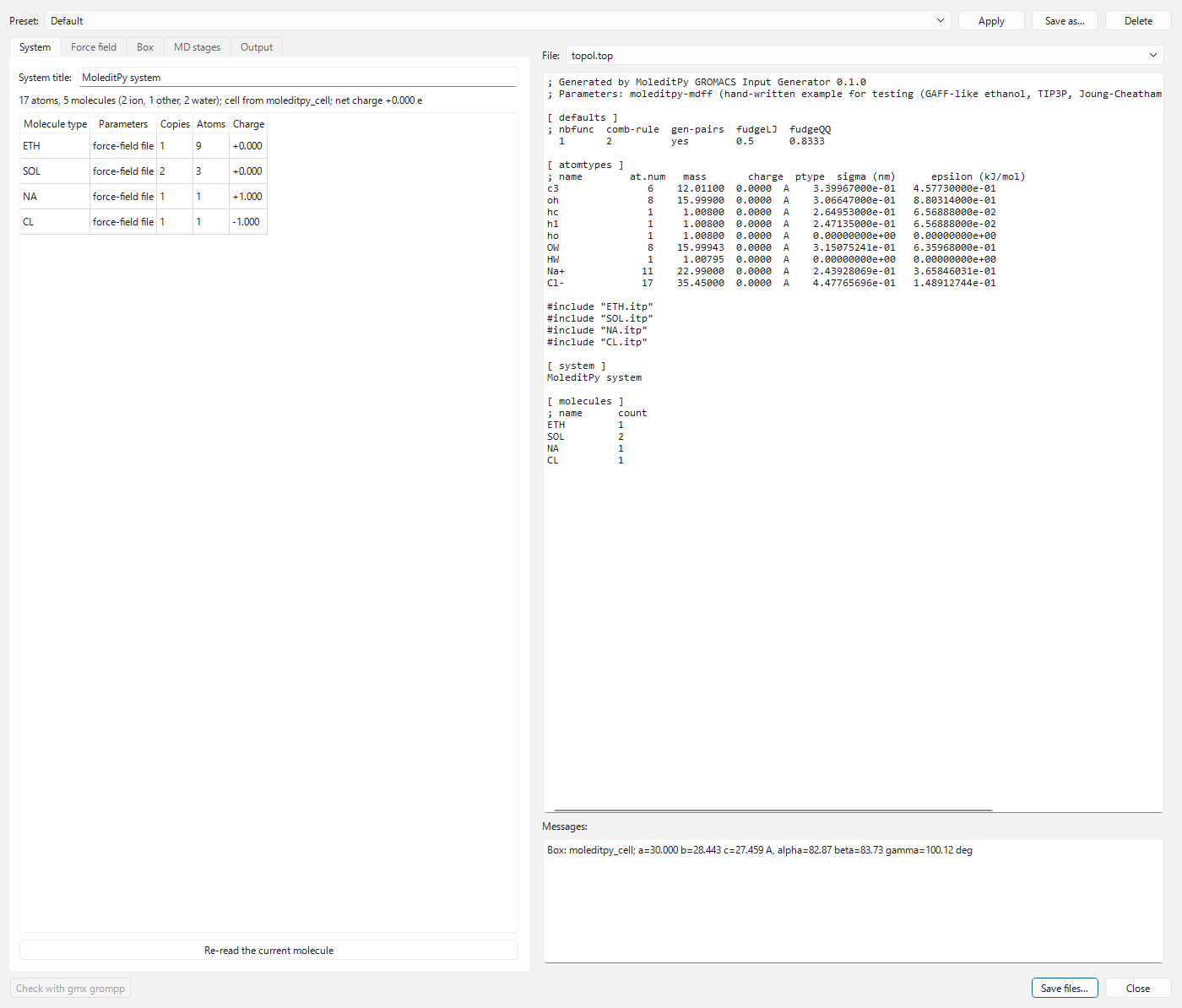
GROMACS Input Generator writes a ready-to-run GROMACS input set from the molecule or MD system open in MoleditPy: coordinates with the periodic box, the topology from a moleditpy-mdff force-field file, .mdp files for minimisation, equilibration and production, an index file and run scripts. Every file is previewed live while you change the options.
| Repository | moleditpy_gromacs_input_generator |
| Author | HiroYokoyama |
| Supported OS | Windows, macOS, Linux, WSL |
| Supported Python | >=3.10, <3.15 |
| Supported MoleditPy | >=5.0.0, <6.0.0 |
| First-party plugin license | LGPL-3.0-or-later |
| Menu location | File ▸ Export ▸ GROMACS Input (.gro/.top/.mdp)... |
| Extra dependencies | none (GROMACS is needed only to run the files) |
See Official Plugins for the full catalogue, and MD System Builder for the whole MD workflow.
-
conf.growith the box: the molecule'smoleditpy_cell(triclinic cells included), the CIF Viewer cell, a padded bounding box, or explicit lengths and angles. -
topol.topand one.itpper molecule type. -
em.mdp,nvt.mdp,npt.mdp,md.mdp. -
index.ndxwith System, Protein, Water, Ion, Water_and_ions, Other and non-Water groups. -
run.shandrun.bat, which chaingmx gromppandgmx mdrunthrough the stages.
Save files... writes them to a folder.
Molecules are found from the bonds (or from distances when there are none). Identical molecules share one [ moleculetype ], and consecutive copies are counted on one [ molecules ] line. GROMACS needs the atoms of each molecule to be contiguous, so scattered atoms are reordered; the dialog says so, and conf.gro and index.ndx follow the new order.
Parameters come from, in this order:
-
A
moleditpy-mdfffile (*.mdff.json) written by Force Field Builder. The elements are checked against the molecule. Harmonic bonds and angles, periodic proper (funct 9) and improper (funct 4) torsions, 1-4 pairs with the file's fudge factors, constraints and SETTLE water are written. Combination rules 1, 2 and 3 are supported. Atom names come from the file, so a protein keeps its PDB names. -
Built-in tables for what the file does not cover: TIP3P or SPC/E water (rigid, SETTLE;
-DFLEXIBLEswitches to harmonic bonds) and monatomic ions (Joung-Cheatham Li, Na, K, Rb, Cs, F, Cl, Br, I; Li-Merz 12-6 Mg, Ca, Sr, Ba, Zn), matched to the chosen water model. -
A skeleton for anything else: an
.itpwith the atoms and connectivity andTODOmarkers.gromppstops on it on purpose until the molecule is parameterised.
With position restraints on, a restraint file is written for each restrained molecule type and switched on with -DPOSRES in the equilibration stages.
Any right-handed cell is rotated into the GROMACS setting (a along x, b in the xy plane) together with the coordinates and reduced to the GROMACS limits. A cut-off longer than half the smallest box width is reported before grompp sees it.
MoleditPy drops the moleditpy_cell property on undo and on project save. The plugin keeps the last cell it saw, stores it in the project and puts it back after loading when the atom count matches.
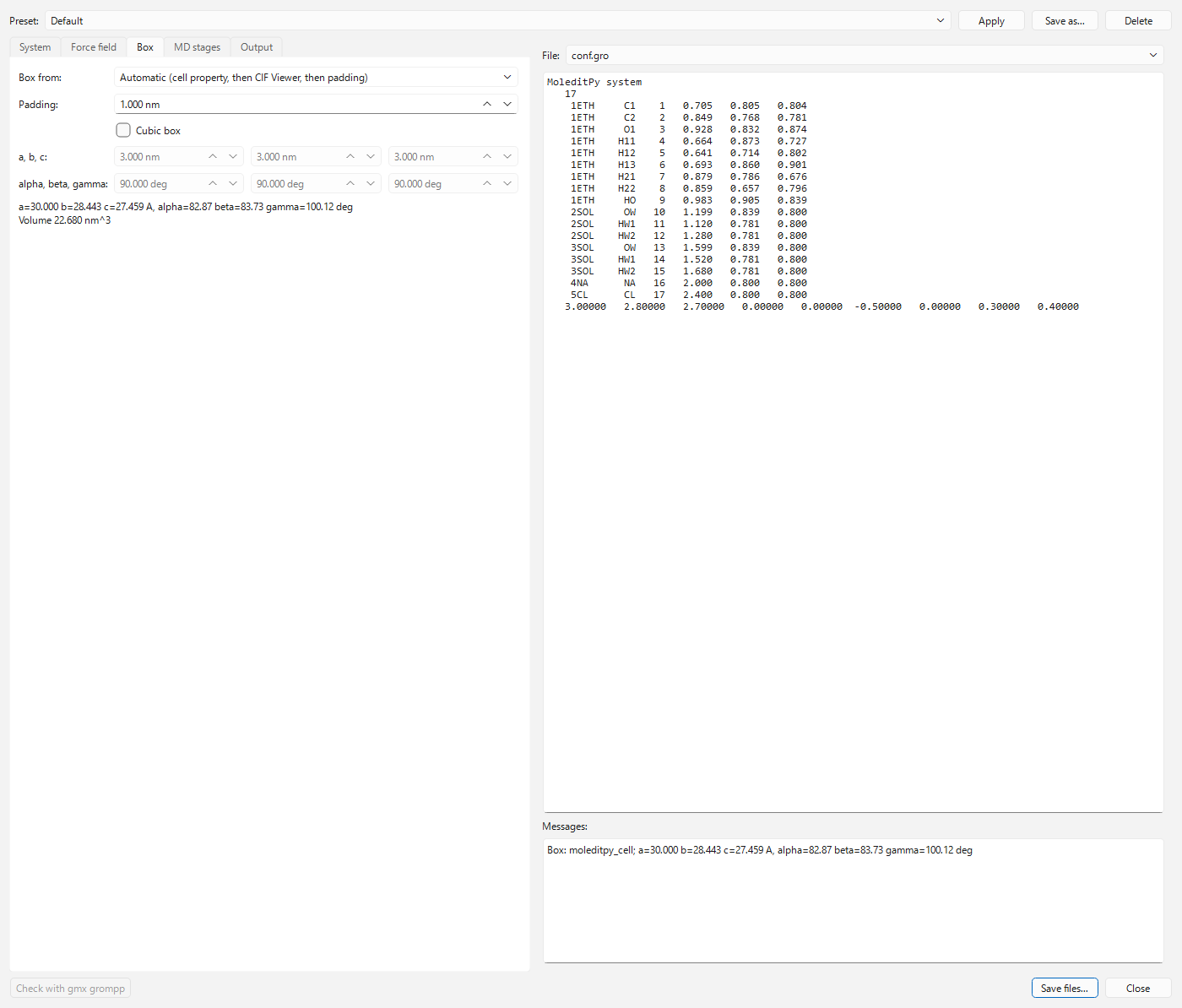
Energy minimisation (steep, cg or l-bfgs), NVT (velocities generated), NPT and production (continuing from the previous checkpoint). Editable: temperature, pressure, time step, constraints, thermostat (V-rescale, Nose-Hoover, Berendsen or the sd integrator), barostat (C-rescale, Parrinello-Rahman, Berendsen; NPT equilibration always uses C-rescale), coupling type, PME or reaction field, cut-offs, output frequencies, separate thermostat groups and position restraints. Extra .mdp lines can be appended per stage. Presets are kept in settings.json beside the plugin.
If gmx (or gmx_mpi) is on PATH, Check with gmx grompp runs grompp on the first stage in a temporary folder and shows its output.
- Build the system with MD System Builder (solvate, ions).
- Assign parameters with Force Field Builder and save
system.mdff.json. - Open
File ▸ Export ▸ GROMACS Input..., load the.mdff.json, set the stages and check the previews. -
Save files..., then run
run.sh(orrun.bat) where GROMACS is installed, for example through Job Manager. - Convert the trajectory (
gmx trjconv -o traj.gro) and open it in Large System Viewer and Trajectory Analysis.
- Official Plugins — the full plugin catalogue
- MD System Builder, Force Field Builder
- LAMMPS Input Generator, OpenMM Script Generator
This page documents GROMACS Input Generator v0.1.2, and was last updated on 2026-11-26. See REGISTRY/plugins.json for the current version.