Dashboard
This is the first page you see after logging in. It tells you, at a glance, whether your server is running and who's on it.
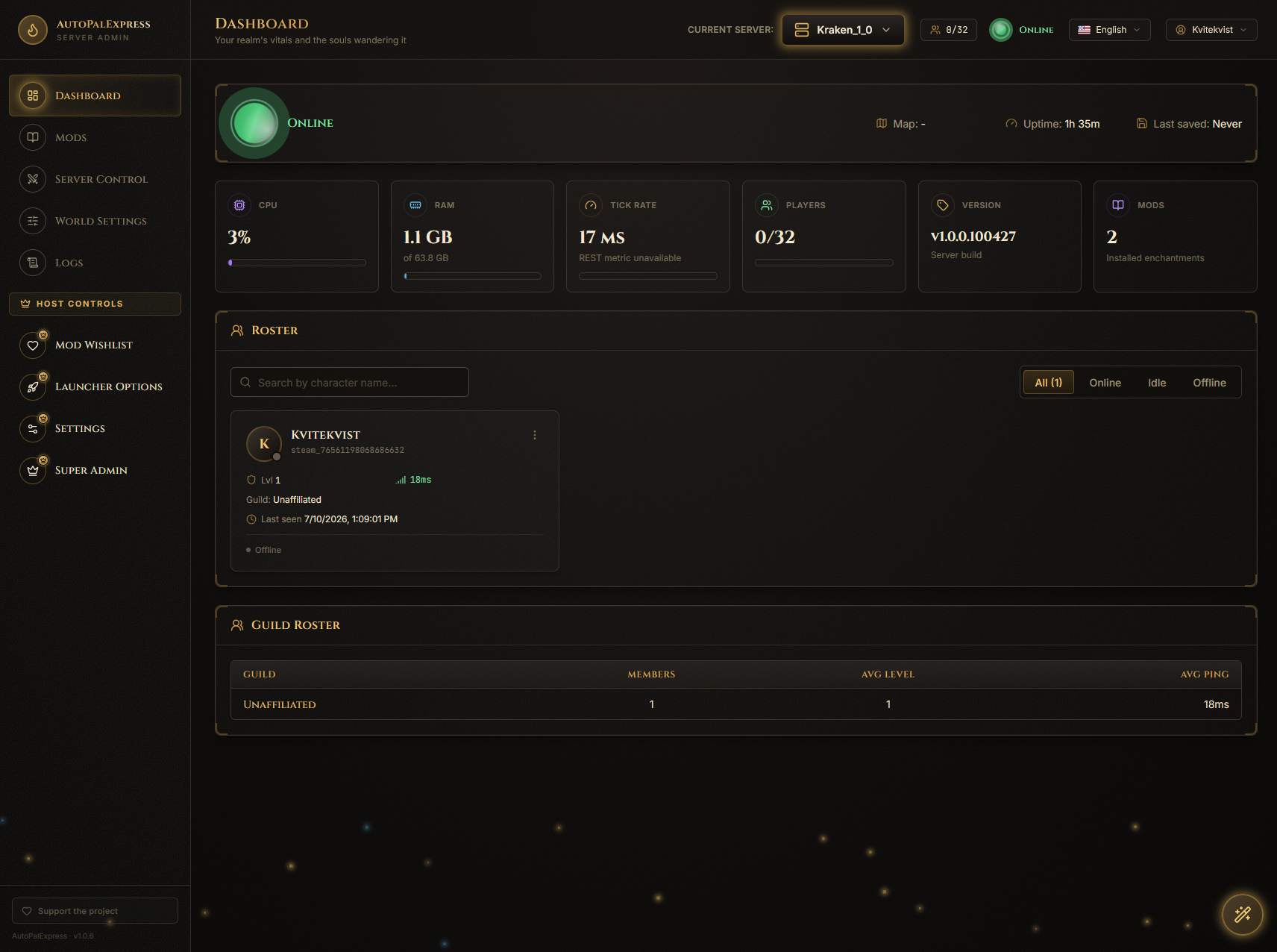
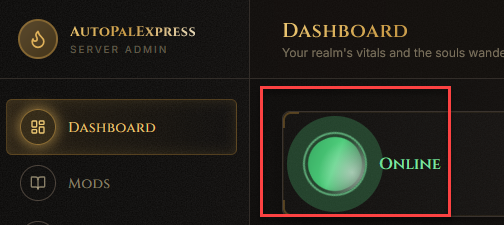
Look at the big glowing icon at the top of the page. Under it, the text says Online, Offline, Starting, Stopping, or Restarting.
Next to it you'll see three quick facts: the Map you're playing on, how long the server has been Up, and when it was Last saved.

The row of tiles below the status shows CPU, RAM, Tick Rate (how smoothly the server is running), Players, server Version, and how many Mods are installed.

If CPU or RAM looks maxed out, or Tick Rate is far from its target, that usually means the server is struggling - consider fewer mods or a more powerful PC.
Scroll down to the player list. Each connected player has a row with Kick and Ban buttons next to their name.
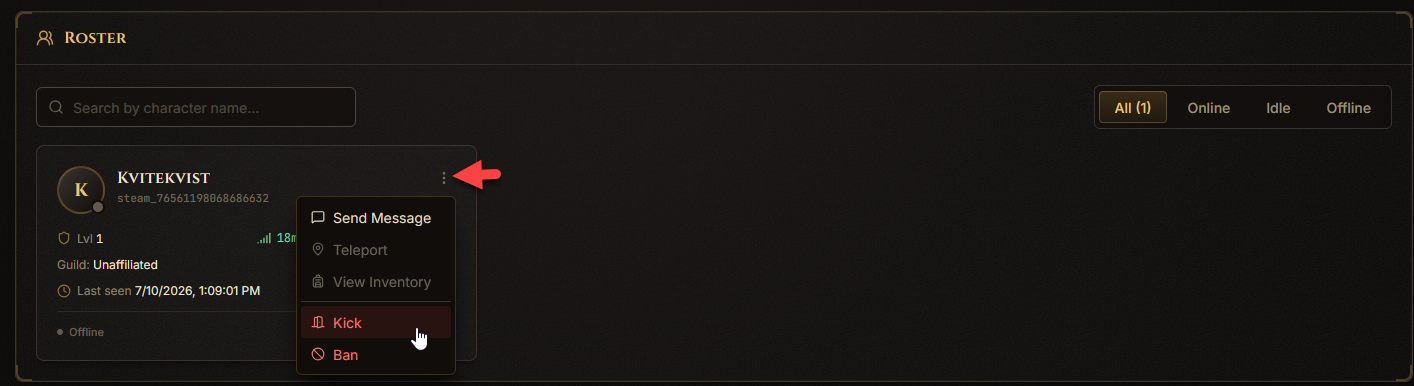
Kicking removes them for now; they can rejoin. Banning keeps them out until you unban them.
If you haven't deployed or imported a server, you'll see a banner near the top with a link.

Click that link - it takes you to Settings, where you can create a brand-new server or import one you already have.