World Settings
This page changes the actual rules of your Palworld world - the same things you'd normally edit by hand in a config file.
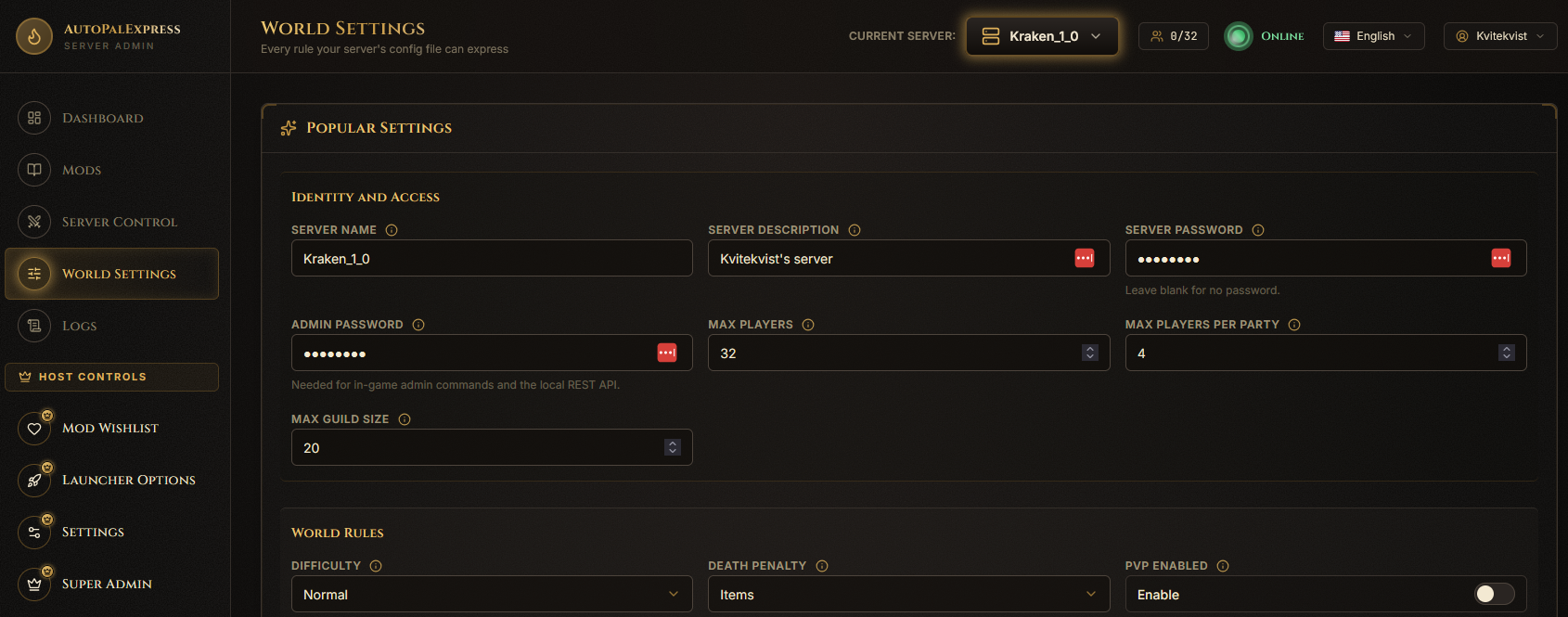
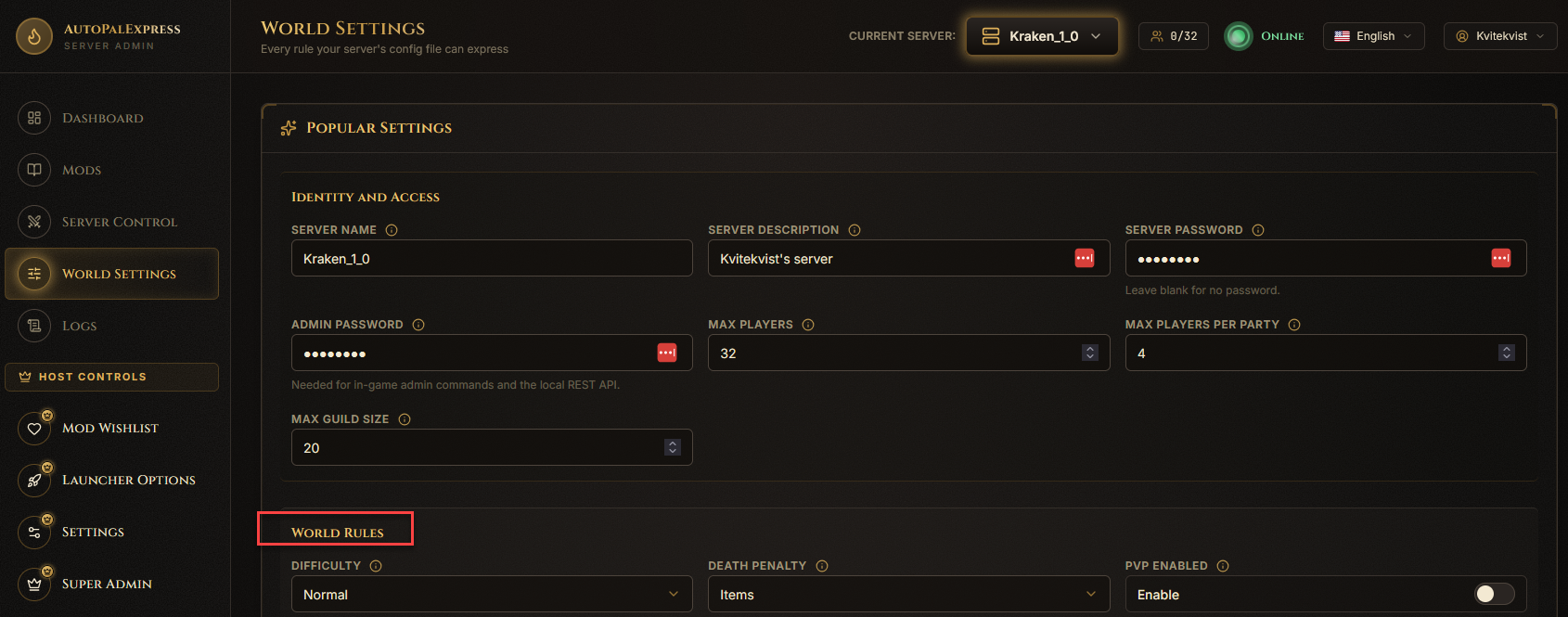
Settings are grouped into labeled sections like Identity and Access, World Rules, Combat, Progression, Time and Survival, and more. Scroll through the section headers to find the one you want.
Hover over the small info icon next to any field's name. It shows an explanation, plus example values (like "10 is low, 30 is normal, 60+ is high") so you're not guessing.

Some settings show a dropdown with a fixed list of choices instead of a text box - pick one from the list.

Boolean (yes/no) settings show as a labeled box reading Enable or Disable. Click it to flip it.

Click Save Changes at the top or bottom of the page.
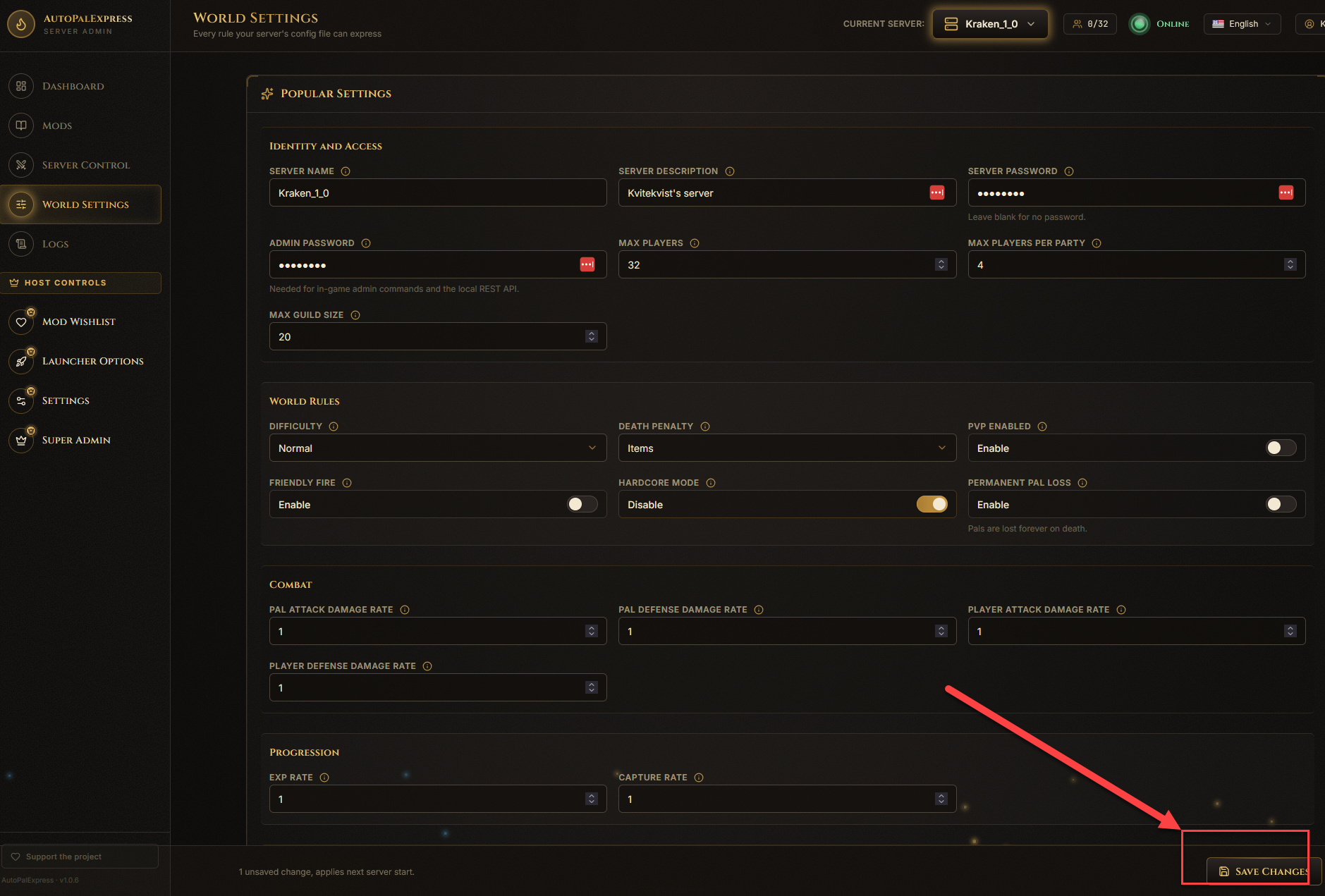
Restart the server afterward - Palworld only picks up World Settings changes on the next start.
Those live elsewhere on purpose, so there's only one place to edit them: the game port is on Super Admin, and public IP/port overrides are on Launcher Options.