Launcher Options
Only the super admin sees this page, under Host Controls in the sidebar.
This page controls the extra startup flags Palworld's server is launched with.
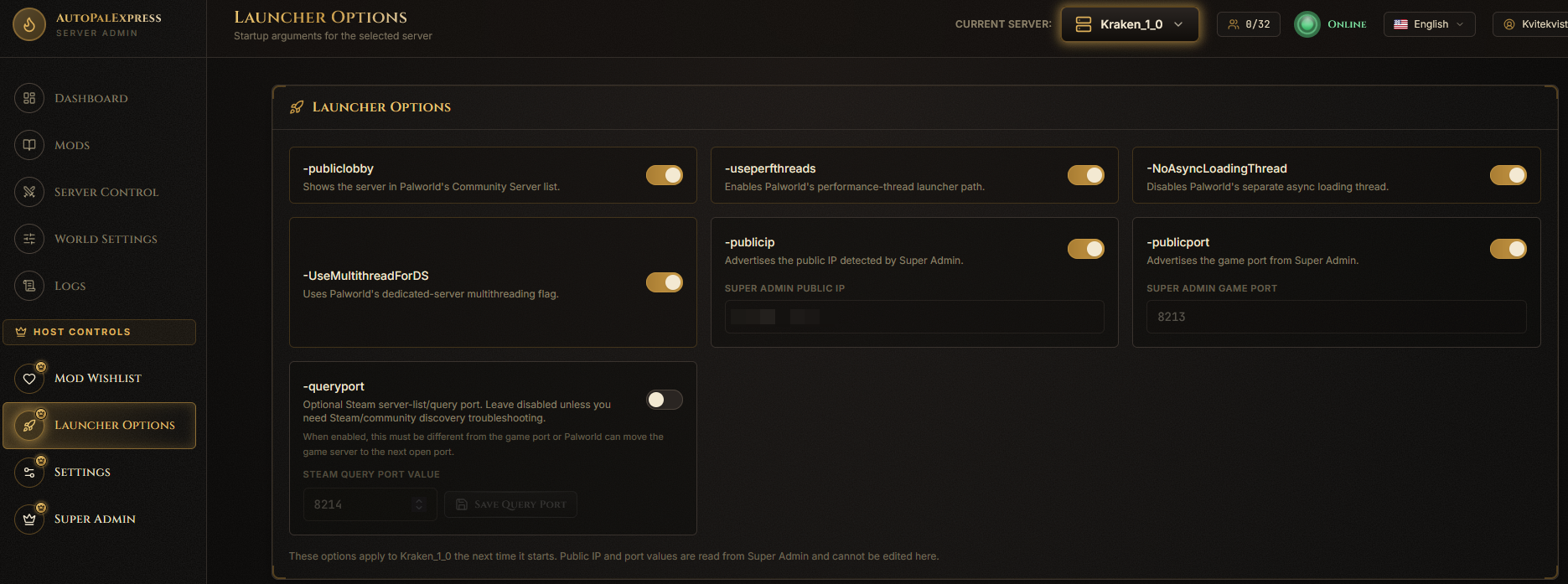
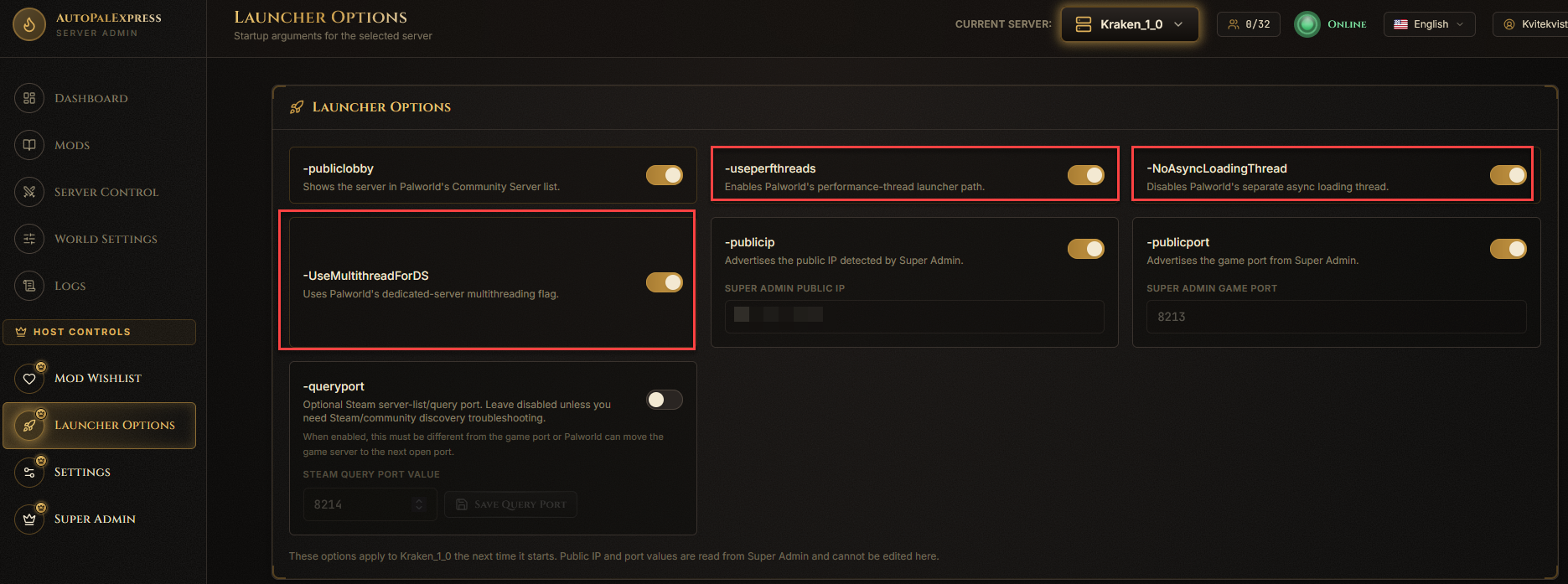
Flip the toggles for the performance options (-useperfthreads, -NoAsyncLoadingThread, -UseMultithreadForDS) if your server is struggling with performance.
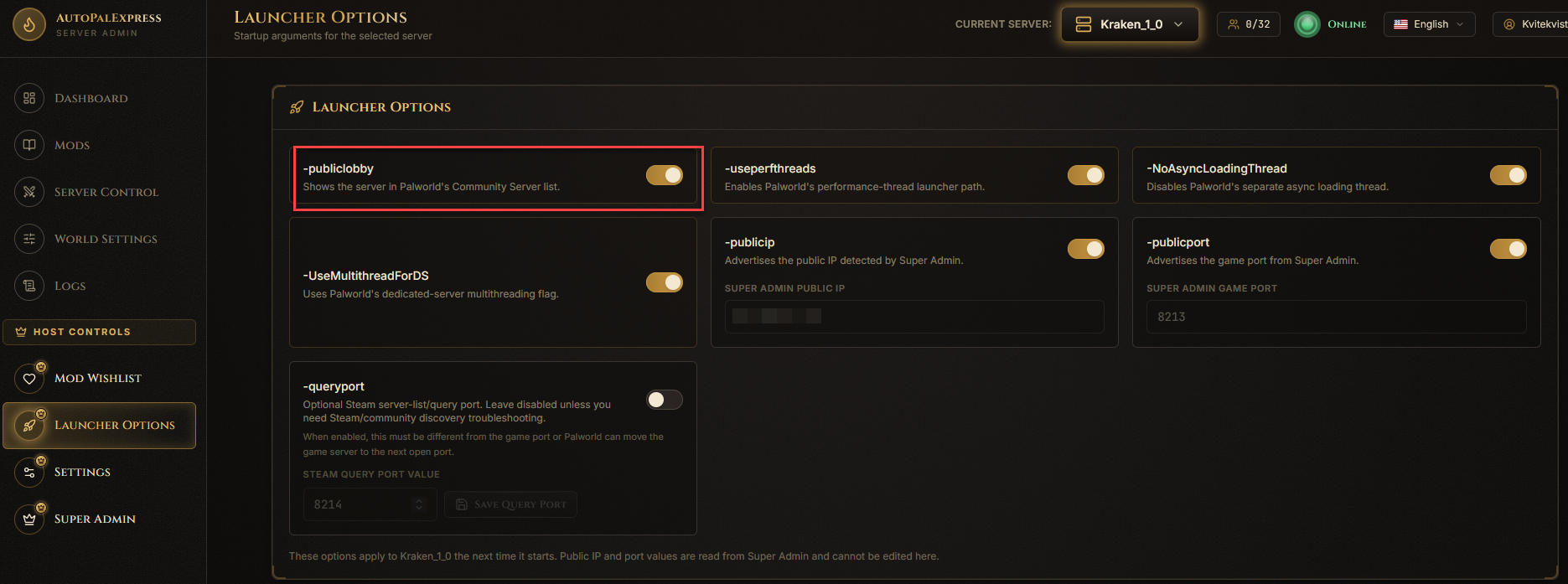
Turn on the Community Server toggle (-publiclobby).
Turn on Query Port, then set a port number. Only do this if you specifically need it - it defaults to off, and AutoPalExpress keeps it separate from your game port automatically to avoid a known conflict.

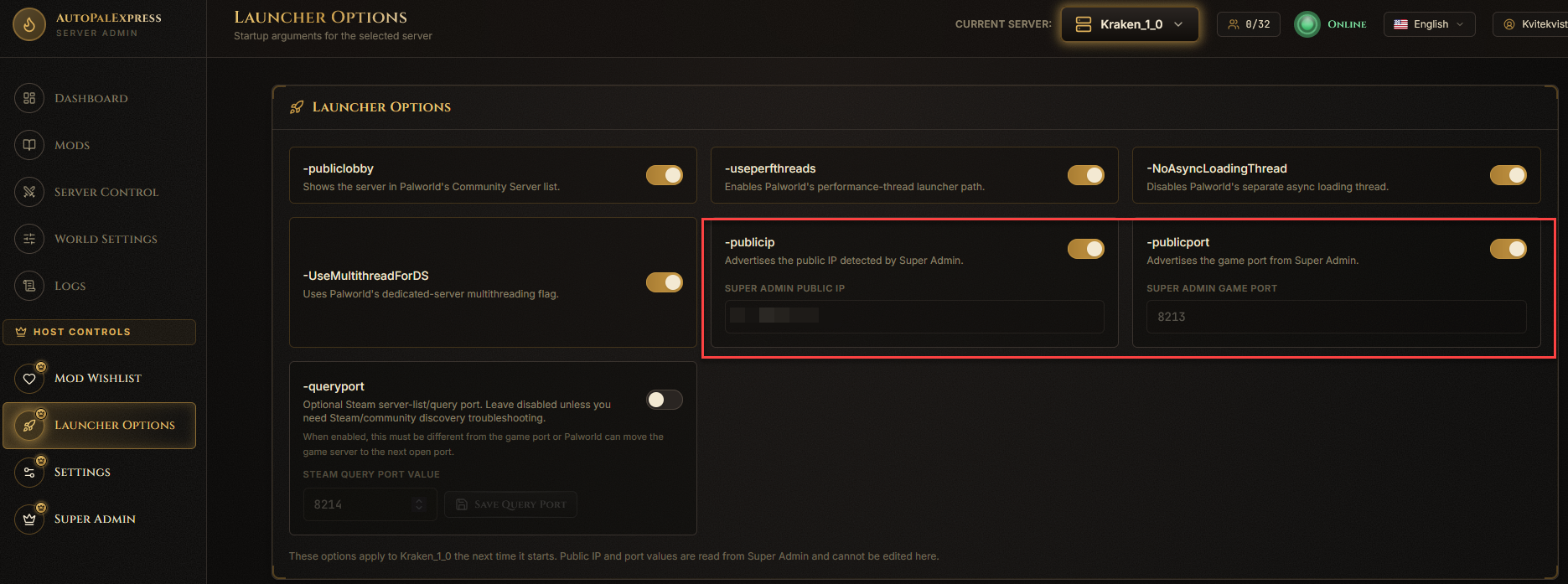
Turn on the override toggles here - the actual values still come from Super Admin, so you only ever set the real IP/port in one place.
Restart the server after changing anything on this page - launch options only apply on the next start.