Logs
This page shows you what's been happening - both AutoPalExpress's own activity and real events from your Palworld server.
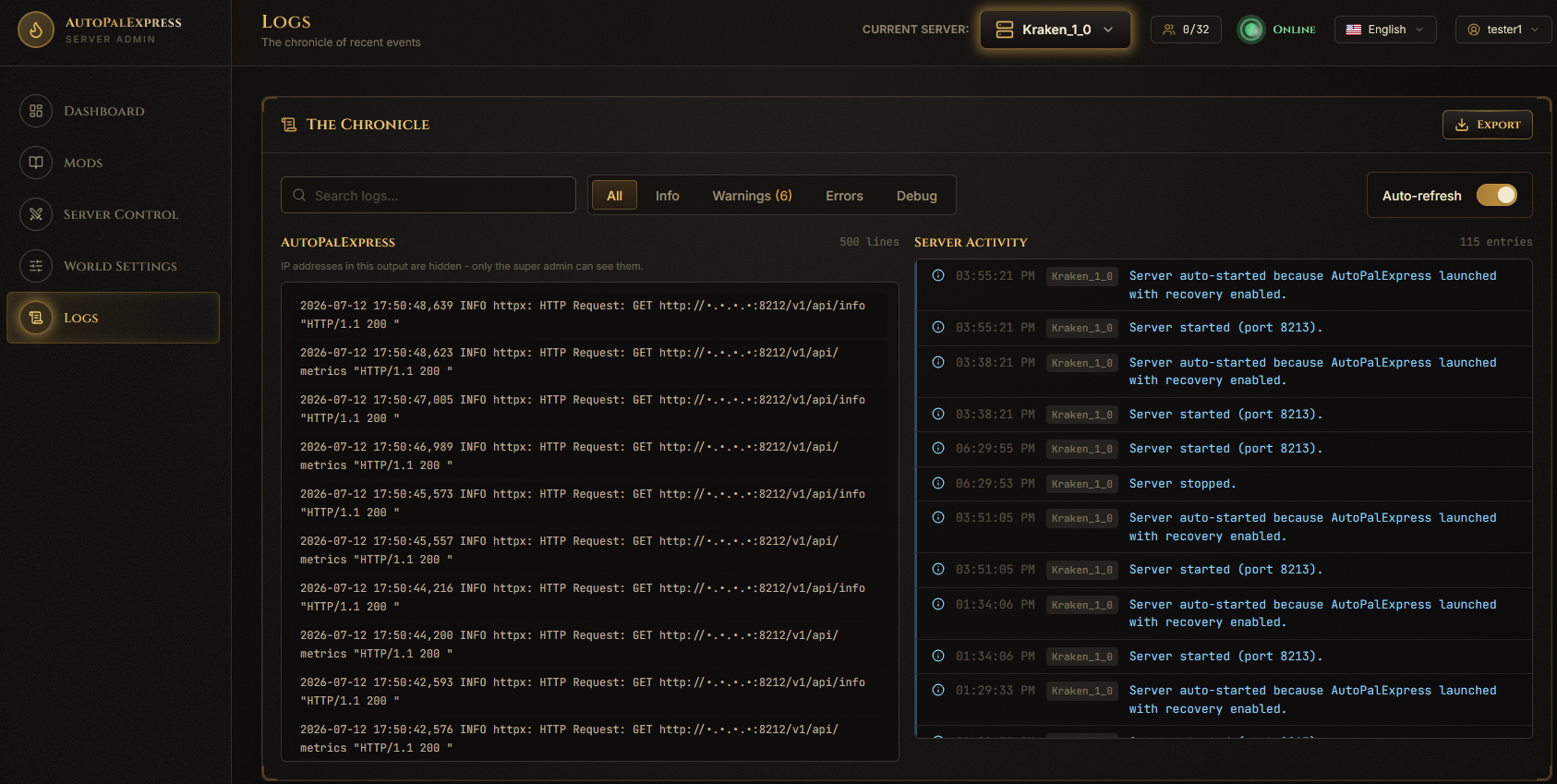
The left panel, AutoPalExpress, is the app's own output - useful if the admin panel itself is acting up. The right panel, Server Activity, shows real events like joins, leaves, saves, and warnings.
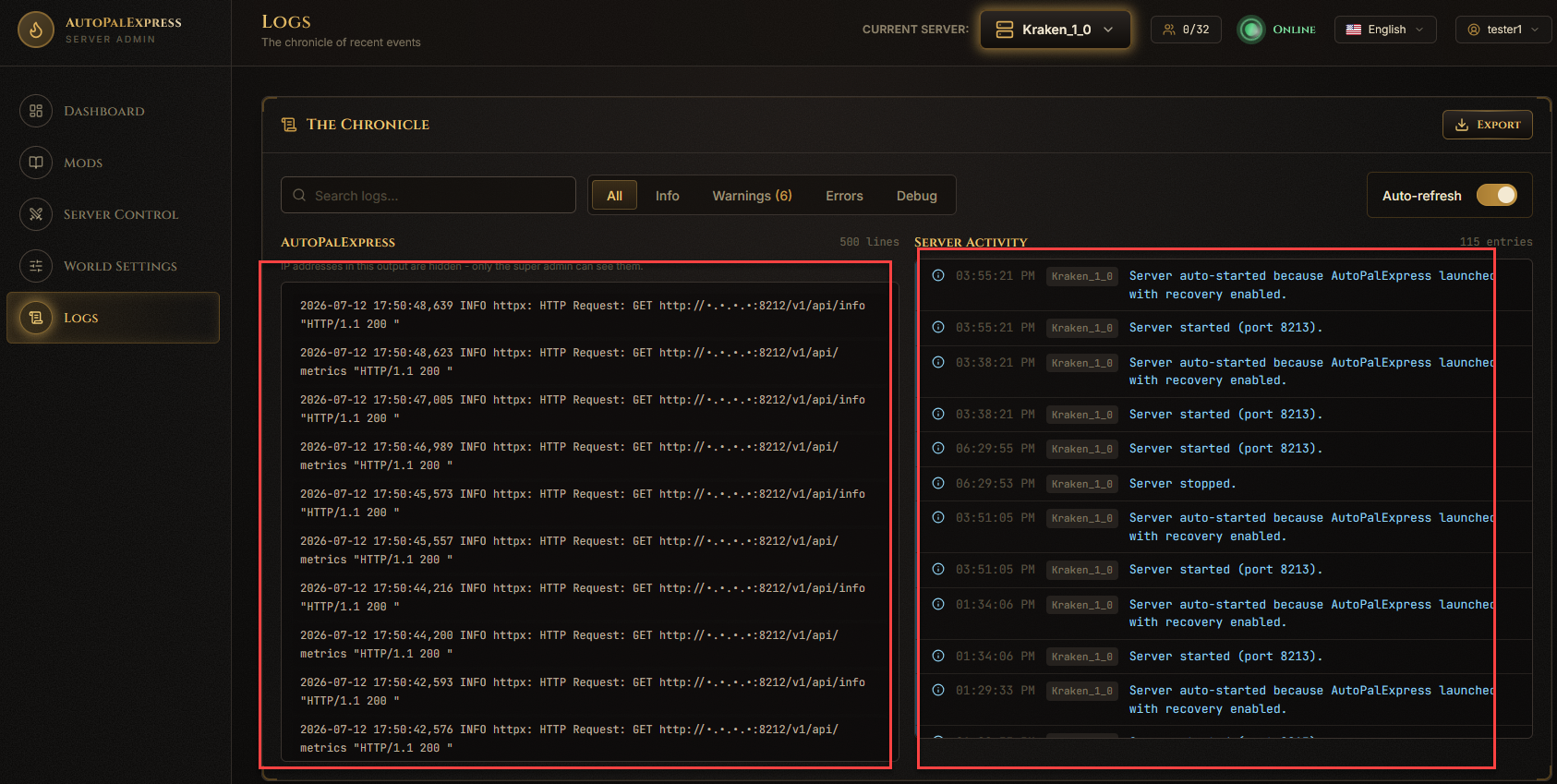
Type into the search box at the top - it filters both panels as you type.

Use the All / Info / Warnings / Errors / Debug tabs above Server Activity to filter by level.

Flip the Auto-refresh switch off if you want the log to stay still while you read it.

Click Export at the top of the page - it downloads both logs as one text file you can attach when asking for help.

Only the super admin can see real IP addresses in the AutoPalExpress panel - regular admins see them masked out.