Mods
This page is where you install, enable, disable, and remove mods for your server.
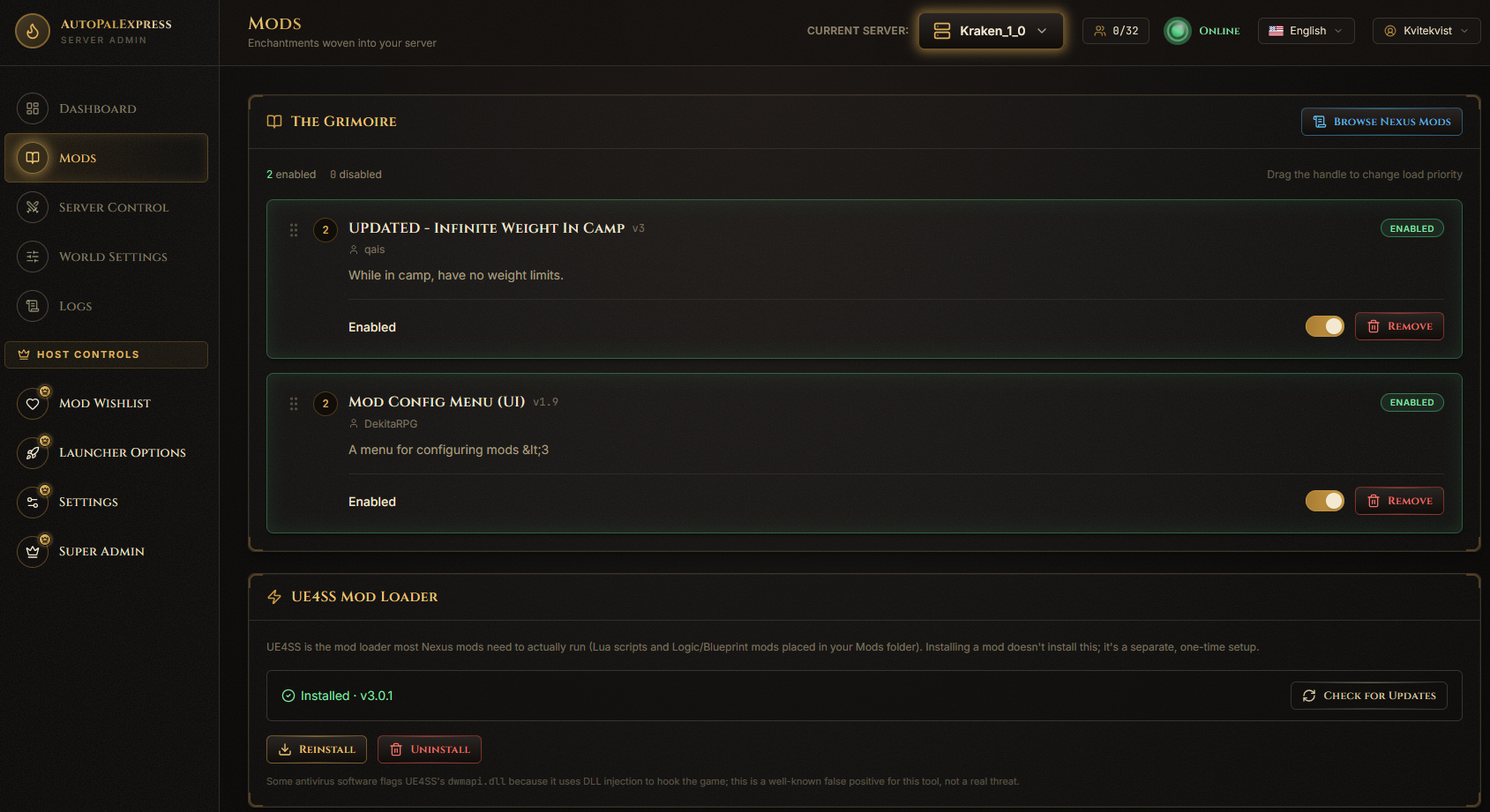
Click Browse Nexus Mods at the top right of the page. This opens a search window where you can look through Palworld mods on Nexus Mods - no account or API key needed just to browse.
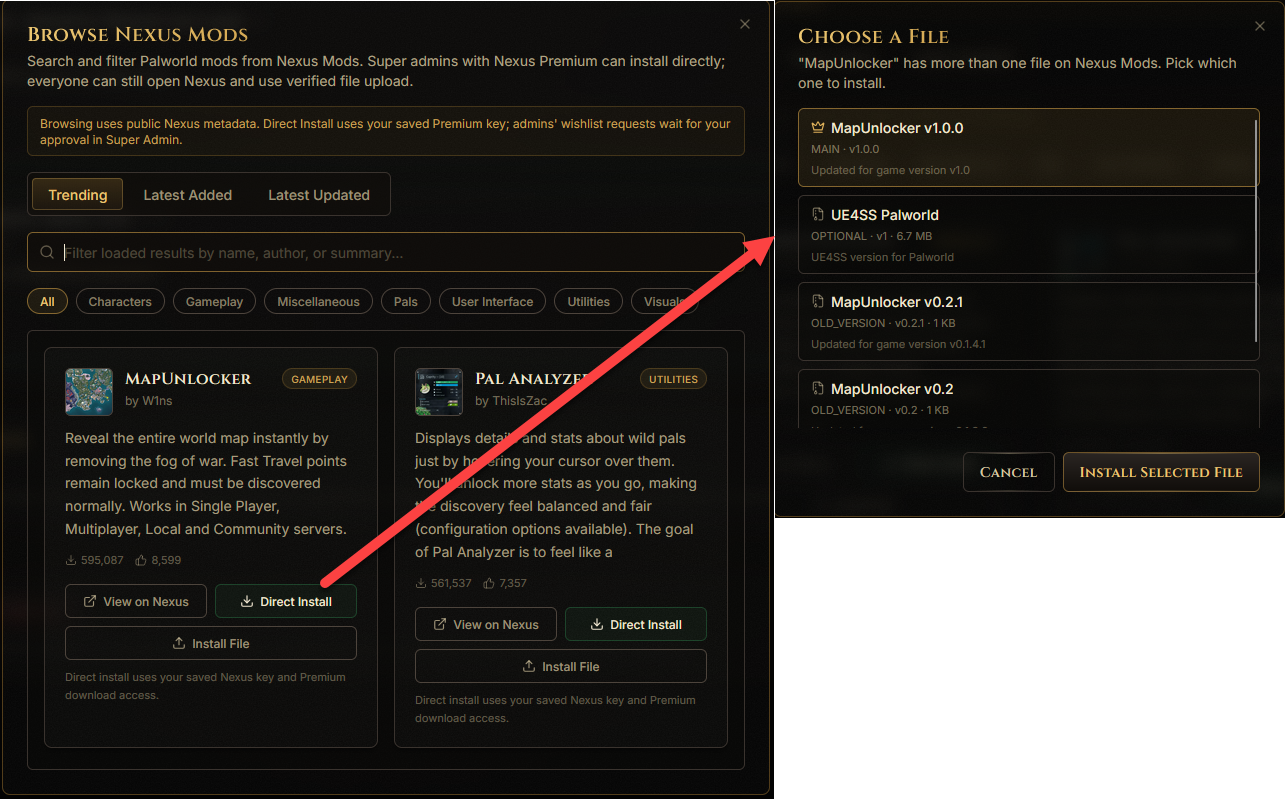
In the browse window, each mod has an install option:
- If the super admin has connected a Nexus Premium API key, you'll see Install - one click and it's installed.
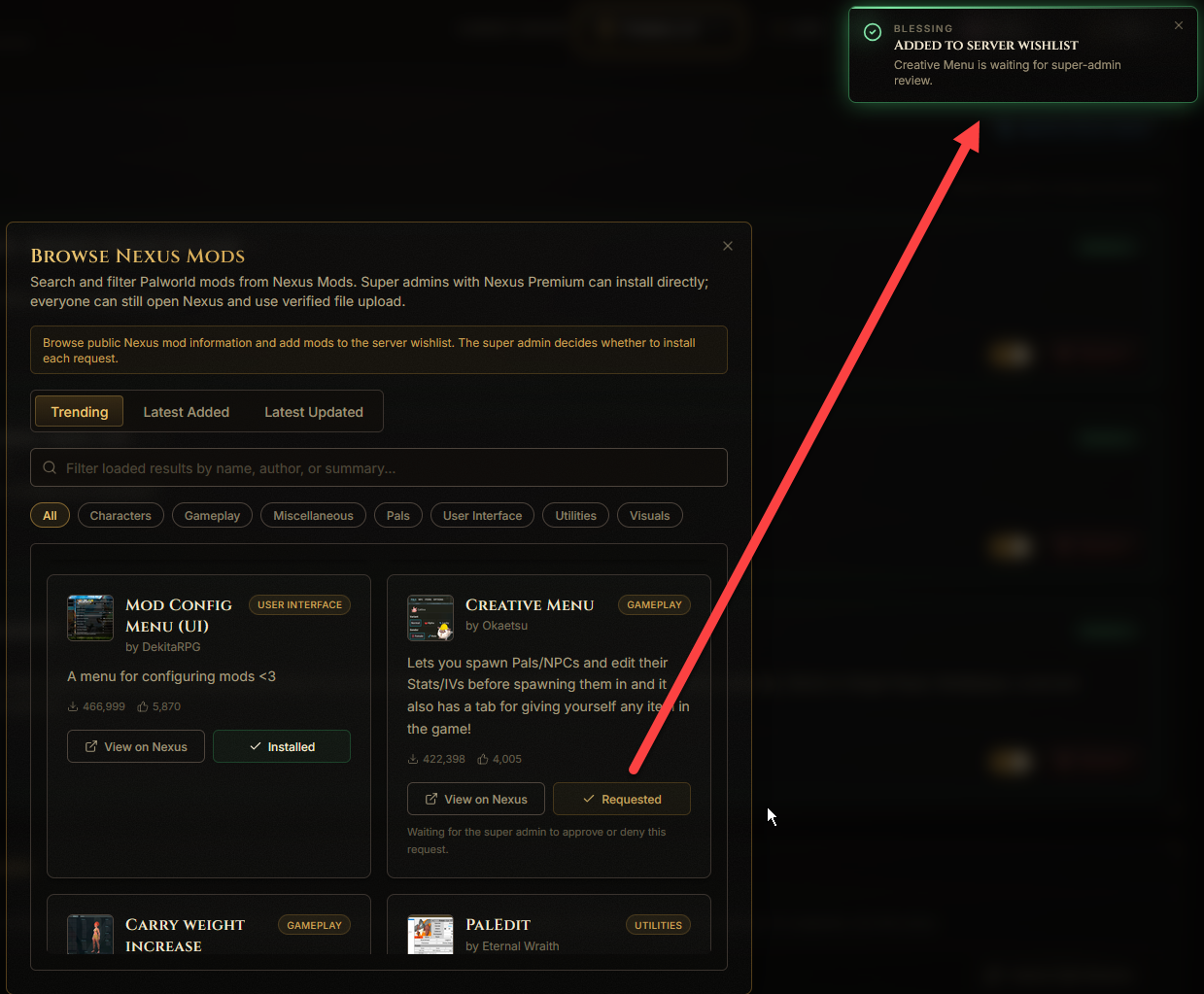
- If not, you'll see Add to Wishlist instead. This sends a request to the super admin, who can approve it from the Mod Wishlist page.
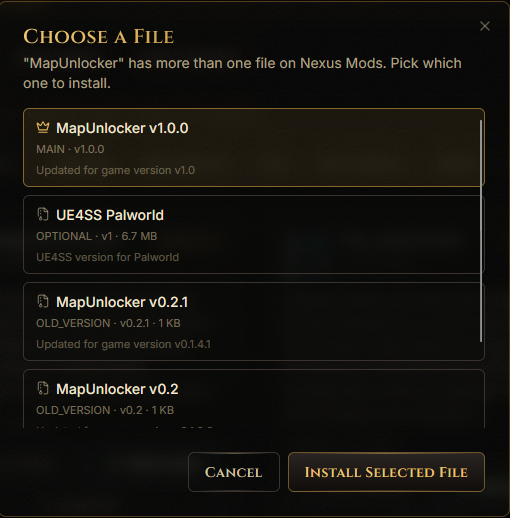
If a mod has more than one file to choose from (like a Main File and some Optional Files), you'll see a small picker so you can choose exactly which one you want.
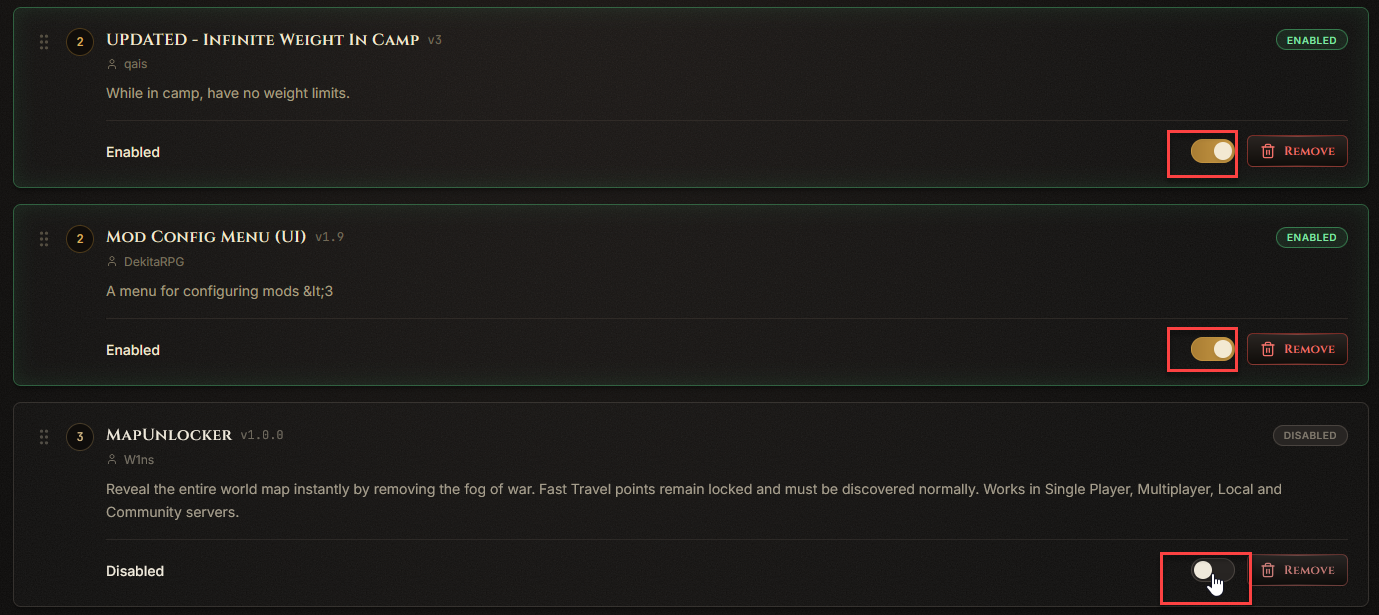
Every installed mod has a toggle switch on its card. Flip it to enable or disable that mod without removing it.
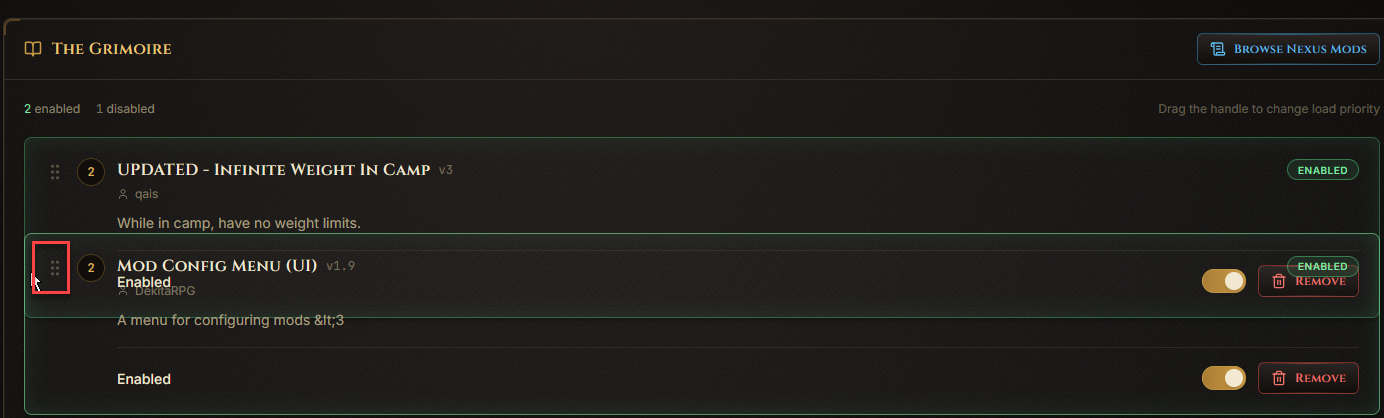
Each mod card has a drag handle. Click and drag it up or down to change that mod's load priority.
If an update is available, an Update button appears on that mod's card. To remove a mod entirely, use the Remove button and confirm in the popup.

Scroll to the bottom of the page for the UE4SS panel. This is required for most Lua-based mods to work.

Restart the server any time you change mods, so Palworld picks up the change.