Repository navigation
Trimmer Capacitor
A trimmer capacitor is a small variable capacitor you adjust with a screw. Radio builders use them to tune oscillators, filters, and antennas to exactly the right frequency.
Unlike a fixed capacitor, a trimmer does not have one value. It has a range, and the range is printed on the part, for example 5-30 or 2-10pF. That means you can set any capacitance from 5 pF up to 30 pF by turning the screw.
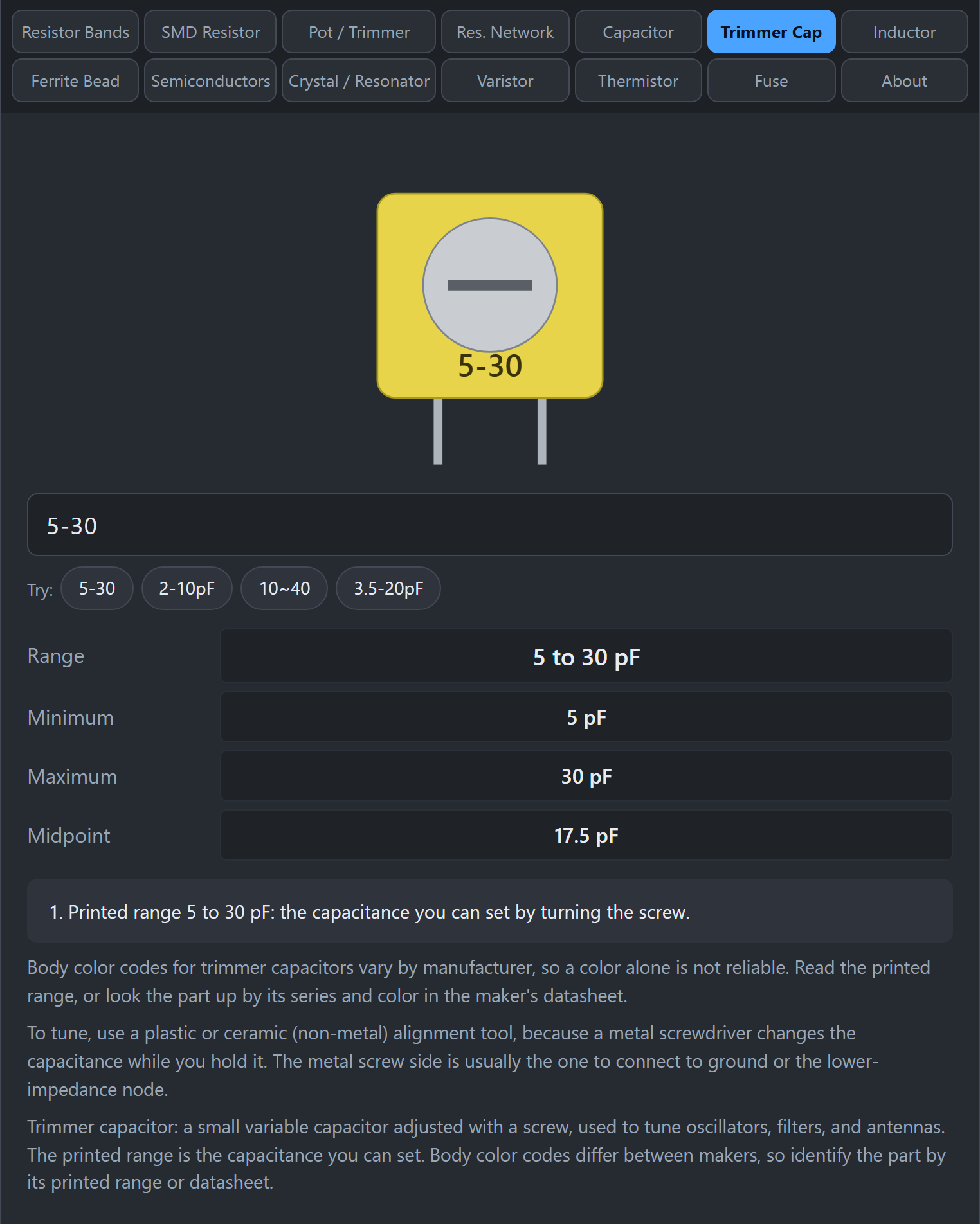 Type the printed range to see the minimum, maximum, and midpoint.
- Click Trimmer Cap.
- Type the printed range, such as
5-30,2-10pF,10~40, or3.5-20pF. - Read Range, Minimum, Maximum, and Midpoint.
Many trimmers have a colored body, and some people use the color to guess the range. The colors are not standard. They differ from manufacturer to manufacturer, so a color alone is not reliable. Read the printed range, or look up the part in its datasheet.
- Use a plastic or ceramic alignment tool. A metal screwdriver changes the capacitance while you are holding it, so the setting jumps when you remove it.
- Turn slowly while watching the circuit's response (a frequency reading, a signal strength, a filter peak).
- On many trimmers one terminal is connected to the screw. Connect that side to ground or to the lower-impedance node so your hand and tool do less to the circuit.